
HOLFENRY JKS50G
HOLFENRY Pulse Oximeter Ring-50G User Manual
Model: JKS50G
1. Introduction
The HOLFENRY Pulse Oximeter Ring-50G is a continuous oxygen monitor designed for sports and aviation purposes. It tracks blood oxygen levels (SpO2), pulse rate (PR), and body movement in real-time. This device offers a comfortable fit and integrates with a feature-rich mobile application for data management and alerts.

Image: The HOLFENRY Pulse Oximeter Ring-50G shown on a finger, with a smartphone displaying its companion app's data. The device itself shows a 97% oxygen saturation reading.
2. Important Safety Information
- Not for Medical Use: This device is intended for sports and aviation use only. It is not designed for medical purposes, diagnosis, treatment, or prevention of any disease. Consult a medical professional for any health concerns.
- Proper Placement: Wear the 50G pulse oximeter ring at the fingertips, not over bones, for accurate readings. Ensure a snug but comfortable fit.
- Material Sensitivity: Made of low-sensitive silicone. Discontinue use if irritation occurs.
- Charging: Use the provided USB-C charging cable. Do not use damaged cables or chargers.
- Environmental Conditions: Avoid extreme temperatures, humidity, and direct sunlight.
- Cleaning: Use a soft cloth dampened with water or 70% alcohol. Do not immerse the device in liquid.
3. Package Contents
Verify that all items are present in your package:
- HOLFENRY Pulse Oximeter Ring-50G
- USB-C Charging Cable
- User Manual

Image: The retail packaging for the HOLFENRY Ring Oxygen Monitor JKS50G.
4. Setup
4.1 Charging the Device
- Connect the provided USB-C cable to the charging port on the device.
- Plug the other end of the USB-C cable into a compatible USB power adapter (not included) or a computer USB port.
- The battery indicator on the device display will show charging status. A full charge provides approximately 15 hours of continuous use.

Image: A close-up view of the HOLFENRY Pulse Oximeter Ring-50G, highlighting its USB-C charging port.
4.2 Installing the Mobile Application
The HOLFENRY Pulse Oximeter Ring-50G uses a companion mobile application for data management and advanced features. Search for "HealthTree" in your device's app store.
- For iOS: Download from the App Store. Download App
- For Android: Download from Google Play. Download App
Ensure your phone's Bluetooth is enabled for automatic connection.
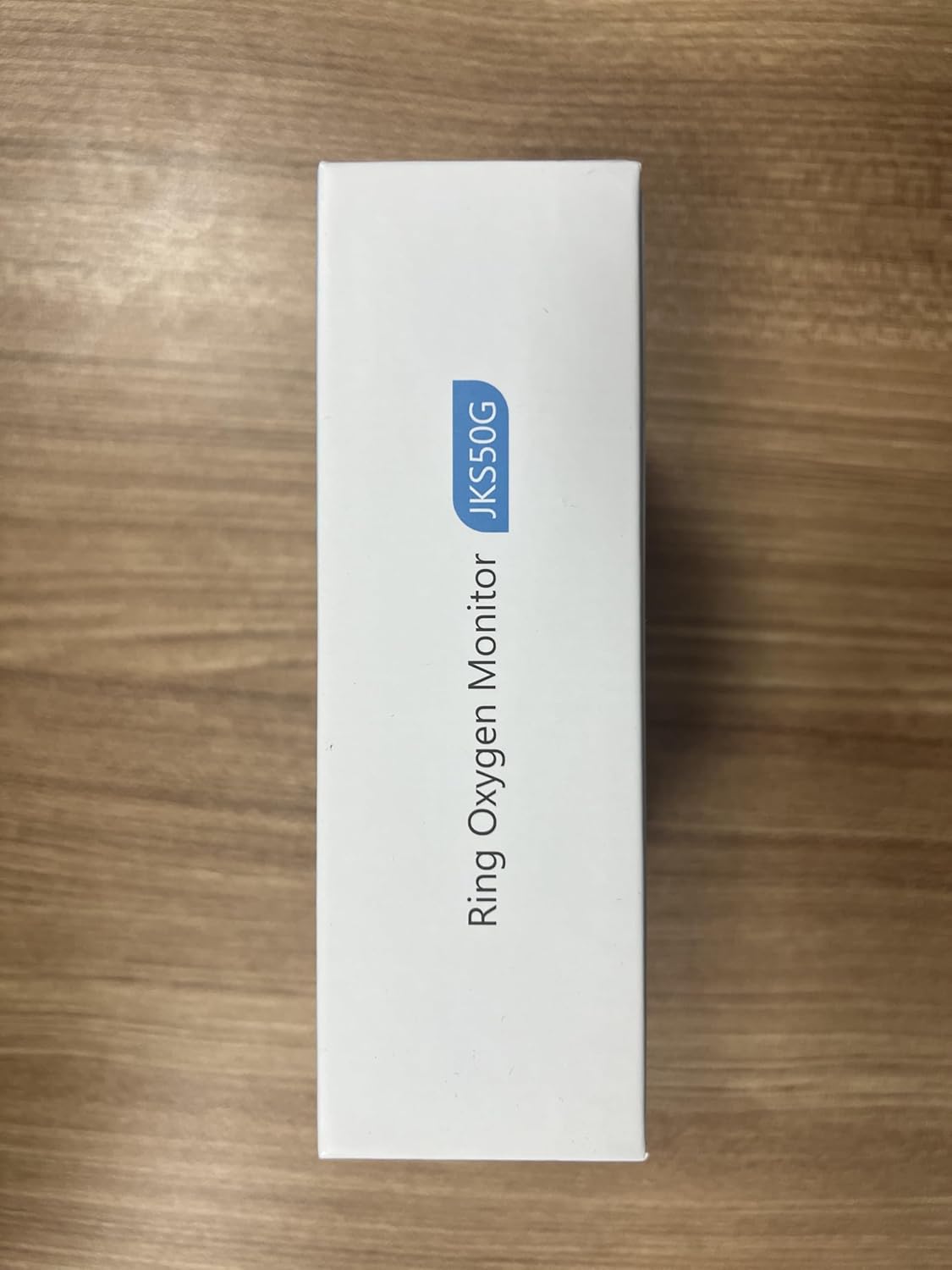
Image: A smartphone displaying the HealthTree application, showing graphs for SpO2 and Pulse Rate, along with motion tracking data.
5. Operating Instructions
5.1 Wearing the Device
- Select a finger (index, middle, or ring finger) that allows for a snug but comfortable fit. The device is suitable for fingertip sizes 1.57-2.36 inches.
- Slide the ring onto your chosen fingertip, ensuring the sensor (red light emitter) is positioned on the nail bed, not over the bone.
- Avoid excessive movement of the finger during measurement for optimal accuracy.
Image: Illustrations demonstrating the correct placement of the pulse oximeter ring on the fingertip, avoiding placement over the bone.
5.2 Powering On/Off
- To Power On: Press and hold the power button (circular button on the device) for 1 second. The display will illuminate.
- To Power Off: The device will automatically shut down after 16 seconds of no operation or if the finger is removed.
5.3 Real-time Monitoring
Once powered on and correctly worn, the device will immediately begin measuring and displaying your SpO2 and pulse rate. The display is rotatable for both left and right-handed wear.

Image: The HOLFENRY Pulse Oximeter Ring-50G showing real-time readings of oxygen saturation (SpO2) and pulse rate on its display.
5.4 Using the Mobile Application
- Open the "HealthTree" app on your smartphone. Ensure Bluetooth is enabled. The device should automatically connect.
- The app supports multi-user data storage, allowing you to track data for different individuals.
- Set customizable alert thresholds for abnormal readings (SpO2, Pulse Rate). The app will provide audible alerts.
- Review detailed insights and historical data from monitoring periods. Data can be stored unlimitedly within the app when opened.
- During Bluetooth disconnection, the device can store up to 21 hours of data and automatically syncs to the app upon reconnection.
- Export sleep reports and raw data for further analysis.
6. Maintenance
- Cleaning: Use a soft cloth dampened with water or 70% alcohol to clean the device. Do not use abrasive cleaners or immerse the device in liquids.
- Storage: Store the device in a cool, dry place away from direct sunlight and extreme temperatures.
- Battery: The device has a built-in rechargeable lithium battery. Avoid fully discharging the battery frequently to prolong its lifespan.
- Disposal: Dispose of the device and its battery according to local regulations for electronic waste.
7. Troubleshooting
| Problem | Possible Reasons | Solution |
|---|---|---|
| Device does not turn on. | Low battery; button not pressed correctly. | Charge the device. Ensure the button is fully depressed. |
| Inaccurate readings or "Pulse Search Time is Too Long". | Poor perfusion; excessive movement; ambient light interference; weak pulse signal. | Change to another finger. Minimize movement. Reduce ambient light. Reposition oximeter for better signal. |
| App not connecting via Bluetooth. | Bluetooth off; app not open; device not powered on. | Ensure phone Bluetooth is on and app is open. Power on the device. |
| Data not stored overnight. | Incorrect record mode setting in the device. | Set the appropriate time interval (e.g., Trend 30M for sleep) in the device's record mode settings. |
8. Specifications
| Feature | Detail |
|---|---|
| Brand | HOLFENRY |
| Model Name | JKS50G |
| Material | Plastic, Low-sensitive Silicone |
| Color | Gray |
| Compatible Devices | Smartphones (iOS & Android) |
| Screen Size | 1 Centimeter |
| Sensor Type | Optical |
| Fingertip Size Compatibility | 1.57-2.36 inches |
| Battery Life | Up to 15 hours (continuous use) |
| Data Storage (Offline) | Up to 21 hours |
| SpO2 Accuracy | ±1% |
| Included Components | USB-C cable, manual |
9. Warranty and Support
The HOLFENRY Pulse Oximeter Ring-50G comes with a 1-Year Manufacturer Warranty.
For support or warranty claims, please contact HOLFENRY customer service through the retailer where the product was purchased.
Related documentsJKS50G


Ask a question about this manual
Ask about setup, troubleshooting, compatibility, parts, safety, or missing instructions. Manuals+ will review the question and use this page’s manual context to help answer it.