1. Introduction
Thank you for choosing the iDiskk SafeBag11-PB-Box-B Electronic Security Shoulder Bag. This innovative product combines secure storage with convenient features, including fingerprint and password unlocking, a built-in power bank, and integration with the Apple Find My network. This manual provides essential information for the safe and efficient use of your new security bag. Please read it thoroughly before use and retain it for future reference.
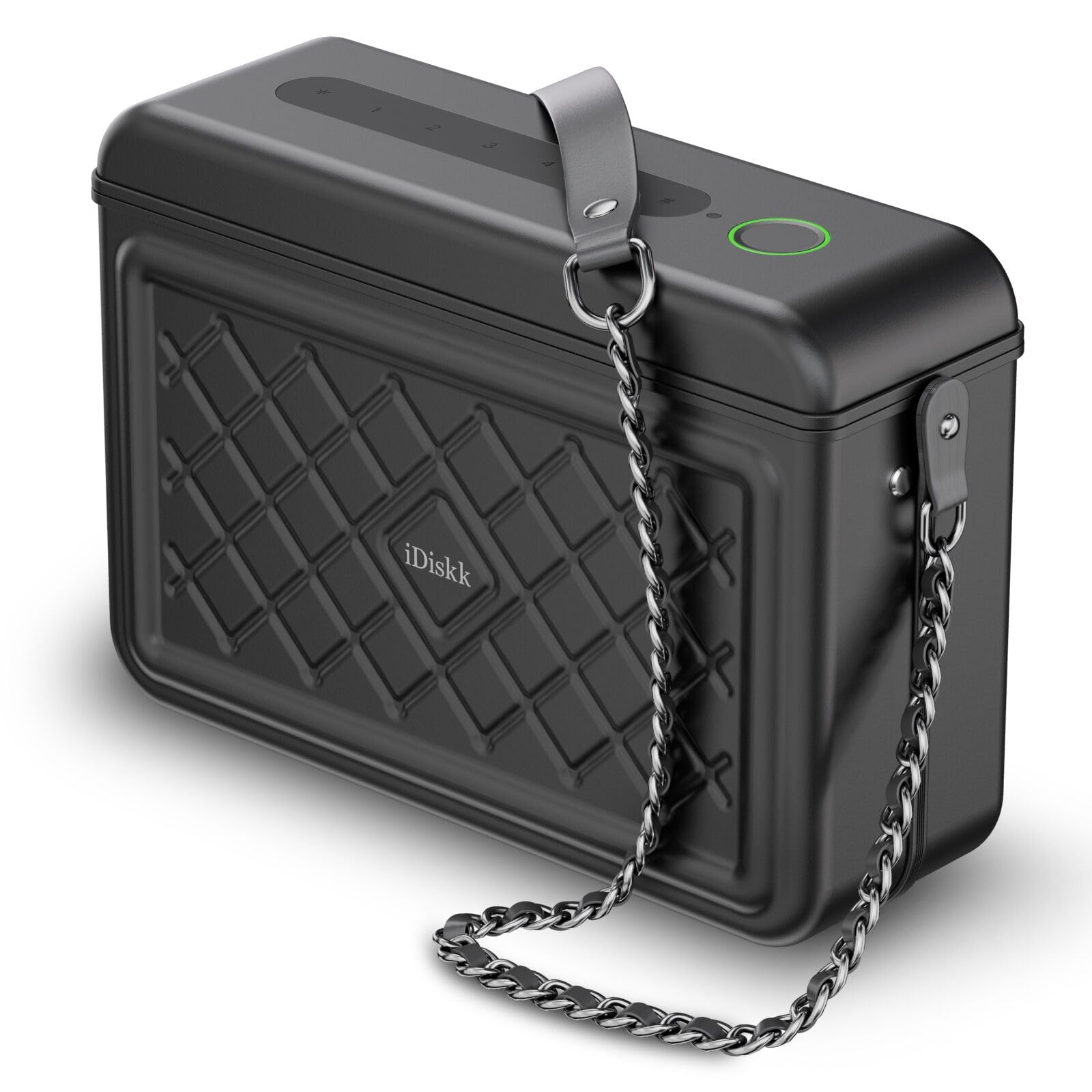
Image 1.1: The iDiskk SafeBag11-PB-Box-B Electronic Security Shoulder Bag.
2. Safety Information
- Do not expose the bag to excessive heat sources, direct sunlight for prolonged periods, or open flames.
- Avoid exposing the bag to rain or excessive humidity.
- Do not attempt to disassemble, repair, or modify the bag. This may void the warranty and pose safety risks.
- Keep the bag and its components out of reach of children.
- Use only the provided charging cable or a certified equivalent for charging the power bank.
- Ensure the bag is securely closed before carrying to prevent items from falling out.
3. Package Contents
Please check the package for the following items:
- iDiskk SafeBag11-PB-Box-B Electronic Security Shoulder Bag
- User Manual (this document)
- Charging Cable (USB-A to USB Type-C)
- Reset Pin
4. Product Overview
The iDiskk SafeBag11-PB-Box-B features a robust aluminum alloy and ABS construction, providing a secure enclosure for your valuables. It includes multiple compartments for organized storage and an integrated power bank for charging your devices.
4.1 Key Features
- Fingerprint Unlocking: Quick and secure access using your registered fingerprints.
- Password Unlocking: Alternative access method using a numerical code.
- Apple Find My Network Integration: Locate your bag using the Apple Find My app on iOS devices.
- Built-in Power Bank: 8000mAh capacity for charging mobile devices.
- Durable Construction: Made from aluminum alloy and ABS for enhanced security.
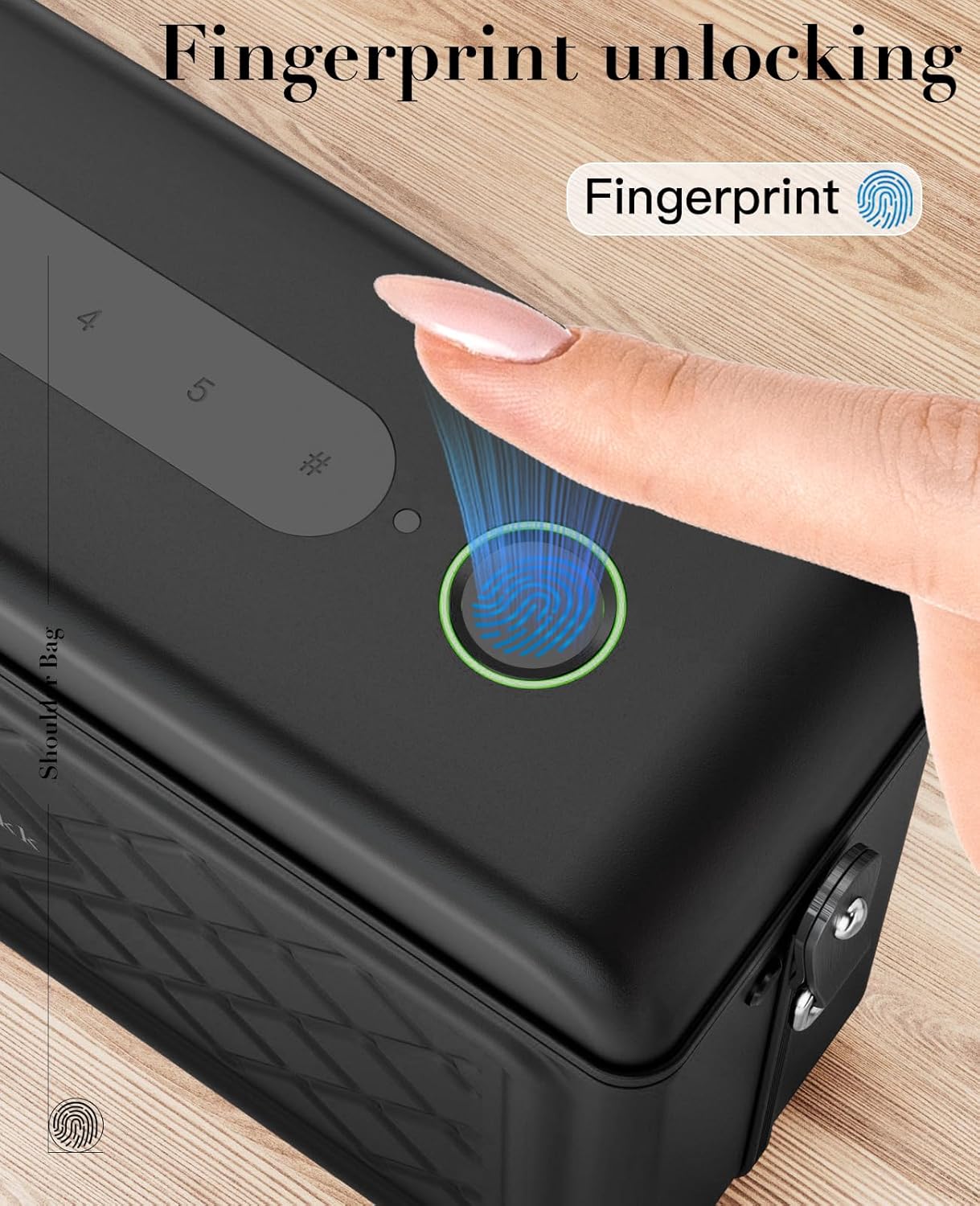
Image 4.1: Interior view demonstrating storage capacity for daily essentials.
5. Setup
5.1 Initial Charging
Before first use, fully charge the bag's internal batteries. The bag contains two separate battery systems: one for the locking mechanism and another for the 8000mAh power bank. Connect the provided USB-C cable to the charging port on the bag and to a suitable USB power adapter (not included).
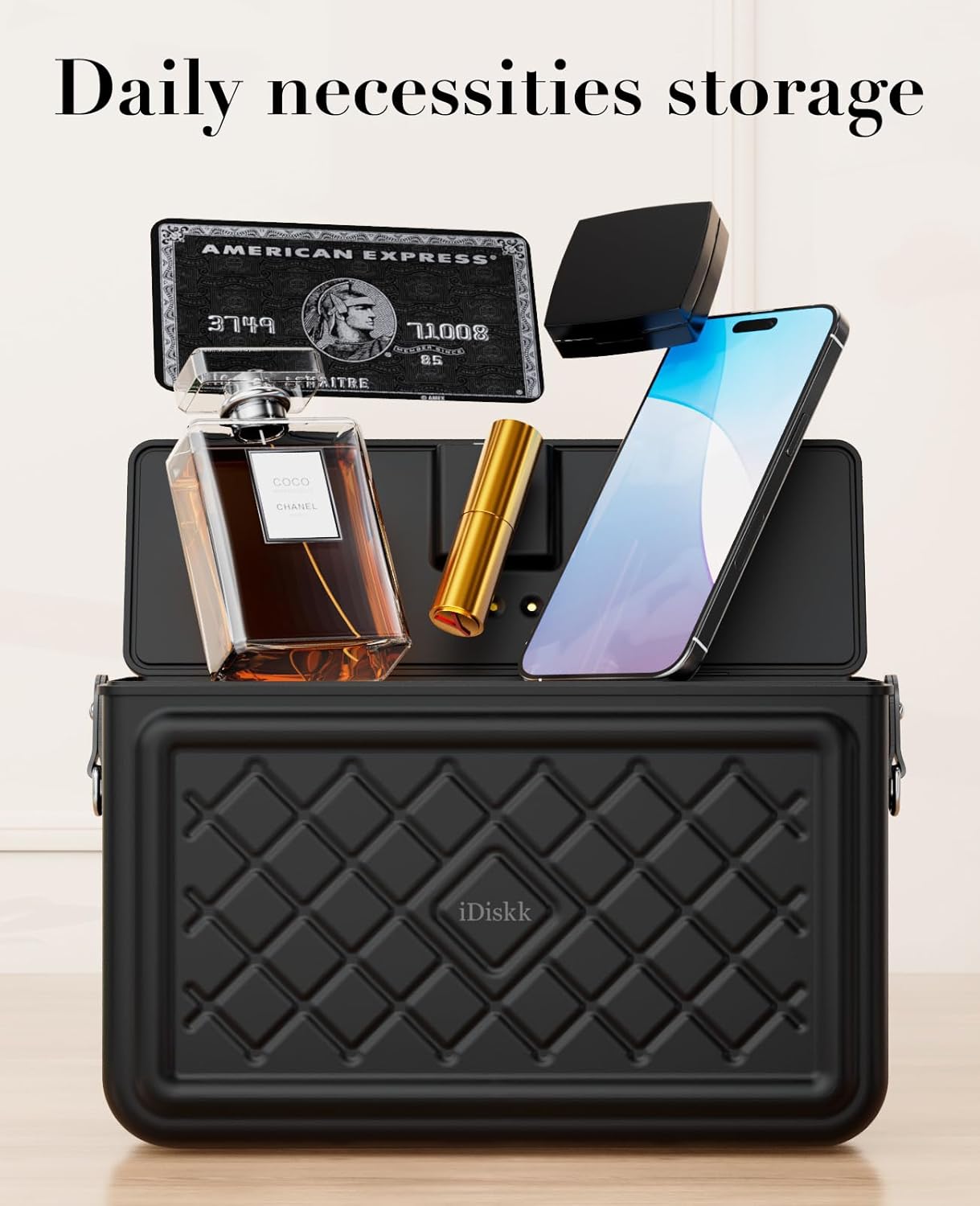
Image 5.1: The bag features an 8000mAh rechargeable power bank with fast charging capability.
5.2 Fingerprint Registration
- Locate the fingerprint sensor on the top surface of the bag.
- Refer to the detailed instructions in the included paper manual for the specific steps to enter registration mode.
- Place your finger on the sensor, lift, and repeat several times from different angles until the registration is complete.
- You can register multiple fingerprints for convenient access.

Image 5.2: Fingerprint sensor for secure unlocking.
5.3 Password Setup
- Consult the paper manual for instructions on how to set a numerical password.
- Choose a memorable but secure password.
- Test the password after setting it to ensure it functions correctly.
5.4 Apple Find My Network Integration
The iDiskk SafeBag can be integrated with the Apple Find My network, allowing you to track its location using your iOS devices.
- Ensure your iOS device is running the latest software version.
- Open the Apple Find My app.
- Follow the on-screen instructions within the app and the bag's specific pairing mode (refer to the paper manual) to add the SafeBag as an item.
- Once paired, you can view the bag's location on a map, play a sound to locate it nearby, and enable Lost Mode.

Image 5.3: The iDiskk SafeBag integrates with the Apple Find My network for location tracking.
6. Operating Instructions
6.1 Unlocking the Bag
- Fingerprint Unlocking: Place your registered finger firmly on the fingerprint sensor. The bag will unlock with an audible confirmation.
- Password Unlocking: Enter your set numerical password on the keypad. The bag will unlock upon correct entry.
6.2 Using the Power Bank
The built-in 8000mAh power bank allows you to charge your electronic devices on the go.
- Locate the USB charging ports on the bag.
- Connect your device's charging cable to the appropriate USB port (USB-C or USB-A) on the bag.
- The power bank will automatically begin charging your device.
- Monitor the power bank's indicator lights (if available) to check its remaining charge.
6.3 Securing the Bag
To lock the bag, simply close the lid firmly. The electronic locking mechanism will engage automatically.
7. Maintenance
7.1 Cleaning Instructions
- For general cleaning, wipe the exterior of the bag with a soft, dry cloth.
- For stubborn stains, lightly dampen the cloth with water and a mild, non-abrasive cleaner. Avoid harsh chemicals.
- Ensure the bag is completely dry before closing or using.
- Do not immerse the bag in water or expose it to excessive moisture.
7.2 Battery Care
- Recharge the bag's batteries regularly, especially if it will not be used for an extended period.
- The locking mechanism will prevent the bag from being locked if its dedicated battery level is too low, ensuring you can always access your items.
- Avoid completely draining the power bank battery frequently to prolong its lifespan.
8. Troubleshooting
8.1 Bag Does Not Unlock with Fingerprint
- Ensure your finger is clean and dry.
- Place your entire registered finger firmly on the sensor.
- Try using a different registered finger.
- If the issue persists, try unlocking with the password.
8.2 Power Bank Not Charging Devices
- Check if the power bank itself is charged. Recharge if necessary.
- Ensure the charging cable is securely connected to both the bag and your device.
- Try a different charging cable or device to rule out cable or device issues.
8.3 Cannot Locate Bag with Apple Find My
- Ensure the bag's battery for the Find My function is not depleted.
- Verify that the bag is correctly paired with your Apple ID in the Find My app.
- Check your iOS device's internet connection and location services settings.
8.4 Forgot Password or Fingerprint Not Working
- Use the provided reset pin to reset the locking mechanism. Refer to the paper manual for detailed instructions on performing a reset.
- After a reset, you will need to re-register fingerprints and set a new password.
9. Specifications
| Model Number | safeBag11-PB-Box-B |
| Dimensions (L x W x H) | 17.6 x 7.8 x 5.8 cm (6.93 x 3.07 x 2.28 inches) |
| Weight | 1.23 kg (2.71 lbs) |
| Material | Aluminum Alloy + ABS |
| Power Bank Capacity | 8000mAh |
| Locking Mechanism Battery | Dedicated 4000mAh (internal) |
| Charging Ports | USB-C (up to 30W), USB-A (up to 24W) |
| Number of Compartments | 4 |
| Number of Pockets | 4 |
| Color | Black |

Image 9.1: Product dimensions for the iDiskk SafeBag.
10. Warranty and Support
10.1 Manufacturer's Warranty
This iDiskk product is covered by a 365-day manufacturer's warranty from the date of purchase. This warranty covers defects in materials and workmanship under normal use. It does not cover damage caused by misuse, accidents, unauthorized modifications, or normal wear and tear.
10.2 Customer Support
For technical assistance, warranty claims, or any questions regarding your iDiskk SafeBag, please contact iDiskk customer support. Refer to the contact information provided on the iDiskk official website or your purchase documentation.


