
Wisdomlit QB-807ARF
Wisdomlit 3-in-1 Fog Bubble Machine Instruction Manual
Model: QB-807ARF
Brand: Wisdomlit
1. Introduction
The Wisdomlit 3-in-1 Fog Bubble Machine (Model QB-807ARF) is designed to create various atmospheric effects, including colorful bubbles, magical fog bubbles, and continuous fog. This versatile machine is suitable for enhancing the ambiance of stages, weddings, photography sessions, holiday parties, and other events.
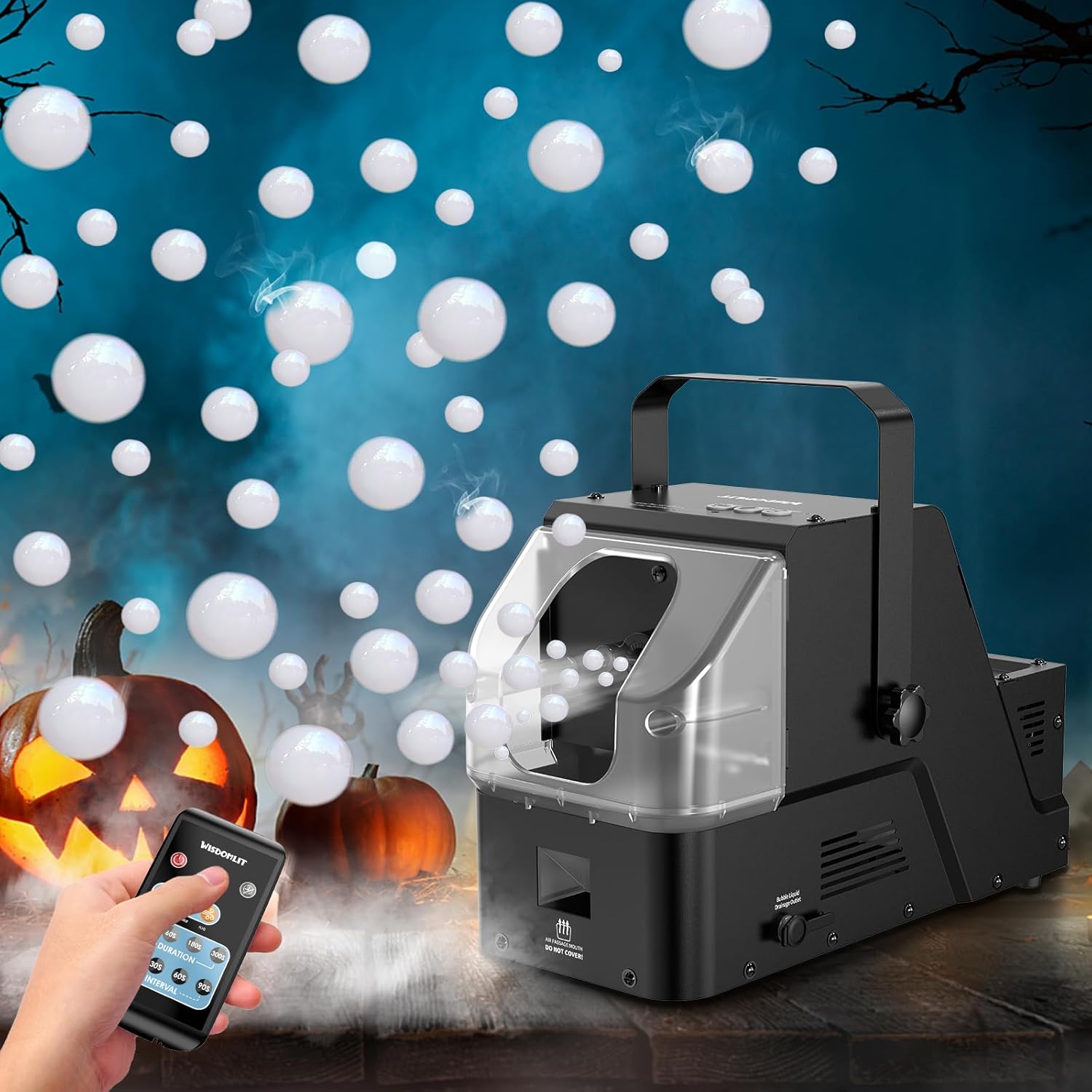
Image 1.1: The Wisdomlit 3-in-1 Fog Bubble Machine in operation, producing bubbles in an event setting.
2. Package Contents
Verify that all items listed below are included in your package:
- 1 x Fog Bubble Machine
- 1 x Gift Box (Packaging)
- 1 x Replacement Fuse (125V, 5A)
- 1 x Remote Control (CR2032 Button Cell Battery included)
- 1 x Measuring Cup (16.9 Fl Oz / 500ml)
- 1 x Bottle Concentrated Bubble Liquid (100ml/bottle)
- 1 x Bottle Concentrated Fog Liquid (100ml/bottle)
- 1 x User Manual

Image 2.1: Contents of the product package.
3. Safety Information
Read all safety instructions before operating the machine to prevent injury or damage.
- Electrical Safety: Ensure the power supply matches the machine's requirements. Do not operate with damaged cords or plugs.
- Liquid Usage: Use only commercial and professional bubble solution and medium-density fog fluid recommended by the manufacturer. Homemade soap water may not produce bubbles effectively and could damage the machine.
- Placement: Place the machine on a stable, level surface. Ensure adequate ventilation around the unit. Do not block air vents.
- Heating Element: The machine contains a heating element. Allow sufficient cool-down time after use before handling or storing. Avoid touching the nozzle during operation.
- Indoor Use: While suitable for indoor events, be mindful of fog density in small, enclosed spaces.
- Children and Pets: Keep the machine out of reach of children and pets.

Image 3.1: Warning regarding bubble liquid.

Image 3.2: Warning regarding fog liquid.
4. Setup Instructions
Follow these steps to set up your fog bubble machine:
- Install the Handle: Attach the carrying handle to the top of the fog bubble machine using the provided knobs and washers. Ensure it is securely fastened.
- Fill Liquid Tanks:
- Bubble Liquid Tank: Open the bubble liquid tank cover (18.6 Fl Oz / 550 mL capacity) and carefully pour in the recommended bubble solution.
- Fog Liquid Tank: Open the fog liquid tank cover (10.5 Fl Oz / 310 mL capacity) and pour in the recommended medium-density fog fluid.
- Connect Power: Plug the power cord into a suitable electrical outlet. Ensure the power switch on the machine is in the OFF position before plugging in.
- Power On and Preheat: Turn the power switch to the ON position. The red LED light will illuminate, indicating the machine is preheating. Preheating typically takes 3-5 minutes. The machine is ready for operation when the red LED light turns off.

Image 4.1: Visual guide for setup and cleaning.
5. Operation
Once the machine has preheated, you can activate its functions using either the buttons on the unit or the wireless remote control.
5.1. Functions
The machine offers three distinct effects:
- Bubbles: Produces a continuous stream of colorful bubbles.
- Fog Bubbles: Creates bubbles filled with fog, offering a unique visual effect.
- Fog: Generates continuous smoke for atmospheric effects.

Image 5.1: The three atmospheric effects produced by the machine.
5.2. Using the Remote Control
The wireless remote control allows you to manage the machine's functions from up to 40 feet (12 meters) away without obstructions. Ensure the CR2032 battery is installed and the plastic tab is removed before first use.
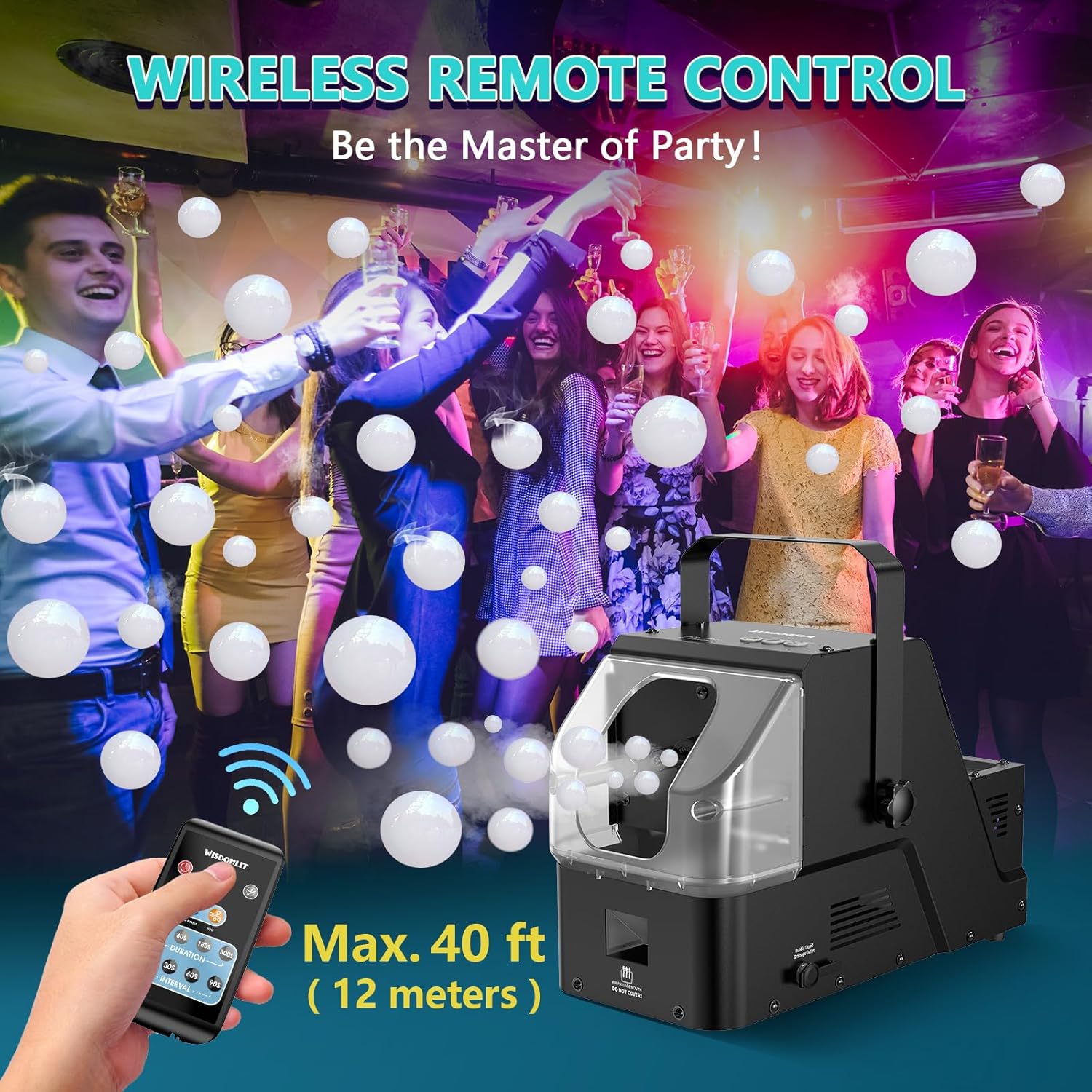
Image 5.2: Operating the machine with the wireless remote control.
The remote control features buttons for each effect (Bubble, Fog Bubble, Fog) and timer settings:
- Effect Buttons: Press the corresponding button to activate Bubbles, Fog Bubbles, or Fog.
- Duration Settings: Set the operating time for the effects to 30s, 60s, 180s, or 300s.
- Interval Settings: Set the pause between operations to 10s, 30s, 60s, or 90s.
- ON/OFF: Power the machine on or off.

Image 5.3: Remote control functions and settings.
6. Maintenance
Proper maintenance ensures the longevity and optimal performance of your machine.
6.1. Cleaning After Use
After each use, especially if storing the machine, it is important to drain and clean the liquid tanks:
- Drain Residual Liquid: The machine features individual drainage outlets for both the bubble and fog liquid tanks. Place a container beneath the drainage outlets and open them to discharge any remaining liquid.
- Clean Tanks: Rinse the tanks with clean water. For thorough cleaning, you may use a mild, non-abrasive cleaning solution if necessary, followed by a complete rinse with clean water.
- Dry Thoroughly: Ensure both tanks are completely dry before closing the drainage outlets and storing the machine.
6.2. Storage
Store the machine in a cool, dry place away from direct sunlight and extreme temperatures. Ensure all liquids are drained and the machine is clean before storage.
7. Troubleshooting
If you encounter issues with your machine, refer to the following common problems and solutions:
| Problem | Possible Cause | Solution |
|---|---|---|
| No fog or weak fog output |
|
|
| No bubbles or inconsistent bubbles |
|
|
| Remote control not working |
|
|
| Machine does not power on |
|
|
8. Specifications
| Model Number | QB-807ARF |
| Power | 450W |
| Item Weight | 8.58 pounds (3.89 kg) |
| Product Dimensions | 13.54 x 7.6 x 9.09 inches (34.4 x 19.3 x 23.1 cm) |
| Bubble Liquid Tank Capacity | 18.6 Fl Oz / 550 mL |
| Fog Liquid Tank Capacity | 10.5 Fl Oz / 310 mL |
| Continuous Use Time | Up to approximately 60 minutes (with full tanks) |
| Preheating Time | 3-5 minutes |
| Remote Control Range | Up to 40 feet (12 meters) without obstructions |
| Remote Control Battery | 1 x CR2032 (included) |
| Housing Material | Durable Metal Housing |
9. Warranty and Support
For warranty information or technical support, please contact Wisdomlit customer service. Refer to the product packaging or the official Wisdomlit website for contact details.
Related documentsQB-807ARF


Ask a question about this manual
Ask about setup, troubleshooting, compatibility, parts, safety, or missing instructions. Manuals+ will review the question and use this page’s manual context to help answer it.