
radtel RT-880G
Contents
Radtel RT-880G GPS APRS Ham Radio User Manual
Model: RT-880G | Brand: Radtel
Introduction
The Radtel RT-880G is a versatile 10W portable two-way radio designed for ham radio enthusiasts and professionals. It features advanced GPS positioning and APRS communication capabilities, a cross-band repeater function, and wide frequency reception including AM, FM, USB, LSB, CW, CB, LW, MW, SW, SSB, and Air-Band RX. With 1024 channels and a 2.4-inch TFT HD color display, this device offers clear communication and intuitive operation. Its 2400mAh rechargeable battery ensures extended usage, making it ideal for outdoor navigation, team coordination, and various communication needs.
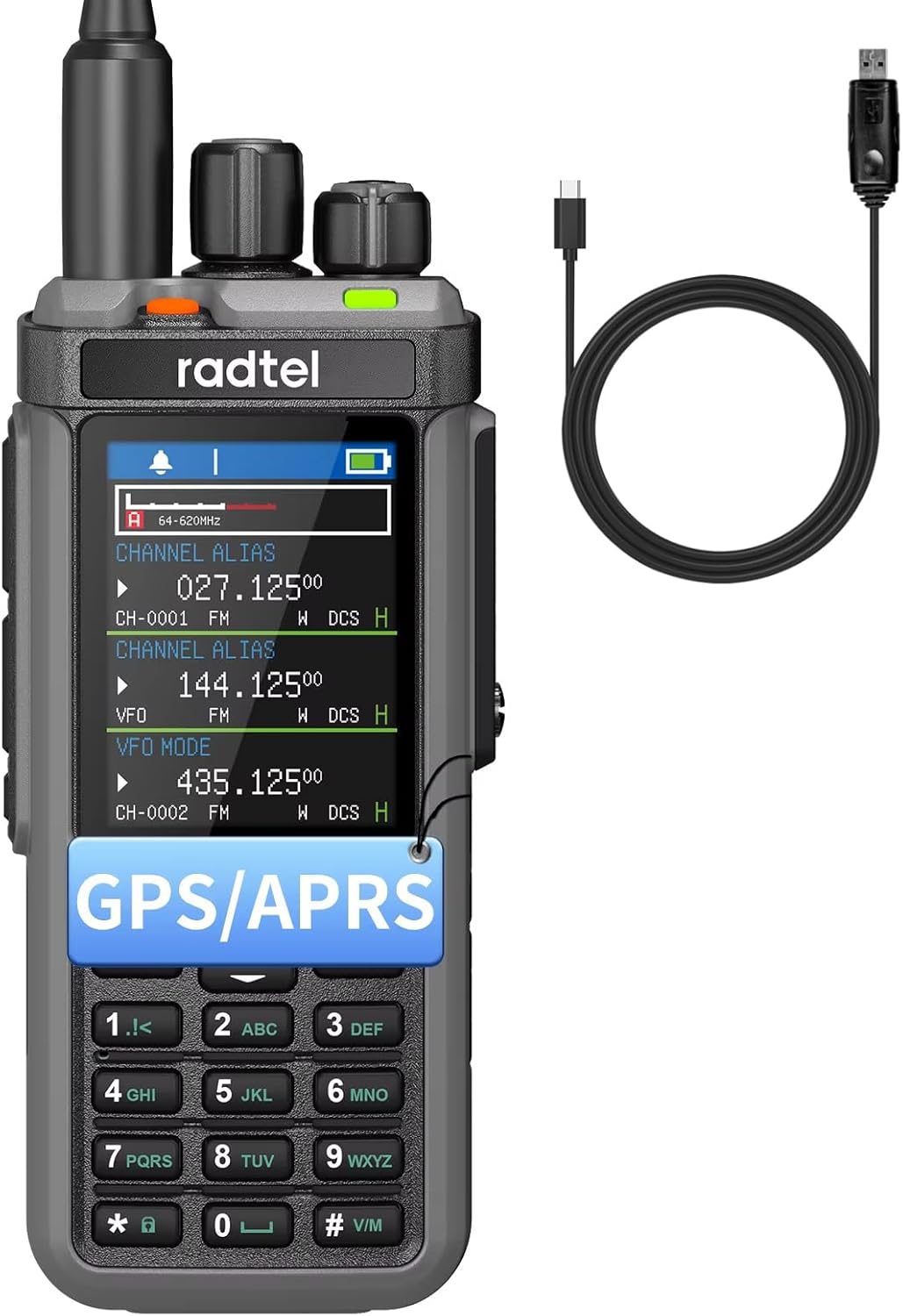
Image: The Radtel RT-880G radio shown alongside its USB-C charging cable, highlighting its compact design and connectivity.
What's in the Box
Upon unboxing your Radtel RT-880G, please verify that all the following components are included:
- 1x RT-880G Main unit
- 1x 2400mAh Li-ion Battery
- 1x Dual band antenna
- 1x Belt Clip
- 1x Type C charging Cable
- 1x Power supply with USB port
- 1x English User Manual
Setup
1. Battery Installation
- Ensure the radio is powered off.
- Align the 2400mAh Li-ion battery with the battery compartment on the back of the radio.
- Gently push the battery into place until it clicks securely.
2. Antenna Attachment
- Locate the antenna connector on the top of the radio.
- Screw the dual-band antenna clockwise onto the connector until it is finger-tight. Do not overtighten.
3. Initial Charging
Before first use, fully charge the battery. Refer to the 'Charging and Battery' section for detailed instructions.
4. Powering On/Off
To power on the radio, rotate the power/volume knob clockwise. To power off, rotate it counter-clockwise until it clicks.
Operating Instructions
GPS Positioning
The RT-880G features accurate GPS positioning for outdoor navigation. With one-touch operation, you can easily measure distance and direction from a set starting point. The device supports manual or timed track recording and coordinate querying, making it ideal for campsite location and general outdoor activities.
APRS Communication & Tracking
The radio supports real-time APRS (Automatic Packet Reporting System) data encoding and decoding. This allows for seamless communication and location awareness between devices. If GPS coordinates are included in the data, the radio automatically calculates distance and direction, enhancing team coordination.

Image: The Radtel RT-880G screen showing APRS send and GPS functions, illustrating automatic position reporting and real-time positioning capabilities.
Cross-Band Repeater Function
The cross-band repeater function enables seamless communication between UHF and VHF frequencies. This feature enhances signal coverage and ensures reliable connectivity across different frequency bands, allowing for greater flexibility in various communication scenarios.
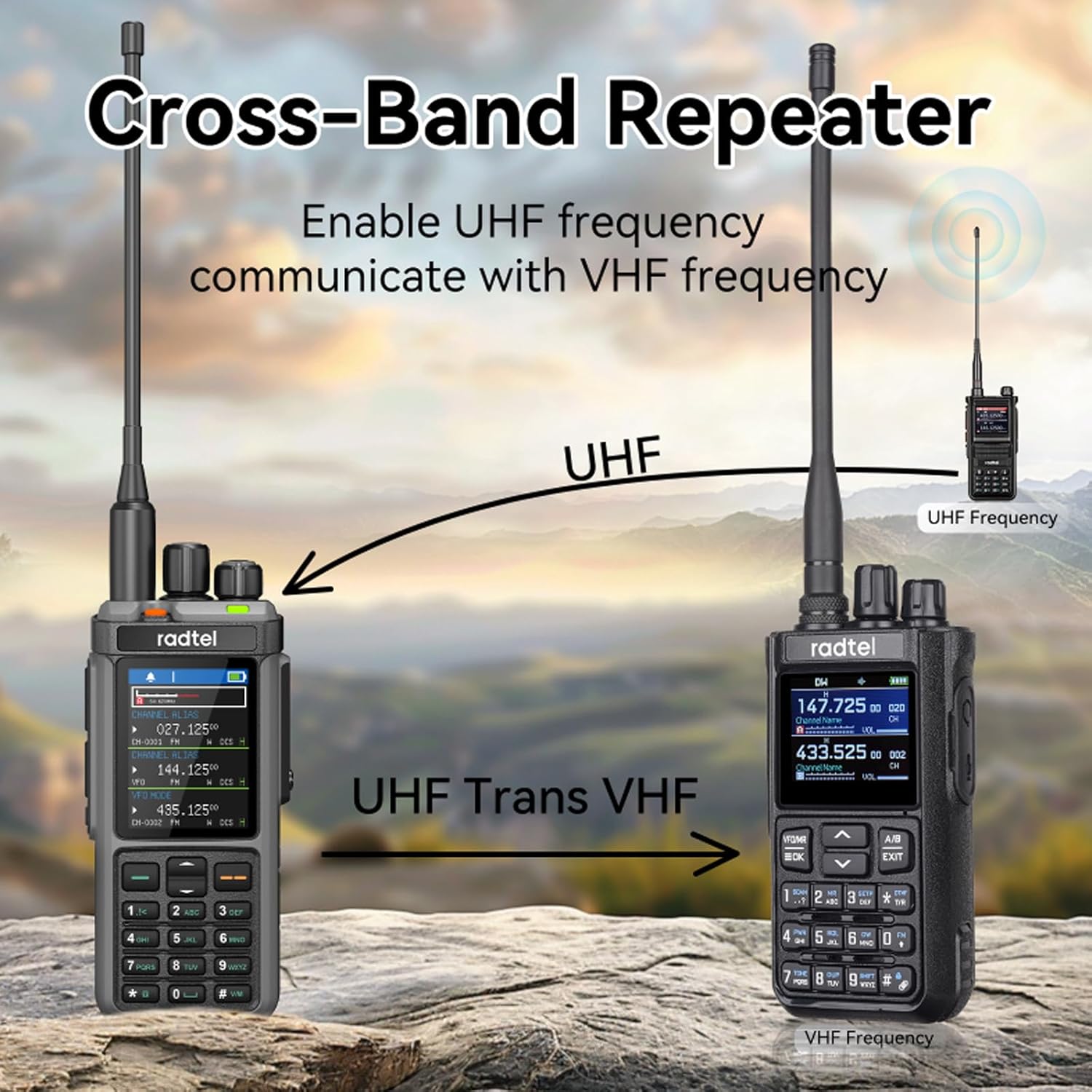
Image: A visual representation of the cross-band repeater function, showing how the RT-880G can enable UHF frequency communication with VHF frequency.
Wide Frequency Reception
The RT-880G supports full-band AM, FM, USB, LSB, CW, CB, LW, MW, SW, SSB, and Air-Band RX. It also features a port for connecting a shortwave antenna, significantly enhancing signal reception across a broad spectrum of frequencies. This makes the device suitable for diverse communication needs, from commercial to recreational use.
Customizing Side Keys and Keyboard Functions
You can customize the side keys and keyboard functions to suit your personal preferences. This allows for quick access to essential features and contributes to a more efficient user experience. Refer to the radio's menu settings for customization options.
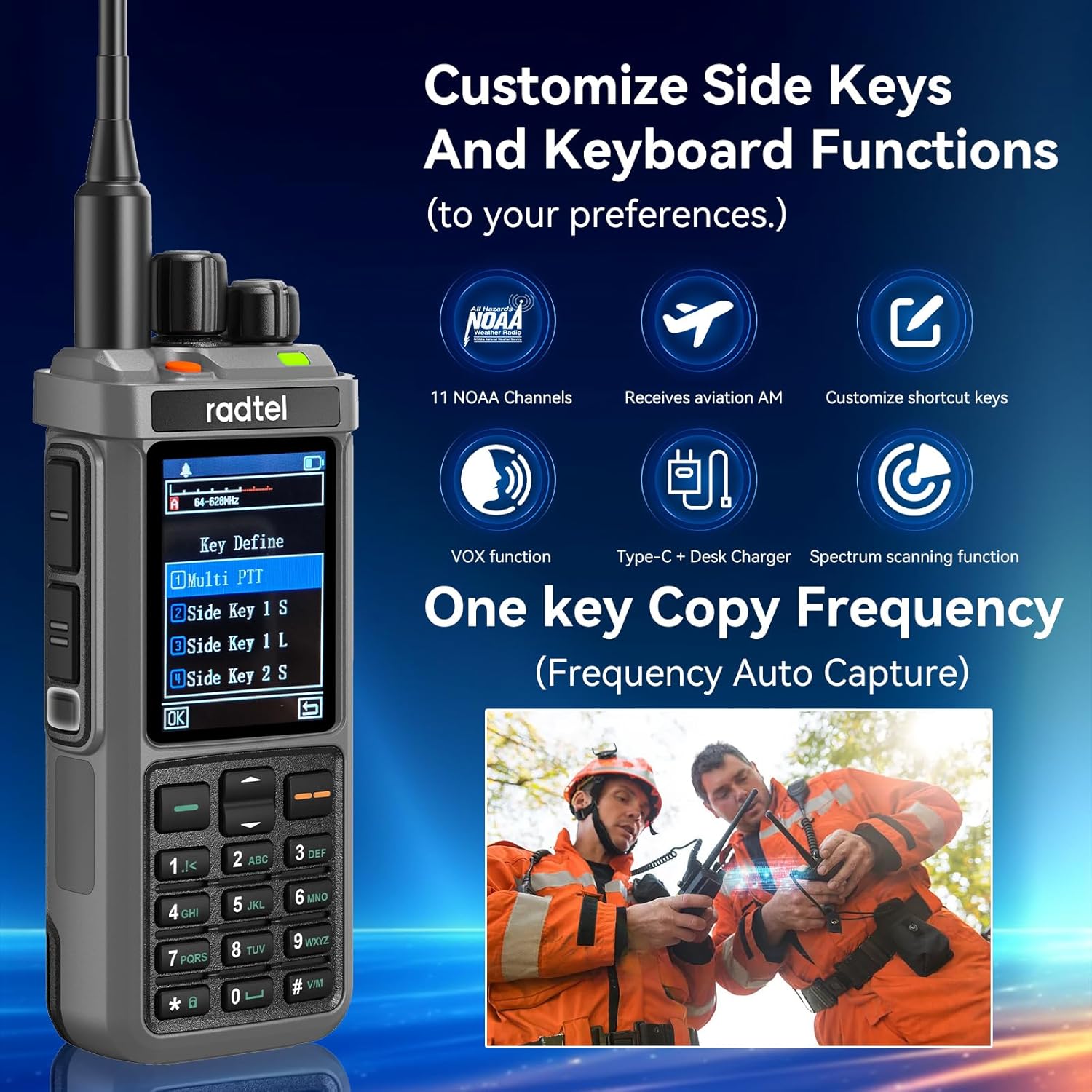
Image: The RT-880G display showing options for customizing side keys and keyboard functions, alongside icons for NOAA channels, aviation AM reception, and other features.
2.4-inch TFT HD Color Display
The radio features a 2.4-inch TFT HD large color screen that provides a clear and vivid display. This ensures easy readability and smooth operation, even under bright lighting conditions. The high-definition interface enhances user experience with sharp visuals and intuitive navigation.
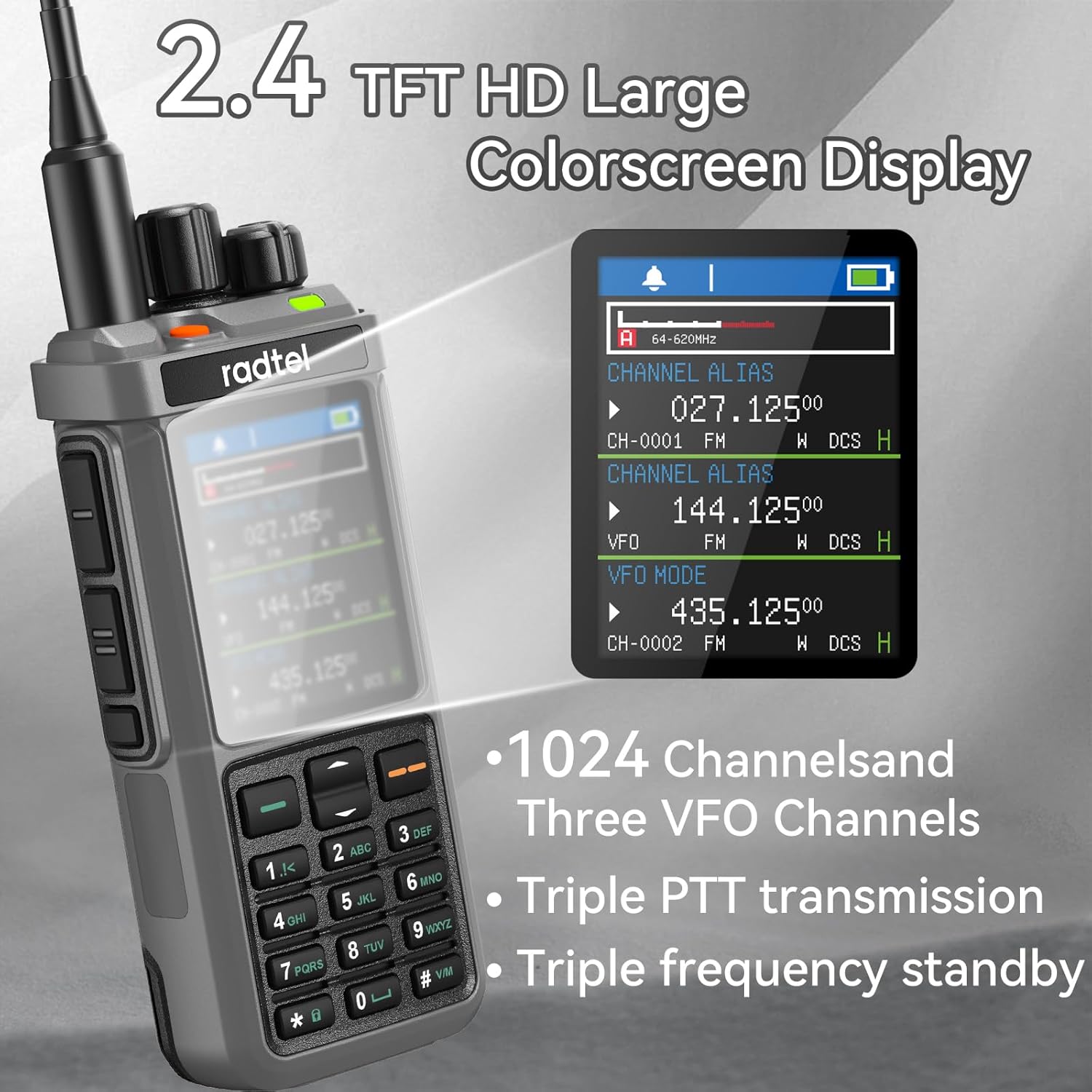
Image: Close-up of the Radtel RT-880G's 2.4-inch TFT HD color screen, displaying channel alias and VFO mode information, highlighting its clarity and detail.
Channel Management
The RT-880G supports 1024 channels and three VFO (Variable Frequency Oscillator) channels. It also features triple PTT (Push-To-Talk) transmission and triple frequency standby, offering extensive flexibility for managing and monitoring multiple frequencies simultaneously.
Charging and Battery
The Radtel RT-880G is equipped with a long-lasting 2400mAh battery, providing extended usage time. The radio supports fast and convenient USB-C charging, allowing you to recharge the device easily and keep connected without frequent interruptions.
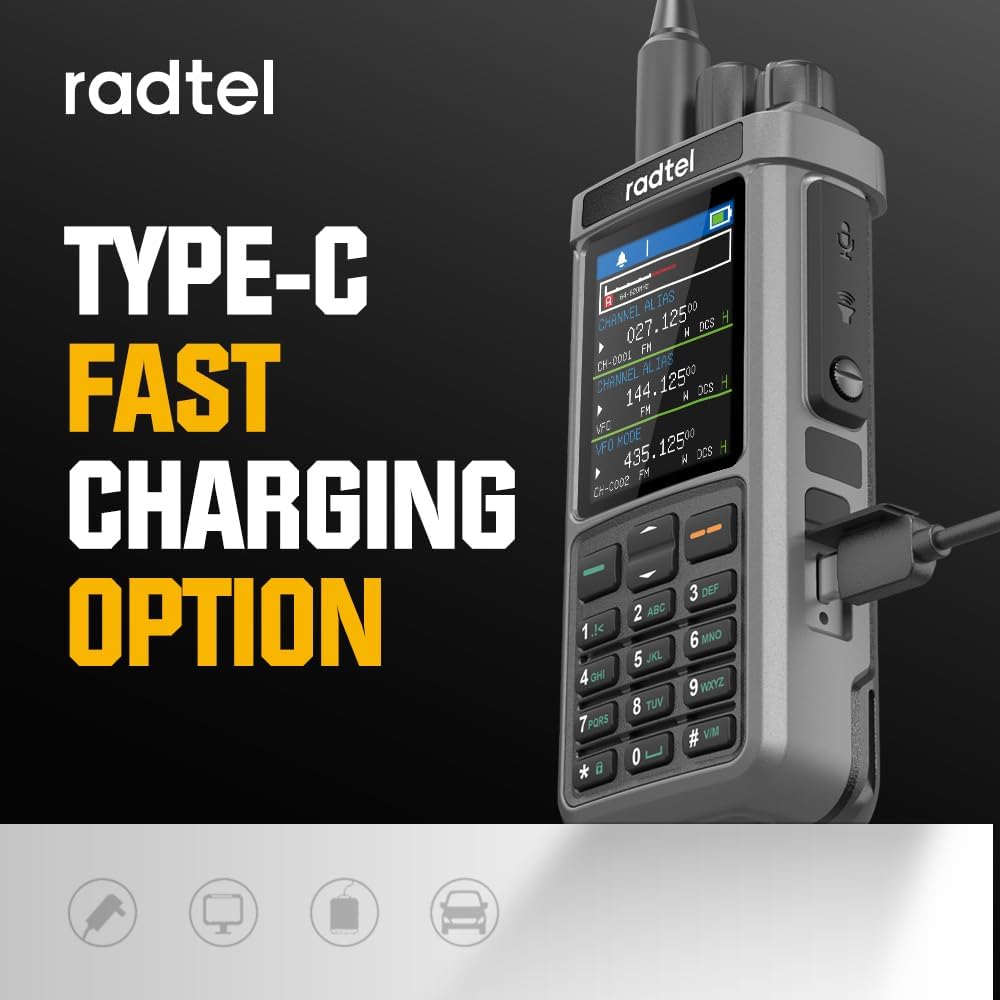
Image: The Radtel RT-880G connected via its Type-C port, illustrating the fast charging option for convenient power replenishment.
Specifications
| Feature | Detail |
|---|---|
| Item Weight | 1.1 pounds |
| Product Dimensions | 1.38 x 2.36 x 11.5 inches |
| Country of Origin | China |
| Item Model Number | RT-880G |
| Batteries | 1 Lithium Ion batteries required (included) |
| Manufacturer | Xiamen Radtel Electronics Co.,Ltd |
| Color | Standard |
| Number of Channels | 1024 |
| Special Feature | GPS/APRS, AM FM SSB Reception, 1024 Channels, Cross Band Repeater |
| Frequency Range | 144-148Mhz/420-450Mhz |
| Talking Range Maximum | 10 Kilometer |
| Tuner Technology | AM/FM/SSB |
| Voltage | 7.4 Volts |
| Water Resistance Level | Not Water Resistant |
Troubleshooting
If you encounter issues with your Radtel RT-880G, please refer to the following common troubleshooting steps:
- No Power: Ensure the battery is correctly installed and fully charged. Check the power/volume knob is turned on.
- Poor Reception/Transmission: Verify the antenna is securely attached. Check if you are within range of other radios or repeaters. Ensure the correct frequency and channel settings are selected. Obstructions like buildings or terrain can affect signal quality.
- Display Not Working: If the screen is blank or flickering, try restarting the radio. Ensure the battery is charged.
- Buttons Unresponsive: Check if the keypad lock is activated. A quick restart might resolve temporary software glitches.
- GPS/APRS Issues: Ensure you have a clear line of sight to the sky for GPS signal acquisition. Verify APRS settings are correctly configured according to your local network requirements.
For more complex issues, consult the full user manual or contact customer support.
Warranty and Support
Warranty Information
The Radtel RT-880G comes with a 1-year warranty from the date of purchase. This warranty covers manufacturing defects and malfunctions under normal use. Please retain your proof of purchase for warranty claims.
Customer Support
For technical assistance, troubleshooting, or warranty inquiries, please contact Radtel customer support. Refer to the contact information provided in your product packaging or visit the official Radtel website for the most up-to-date support details.
Documents and downloads
Ask a question about this manual
Ask about setup, troubleshooting, compatibility, parts, safety, or missing instructions. Manuals+ will review the question and use this page’s manual context to help answer it.