1. Product Overview
The Hagibis CP02 is a versatile 2-in-1 tool designed for mobile device maintenance. It features a SIM card tray removal pin on one end and a high-density cleaning brush on the other, making it ideal for various tasks such as ejecting SIM trays, resetting electronic devices, and cleaning intricate ports and surfaces.
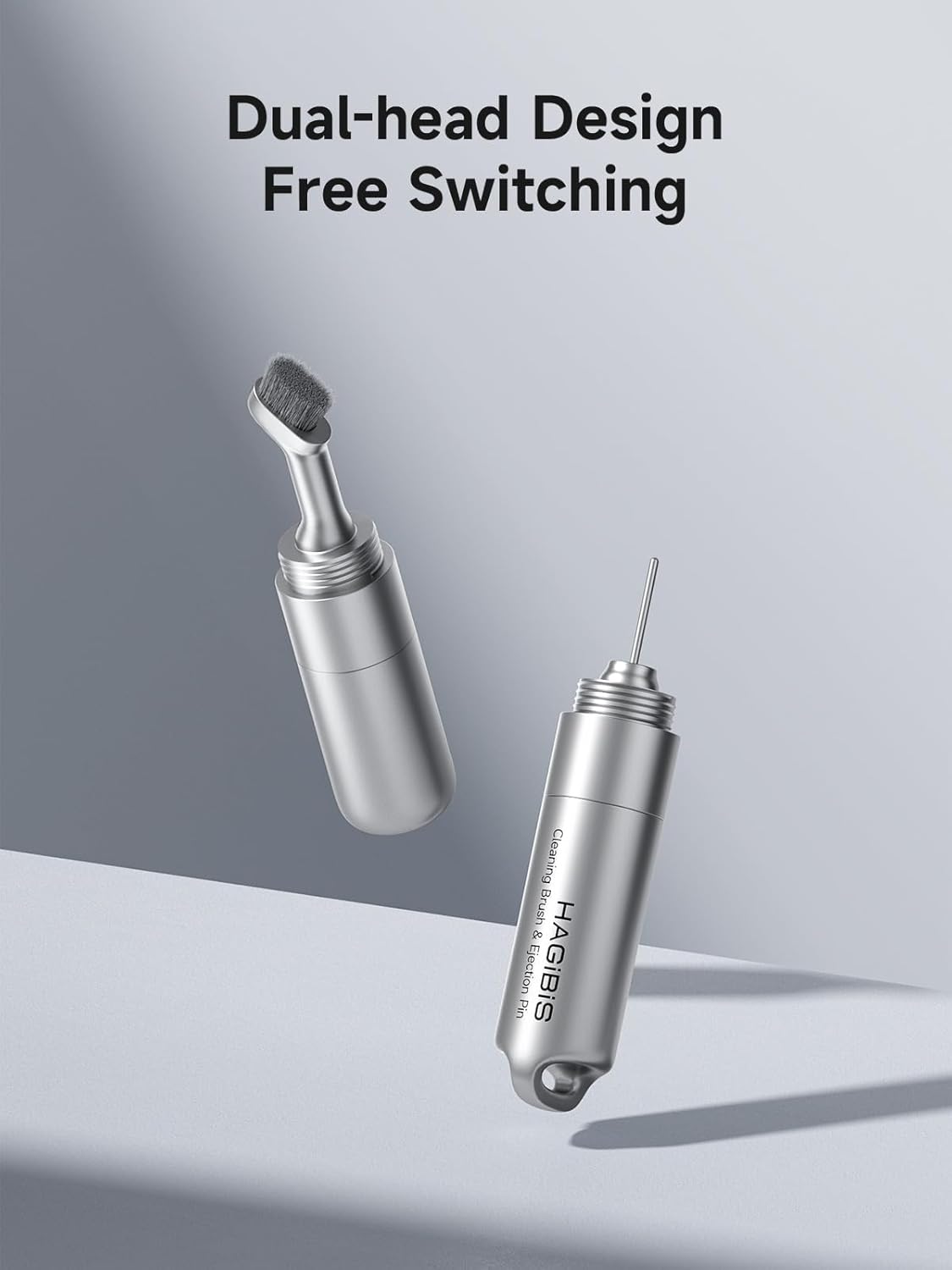
Image 1.1: The Hagibis CP02 tool, illustrating its dual-head design with a SIM ejector pin and a cleaning brush.
Key Features:
- Dual-Head Design: Seamlessly switch between the SIM card tray removal pin and the cleaning brush for various applications.
- High-Density Brush: Soft, fine bristles effectively sweep away dust and debris without damaging sensitive device components.
- Multi-function Ejector Pin: Safely open SIM card trays on all phone models and reset compatible electronic devices.
- Portable Keychain Design: Lightweight and compact, easily attachable to keychains or bags for convenient access.
- Precision Alloy Casting: Constructed from high-quality alloy metal steel for durability and resistance to bending.
2. What's in the Box
Verify that all components are present upon opening the package:
- Hagibis CP02 SIM Card Tray Removal Tool with Cleaning Brush (1 unit)
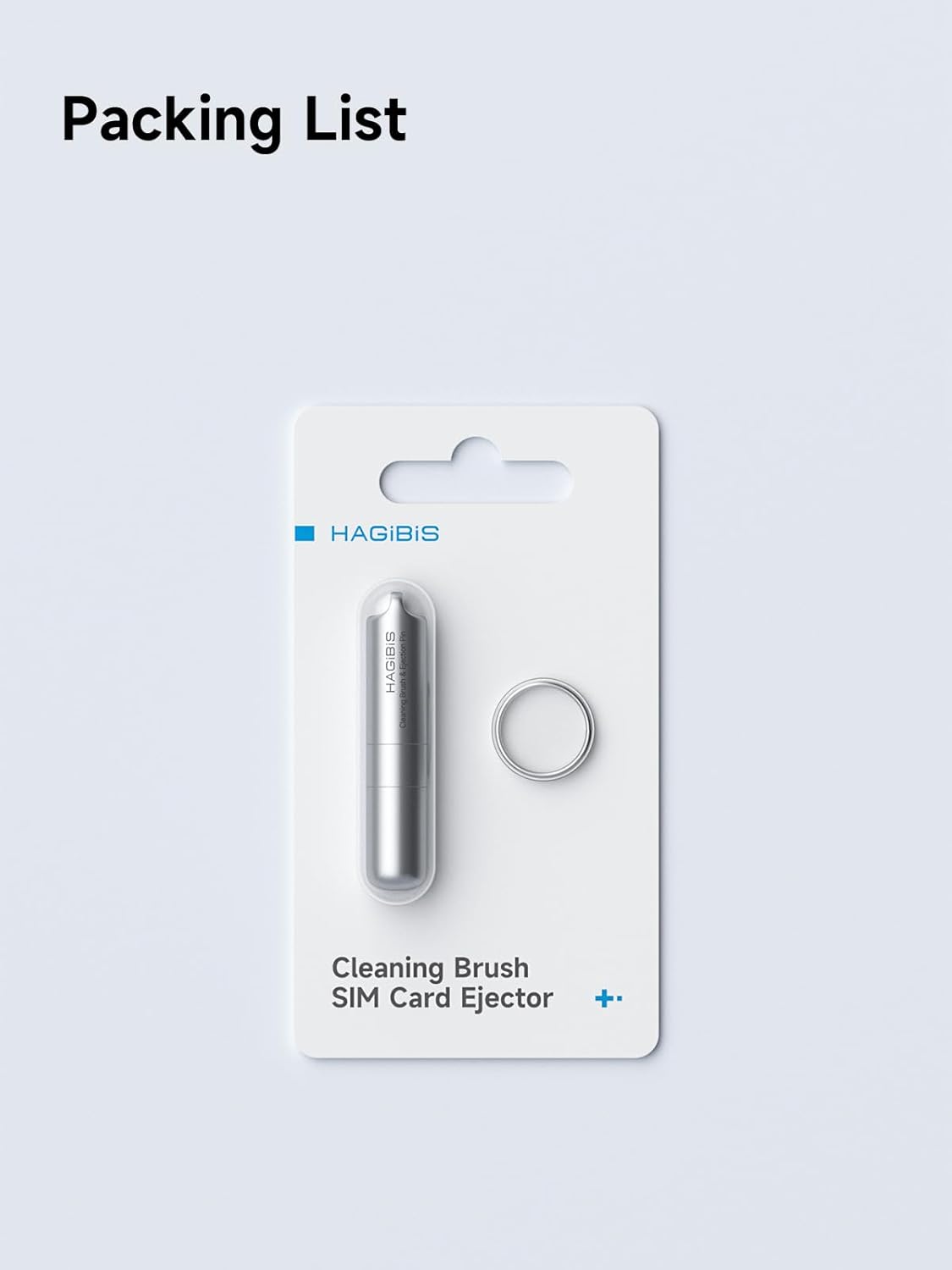
Image 2.1: The retail packaging for the Hagibis CP02, including the tool and a keychain ring.
3. Setup
The Hagibis CP02 tool comes pre-assembled. To access its functions, simply unscrew the desired end.
Assembling/Disassembling the Tool:
- To reveal the SIM ejector pin, gently twist and pull the cap from the end with the small ring.
- To reveal the cleaning brush, gently twist and pull the cap from the opposite end.
- To reassemble, align the threaded parts and twist clockwise until secure. Ensure both ends are tightly screwed to prevent loss of components.

Image 3.1: Disassembly of the Hagibis CP02 tool, showing the separate pin and brush components.
4. Operating Instructions
Using the SIM Card Tray Removal Pin:
- Locate the SIM card tray on your mobile device. It typically has a small hole next to it.
- Insert the SIM ejector pin into the small hole. Apply gentle, steady pressure until the SIM tray pops out.
- Carefully pull out the SIM tray to access or replace your SIM card.
- When finished, place the SIM tray back into the device and push it gently until it clicks into place.

Image 4.1: Demonstrates using the SIM ejector pin for a phone's SIM tray and a device reset button.
Using the Cleaning Brush:
- Unscrew the cap to expose the high-density cleaning brush.
- Gently brush away dust and debris from hard-to-reach areas such as earphone grilles, charging ports, and speaker openings on your mobile devices.
- Avoid applying excessive force to prevent damage to delicate components.

Image 4.2: The cleaning brush in action, cleaning an earphone and a phone's charging port.
Official Product Video:
Video 4.3: An official video demonstrating the features and usage of the Hagibis SIM Card Tray Removal Tool with Cleaning Brush.
5. Maintenance
- Cleaning the Brush: If the brush accumulates excessive dust, gently tap it against a clean surface or use a soft, dry cloth to remove debris. Avoid using liquids on the brush.
- Storing the Tool: Always ensure both caps are securely screwed onto the tool after use to protect the pin and brush and prevent accidental loss.
- General Care: Store the tool in a dry environment. Avoid exposing it to extreme temperatures or corrosive substances.
6. Troubleshooting
- Pin Bends Easily: The SIM ejector pin is designed to be thin for precision. Apply only gentle, steady pressure. Avoid forcing the pin or using it as a lever. If bent, it may be carefully straightened, but repeated bending can weaken the metal.
- Brush Not Cleaning Effectively: Ensure the brush bristles are free from excessive build-up. For stubborn dirt, a very light wipe with a dry microfiber cloth on the brush itself might help, but avoid wetting the brush.
- Caps Loosening: Always tighten the threaded caps firmly after use. If they continue to loosen, check for any debris in the threads that might prevent a secure fit.
7. Specifications
| Product Dimensions | 1.9 x 0.39 x 0.39 inches |
| Item Weight | 0.6 ounces |
| Item Model Number | CP02 |
| Color | Silver |
| Manufacturer | Shanghai Xinxie Industrial Co., Ltd. |
| Material | Zinc Alloy |
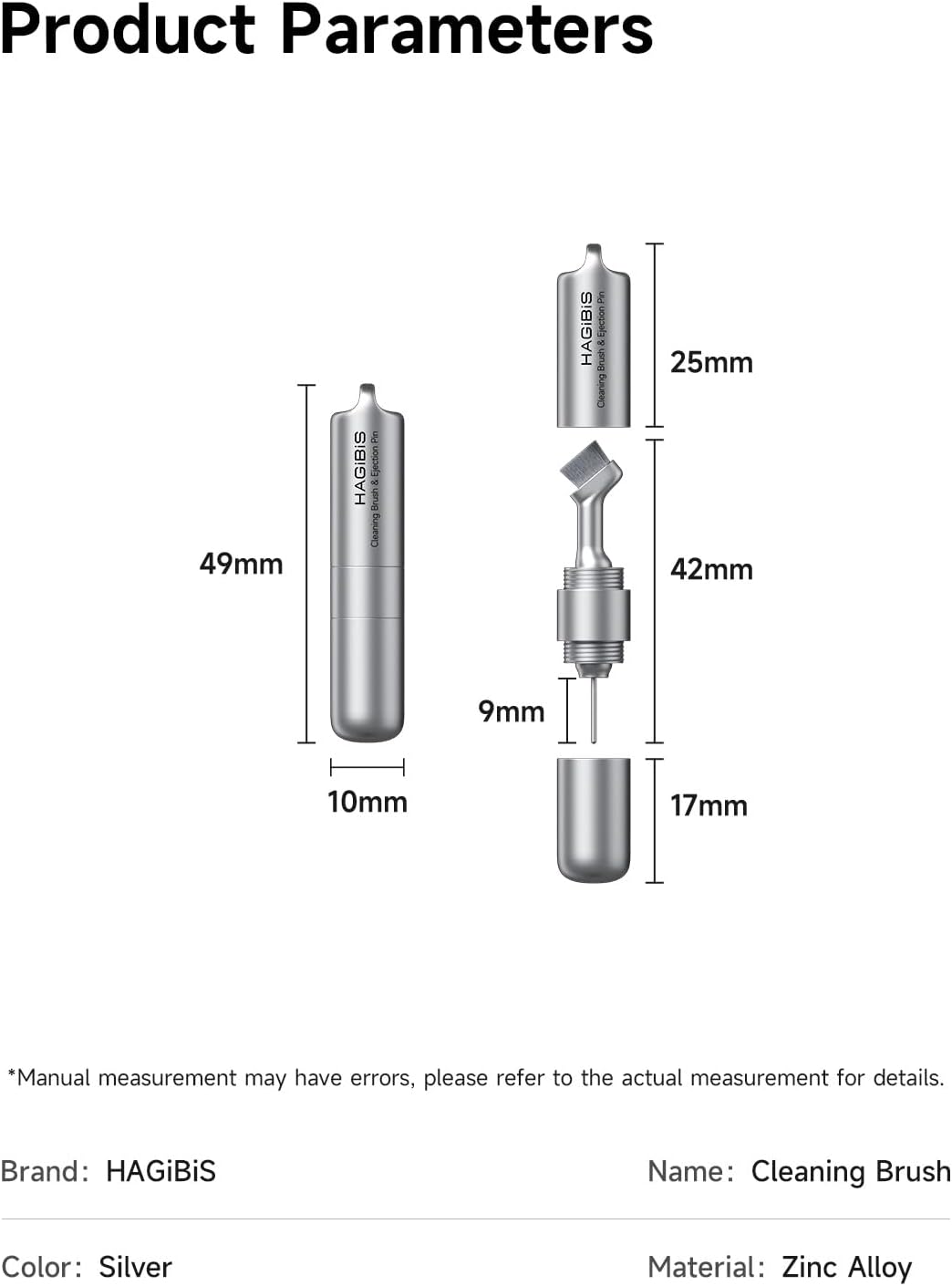
Image 7.1: Detailed dimensions of the Hagibis CP02 tool.
8. Warranty and Support
For warranty information and customer support, please refer to the product packaging or contact Hagibis customer service directly through their official website or the retailer where the product was purchased. Keep your purchase receipt as proof of purchase.


