
Introduction
Thank you for choosing the Marsail Electric Standing Desk. This manual provides essential information for the safe assembly, operation, and maintenance of your new desk. Please read these instructions carefully before use and retain them for future reference.
The Marsail Electric Standing Desk is designed to provide a versatile and ergonomic workspace, allowing seamless transitions between sitting and standing positions. Its robust construction and user-friendly features aim to enhance your productivity and well-being.
Safety Information
- Always assemble the desk according to the instructions provided.
- Do not exceed the maximum weight limit of 176 lbs (80 kg). Overloading the desk can cause damage or injury.
- Be cautious when adjusting the height of the desk to prevent injury. Ensure no objects or body parts are in the path of the moving desktop or legs.
- Keep children and pets away from the desk during operation.
- Ensure all cables are properly managed and secured to prevent tripping hazards or damage during height adjustments.
- Do not sit or stand on the desk.
- Only use the desk on a level and stable surface.
Package Contents
Your Marsail Electric Standing Desk is shipped in two separate packages. Please ensure you have received both packages before beginning assembly.
- Package 1: Tabletop (One-Piece Desktop)
- Package 2: Desk Frame, Legs, Control Panel, Motor, and Assembly Hardware

Image: The Marsail Standing Desk is delivered in two separate packages for safe transport.
Setup and Assembly
Assembly of the Marsail Electric Standing Desk is designed to be straightforward. Detailed instructions and labeled hardware are included in the package. It is recommended that two people assemble the desk for ease and safety.
- Unpack Components: Carefully remove all parts from both packages and lay them out on a clean, soft surface to prevent scratches. Verify all components are present against the included parts list.
- Assemble the Frame: Follow the step-by-step instructions to connect the desk legs to the crossbar and motor assembly.
- Attach the Desktop: Secure the one-piece desktop to the assembled frame using the provided screws. Ensure proper alignment.
- Install Control Panel: Mount the control panel to the underside of the desktop in the designated location.
- Connect Cables: Connect the motor and control panel cables according to the wiring diagram in the detailed manual.
- Cable Management: Utilize the integrated cable management tray and storage hooks to organize power cords and accessories.

Image: Exploded view of desk components for hassle-free assembly.

Image: Integrated cable management tray and storage hooks for an organized workspace.
Operating Instructions
The Marsail Electric Standing Desk features an intuitive control panel for height adjustment and memory presets.
Control Panel Overview

Image: Convenient control keypad with digital display and memory presets.
- Up/Down Buttons (▲ / ▼): Press and hold to manually adjust the desk height. Release to stop at the desired height.
- Digital Display: Shows the current height of the desk in inches.
- Memory Presets (1, 2, 3, 4): These buttons allow you to save and recall preferred sitting and standing heights.
Setting Memory Presets
- Adjust the desk to your desired height using the Up/Down buttons.
- Press the 'M' button (if available, or follow specific manual instructions for your model).
- Press one of the number buttons (1, 2, 3, or 4) within 3 seconds. The display will show 'S-' followed by the number, indicating the height is saved.
Recalling Memory Presets
Simply press the corresponding number button (1, 2, 3, or 4) for your saved height. The desk will automatically move to that position.
Height Adjustment Range
The desk can be adjusted from a minimum height of 28.35 inches to a maximum height of 46.46 inches.

Image: The desk offers a wide height range for comfortable sitting and standing positions.
Video: Official Marsail product video demonstrating the electric standing desk's features, including height adjustment and stable operation.
Maintenance
- Cleaning the Tabletop: Use a damp cloth to clean the desktop surface. Avoid harsh chemicals or abrasive cleaners that could damage the laminated finish.
- Cleaning the Steel Frame: Wipe the steel frame with a dry cloth to remove dust and debris.
- Regular Checks: Periodically check all screws and connections to ensure they are tight. Retighten if necessary.
- Cable Inspection: Inspect power cords and control cables for any signs of wear or damage. Replace if necessary.
Troubleshooting
If you encounter any issues with your Marsail Electric Standing Desk, please refer to the following common solutions:
- Desk Not Moving: Check if the power cord is securely plugged into both the desk and a working power outlet. Ensure no obstructions are blocking the desk's movement.
- Error Code on Display: If an error code appears, unplug the desk from the power outlet for 10-15 seconds, then plug it back in. If the error persists, consult the full manual or contact customer support.
- Unstable Desk: Ensure all assembly screws are tightened. Verify the desk is on a level surface.
For further assistance, please contact Marsail customer support.
Specifications
| Feature | Detail |
|---|---|
| Brand | Marsail |
| Model Number | MSESD36B-US |
| Desktop Dimensions (W x D) | 47.24 inches x 23.62 inches (48x24 Inch) |
| Height Adjustment Range | 28.35 inches to 46.46 inches |
| Maximum Weight Capacity | 176 lbs (80 kg) |
| Motor Lift Cycles Tested | 50,000+ |
| Noise Level | Less than 50 dB |
| Desktop Material | Wood (Laminated) |
| Frame Material | Carbon Steel / Alloy Steel |
| Color | Black |
| Special Features | Adjustable Height, One-Piece Desktop, 4 Memory Presets, Cable Management Tray, Headphone Hook |
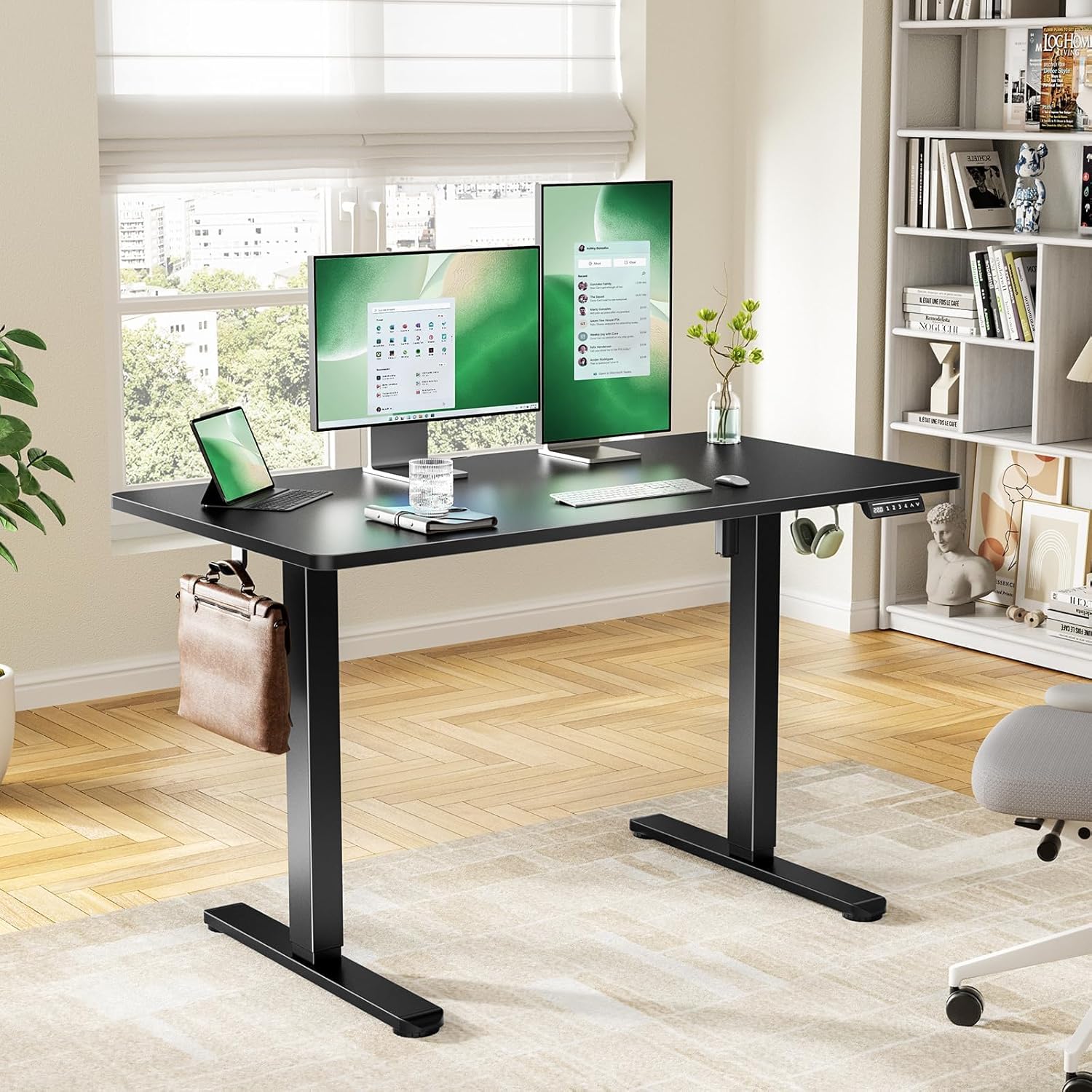
Image: Detailed product dimensions for the Marsail Standing Desk.

Image: The desk features a seamless one-piece desktop for a smooth and durable work surface.

Image: The desk supports up to 176 lbs and features a durable motor tested for 50,000 lift cycles.

Image: The deeper desktop provides ample space for multiple monitors and work essentials.
Warranty and Support
The Marsail Electric Standing Desk comes with a Limited Warranty. Please refer to the warranty card included in your package for specific terms and conditions.
For any questions regarding assembly, operation, troubleshooting, or warranty claims, please contact our U.S.-based product support team. Contact information can be found on the Marsail website or in your product packaging.


