
1. Introduction
Thank you for choosing the Marsail Electric Standing Desk. This manual provides essential information for the safe assembly, operation, and maintenance of your new height-adjustable desk. Please read these instructions carefully before use and retain them for future reference.
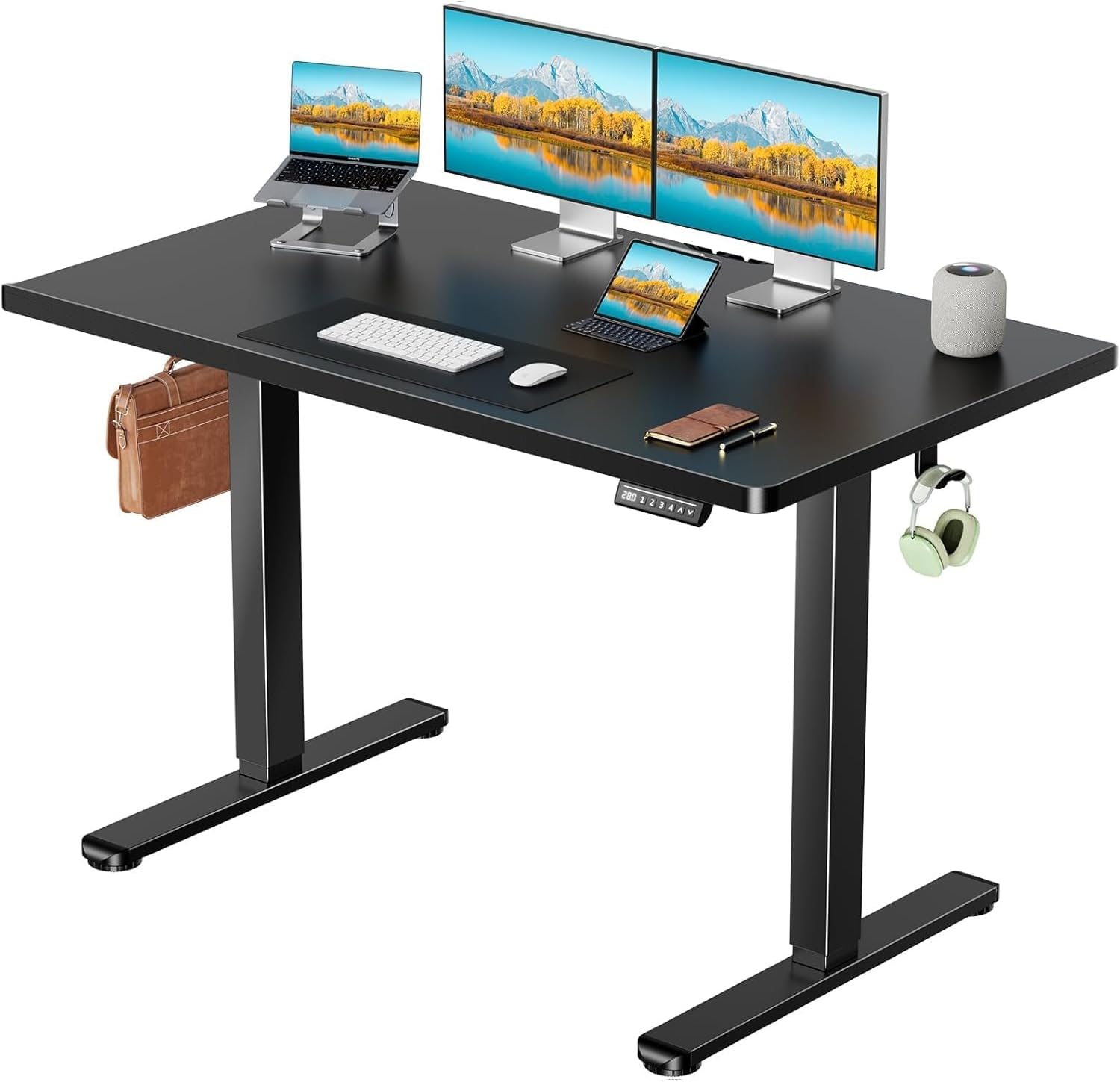
Image: The Marsail Electric Standing Desk in a home office setting, featuring a black one-piece desktop and black frame.
2. Safety Information
To ensure safe operation and prevent damage, please observe the following safety guidelines:
- Always assemble the desk according to the provided instructions.
- Keep the work area clear of obstructions during assembly and operation.
- Do not use the desk if the motor is noisy or not functioning properly.
- Keep children and pets away from the desk when it is in motion.
- Always use the desk within its specified weight limit of 176 lbs (80 kg).
- Ensure all cables are properly managed to avoid entanglement during height adjustments.
3. Package Contents
Your Marsail Electric Standing Desk is shipped in two separate packages. Please verify that all components are present before beginning assembly. If any parts are missing or damaged, contact customer support.

Image: Two cardboard boxes, indicating the desk is shipped in two separate packages (one for the tabletop, one for the frame).
Typical contents include:
- One-Piece Desktop (55.12"D x 29.53"W)
- Electric Lifting Frame (legs, motor, control box)
- Control Panel with Digital Display and Memory Presets
- Power Adapter and Cables
- Assembly Hardware (screws, tools)
- Cable Management Tray
- Headphone Hooks
- User Manual
4. Setup and Assembly
Assembly of the Marsail Electric Standing Desk is designed to be straightforward. Follow the detailed instructions and use the labeled hardware provided in your package. It is recommended to have two people for assembly due to the size and weight of the components.

Image: An exploded view showing the individual components of the standing desk, illustrating the assembly process.
Key Assembly Steps:
- Unpack all components and verify against the parts list.
- Attach the lifting columns to the desktop.
- Install the foot pads onto the lifting columns.
- Mount the control box and control panel to the underside of the desktop.
- Connect all motor and control cables to the control box.
- Install the cable management tray and headphone hooks.
- Plug in the power adapter and perform initial calibration (refer to specific instructions in your full manual if available).
5. Operating Instructions
Your Marsail Electric Standing Desk features an intuitive control panel for easy height adjustment and memory presets.
5.1 Height Adjustment
The desk can be adjusted smoothly between 28.35 inches (72 cm) and 46.46 inches (118 cm). The electric motor operates quietly at less than 50 dB, ensuring minimal disturbance.
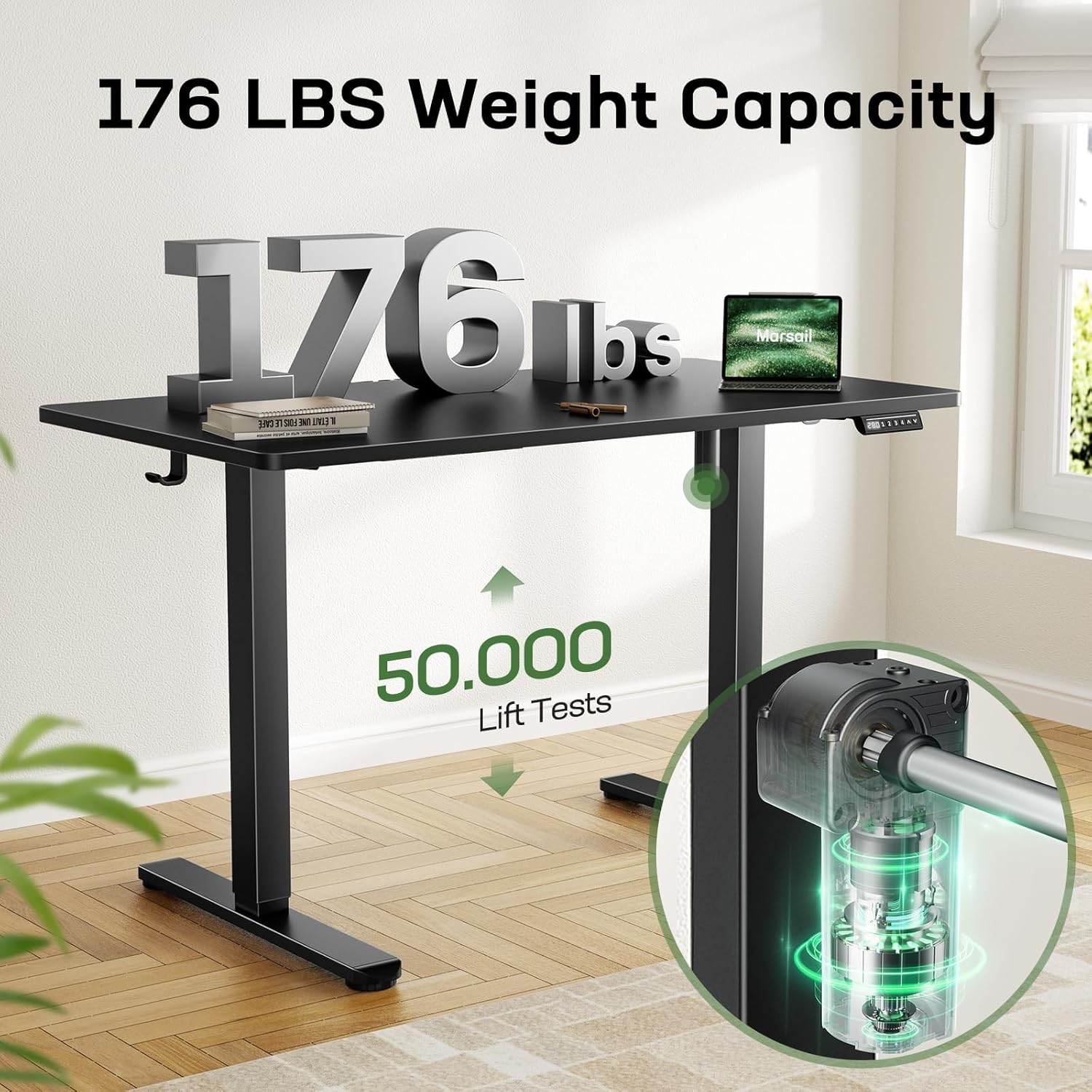
Image: Illustration showing the minimum (28.35") and maximum (46.46") height adjustments of the desk, with a person sitting and standing.
Use the Up (▲) and Down (▼) arrow buttons on the control panel to manually adjust the desk height. The digital display will show the current height.
5.2 Memory Presets
The control panel allows you to save up to four preferred height settings for quick transitions between sitting and standing positions.

Image: Close-up of the desk's control panel with digital display and numbered preset buttons (1, 2, 3, 4).
To Set a Memory Preset:
- Adjust the desk to your desired height using the Up/Down buttons.
- Press the "M" button (if available, or a similar "Set" button, otherwise assume direct press of 1-4 after reaching height).
- Immediately press one of the numbered preset buttons (1, 2, 3, or 4). The display will confirm the setting.
To Use a Memory Preset:
- Simply press the desired numbered preset button (1, 2, 3, or 4). The desk will automatically move to the saved height.
5.3 Video Demonstration
Video: Official Marsail video demonstrating the features and operation of the standing desk, including height adjustment and keypad use.
6. Key Features
- Strong Steel Construction: The desk features a heavy-duty steel frame capable of supporting up to 176 lbs (80 kg). The motor is tested for over 50,000 lift cycles, ensuring durability and reliable performance.

Image: Visual representation of the desk's 176 lbs weight capacity and motor durability with 50,000 lift tests.
- Seamless One-Piece Desktop: Enjoy a smooth, uninterrupted work surface measuring 55.12" x 29.53" without visible joints, offering a modern aesthetic and easy cleaning.

Image: A graphic comparing the seamless one-piece desktop of the Marsail desk to a multi-piece desktop with visible joints.
- Deeper Tabletop: With an additional 6 inches of depth compared to standard desks, this model provides ample space for multiple monitors, laptops, and other work essentials, enhancing productivity and organization.

Image: An overhead view of the desk highlighting the extra 6 inches of depth for increased workspace.
- Integrated Cable Management: A dedicated cable management tray helps keep your workspace tidy and organized, preventing cable clutter.

Image: Close-up showing the cable management tray and headphone hooks installed under the desk.
- Headphone Hooks: Conveniently located hooks provide a dedicated spot for your headphones, keeping them within reach and off your desktop.
7. Maintenance
Proper care will extend the life and appearance of your Marsail Electric Standing Desk:
- Clean the tabletop with a damp cloth. Avoid abrasive cleaners.
- Wipe the steel frame with a dry cloth to prevent dust buildup.
- Regularly check all screws and connections to ensure they are secure.
- Keep liquids away from the control panel and motor components.
8. Troubleshooting
If you encounter any issues with your Marsail Electric Standing Desk, please refer to the following common troubleshooting steps:
| Problem | Possible Cause | Solution |
|---|---|---|
| Desk does not move. | Power cable disconnected, motor cable loose, overload. | Check all cable connections. Reduce weight on the desk. Perform a reset (refer to specific instructions in your full manual if available). |
| Uneven lifting/lowering. | Uneven weight distribution, obstruction. | Distribute weight evenly. Check for obstructions under the desk. |
| Error code on display. | System malfunction. | Unplug the desk for 10 minutes, then plug it back in. If the error persists, contact customer support. |
For more detailed troubleshooting or persistent issues, please contact Marsail customer support.
9. Specifications
| Feature | Detail |
|---|---|
| Brand | Marsail |
| Model Number | MSESD75B-US |
| Desktop Dimensions (D x W) | 55.12" x 29.53" |
| Height Adjustment Range | 28.35" to 46.46" |
| Weight Capacity | 176 lbs (80 kg) |
| Noise Level | ≤ 50 dB |
| Desktop Material | Wood (Laminated) |
| Frame Material | Carbon Steel / Alloy Steel |
| Color | Black |
| Lifting Mechanism | Electric |
| Memory Presets | 4 |
| Assembly Required | Yes (Recommended 2 people) |
| Included Components | Headphone Hook, Cable Management Tray |
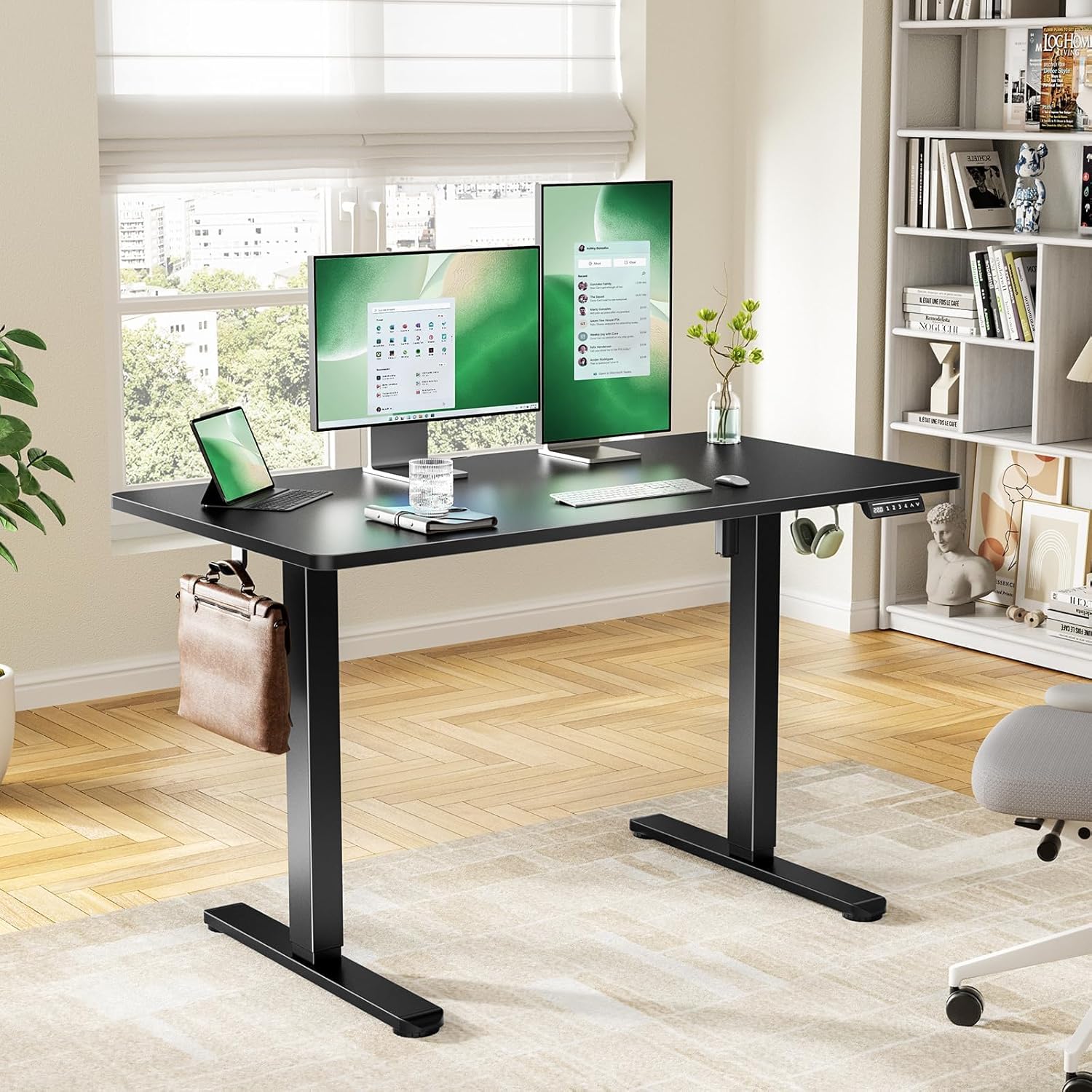
Image: Diagram illustrating the detailed product dimensions of the Marsail Electric Standing Desk.
10. Warranty and Support
The Marsail Electric Standing Desk comes with a limited warranty. For specific warranty details, please refer to the documentation included with your product or contact Marsail customer service.
If you have any questions about desk assembly, product selection, or require technical assistance, please feel free to contact our U.S.-based product support team. Contact information can typically be found on the Marsail website or in your product packaging.
Contact: help_service_center@outlook.com