
1. Introduction
This manual provides essential information for the safe and effective use of your RunStar Digital Bathroom Scale. Designed for accurate body weight measurement, this scale features high-precision sensors, a clear LED display, and a durable tempered glass platform. Please read this manual thoroughly before use and retain it for future reference.
2. Package Contents
- 1x RunStar Digital Bathroom Scale (Model BG2403)
- 3x AAA Batteries
- 1x Instruction Manual
3. Setup
3.1 Battery Installation
- Open the battery compartment on the underside of the scale.
- Insert the 3 AAA batteries, ensuring correct polarity (+/-).
- Close the battery compartment securely.
3.2 Scale Placement
Place the scale on a hard, flat surface for accurate readings. Avoid carpets or uneven flooring, as this can affect precision.
3.3 Unit Conversion
To switch between pounds (lb) and kilograms (kg), locate the unit conversion button on the underside of the scale. Press it to toggle between the desired units.

Image: Underside of the scale, highlighting the unit conversion switch and anti-slip foot pads.
4. Operation
4.1 Taking a Measurement
- Step onto the scale with bare feet. The scale will automatically turn on.
- Stand still on the scale until your weight is displayed and stabilized.
- The scale will automatically turn off after a few seconds of inactivity.

Image: The RunStar Digital Bathroom Scale with its LED display showing a weight reading.
4.2 Auto-Calibration
The scale features auto-calibration. For the most accurate first reading or after moving the scale, step on it briefly to activate, then step off. Wait for the display to show "0.0" before taking your measurement.
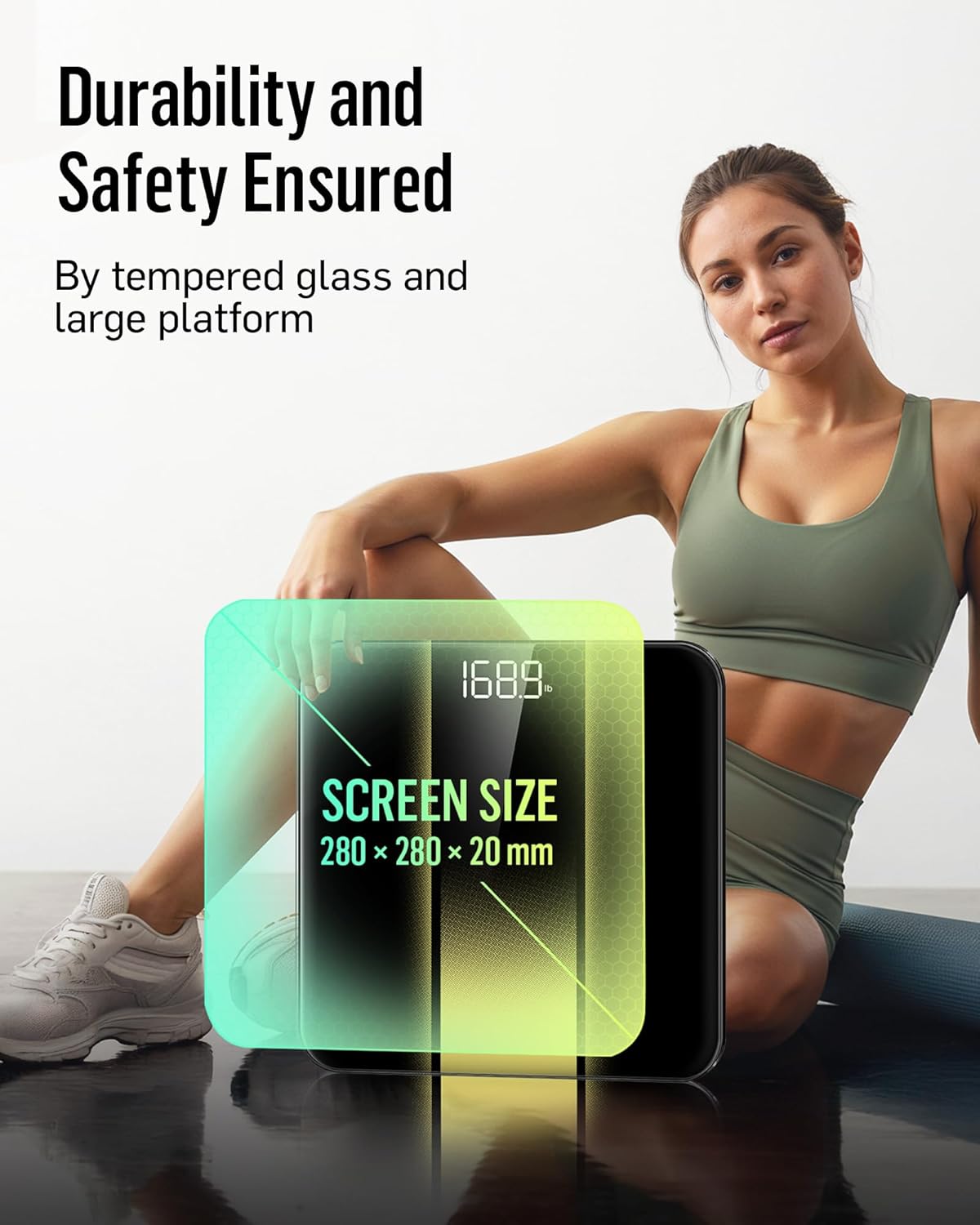
Image: Close-up of the scale's display, illustrating the auto-calibration and clear number visibility.
5. Maintenance
5.1 Cleaning
Wipe the scale with a damp cloth and mild detergent. Do not use abrasive cleaners or immerse the scale in water.
5.2 Storage
Store the scale in a cool, dry place. Avoid extreme temperatures or direct sunlight.
5.3 Battery Replacement
When the low battery indicator appears on the display, replace all three AAA batteries simultaneously to ensure optimal performance.
6. Troubleshooting
| Problem | Solution |
|---|---|
| "Lo" displayed | Low battery. Replace all batteries. |
| "Err" displayed | Overload. The maximum weight capacity is 400 lb (180 kg). |
| Inaccurate readings | Ensure the scale is on a hard, flat surface. Re-calibrate by stepping on and off the scale. Ensure feet are bare and centered. |
| Scale does not turn on | Check battery installation and ensure batteries are not depleted. |
7. Specifications
| Feature | Detail |
|---|---|
| Brand | RunStar |
| Model | BG2403 |
| Maximum Capacity | 400 lb / 180 kg |
| Measurement Increments | 0.1 lb / 0.05 kg |
| Display Type | LED Backlight Display |
| Platform Material | 6mm Tempered Glass |
| Power Source | 3x AAA Batteries |
| Special Features | High Precision Sensors, Auto-Calibration, Auto On/Off, Low Battery Indicator, Overload Indicator |
| Dimensions | Approximately 11 x 11 inches (platform size) |
8. Important Safety Information
- Do not use the scale on wet or slippery surfaces.
- Do not jump on the scale.
- Keep the scale away from water and heat sources.
- This scale is for household use only and not for medical diagnosis.
9. Warranty and Support
RunStar products are manufactured to high-quality standards. For warranty information or technical support, please refer to the contact details provided on the product packaging or visit the official RunStar website.
10. Product Overview Video
Video: An overview of the RunStar Digital Bathroom Scale, demonstrating its features such as the interactive screen, high precision, and app synchronization capabilities.


