1. Introduction
Thank you for choosing the SIAWAG BTW73001 Wireless Earbuds. This manual provides essential information for setting up, operating, and maintaining your earbuds to ensure optimal performance and longevity. Please read this manual thoroughly before use and retain it for future reference.
2. Package Contents
Verify that all items listed below are present in your package:
- A Pair of Bluetooth Earphones (Left and Right)
- Wireless Charging Case
- USB Type-C Charging Cable (x1)
- Protective Case
- Extra Ear-tips (S x 2 / L x 2)
- User Manual (This document)

Image: Included components of the SIAWAG BTW73001 Wireless Earbuds package.
3. Product Overview
The SIAWAG BTW73001 Wireless Earbuds are designed for high-quality audio and communication, featuring Bluetooth 5.4 connectivity, Active Noise Cancellation (ANC), Environmental Noise Cancellation (ENC), and IPX5 water resistance.

Image: SIAWAG BTW73001 Wireless Earbuds in their charging case, with one earbud removed.
4. Setup
4.1 Charging the Earbuds and Case
Before first use, fully charge the earbuds and charging case.
- Charging Case: Connect the provided USB Type-C cable to the charging port on the case and a power source. The case takes approximately 1.5 hours for a full charge.
- Earbuds: Place the earbuds into the charging case. They will begin charging automatically. Earbuds charge in under 1 hour. A 10-minute quick charge provides approximately 3 hours of playtime.
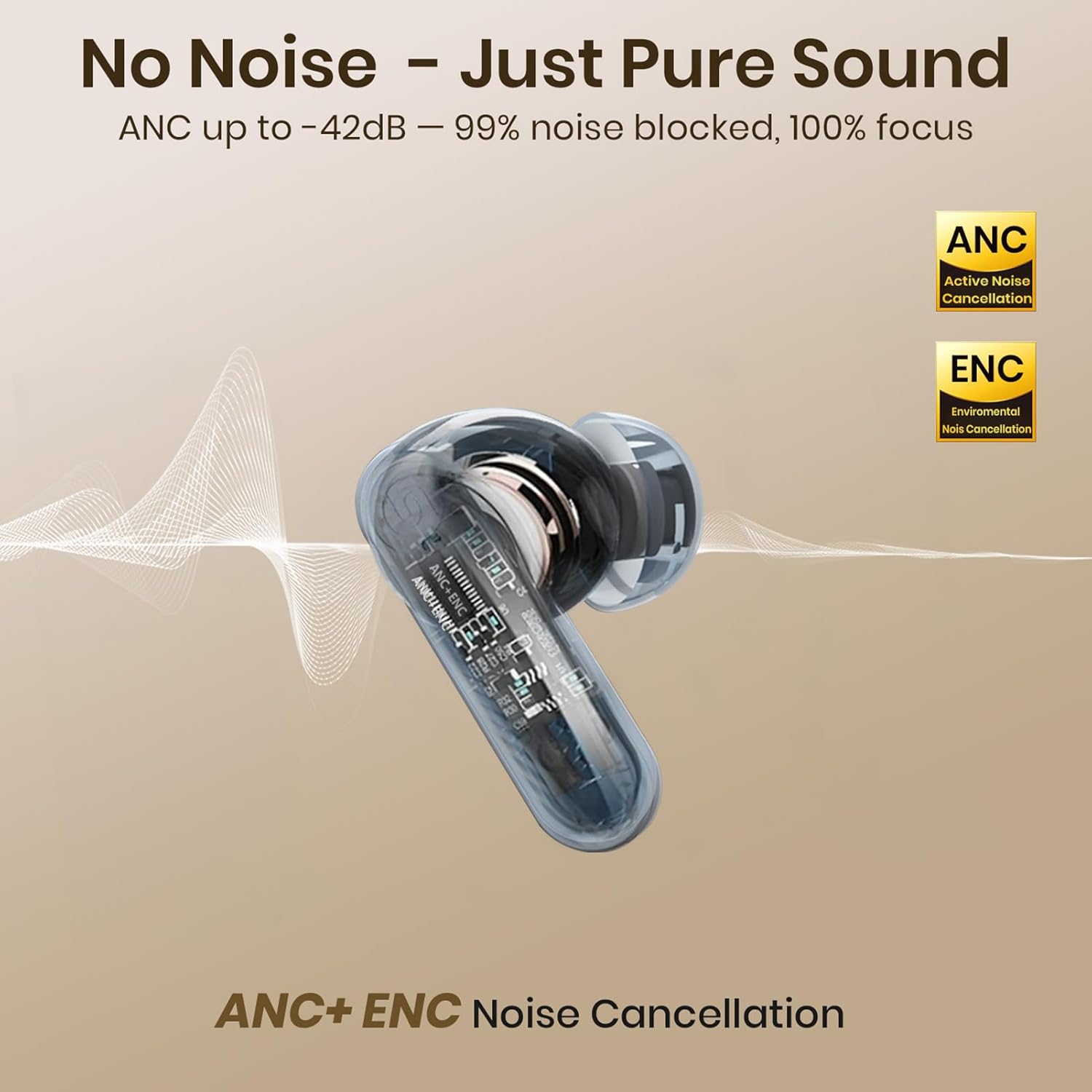
Image: The charging case connected to a USB-C cable, indicating fast charging.
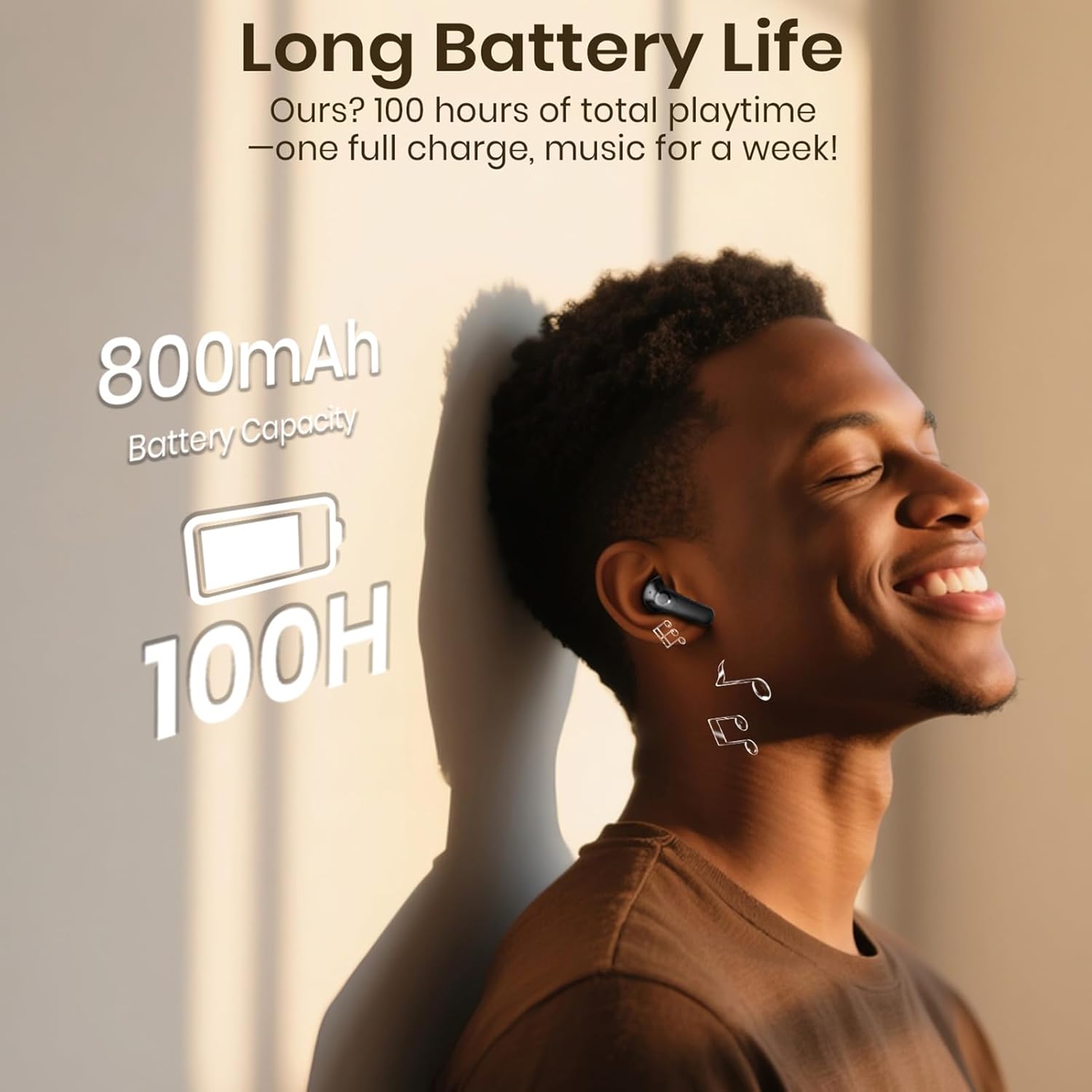
Image: Visual representation of the 100-hour total playtime and 800mAh battery capacity of the charging case.
4.2 Initial Pairing
- Ensure the earbuds are charged.
- Open the charging case. The earbuds will automatically enter pairing mode.
- On your device (smartphone, tablet, laptop), enable Bluetooth.
- Search for available Bluetooth devices and select "SIAWAG BTW73001" from the list.
- Once connected, the earbuds will automatically reconnect to your device when the case is opened, provided Bluetooth is enabled on your device.
4.3 Wearing the Earbuds
For optimal sound quality and comfort, choose the correct size ear-tips and insert the earbuds gently into your ear canal. Twist slightly to secure a snug fit.
5. Operating Instructions
5.1 Power On/Off
- Power On: Open the charging case, and the earbuds will power on automatically.
- Power Off: Place the earbuds back into the charging case and close the lid. They will power off and begin charging.
5.2 Touch Controls
The earbuds feature intuitive touch controls on their outer surface:

Image: Detailed guide to the touch control gestures for the earbuds.
| Function | Gesture |
|---|---|
| Play/Pause Music | Tap either earbud twice |
| Next Song | Tap the right earbud triple times |
| Previous Song | Tap the left earbud triple times |
| Volume Up | Tap the right earbud once |
| Volume Down | Tap the left earbud once |
| Answer/End Call | Tap either earbud twice |
| Reject Call | Touch and hold either earbud for 2 seconds |
| Activate Voice Assistant | Tap the right earbud four times |
| Gaming Mode On/Off | Tap the left earbud four times |
| ANC/Transparency/Normal Mode Switching | Touch and hold the right earbud for 2 seconds |
| Dual EQ Mode Switching | Press and hold the left earbud for 2 seconds |
5.3 Dual Device Pairing
The earbuds support simultaneous connection to two devices, allowing seamless switching between them.
- Pair the earbuds with the first device as described in Section 4.2.
- Disconnect the earbuds from the first device's Bluetooth settings (do not unpair).
- Pair the earbuds with the second device.
- Reconnect the earbuds to the first device from its Bluetooth settings. The earbuds will now be connected to both devices.
To switch between devices, simply play audio on the desired device, and the earbuds will automatically switch over.

Image: Earbuds connected to both a smartphone and a laptop, demonstrating dual device connectivity.
5.4 Noise Control Modes
The BTW73001 earbuds offer multiple noise control options:
- Active Noise Cancellation (ANC): Reduces external ambient noise by up to 42dB, ideal for commuting or focusing.
- Environmental Noise Cancellation (ENC): Utilizes 4 microphones to reduce background chatter during calls, ensuring clear voice transmission.
- Transparency Mode: Allows you to hear your surroundings while still enjoying your audio, useful for awareness in urban environments.
Switch between ANC, Transparency, and Normal modes by touching and holding the right earbud for 2 seconds.
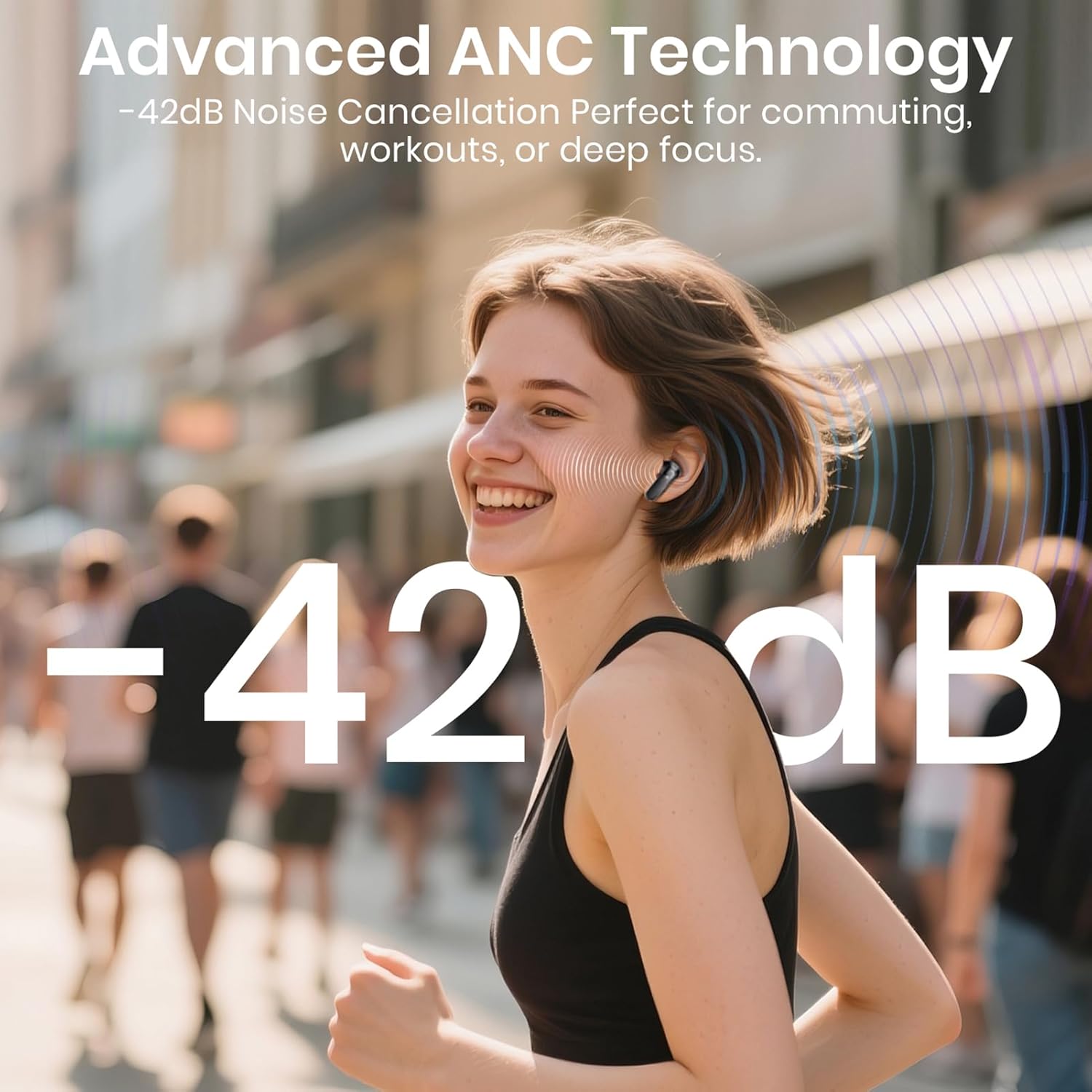
Image: A person using the earbuds in a busy setting, illustrating the effectiveness of Active Noise Cancellation.
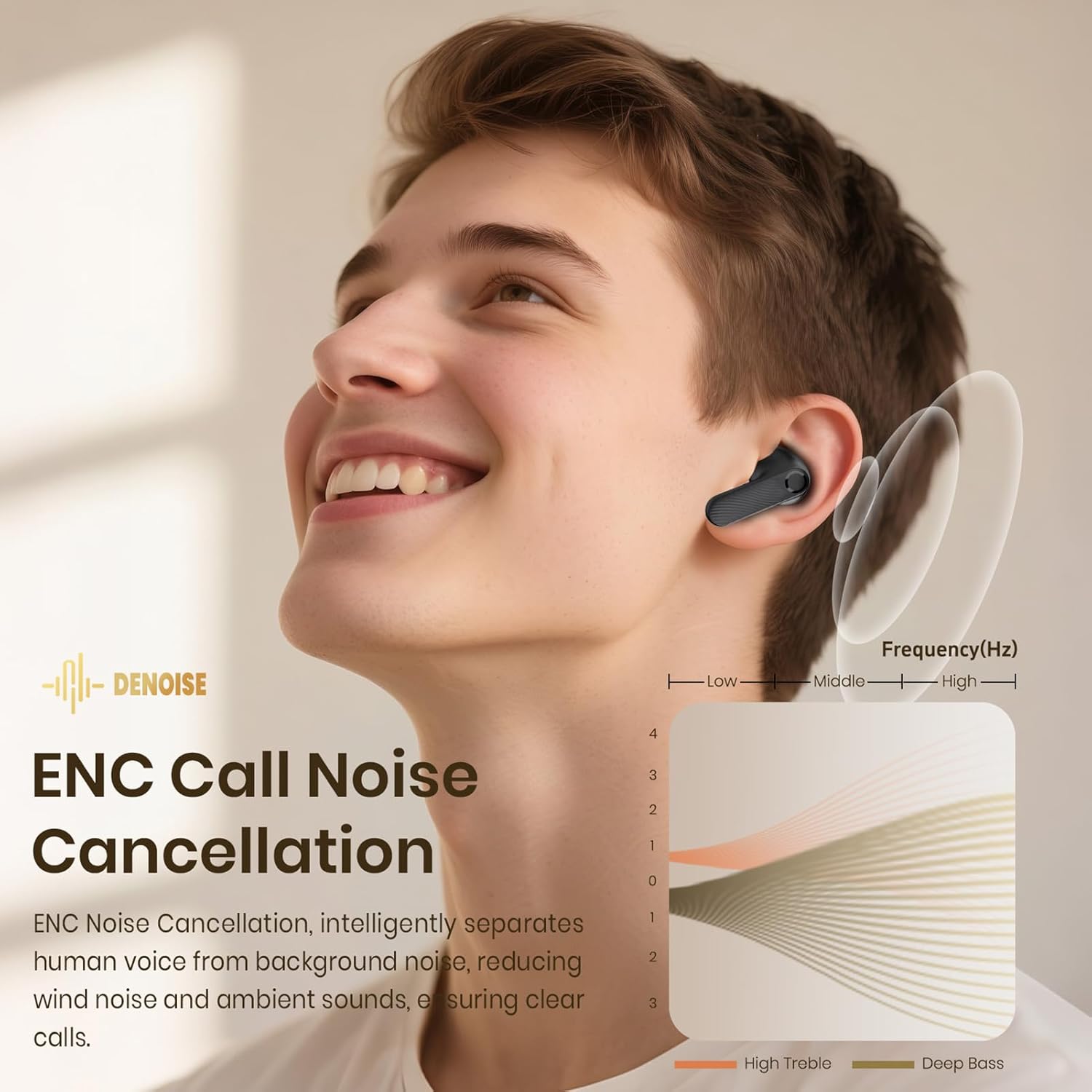
Image: A graphic representation of how Environmental Noise Cancellation (ENC) filters out background noise during calls.
6. Maintenance
6.1 Cleaning
Regular cleaning helps maintain sound quality and hygiene:
- Gently wipe the earbuds and charging case with a soft, dry, lint-free cloth.
- Remove ear-tips and clean them with mild soap and water, then dry thoroughly before reattaching.
- Use a clean, dry cotton swab to carefully remove any earwax or debris from the earbud mesh and charging contacts.
6.2 Water Resistance (IPX5)
The earbuds are rated IPX5 waterproof, meaning they can resist splashes of water and sweat. They are suitable for workouts and light rain. Do not submerge the earbuds in water or expose them to heavy rain.

Image: A person wearing the earbuds in light rain, illustrating the IPX5 water resistance.
6.3 Storage
When not in use, store the earbuds in their charging case to protect them and keep them charged. Store the case in a cool, dry place away from extreme temperatures.
7. Troubleshooting
If you encounter issues with your earbuds, refer to the following common solutions:
- No Sound/Connection Issues:
- Ensure earbuds and case are charged.
- Verify Bluetooth is enabled on your device and the earbuds are selected.
- Try placing earbuds back in the case, closing the lid, waiting a few seconds, then reopening to re-establish connection.
- If issues persist, unpair the earbuds from your device's Bluetooth settings and repeat the initial pairing process.
- Earbuds Not Charging:
- Ensure the charging cable is securely connected to both the case and the power source.
- Check if the charging contacts on the earbuds and inside the case are clean and free of debris.
- Try a different USB-C cable or power adapter.
- Touch Controls Unresponsive:
- Ensure your fingers are clean and dry.
- Try restarting the earbuds by placing them in the case and closing the lid.
- Poor Call Quality:
- Ensure the microphones are not obstructed.
- Move to a quieter environment if ENC is struggling with excessive background noise.
8. Specifications
| Feature | Specification |
|---|---|
| Model Name | BTW73001 |
| Bluetooth Version | 5.4 |
| Bluetooth Range | 10 Meters |
| Noise Control | Active Noise Cancellation (ANC), Environmental Noise Cancellation (ENC) |
| Battery Life (Earbuds) | 8 hours per charge |
| Total Playtime (with Case) | Up to 100 hours |
| Charging Case Battery Capacity | 800 mAh |
| Charging Time (Case) | 1.5 Hours |
| Charging Time (Earbuds) | Under 1 Hour |
| Water Resistance Level | IPX5 |
| Control Type | Touch Control |
| Audio Driver Size | 10 Millimeters |
| Headphones Jack | USB Type-C |
| Item Weight | 3.2 ounces (90.7 grams) |
| Product Dimensions | 1.98 x 1.06 x 2.56 inches (5.03 x 2.69 x 6.5 cm) |
9. Warranty and Support
SIAWAG products are backed by a 3-year coverage. For any product-related inquiries, technical support, or warranty claims, please contact SIAWAG customer service through the platform of purchase or visit the official SIAWAG website for contact information.
