
Atheewon U8
Atheewon Bluetooth Headset V5.4 User Manual
Model: U8
Introduction
Thank you for choosing the Atheewon Bluetooth Headset V5.4. This manual provides detailed instructions for setting up, operating, and maintaining your new headset. Designed for clear communication and comfort, this headset is ideal for various environments, including office, home, and on-the-go use. Please read this manual thoroughly before using the product to ensure optimal performance and longevity.
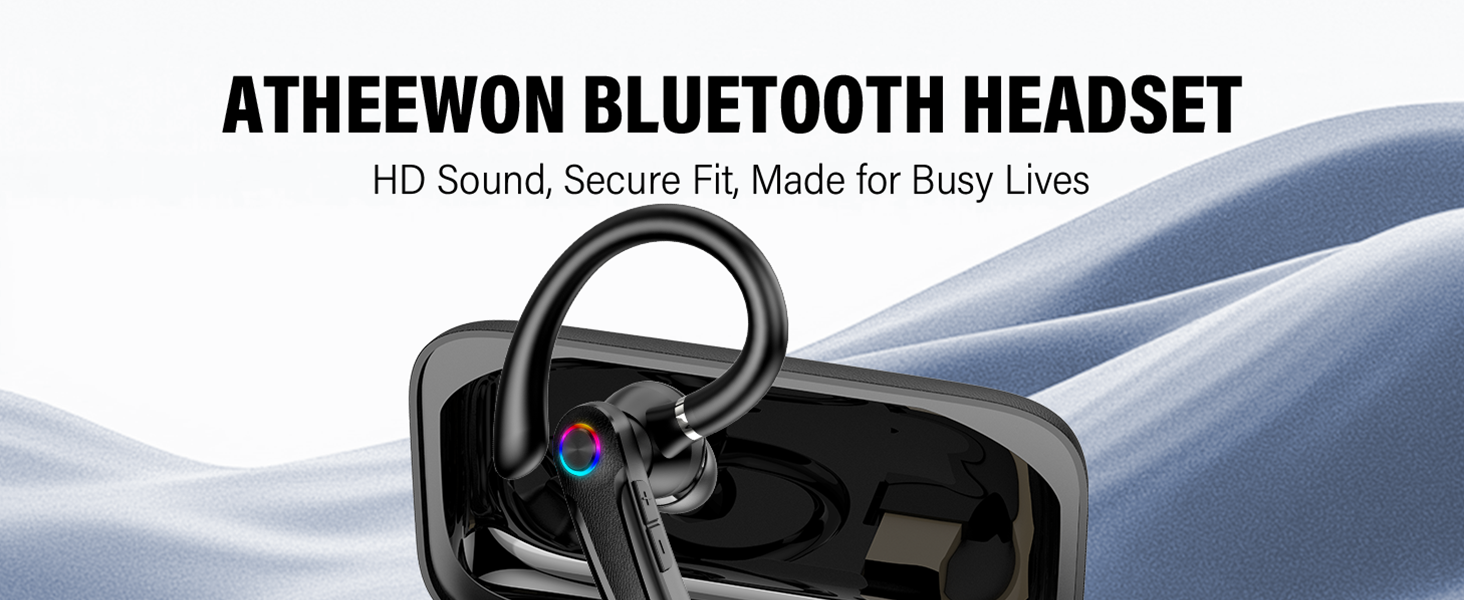
Image: Atheewon Bluetooth Headset, highlighting its features for busy lives.
What's in the Box
Verify that all items are present in your package:
- Bluetooth Headset
- Charging Case & USB-C Cable
- USB Dongle
- Eartips (S/M/L sizes)
- User Manual (this document)
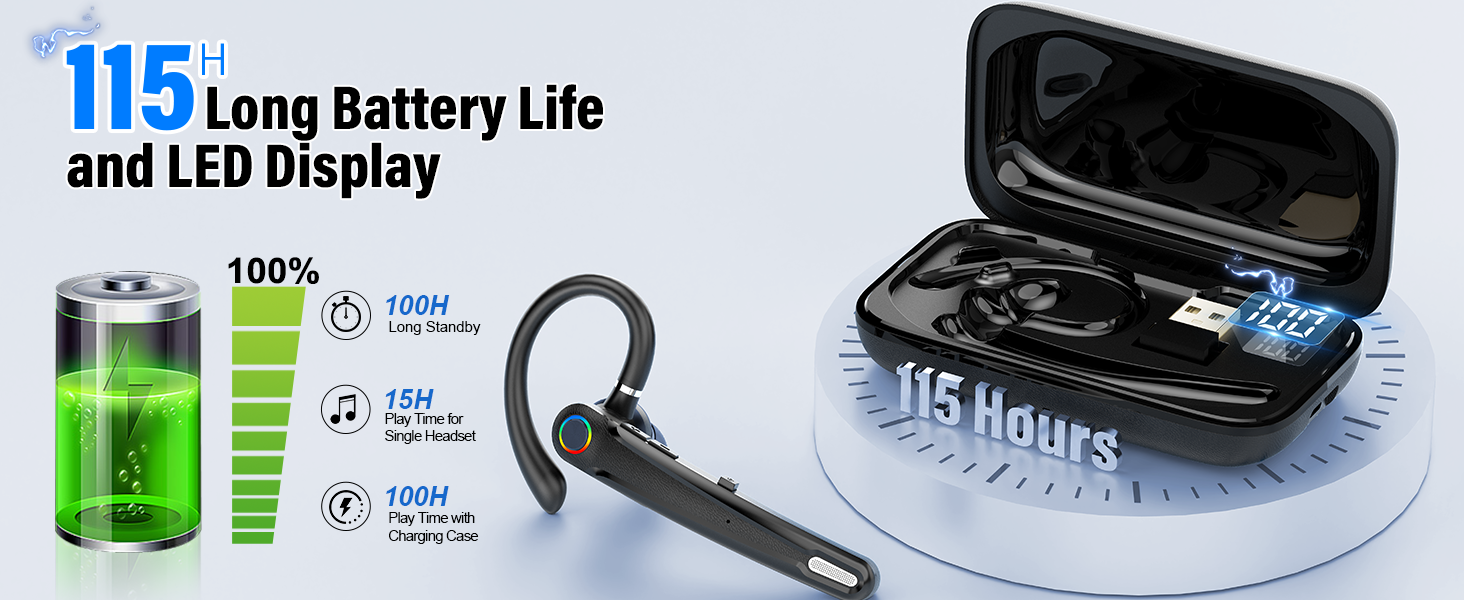
Image: All components included in the Atheewon Bluetooth Headset package.
Product Features
- Qualcomm Chip & USB Dongle: Advanced QCC chipset for stable 50ft range connectivity, fast pairing, and simultaneous dual-device connection. Includes a USB Dongle for non-Bluetooth devices (Windows, Mac, Android, iOS compatible).
- ENC Noise Cancelling & Hand-Free Call: Dual-Mic (-42dBV/Pa sensitivity) and Mute Button cancel 90% of background noise. AptX Mono ensures crystal-clear calls. Supports voice assistant.
- LED Display & Rapid Charging: Charging case with LED screen for power tracking. Provides 115H total playtime. 1.5H rapid charging.
- Mute Button & User-Friendly Design: Physical anti-mistouch buttons for easy call management (answering, hanging up, volume, music playback, mute).
- Comfort Fit: Rotating soft silicone ear hooks and three ear tip sizes for a secure, ergonomic fit. Reduces ear discomfort during long-term wear. IPX7-rated resistance to light moisture and sweat.
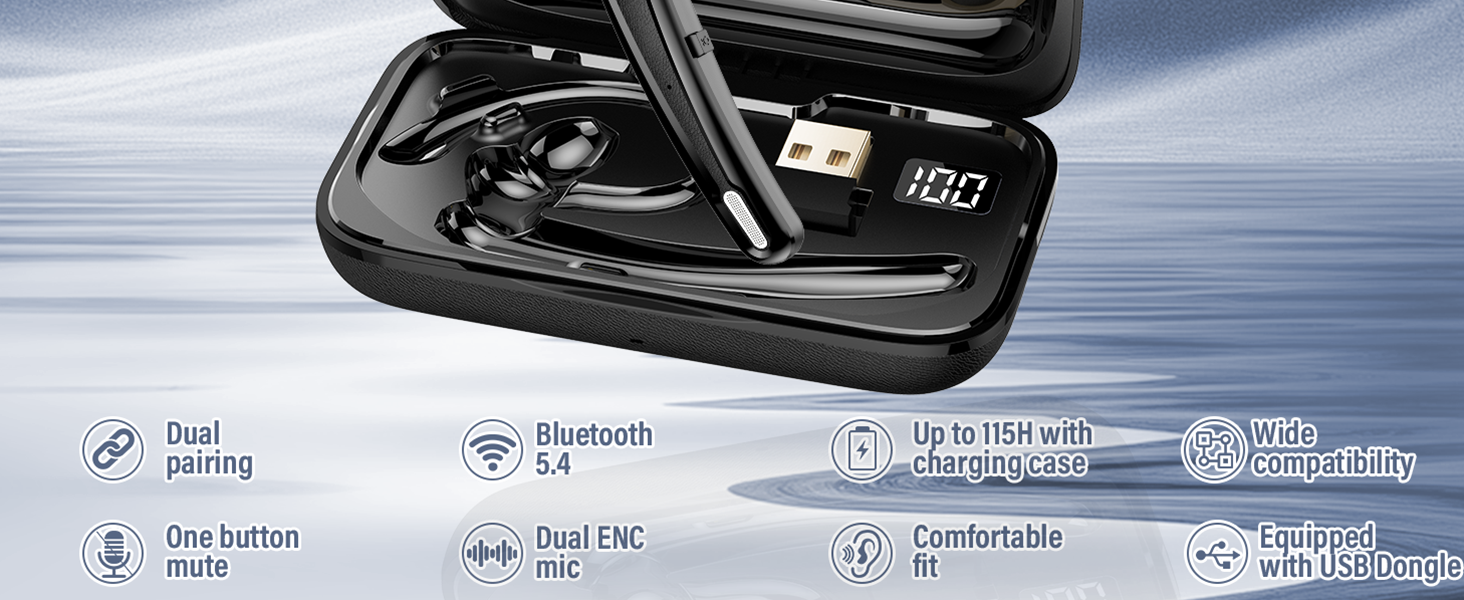
Image: Overview of the headset's main features.
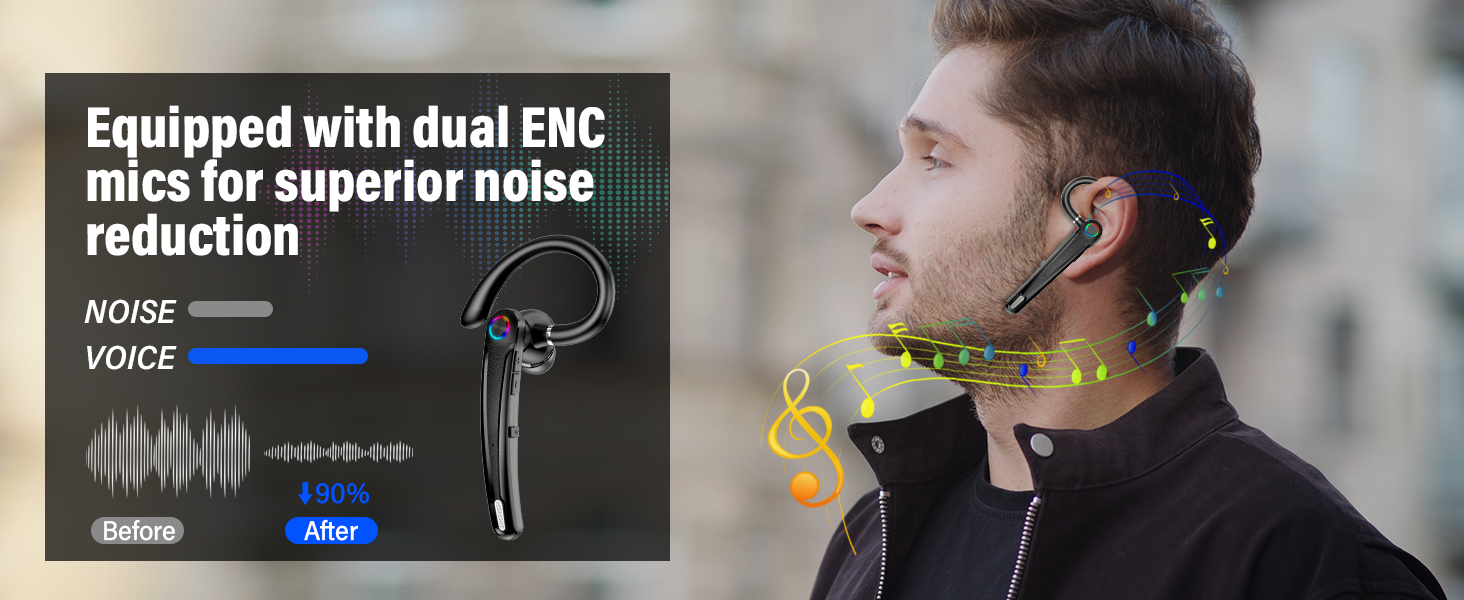
Image: Explanation of Environmental Noise Cancellation (ENC) technology.
Setup Guide
1. Charging the Headset and Case
Before first use, fully charge the headset and its charging case. Connect the provided USB-C cable to the charging case and a power source. The LED display on the case will indicate the charging status. The headset charges when placed inside the case.

Image: Headset in charging case, displaying battery level.
2. Pairing with Bluetooth Devices
For Mobile Devices (Phone/Tablet):
- Ensure the headset is charged and powered on.
- Open the Bluetooth settings on your mobile device.
- Search for "U8" in the list of available devices and select it to connect.
- Once connected, the headset will indicate successful pairing.
For Computers/Laptops (with USB Dongle):
- Insert the provided USB Dongle into an available USB port on your computer.
- The computer should automatically recognize the dongle and install necessary drivers.
- Ensure the headset is powered on. It should automatically connect to the USB dongle.
- If not, go to your computer's Bluetooth settings and manually connect to "U8".
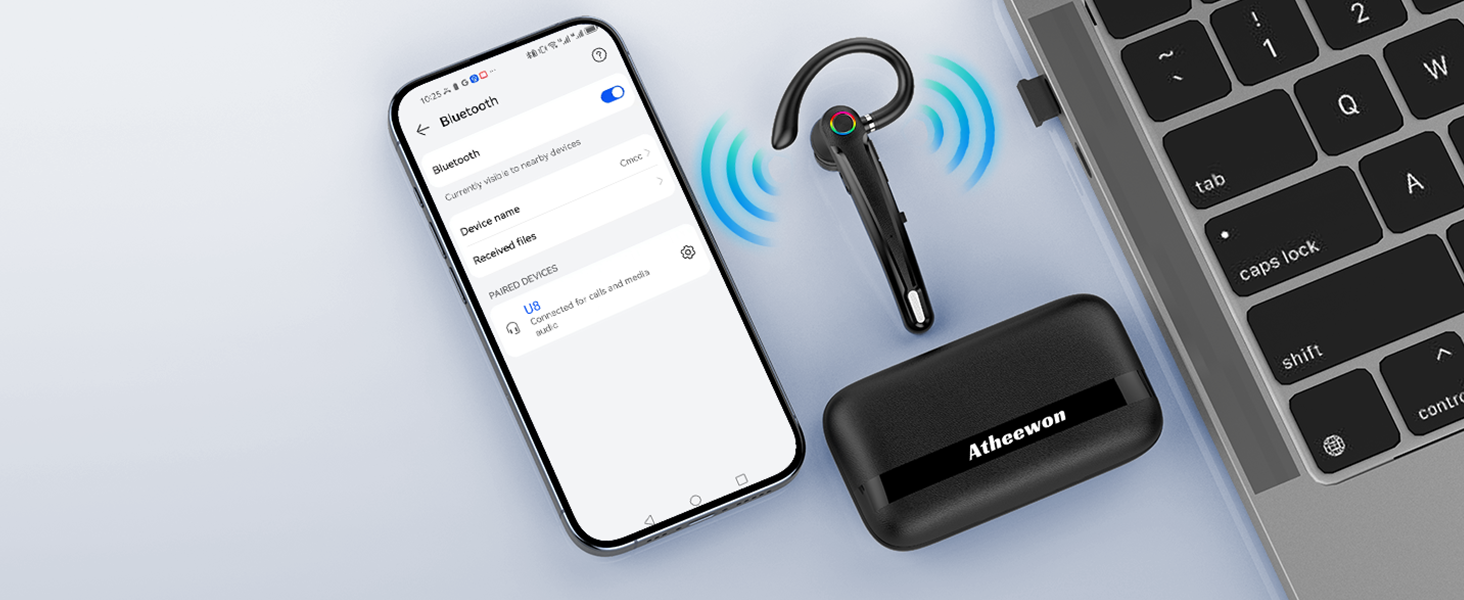
Image: Headset pairing with a phone and laptop.
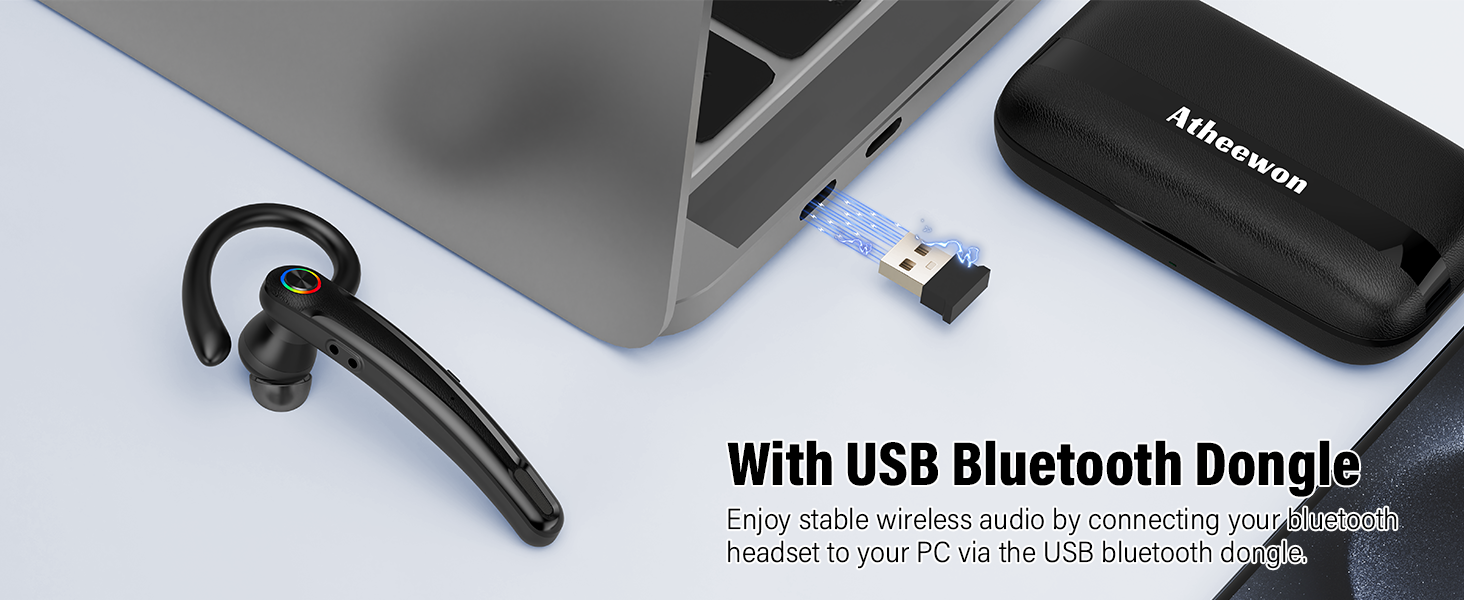
Image: USB Bluetooth Dongle for PC connectivity.
Operating Instructions
Basic Controls
The Atheewon Bluetooth Headset features intuitive physical buttons for easy control:
- Power On/Off: Press and hold the Multi-function Button.
- Answer/End Call: Short press the Multi-function Button during an incoming call.
- Reject Call: Press and hold the Multi-function Button during an incoming call.
- Play/Pause Music: Short press the Multi-function Button during music playback.
- Volume Up/Down: Use the dedicated Volume +/- buttons.
- Next/Previous Track: Long press Volume + for next, Long press Volume - for previous.
- Mute/Unmute Microphone: Short press the Mute Button during a call.
- Activate Voice Assistant (Siri/Google Assistant): Double-press the Multi-function Button.
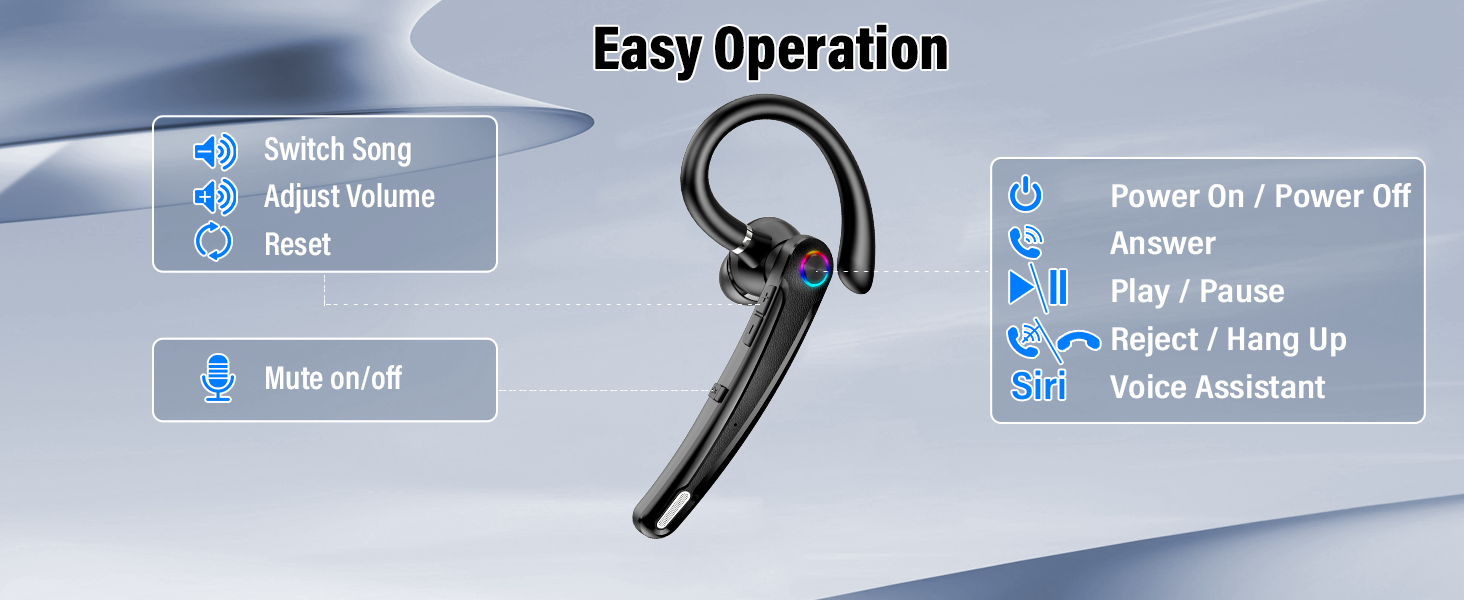
Image: Headset controls and their functions.
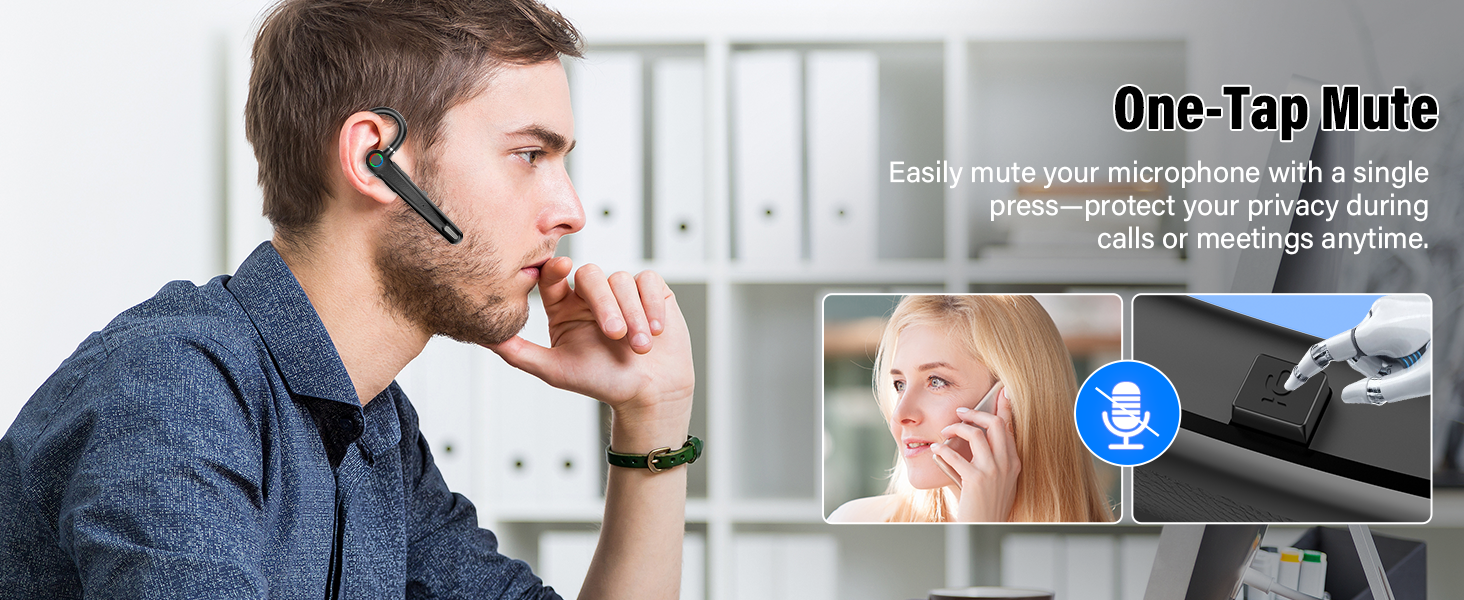
Image: One-Tap Mute functionality.
Wearing the Headset
The headset is designed for ergonomic comfort. The ear hook can be rotated to fit either the left or right ear. Choose the ear tip size (S, M, L) that provides the most comfortable and secure fit for optimal sound quality and noise isolation.
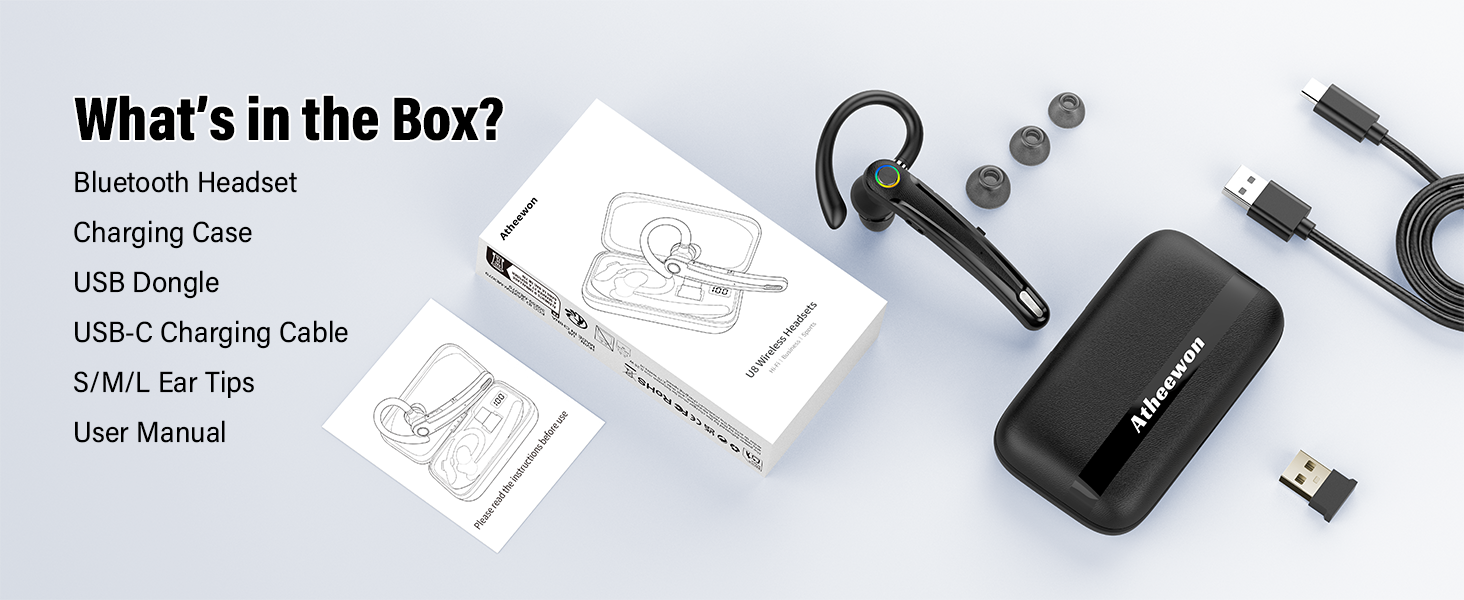
Image: Ergonomic design and adjustability for comfortable wear.
Maintenance
- Cleaning: Use a soft, dry cloth to clean the headset and charging case. Do not use abrasive cleaners or solvents.
- Storage: When not in use, store the headset in its charging case to protect it from dust and damage. Store in a cool, dry place.
- Battery Care: To prolong battery life, avoid fully discharging the battery frequently. Charge regularly, even if not used for extended periods.
- Water Resistance: The headset has an IPX7 rating, meaning it is resistant to light moisture and sweat. Do not submerge it in water or expose it to heavy rain.
Troubleshooting
| Problem | Possible Solution |
|---|---|
| Headset won't turn on. | Ensure the headset is charged. Place it in the charging case to check battery status via the LED display. |
| Cannot pair with device. |
|
| No sound or low volume. |
|
| Microphone not working. |
|
| Intermittent connection. |
|
Specifications
| Feature | Detail |
|---|---|
| Model Name | U8 |
| Brand | Atheewon |
| Connectivity Technology | Wireless (Bluetooth) |
| Bluetooth Version | 5.4 |
| Bluetooth Range | 15 Meters (50 feet) |
| Noise Control | Environmental Noise Cancellation (ENC) |
| Playtime (Headset) | Up to 15 hours |
| Total Playtime (with Charging Case) | Up to 115 hours |
| Charging Time | 1.5 hours (rapid charging) |
| Water Resistance Level | IPX7 |
| Compatible Devices | Cellphones, Desktops, Laptops, Smart Watch, Tablets |
| Item Weight | 4.2 ounces |
Warranty and Support
Atheewon provides dedicated product support for this Bluetooth headset. If you encounter any issues during normal use, you can request assistance directly through Amazon. Our team is committed to delivering a smooth and reliable experience and will help with troubleshooting steps or replacement options.

Image: Friendly customer support team.
Ask a question about this manual
Ask about setup, troubleshooting, compatibility, parts, safety, or missing instructions. Manuals+ will review the question and use this page’s manual context to help answer it.