
Introduction
Thank you for choosing the dbsono Portable Bluetooth Speaker DB N7A. This manual provides essential information for setting up, operating, and maintaining your speaker. Please read it thoroughly before use to ensure optimal performance and longevity of your device.

Image: The dbsono Portable Bluetooth Speaker DB N7A, black with an orange strap and colorful LED lights on the side.
What's in the Box
Upon opening your package, please verify that all the following items are included:
- Portable Speaker (dbsono DB N7A)
- Type-C Charging Cable
- Quick Start Guide

Image: A visual representation of the package contents, including the speaker, Type-C charging cable, and user manual.
Product Overview
The dbsono DB N7A is a compact and portable Bluetooth speaker designed for versatile use. It features intuitive touch controls and dynamic LED lighting.
Controls and Indicators
- Power Button: Press and hold to turn on/off.
- Volume Up (+): Increase volume.
- Volume Down (-): Decrease volume.
- Play/Pause Button: Play or pause audio.
- Light Mode Button (*): Cycle through LED light modes.
- Charging Port: USB Type-C port for charging.
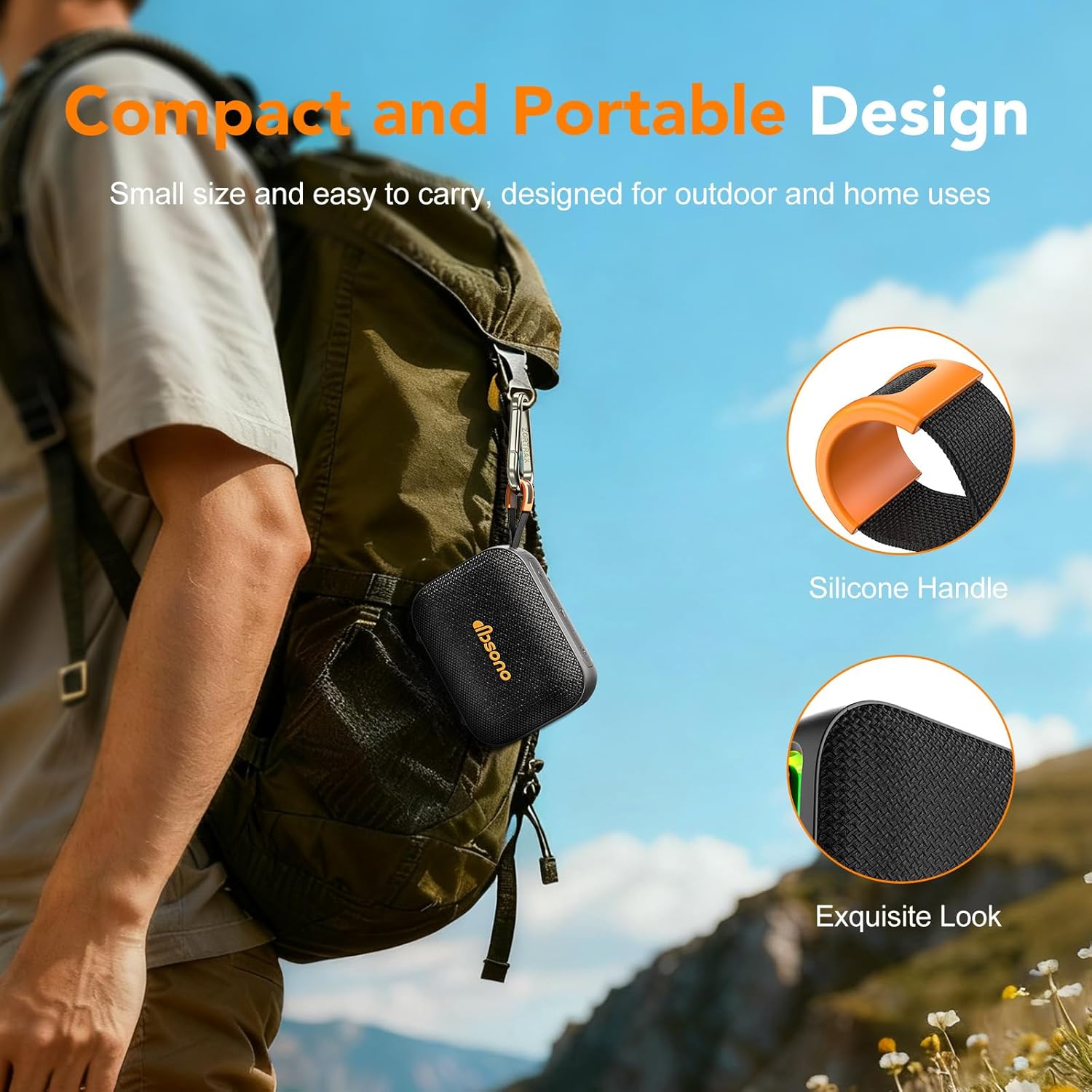
Image: The dbsono speaker with its orange silicone handle, conveniently clipped to a backpack, highlighting its portable design.
Setup
1. Charging the Speaker
- Connect the provided Type-C charging cable to the speaker's charging port.
- Connect the other end of the cable to a USB power adapter (not included) or a computer's USB port.
- The charging indicator light will illuminate. Once fully charged, the light may change color or turn off.
- A full charge provides up to 24 hours of playtime at 30% volume with the LED lights off.
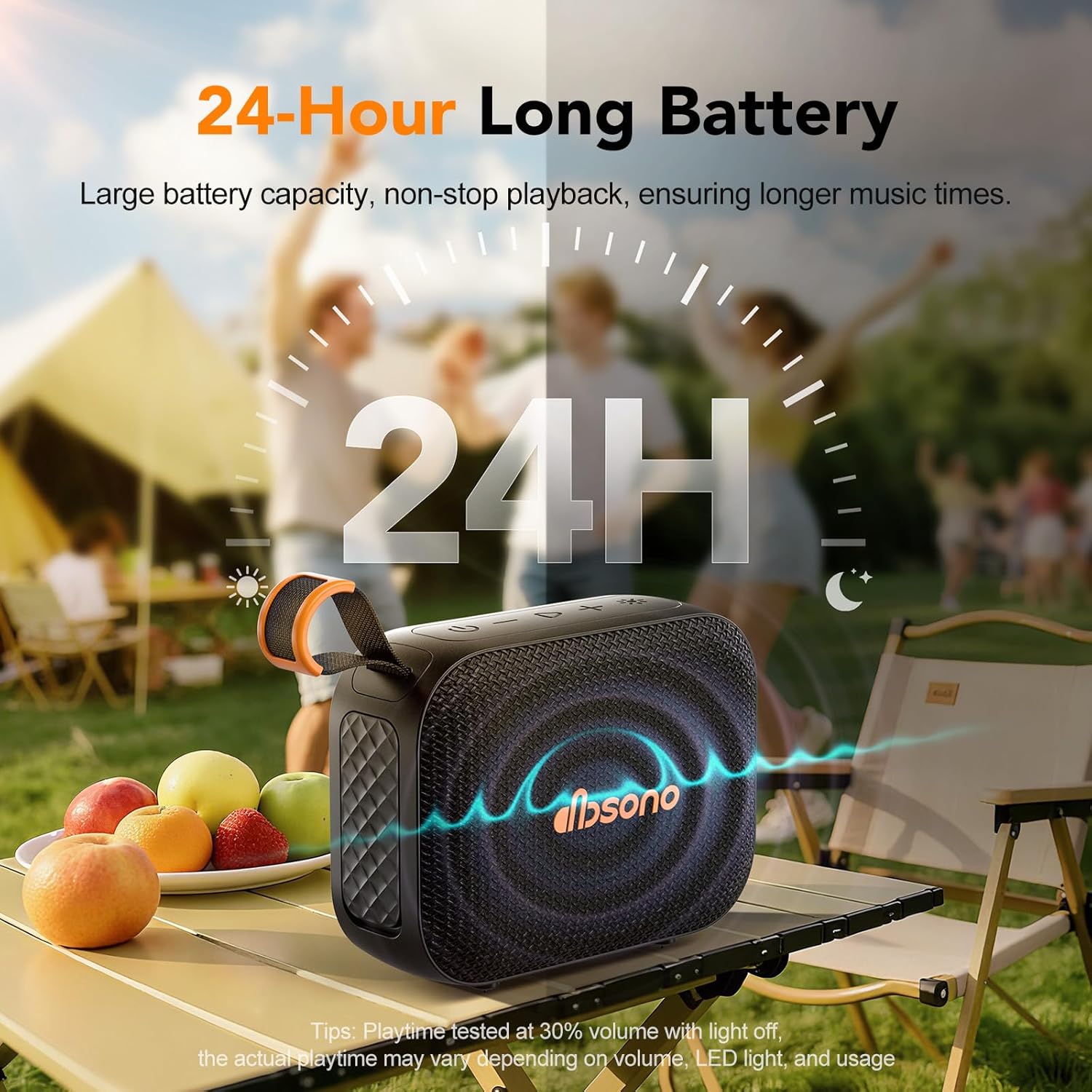
Image: The dbsono speaker outdoors with a graphic indicating up to 24 hours of battery life, emphasizing its long-lasting playtime.
2. Powering On/Off
- To power on, press and hold the Power button until you hear an audible prompt and the indicator lights activate.
- To power off, press and hold the Power button again until you hear an audible prompt and the indicator lights turn off.
3. Bluetooth Pairing
- Ensure the speaker is powered on and in pairing mode (indicator light will flash).
- On your device (smartphone, tablet, laptop), enable Bluetooth and search for available devices.
- Select "DB N7A" from the list of devices.
- Once paired, you will hear a confirmation sound, and the indicator light will become solid.

Image: A dbsono speaker next to a smartphone displaying a music player interface, illustrating a stable Bluetooth connection.
4. True Wireless Stereo (TWS) Pairing
For an immersive 360° stereo sound experience, you can pair two dbsono DB N7A speakers together.
- Ensure both speakers are powered on and disconnected from any Bluetooth devices.
- On one speaker (this will be the primary speaker), double-press the Play/Pause button. It will enter TWS pairing mode.
- The primary speaker will automatically search for and connect to the second speaker.
- Once successfully paired, you will hear a confirmation sound.
- Now, connect your device to the primary speaker via Bluetooth as described in step 3. Audio will play through both speakers in stereo.

Image: Two dbsono speakers on an outdoor table, with an icon indicating their wireless connection for a stereo experience.
Operating Instructions
1. Playing Audio
- After successful Bluetooth pairing, open your preferred music application on your device and start playback.
- Press the Play/Pause button on the speaker to pause or resume playback.
2. Adjusting Volume
- Press the + button to increase the volume.
- Press the - button to decrease the volume.
3. Controlling Playback
- To skip to the next track, press and hold the + button.
- To go to the previous track, press and hold the - button.
4. Light Mode Control
The speaker features multiple RGB lighting modes.
- Short-press the Light Mode (*) button to cycle through the available lighting effects.
- To turn off the lights, continue pressing the button until the lights are off.

Image: A close-up of the dbsono speaker's side panel, showcasing its vibrant, multi-color LED light display.
Maintenance
1. Cleaning
- Wipe the speaker with a soft, damp cloth.
- Do not use abrasive cleaners, alcohol, or chemical solvents, as these may damage the surface.
2. Water Resistance (IPX5)
The dbsono DB N7A speaker has an IPX5 water-resistant rating, protecting it from water splashes and sweat. This makes it suitable for use in environments like the beach or poolside.
- Important: Ensure the rubber cover over the charging port is securely sealed for effective waterproofing.
- Do not submerge the speaker in water.

Image: The dbsono speaker positioned near a swimming pool, with water splashing around it, demonstrating its IPX5 water resistance.
3. Battery Care
- Charge the speaker regularly, even if not in frequent use, to maintain battery health.
- Avoid exposing the speaker to extreme temperatures (hot or cold) for extended periods, as this can affect battery life.
Troubleshooting
| Problem | Possible Cause | Solution |
|---|---|---|
| Speaker does not turn on. | Low battery. | Charge the speaker fully. |
| Cannot pair via Bluetooth. | Speaker not in pairing mode; device Bluetooth off; too far from device. | Ensure speaker is on and flashing; enable Bluetooth on device; move device closer (within 33ft). |
| No sound. | Volume too low; speaker not connected; audio source paused. | Increase speaker and device volume; re-pair Bluetooth; check audio source playback. |
| TWS pairing fails. | Speakers already connected to other devices; incorrect pairing procedure. | Disconnect both speakers from any devices; follow TWS pairing steps carefully. |
| LED lights not working. | Lights turned off; speaker malfunction. | Short-press the Light Mode (*) button to cycle through modes; if issue persists, contact support. |
Specifications
| Feature | Detail |
|---|---|
| Model Number | DB N7A |
| Bluetooth Version | 5.3 |
| Bluetooth Range | Up to 33 feet (10 meters) |
| Water Resistance Rating | IPX5 |
| Speaker Output Power | 10 Watts |
| Frequency Response | 16 KHz |
| Audio Output Mode | Stereo (with TWS pairing) |
| Input Voltage | 5 Volts |
| Battery Life | Up to 24 hours (at 30% volume, lights off) |
| Charging Port | USB Type-C |
| Material | Acrylonitrile Butadiene Styrene (ABS) |
| Dimensions (L x W x H) | 4.55" x 2.02" x 3.5" (approx.) |
| Item Weight | 11 ounces (approx.) |
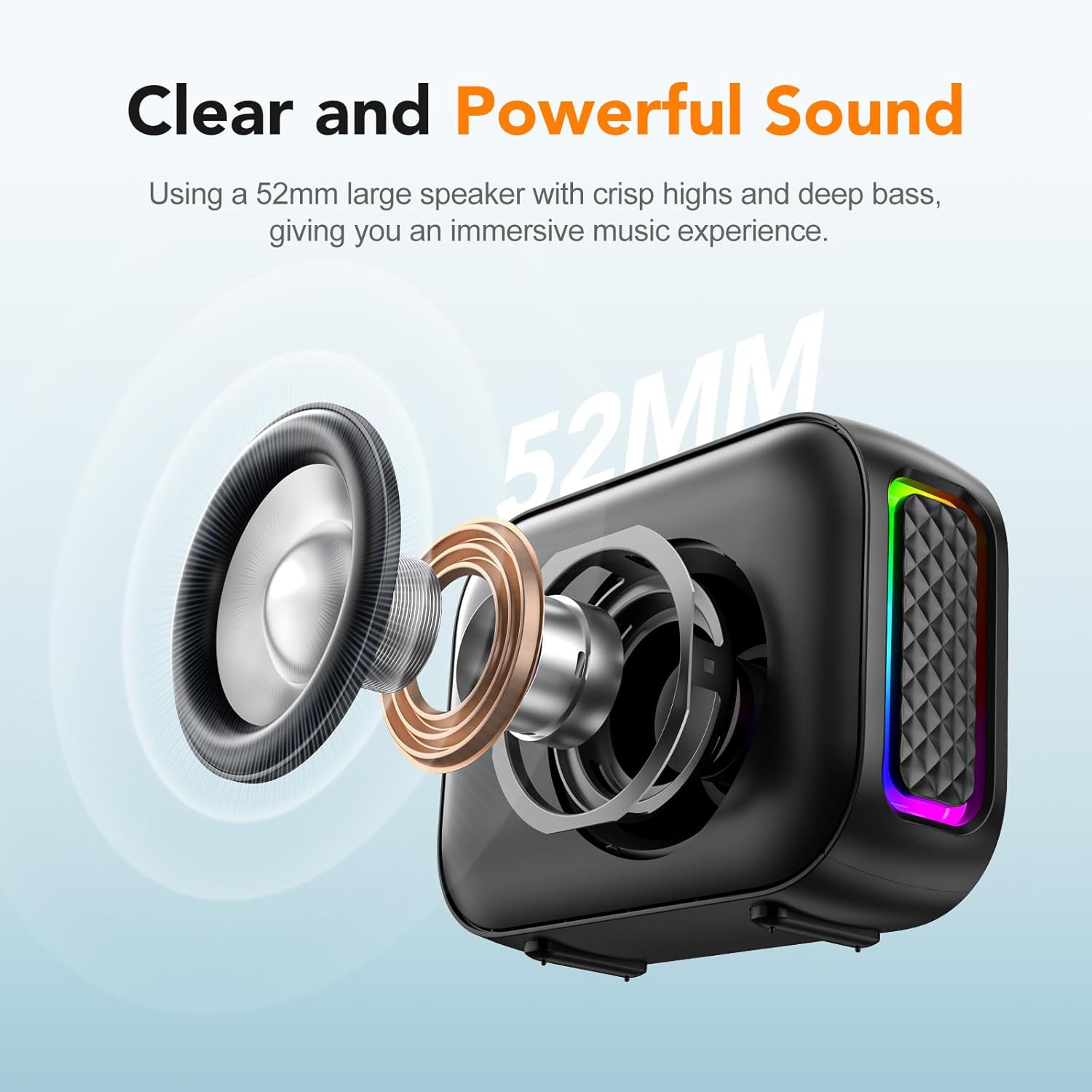
Image: An exploded view of the speaker's internal components, highlighting the 52mm large speaker driver responsible for clear and powerful sound.
Warranty Information
The dbsono Portable Bluetooth Speaker DB N7A comes with a limited warranty. Please refer to the Quick Start Guide included in your package or visit the official dbsono website for detailed warranty terms and conditions.
Customer Support
If you encounter any issues or have questions regarding your dbsono Portable Bluetooth Speaker DB N7A, please contact our customer support team. For the most up-to-date contact information, please refer to the Quick Start Guide or the official dbsono website.
You can also visit the dbsono Store on Amazon for more product information and support resources.