
1. Product Overview
The PINDOWS Men's Military Digital Analog Quartz Watch is a robust and versatile timepiece designed for durability and precision. It combines classic analog timekeeping with modern digital functionalities, making it suitable for various occasions, from daily wear to outdoor activities. Its multifunction chronograph movement ensures high accuracy, while the high-hardness mirror provides scratch and abrasion resistance. The watch is sealed for 30m water resistance, ideal for daily splashes and light rain.
Key Features:
- Accurate Quartz Movement: Ensures precise timekeeping with minimal deviation.
- Dual Display: Features both analog hands and digital readouts for time, date, and other functions.
- Multifunction Chronograph: Includes stopwatch, alarm, and hourly chime capabilities.
- Durable Construction: High-hardness mirror and robust casing for enhanced longevity.
- Water Resistance: 30 meters (3 ATM) suitable for daily use, splashes, and light rain.
- HD Lighting Technology: Provides long-lasting and bright illumination for low-light conditions.
- Comfortable Leather Band: High-quality leather strap for comfortable wear.
Product Visuals:
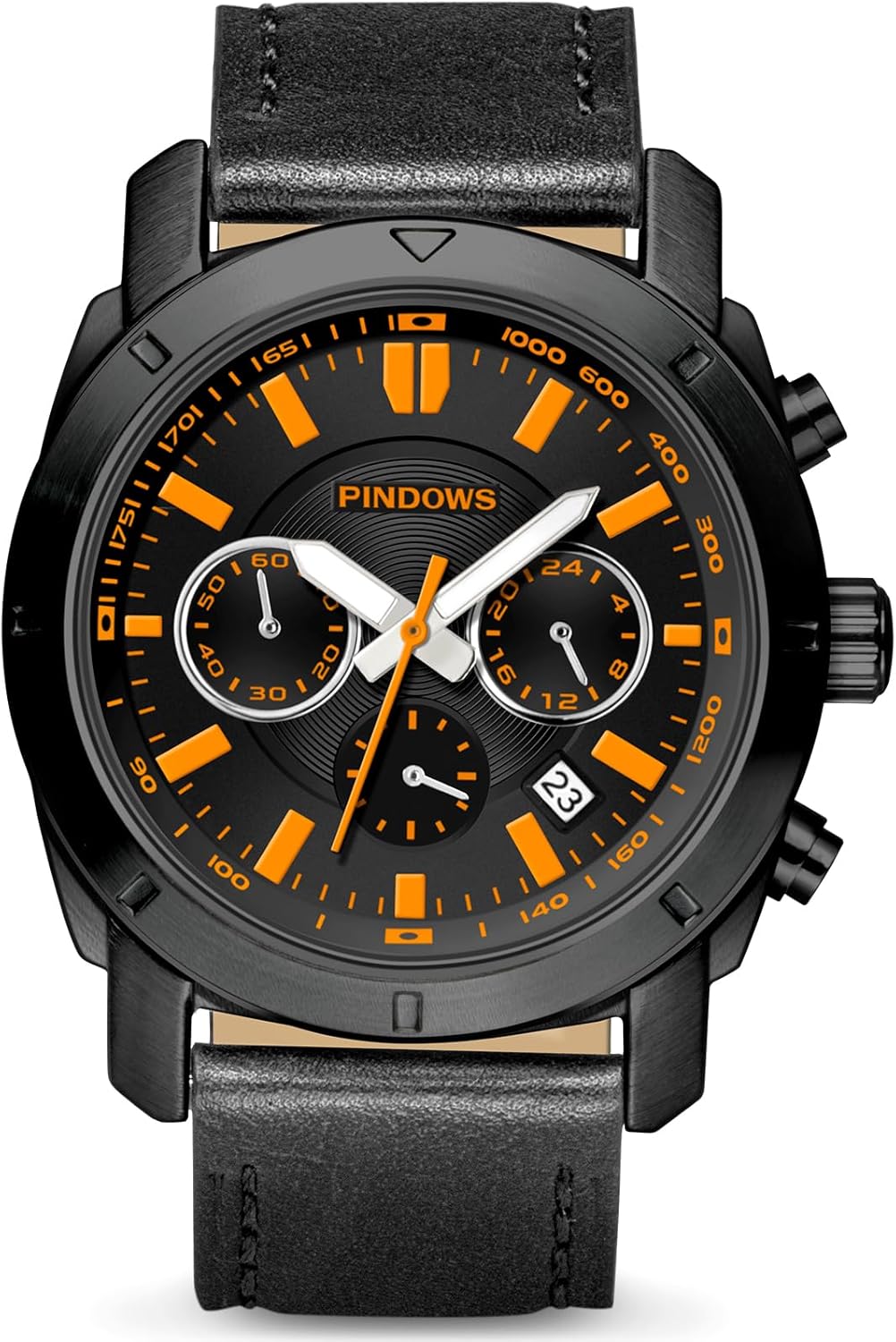
Front view of the PINDOWS watch, showcasing its black case, black band, and vibrant orange face.

Angled view of the PINDOWS watch, emphasizing the design of the black case and the orange accents on the face.

Rear view of the PINDOWS watch, displaying the stainless steel back case with engravings and the black leather strap.

Side profile of the PINDOWS watch, illustrating the crown and functional pushers on the right side of the case.
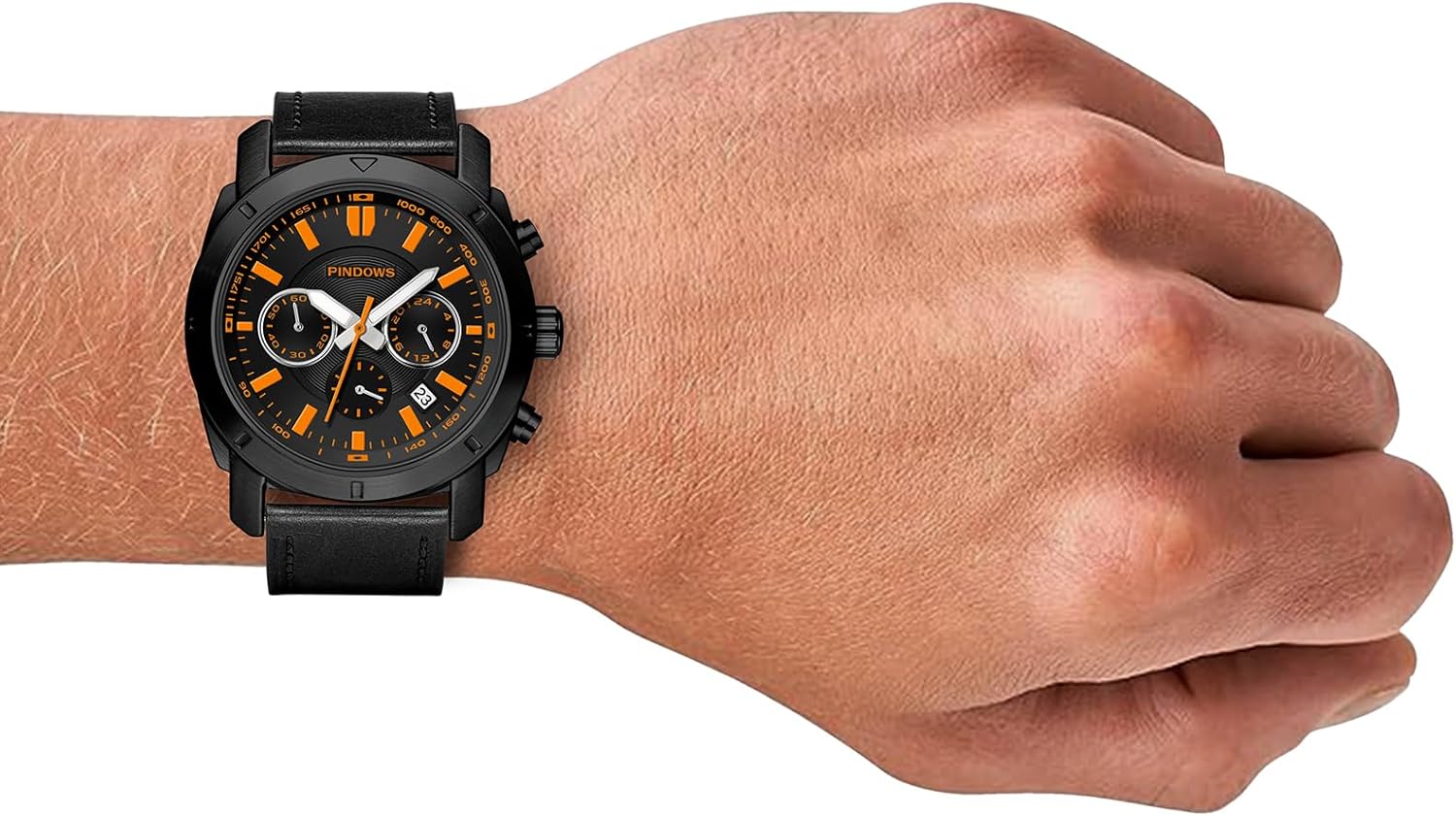
The PINDOWS watch with its black case and orange face comfortably worn on a wrist, showing its fit and style.

Detailed diagram highlighting the watch's various components and their functions, including sub-dials and dimensions.
2. Setup
Initial Time and Date Setting:
Your PINDOWS watch features both analog and digital displays. To ensure accuracy, set both correctly.
- Setting Analog Time: Pull the crown (middle button on the right side) out to the first click. Rotate the crown to adjust the hour and minute hands to the desired time. Push the crown back in to secure the setting.
- Setting Digital Time and Date: Refer to the specific buttons on the side of your watch (typically top-left, top-right, bottom-left, bottom-right).
- Press the Mode button (usually bottom-left) repeatedly to cycle through time, date, alarm, and stopwatch modes.
- When in the desired setting mode (e.g., time or date), press the Adjust button (usually top-left) to enable editing.
- Use the Start/Stop (usually top-right) and Reset (usually bottom-right) buttons to change the values.
- Press Adjust again to confirm and exit the setting.
Adjusting the Strap:
The leather strap is designed for comfort and adjustability. Use the buckle to find the most comfortable fit on your wrist. Ensure it is snug but not too tight to allow for proper circulation.

Close-up of the watch's side, illustrating the crown and pushers used for setting time and functions.

Detailed view of the watch's buckle and the perforated design of the leather strap, allowing for breathability and adjustment.
3. Operating Instructions
Using the Stopwatch Function:
To activate the stopwatch, press the Mode button until the stopwatch display appears. Press the Start/Stop button to begin timing. Press it again to pause, and once more to resume. To reset the stopwatch, press the Reset button while the stopwatch is paused.
Setting the Alarm:
Navigate to the alarm mode using the Mode button. Press the Adjust button to enable setting the alarm time. Use the Start/Stop and Reset buttons to set the desired hour and minute. Press Adjust to confirm. You can also toggle the alarm on/off in this mode.
Activating the Backlight:
The watch features HD lighting technology for visibility in low light. Press the dedicated Light button (usually top-right) to illuminate the digital display. The analog hands also feature luminous material that absorbs light and glows in the dark.

Close-up of the watch face, clearly showing both the analog hands and the digital display for comprehensive timekeeping.

The watch face illuminated in low light, demonstrating the effectiveness of its luminous hands and markers for night visibility.
Water Resistance Guidelines:
This watch is water-resistant up to 30 meters (3 ATM). This means it is suitable for daily use, such as accidental splashes, rain, or hand washing. It is NOT suitable for showering, bathing, swimming, diving, or any underwater activities. Exposure to hot water or steam should also be avoided as it can compromise the seals.
4. Maintenance
Cleaning Your Watch:
Wipe the watch case and strap regularly with a soft, dry cloth to remove dust and dirt. For the leather strap, avoid excessive moisture and harsh chemicals. If the watch gets wet, dry it thoroughly with a soft cloth.
Battery Replacement:
The watch is powered by a Lithium Metal battery (included). When the digital display fades or the analog hands stop, it's time for a battery replacement. It is recommended to have the battery replaced by a professional watchmaker to ensure the water resistance seal is maintained.

Detailed view of the watch's stainless steel back case, indicating the model number and water resistance rating.
Storage:
When not in use, store your watch in a cool, dry place away from direct sunlight and extreme temperatures. The original watch box is ideal for storage to protect it from dust and scratches.
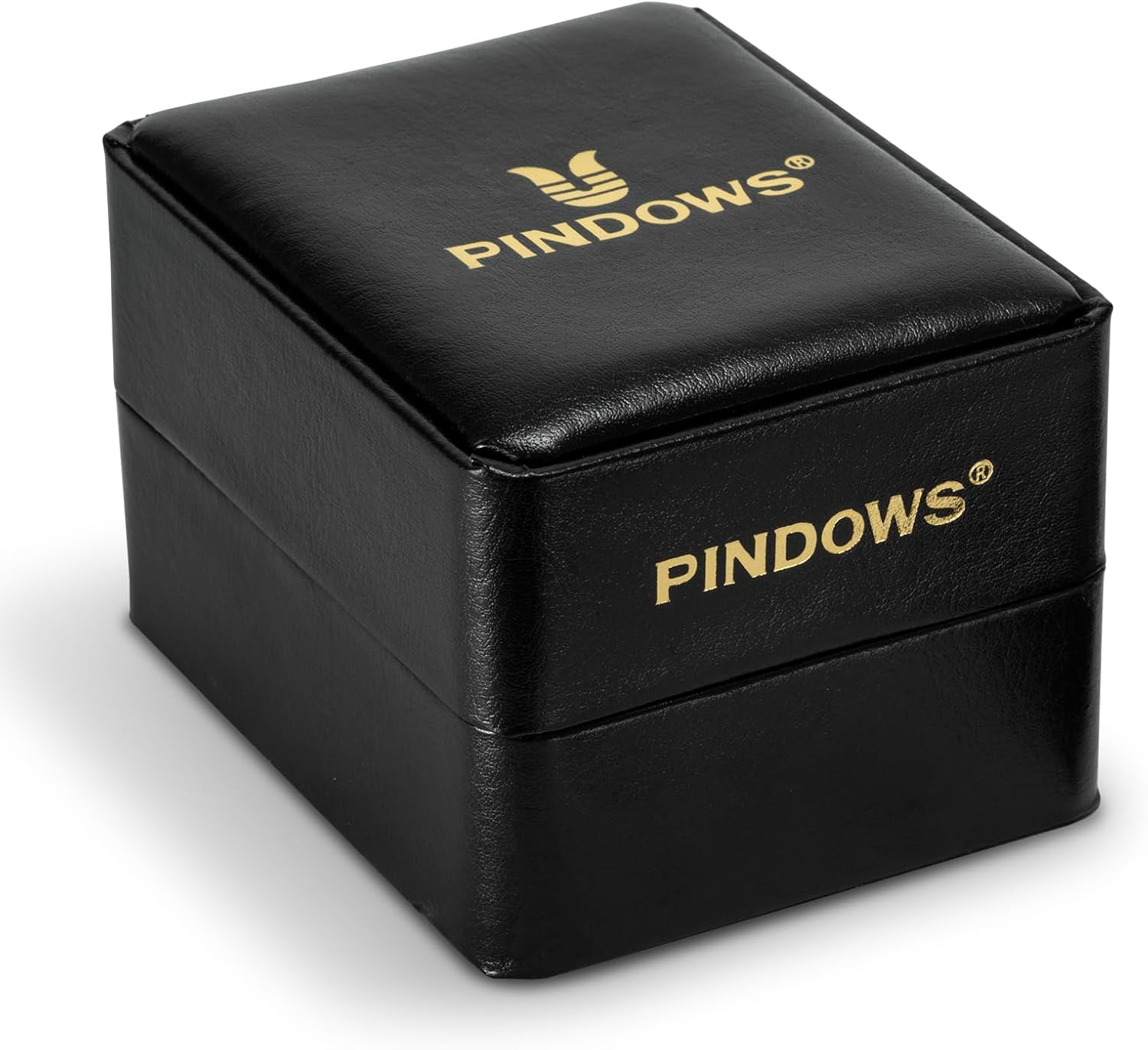
The PINDOWS watch presented in its elegant black gift box with gold branding, suitable for storage or gifting.
5. Troubleshooting
If you encounter any issues with your PINDOWS watch, please refer to the table below for common problems and solutions.
| Problem | Possible Cause / Solution |
|---|---|
| Analog hands not moving or inaccurate. | Battery low or depleted. Replace battery. / Hands may be misaligned. Reset time as per instructions. |
| Digital display is blank or dim. | Battery low or depleted. Replace battery. / Extreme temperature exposure. Allow watch to return to normal temperature. |
| Water inside the watch. | Water resistance compromised. Avoid further water exposure. Seek professional repair immediately. |
| Buttons are stuck or unresponsive. | Dirt or debris lodged in buttons. Gently clean around buttons. Avoid forcing. If issue persists, seek professional service. |
| Strap discomfort or irritation. | Strap too tight or loose. Adjust to a comfortable fit. Clean strap regularly. If irritation persists, consult a dermatologist. |
If the issue persists after attempting these solutions, please contact PINDOWS customer support for further assistance.
6. Specifications
| Feature | Detail |
|---|---|
| Model Number | PDS-645-N3 |
| Movement | Quartz |
| Display Type | Analog & Digital |
| Water Resistance | 30 Meters (3 ATM) |
| Case Material | Not specified, typically alloy or stainless steel |
| Band Material | Leather |
| Clasp Type | Buckle |
| Battery Type | 1 Lithium Metal battery (included) |
| Item Weight | 6.35 ounces |
| Package Dimensions | 3.66 x 3.62 x 3.03 inches |
7. Warranty and Support
Warranty Information:
PINDOWS strives to provide a satisfactory shopping experience. For specific warranty details regarding your watch, please refer to the documentation included with your purchase or visit the official PINDOWS store on Amazon.
Customer Support:
If you have any problems or dissatisfaction with your watch, or require further assistance beyond this manual, please do not hesitate to contact PINDOWS customer service. You can typically find contact information through the seller's page on Amazon or by visiting the PINDOWS Brand Store: Visit PINDOWS Store.