1. Introduction
Thank you for choosing the Ledwood ACCESS130 Portable HiFi Speaker. This manual provides essential information for the safe and optimal use of your device. Please read it thoroughly before operation and retain it for future reference.
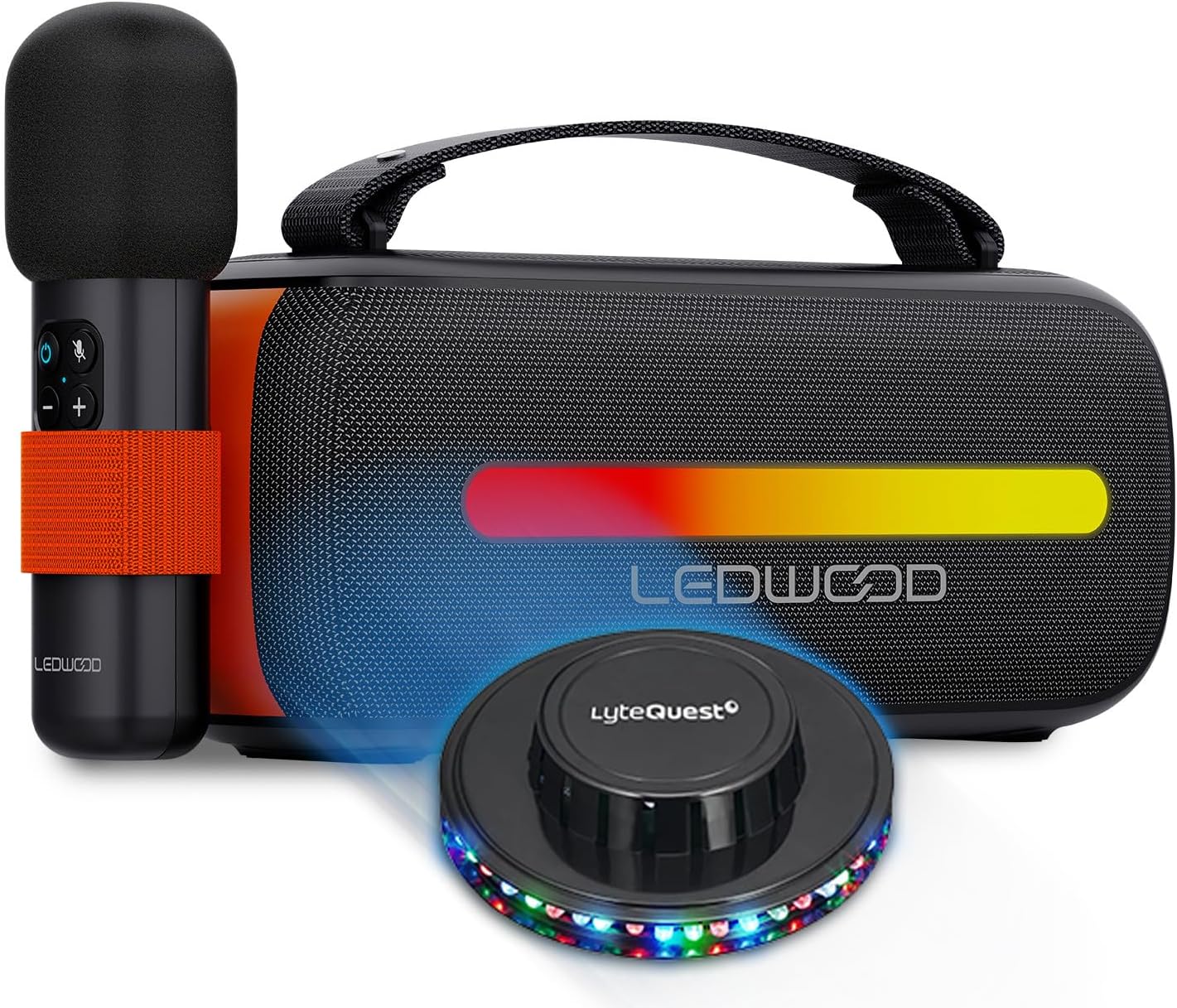
Image 1.1: The Ledwood ACCESS130 speaker, wireless microphone, and included UFO LED light.
2. Package Contents
Ensure all items are present in the package:
- Ledwood ACCESS130 Portable HiFi Speaker
- Wireless Microphone
- USB-C Charging Cable
- Carrying Strap
- UFO/OVNI Multi-beam LED Light
- User Manual (this document)

Image 2.1: Side view of the Ledwood ACCESS130 speaker and its wireless microphone.
3. Safety Instructions
To prevent damage or injury, please observe the following safety precautions:
- Do not expose the device to water or excessive moisture.
- Avoid extreme temperatures (hot or cold).
- Do not disassemble or attempt to repair the device yourself.
- Keep away from direct sunlight and heat sources.
- Use only the provided USB-C cable for charging.
- Ensure proper ventilation during use.
- Keep out of reach of children.
4. Setup
4.1 Charging the Speaker
- Connect the supplied USB-C charging cable to the speaker's USB-C port.
- Connect the other end of the cable to a compatible USB power adapter (not included) or a computer's USB port.
- The charging indicator (if present) will illuminate.
- Disconnect the cable once fully charged.
4.2 Attaching the Carrying Strap
Thread the carrying strap through the designated loops on the speaker and secure it firmly.
4.3 Initial Setup of the UFO LED Light
The UFO LED light is a separate accessory. Refer to its individual instructions for power and operation. Typically, it requires batteries or a separate power source and can be placed near the speaker for synchronized light effects.
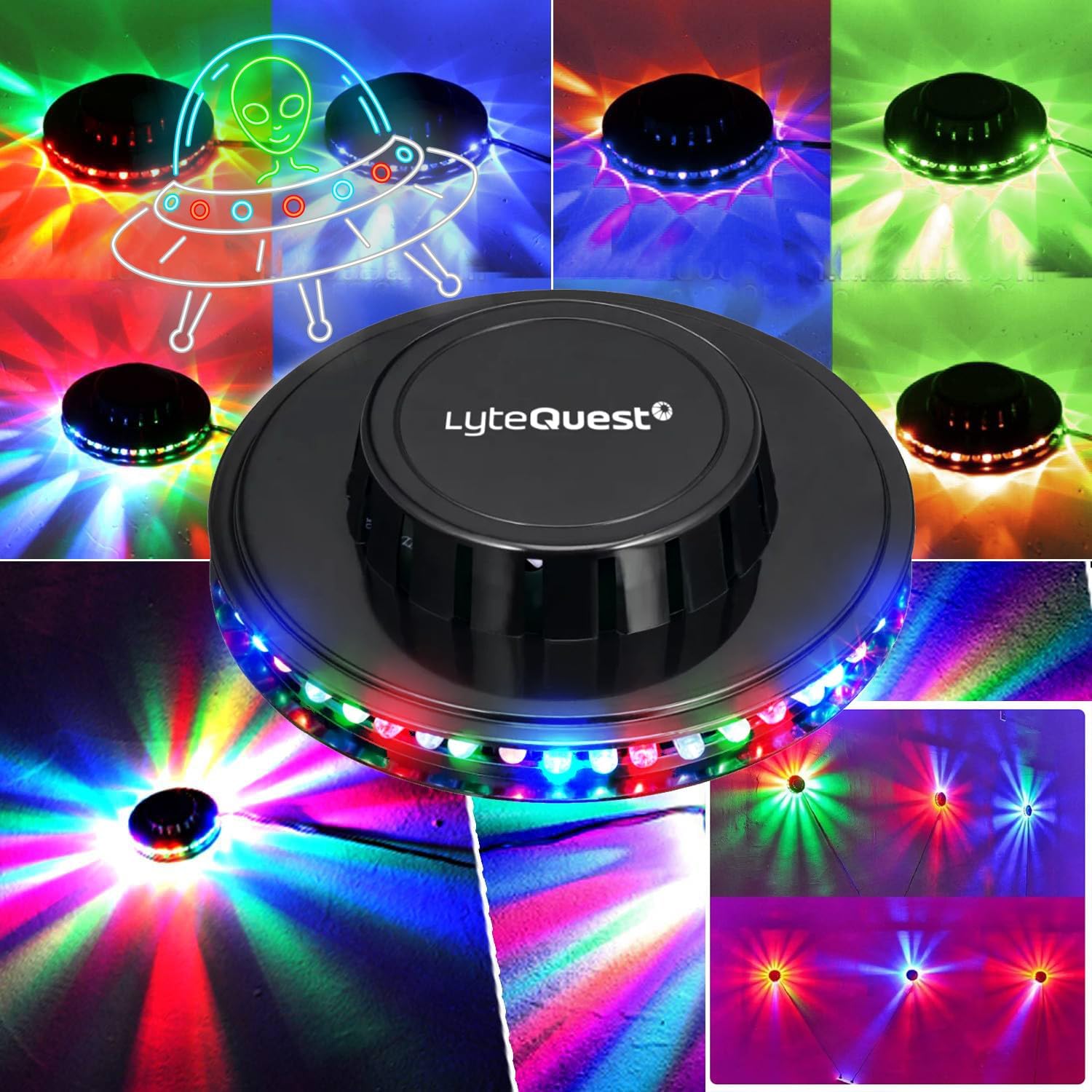
Image 4.1: The included UFO LED light accessory.
5. Operating Instructions
5.1 Powering On/Off
- To power on: Press and hold the Power button (O) for a few seconds.
- To power off: Press and hold the Power button (O) again for a few seconds.

Image 5.1: Control panel of the Ledwood ACCESS130 speaker.
5.2 Bluetooth Connection
- Ensure the speaker is powered on. It will automatically enter Bluetooth pairing mode (indicated by a flashing LED).
- On your smartphone, tablet, or computer, enable Bluetooth and search for available devices.
- Select "LEDWOOD ACCESS130" from the list of devices.
- Once connected, the speaker will emit an audible confirmation, and the Bluetooth LED will stop flashing.
5.3 USB Playback
Insert a USB flash drive containing audio files into the USB port. The speaker will automatically detect and begin playing music from the drive.
5.4 Karaoke Function with Wireless Microphone
- Power on the wireless microphone (refer to microphone's specific instructions if available).
- The microphone should automatically pair with the speaker.
- Adjust microphone volume using the controls on the microphone or speaker (if available).
- Begin singing along to your music.
5.5 LED Light Effects
The speaker features integrated RGB LED effects on its woofers. These lights will synchronize with the music. There may be a dedicated button (e.g., M or a light icon) to cycle through different light modes or turn them off.
5.6 Basic Controls
- Volume Up: Press the + button.
- Volume Down: Press the - button.
- Play/Pause: Press the ► button.
- Next Track: Press and hold + (or specific button if indicated).
- Previous Track: Press and hold - (or specific button if indicated).
- Mode Button: Press the M button to switch between Bluetooth, USB, and potentially other input modes.
6. Maintenance
- Cleaning: Use a soft, dry cloth to clean the speaker's surface. Do not use abrasive cleaners or solvents.
- Storage: When not in use for extended periods, store the speaker in a cool, dry place, away from direct sunlight.
- Battery Care: To prolong battery life, avoid fully discharging the battery frequently. Charge the speaker regularly, even if not in use.
7. Troubleshooting
| Problem | Possible Cause | Solution |
|---|---|---|
| No power | Battery is discharged. | Charge the speaker using the USB-C cable. |
| Cannot connect via Bluetooth | Bluetooth is not enabled on your device; speaker is not in pairing mode; too far from speaker. | Ensure Bluetooth is on; put speaker in pairing mode; move device closer to speaker (within 10 meters). |
| No sound | Volume is too low; incorrect input mode; device not connected. | Increase volume; press 'M' button to select correct input; ensure Bluetooth/USB is connected. |
| Microphone not working | Microphone is off; microphone battery low; not paired. | Ensure microphone is powered on; check microphone battery; re-pair microphone with speaker. |
| LED lights not working | LED effects are turned off; speaker is off. | Press the LED mode button (if available) to activate; ensure speaker is powered on. |
8. Specifications
| Model | ACCESS130 |
| Brand | Ledwood |
| Power Output | 130W (Peak), 12W (RMS) |
| Bluetooth Version | 5.3 |
| Bluetooth Max Power | -6 to 4dBm |
| Signal-to-Noise Ratio | ≥80dB |
| Battery | 3.7V - 3600mAh |
| Playback Time | Up to 6 hours 30 minutes (at 50% volume) |
| Connectivity | Bluetooth, USB |
| Special Features | RGB LED effects on woofers, Karaoke function, Wireless Microphone, UFO LED light included |
| Dimensions (H x D x L) | 12.04cm x 9.9cm x 26.1cm |
| Weight | 1 Kg |
9. Warranty and Support
For warranty information and technical support, please refer to the warranty card included with your product or visit the official Ledwood website. Keep your proof of purchase for any warranty claims.
Ledwood Official Store: Visit Ledwood Store on Amazon


