
1. Introduction
Thank you for choosing the Kmivo M084-2P Rechargeable LED Flashlight. This manual provides essential information for the safe and effective use of your new flashlight. Please read it thoroughly before operation and retain it for future reference.
2. Safety Information
- Do not look directly into the LED light when it is active, as it can cause temporary vision impairment.
- Keep out of reach of children.
- Do not disassemble the flashlight; this may void the warranty and cause damage.
- Use only the provided USB cable for charging to prevent damage to the battery or flashlight.
- Avoid exposing the flashlight to extreme temperatures or direct sunlight for prolonged periods.
3. Package Contents
Verify that all items are present in your package:
- 2x Kmivo M084-2P Rechargeable LED Flashlights (with built-in batteries)
- 2x USB Charging Cables
- 2x Lanyards
- 1x User Manual
4. Product Overview
Familiarize yourself with the components of your Kmivo M084-2P flashlight:

- LED Chip: Advanced P084-2 chip for uniform and powerful illumination.
- Power Switch: Button to turn the flashlight on/off and cycle through lighting modes.
- Indicator Light: Displays battery status during use and charging.
- Non-slip Handle: Textured surface for secure grip.
- Adjustable Design: Allows for focusing the beam from wide to narrow.
- USB-C Charging Port: Located under a protective rubber flap for recharging.
- Lanyard Attachment Point: For securing the included lanyard.
5. Setup
5.1 Initial Charging
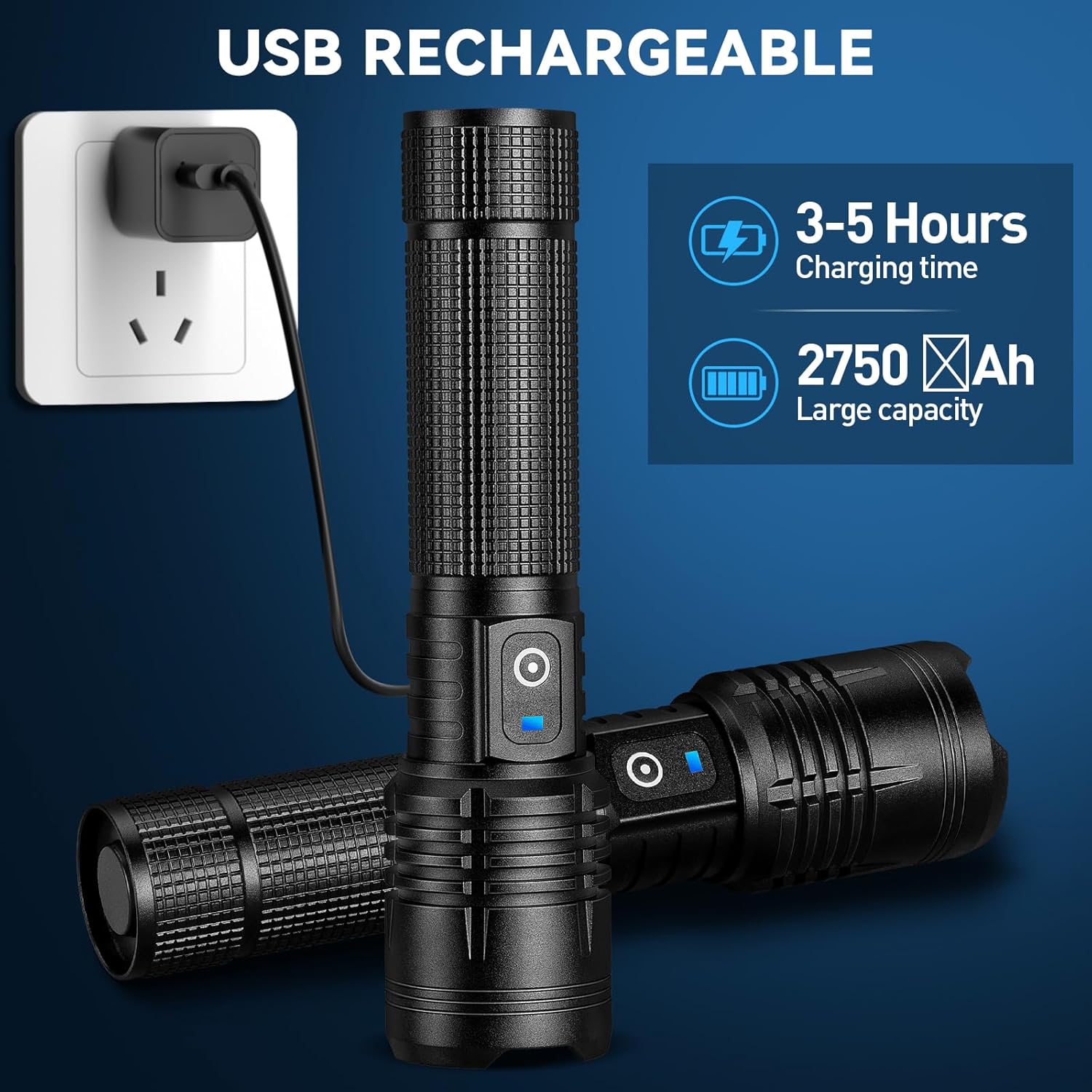
Before first use, fully charge your flashlight. The built-in 5000mAh battery provides extended usage time.
- Locate the rubber flap covering the USB-C charging port on the side of the flashlight.
- Gently lift the flap to expose the port.
- Connect the provided USB-C cable to the flashlight and the other end to a compatible USB power source (e.g., wall adapter, computer USB port).
- The indicator light will illuminate red during charging and turn blue when fully charged.
- Charging typically takes approximately 3-5 hours for a full charge.
- Once charging is complete, disconnect the cable and securely close the rubber flap to maintain water resistance.
6. Operating Instructions
6.1 Power On/Off and Mode Selection
The flashlight features 5 lighting modes: High, Medium, Low, Strobe, and SOS.
- To Turn On: Press the power switch once. The flashlight will activate in High mode.
- To Change Modes: While the flashlight is on, press the power switch repeatedly to cycle through High → Medium → Low → Strobe → SOS.
- To Turn Off: From any mode, if the flashlight has been on for more than 10 seconds, press the power switch once to turn it off. If less than 10 seconds, cycle through modes until it turns off, or press and hold the power switch for 2-3 seconds.

6.2 Adjustable Focus (Zoom Function)
The flashlight's head can be adjusted to change the beam from a wide floodlight to a narrow spotlight.
- To Widen the Beam (Floodlight): Gently pull the head of the flashlight forward. This provides a broad illumination suitable for lighting up a large area.
- To Narrow the Beam (Spotlight): Gently push the head of the flashlight backward. This concentrates the light into a focused beam, ideal for long-distance viewing up to 3280 feet.

6.3 Demonstrating Brightness
The Kmivo M084-2P flashlight delivers up to 99,000 lumens, providing powerful illumination for various environments.

Video 1: A short demonstration of the Kmivo rechargeable LED flashlight's brightness and beam spread in a dark outdoor setting.
7. Charging and Battery Indicator
The flashlight is equipped with a smart charging port and a battery indicator for convenience.
- Battery Indicator: The blue indicator light on the power switch signifies sufficient battery charge. When the battery level is low, the indicator may change color or flash (refer to troubleshooting for specific low battery behavior).
- Charging Time: A full charge typically takes 3-5 hours.
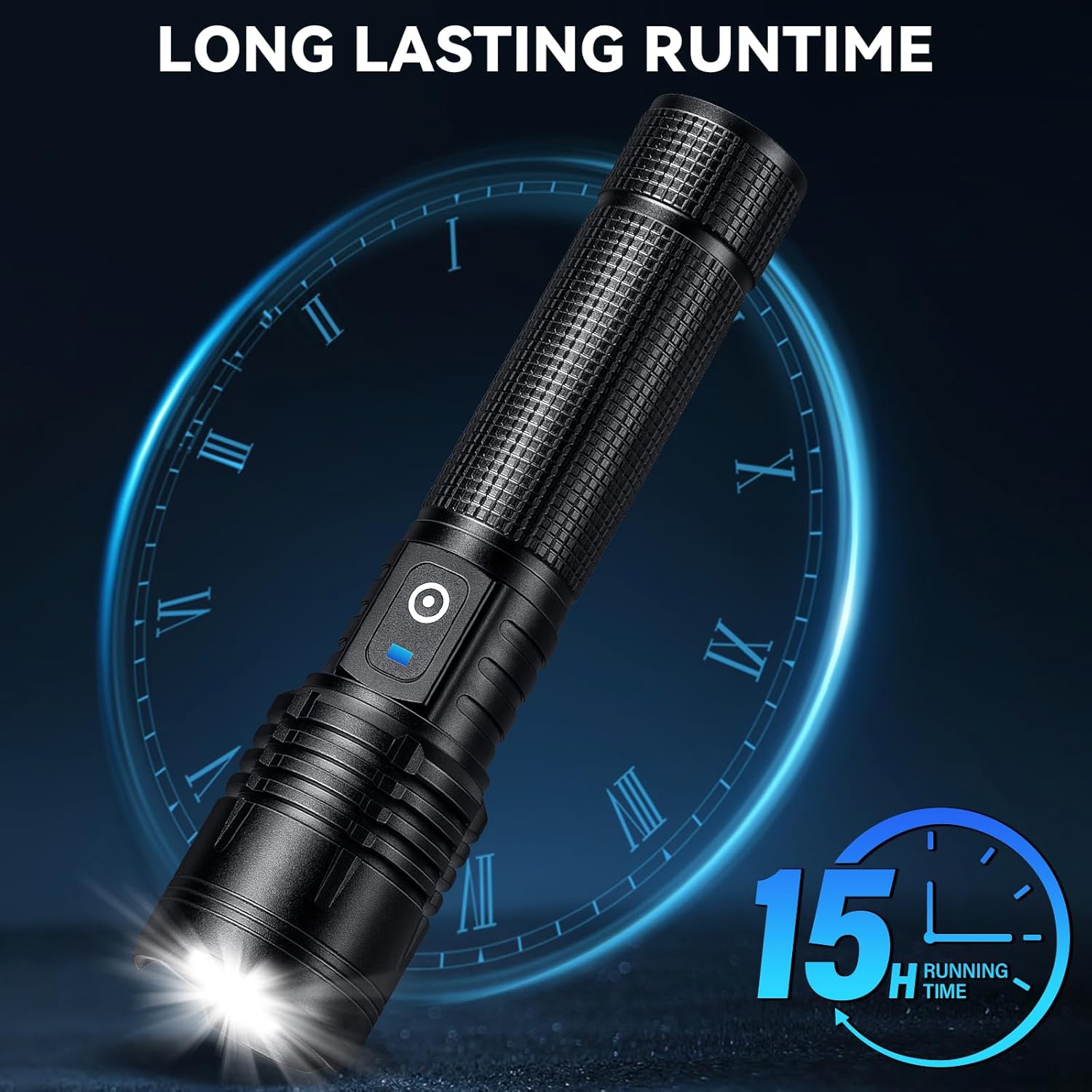
- Battery Life: The built-in 5000mAh rechargeable battery provides up to 15 hours of operation on lower settings.
8. Maintenance
8.1 Cleaning
To maintain optimal performance, keep your flashlight clean.
- Wipe the exterior with a soft, damp cloth.
- Do not use abrasive cleaners or solvents.
- Ensure the charging port's rubber flap is clean and securely closed to prevent dust and moisture ingress.
8.2 Water Resistance
The Kmivo M084-2P flashlight is IPX7 waterproof, meaning it can withstand immersion in water up to 1 meter for 30 minutes. It is suitable for use in heavy rain, snow, and other harsh weather conditions.

Video 2: A demonstration of the flashlight's water resistance and overall durability.
8.3 Storage
Store the flashlight in a cool, dry place when not in use. For long-term storage, ensure the battery is partially charged (around 50%) to prolong its lifespan.
9. Troubleshooting
| Problem | Possible Cause | Solution |
|---|---|---|
| Flashlight does not turn on. | Low battery. | Charge the flashlight fully. |
| Flashlight does not turn on. | Power switch malfunction. | Contact customer support. |
| Light is dim or flickers. | Low battery. | Charge the flashlight fully. |
| Charging indicator not working. | Faulty cable or power source. | Try a different USB cable or power adapter. |
| Charging indicator not working. | Charging port issue. | Ensure the charging port is clean and free of debris. Contact customer support if the issue persists. |
10. Specifications
| Feature | Detail |
|---|---|
| Model Number | M084-2P |
| Light Source Type | LED (P084-2 chip) |
| Brightness | Up to 99,000 Lumens |
| Lighting Modes | High, Medium, Low, Strobe, SOS (5 modes) |
| Battery Type | Built-in 5000mAh Rechargeable Battery |
| Charging Port | USB-C |
| Charging Time | Approx. 3-5 hours |
| Runtime | Up to 15 hours (on lower settings) |
| Water Resistance | IPX7 (Waterproof) |
| Material | Aluminum |
| Product Dimensions | 1.3"D x 1.6"W x 6.5"H |
| Item Weight | 1.17 pounds |
| Special Features | Rechargeable, High Power, Adjustable Light Modes, Adjustable Focus, Durable, Impact Resistant, Long Range, Portable |
11. Warranty and Support
Kmivo provides an extended warranty for this product. For any issues such as malfunction, lost accessories, or damaged packages, please contact Kmivo customer service directly through Amazon. Our team of engineers is available 24/7 to provide professional assistance.
For further support, please visit the Kmivo Store on Amazon.