
1. Introduction
This manual provides instructions for the installation, maintenance, and general use of GOFJAJHQ replacement filters designed for LIECTROUX V3S PRO, 11S, and M7S Pro robot vacuum cleaners. Regular replacement of your vacuum cleaner's filter is crucial for maintaining optimal performance and air quality.
2. Compatibility
These replacement filters are specifically designed to be compatible with the following LIECTROUX robot vacuum cleaner models:
- LIECTROUX V3S PRO
- LIECTROUX 11S
- LIECTROUX M7S Pro
Ensure your robot vacuum cleaner model matches one of the listed compatible models before installation.
3. Benefits of Regular Filter Replacement
Replacing your vacuum cleaner's filter regularly offers several key benefits:
- Restored Suction Power: A clean filter ensures smooth airflow, restoring the strong and stable suction power of your robot vacuum.
- Extended Equipment Lifespan: Timely filter replacement reduces motor load caused by poor airflow, minimizing the risk of failure and prolonging the vacuum's service life.
- Improved Cleaning Performance: Good filter performance ensures effective dust suction, preventing dust residue and leading to a more thorough clean.
- Reduced Internal Wear: A clogged filter can allow dust to enter the device's internal components. Replacing the filter reduces the risk of wear and tear on these parts.
4. Installation Instructions
Follow these general steps to replace the filter in your compatible LIECTROUX robot vacuum cleaner. Refer to your specific robot vacuum's user manual for detailed instructions if available.
- Power Off: Ensure your robot vacuum cleaner is powered off and disconnected from its charging base.
- Locate Dust Bin: Open the top cover of your robot vacuum to access the dust bin. Remove the dust bin from the vacuum.
- Remove Old Filter: Open the dust bin cover. Carefully remove the old, dirty filter. Dispose of the old filter responsibly.
- Insert New Filter: Place the new GOFJAJHQ replacement filter into the designated slot within the dust bin. Ensure it is seated correctly and securely.
- Reassemble: Close the dust bin cover, ensuring it clicks into place. Reinsert the dust bin into the robot vacuum cleaner.
- Close Cover: Close the top cover of your robot vacuum.
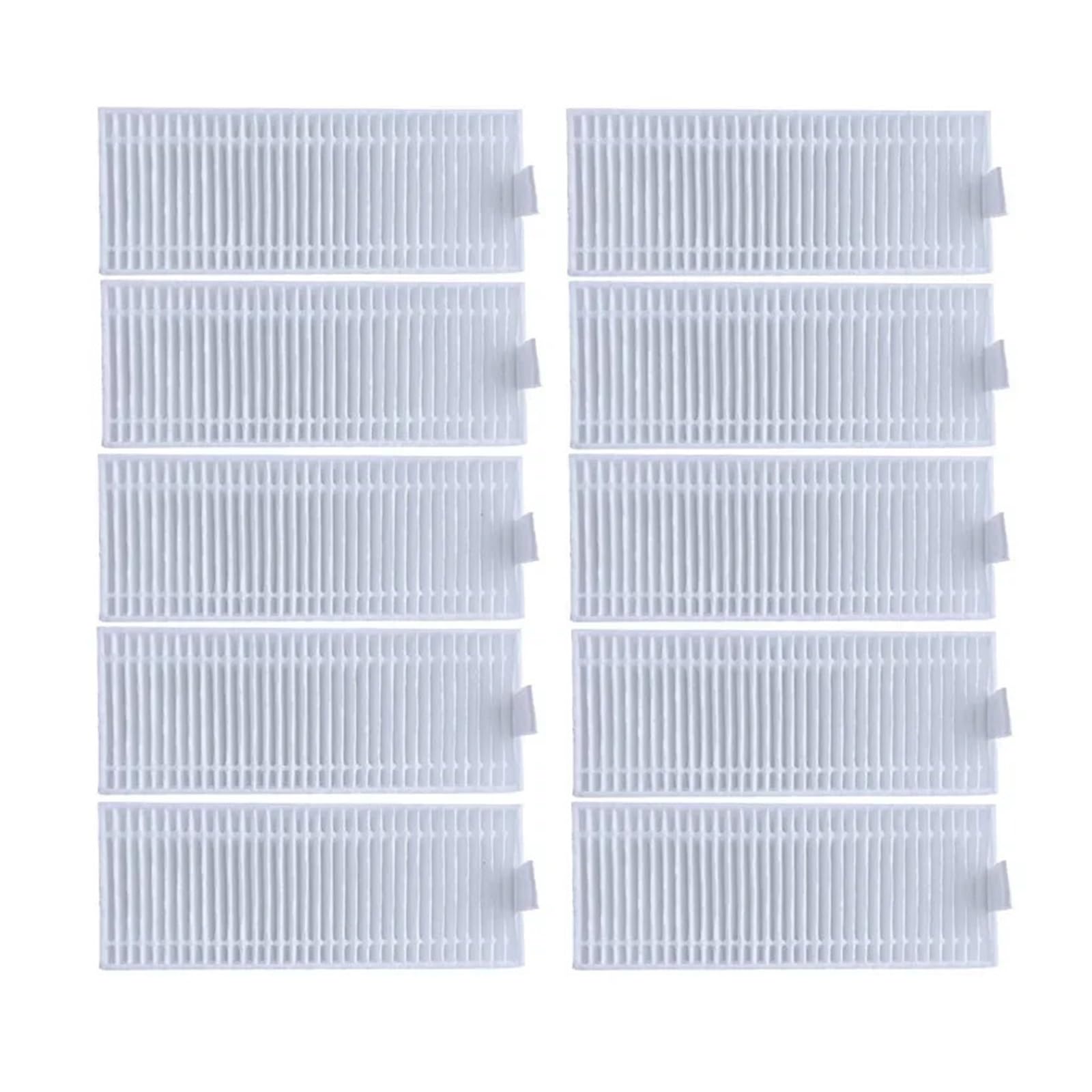
Image 1: GOFJAJHQ Replacement Filter. This image shows the pleated white filter with a small tab on one side for easy handling.
5. Maintenance and Care
To maximize the lifespan and effectiveness of your replacement filter, consider the following:
- Regular Cleaning: Gently tap the filter against a trash can to remove loose dust and debris after each cleaning cycle or as needed. Do not wash the filter with water unless explicitly stated by your vacuum's manufacturer for this specific filter type.
- Replacement Frequency: For optimal performance, it is recommended to replace the filter every 1 to 3 months, depending on usage frequency and household environment (e.g., pets, allergies).
- Inspect for Damage: Periodically inspect the filter for any tears, holes, or significant blockages. Replace immediately if damage is found.
6. Troubleshooting
If you experience issues after replacing your filter, consider these common troubleshooting steps:
- Reduced Suction: Ensure the new filter is installed correctly and seated firmly. Check the dust bin for any blockages.
- Unusual Noises: Verify that all components, including the filter and dust bin, are properly secured.
- Error Messages: Consult your robot vacuum's original manual for specific error codes. Sometimes, a dirty or improperly installed filter can trigger sensor errors.
If problems persist, contact the manufacturer of your LIECTROUX robot vacuum cleaner or the seller of these replacement filters for further assistance.
7. Specifications
| Feature | Detail |
|---|---|
| Product Type | Replacement Filter for Robot Vacuum Cleaner |
| Brand | GOFJAJHQ |
| Compatible Models | LIECTROUX V3S PRO, 11S, M7S Pro |
| Package Dimensions | 0.39 x 0.39 x 0.39 inches |
| Item Weight | 1.76 ounces |
| Number of Pieces (per pack) | 10 (as per product title) |
8. Safety Information
Please observe the following safety guidelines:
- Always power off and unplug your robot vacuum cleaner before performing any maintenance or part replacement.
- Keep replacement parts out of reach of children and pets.
- Dispose of old filters according to local waste disposal regulations.
- Use only genuine or compatible replacement parts to ensure proper function and safety.
9. Warranty and Support
For warranty information or product support regarding these replacement filters, please refer to the seller or manufacturer's documentation provided at the time of purchase. Contact information for the seller can typically be found on your purchase receipt or order details.