
1. Introduction
Welcome to the EKO Nova Sensor Trash Can instruction manual. This guide provides essential information for the proper setup, operation, and maintenance of your new 21 Gallon/80 Liter Stainless Steel Rectangular Touchless Motion Sensor Trash Can. Please read these instructions carefully before use and retain them for future reference.
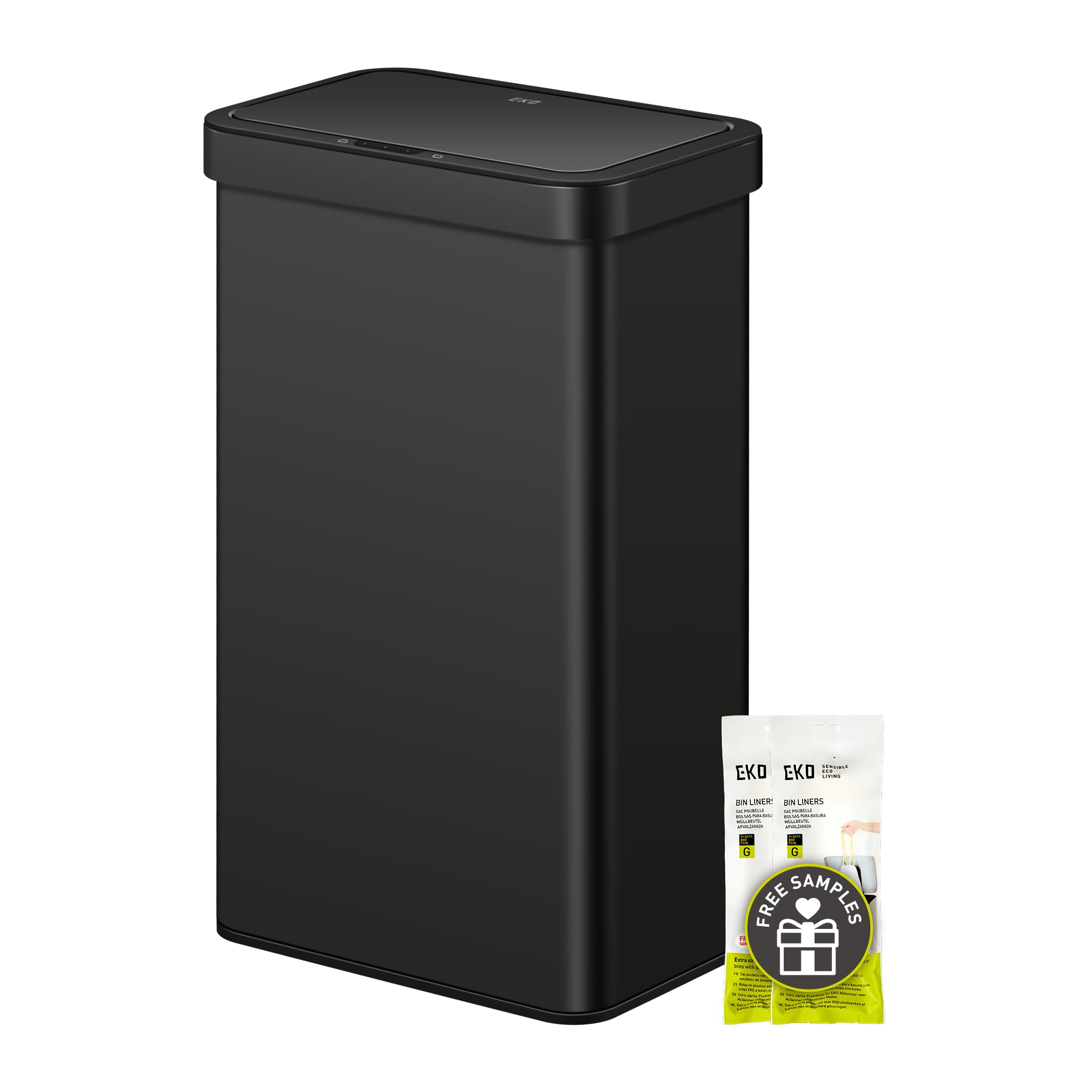
Figure 1: EKO Nova Sensor Trash Can (Matte Black)
2. Key Features
- Premium Motion Sensor Technology: Advanced lid opening and closing for hands-free operation, ensuring convenience and hygiene.
- Fingerprint Resistant Finish: Anti-fingerprint stainless steel exterior resists smudges, maintaining a clean and polished appearance.
- Quiet Soft Close: The lid closes gently and quietly, reducing noise.
- Stay Open Functionality: A dedicated button allows the lid to remain open for extended periods, ideal for larger tasks.
- Long-lasting Power: Operates with 4 AA alkaline batteries for up to 8 months.
3. Setup
3.1 Battery Installation
- Locate the battery compartment on the underside of the lid.
- Open the battery compartment cover.
- Insert 4 AA alkaline batteries, ensuring correct polarity (+/-). Do not use rechargeable batteries.
- Close the battery compartment cover securely.

Figure 2: Battery Installation (4 AA batteries required)
3.2 Installing the Trash Bag
- Remove the lid from the trash can body.
- Place your trash bag into the can.
- Secure the trash bag by wrapping the top edge around the removable liner ring.
- Place the lid back onto the trash can body, ensuring it is properly aligned.

Figure 3: Detachable lid and liner ring for easy bag installation
The EKO Nova Sensor Trash Can does not feature an inner bucket, which expands its capacity by 25%.

Figure 4: No inner bucket design for increased capacity
4. Operating Instructions
4.1 Motion Sensor Operation
The advanced motion sensor detects movement within 12 inches, opening the lid in 0.2 seconds. The lid will automatically close after 5 seconds of inactivity. Ensure a minimal 1-foot clearance under cabinets for proper operation.

Figure 5: Touchless Sensor Operation
4.2 Stay Open Mode
For longer tasks, such as meal preparation or extensive cleaning, you can activate the 'Stay Open' mode. Press the dedicated 'Open' button on the lid, and the lid will remain open until you press the 'Close' button or it automatically closes after 20 minutes.

Figure 6: Activating Stay Open Mode
4.3 Manual Open/Close
You can also manually open or close the lid by pressing the 'Open' or 'Close' buttons on the control panel. This provides flexibility if you prefer not to use the motion sensor or need to override its automatic function.
4.4 Video Demonstration
Video 1: Honest Review of EKO Automatic Trashcan (50L model shown). This video demonstrates the motion sensor and manual open/close features, as well as bag replacement.
5. Maintenance
5.1 Cleaning
To clean the exterior of the trash can, wipe it with a damp cloth and a mild detergent. Avoid abrasive cleaners or scouring pads, as these can damage the fingerprint-resistant finish. For the interior, wipe down with a damp cloth as needed.
5.2 Changing Trash Bags
When the trash bag is full, simply remove the lid, lift the liner ring with the bag, tie the bag securely, and dispose of it. Replace with a new trash bag, securing it with the liner ring before reattaching the lid.
Video 2: Overview of the EKO Nova Sensor Trash Can. This video highlights the large capacity and ease of changing trash bags.
6. Troubleshooting
- Lid not opening/closing: Check if the batteries are correctly installed and have sufficient power. Replace batteries if necessary. Ensure there are no obstructions blocking the sensor or the lid's path.
- Sensor too sensitive/not sensitive enough: Ensure the sensor area is clean. Avoid placing the trash can in direct sunlight or in areas with high foot traffic if unintended openings occur.
- Lid closes too quickly: The automatic close feature is set to 5 seconds. Use the 'Stay Open' mode for longer periods.
7. Specifications
| Feature | Detail |
|---|---|
| Brand | EKO |
| Model | Nova 80L |
| Capacity | 21 Gallons (80 Liters) |
| Color | Matte Black |
| Opening Mechanism | Motion-Sensor |
| Material | Stainless Steel |
| Special Feature | Smudge Resistant |
| Shape | Rectangular |
| Product Dimensions | 17.32"L x 11.61"W x 29.84"H |
| Item Weight | 17.31 pounds (7.87 Kilograms) |
| Batteries Required | 4 AA Alkaline Batteries |

Figure 7: Product Dimensions
8. Warranty & Support
For warranty information or customer support, please refer to the documentation included with your product or visit the official EKO website. Specific warranty terms and contact details may vary.