1. Introduction
The Garmin Forerunner 970 is a premium GPS running and triathlon smartwatch designed for performance-driven athletes. It features a vibrant AMOLED display, a durable sapphire lens, and a lightweight titanium bezel. This manual provides essential information for setting up, operating, and maintaining your device to help you optimize your training and recovery.

Image: Garmin Forerunner 970 smartwatch on a runner's wrist, with another runner in the background on a bridge. This image highlights the watch's use during active training.
2. What's in the Box
- Forerunner 970 GPS running watch
- Charging Cable
- Documentation
3. Setup
3.1 Initial Power On
To power on your Forerunner 970 for the first time, press and hold the LIGHT button (top left) until the Garmin logo appears. Follow the on-screen prompts to select your language and initial settings.
3.2 Pairing with Your Smartphone
For full functionality, pair your Forerunner 970 with the Garmin Connect app on your smartphone. Download the Garmin Connect app from your device's app store. Open the app, create an account or log in, and follow the instructions to add your new device. This enables features like smart notifications, call functionality, and data synchronization.
Video: Official Garmin video demonstrating the Forerunner 970. This video provides a general overview of the watch's features and appearance, which can be helpful during initial setup.
4. Operating Instructions
4.1 Display and Controls
The Forerunner 970 features a bright AMOLED touchscreen display with traditional button controls. You can navigate menus by swiping on the touchscreen or using the five physical buttons located around the bezel. The LIGHT button (top left) controls the backlight, UP/DOWN buttons (left side) scroll through widgets and menus, and START/STOP (top right) and BACK/LAP (bottom right) buttons control activity recording and navigation.
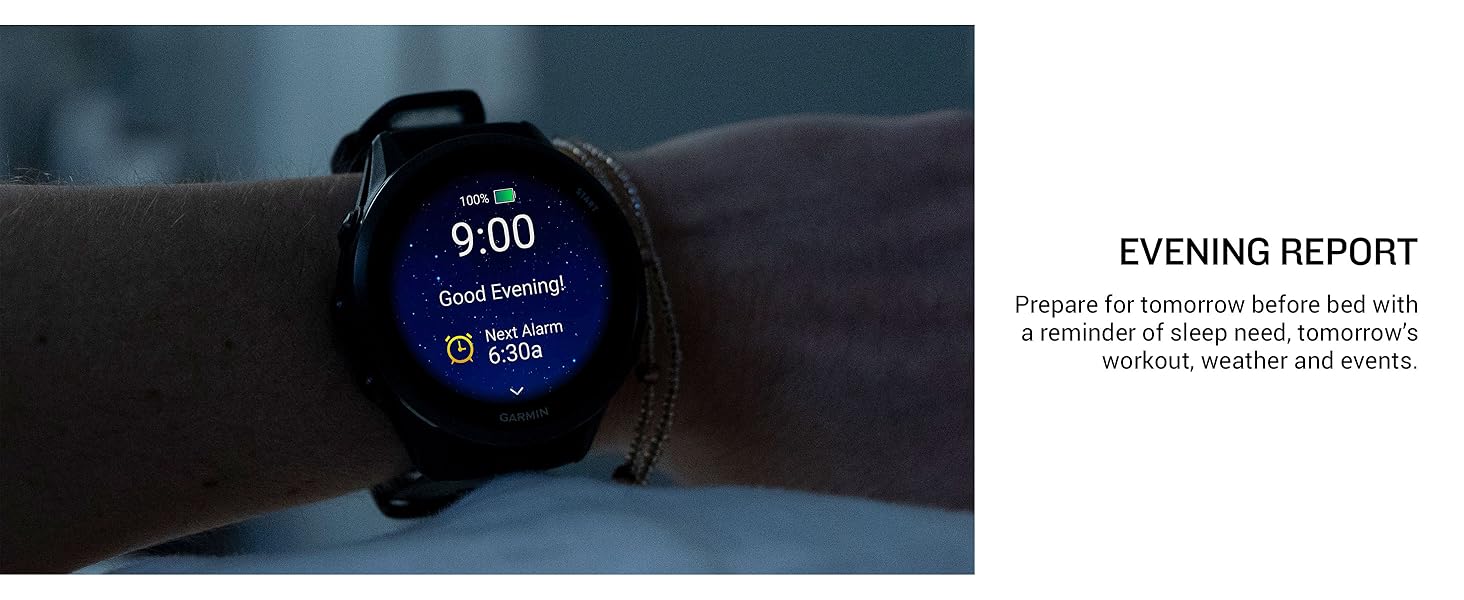
Image: Three Garmin Forerunner 970 smartwatches in different colors, showcasing the bright AMOLED display. This image illustrates the clarity and vibrancy of the watch face.
4.2 GPS and Mapping
Utilize multi-band GPS and full-color, built-in maps to confidently navigate any route. The watch offers dynamic round-trip routing, allowing you to explore new paths while maintaining your desired mileage. This feature is ideal for runners and triathletes training in varied environments.

Image: Garmin Forerunner 970 on a wrist displaying a full-color map with navigation. This image demonstrates the watch's advanced mapping capabilities for outdoor activities.
4.3 Built-in LED Flashlight
For enhanced awareness during early morning or late-night runs, the Forerunner 970 includes a built-in LED flashlight. Activate it to improve visibility and safety in low-light conditions.
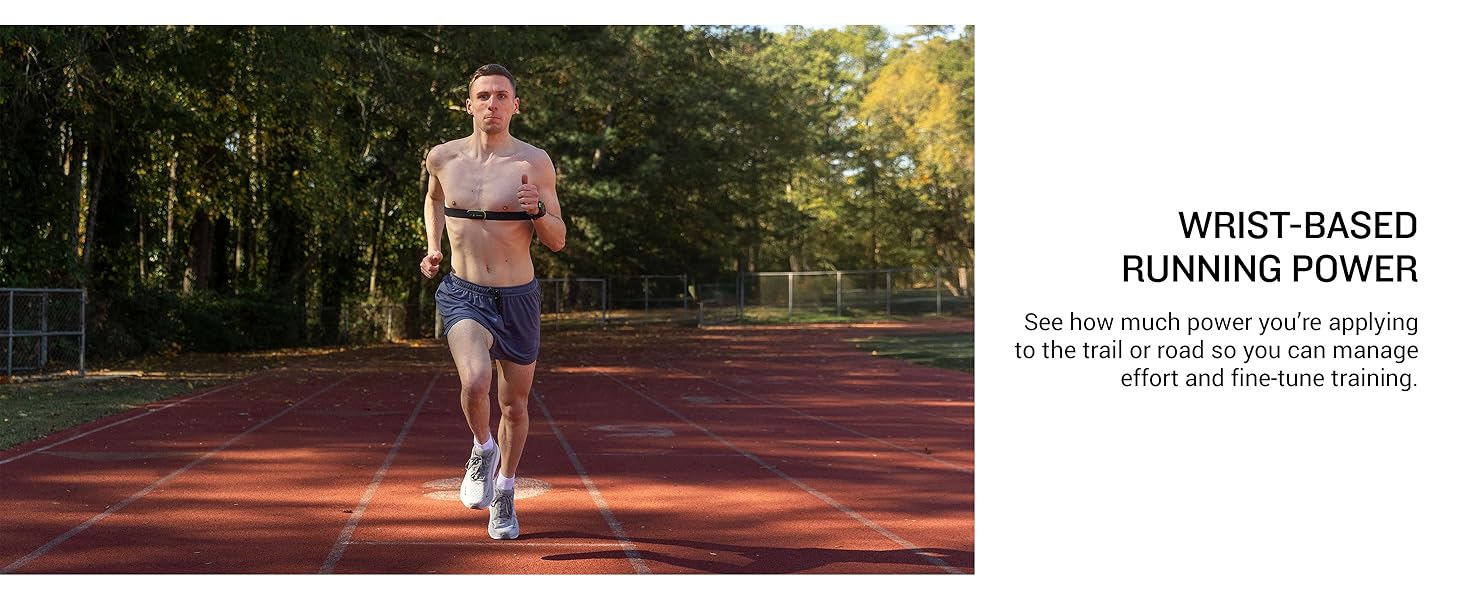
Image: A person using the built-in LED flashlight on their Garmin Forerunner 970 smartwatch in the dark. This image illustrates the practical application of the watch's integrated flashlight.
4.4 Call Functionality
When paired with your smartphone, the watch's built-in speaker and microphone allow you to make and receive phone calls directly from your wrist. You can also use your smartphone's voice assistant to respond to text messages and control other watch functions.
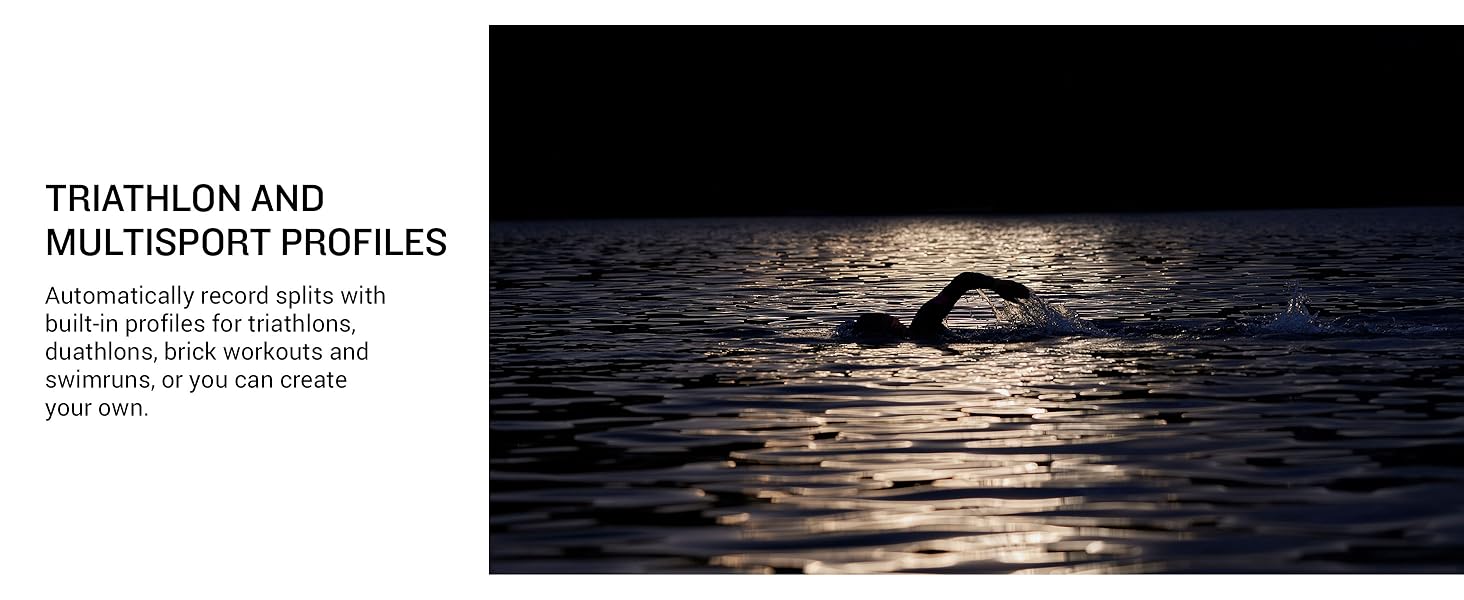
Image: Garmin Forerunner 970 on a wrist displaying an incoming call from 'Jordan'. This image highlights the watch's ability to handle phone calls directly.
4.5 Training and Recovery Features
The Forerunner 970 offers advanced training and recovery metrics:
- Running Economy: Understand your overall energy efficiency.
- Step Speed Loss: See how much you slow down when your foot hits the ground (requires HRM 600 monitor, sold separately).
- Running Tolerance: Understand the impact of running on your body to adjust training and avoid overload.
- Garmin Coach: Access personalized running and triathlon training plans that adapt to your performance and recovery.
- Training Readiness: Get a score based on sleep quality, recovery, training load, and HRV status to determine optimal training days.
- ECG App: Record your heart rhythm and check for signs of atrial fibrillation (for users 22+ years, not available in all countries).
- Multisport Auto-Transition: Automatically detect sport changes during multisport activities (swim, bike, run).
- Wrist-Based Running Dynamics: Track cadence, stride length, ground contact time, and more.
- Wrist-Based Running Power: Continuous measurement of power applied to the ground for effort management.
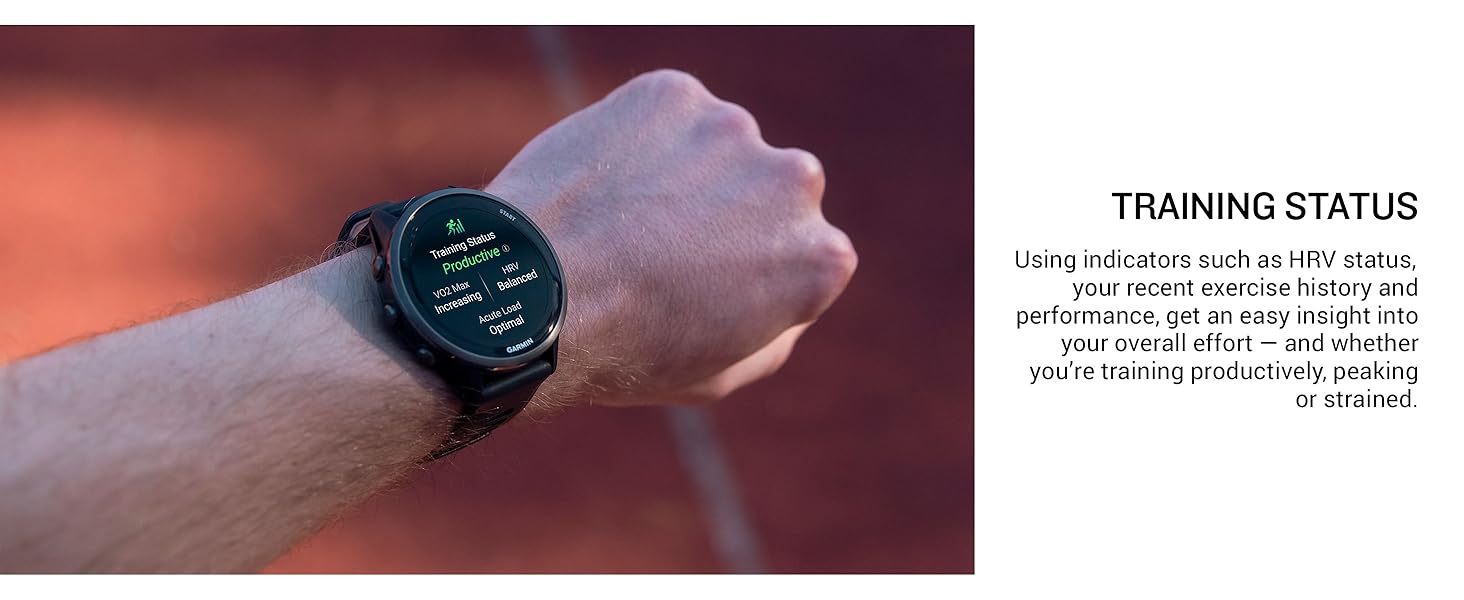
Image: Garmin Forerunner 970 on a wrist displaying training status as 'Productive'. This image shows the watch's interface for tracking and displaying training metrics.
4.6 Garmin Connect App
The Garmin Connect app serves as your central hub for all health and fitness data. Sync your watch to the app to review detailed stats, track trends, connect with friends, and manage your training plans. The app provides a comprehensive overview of your activities and progress.
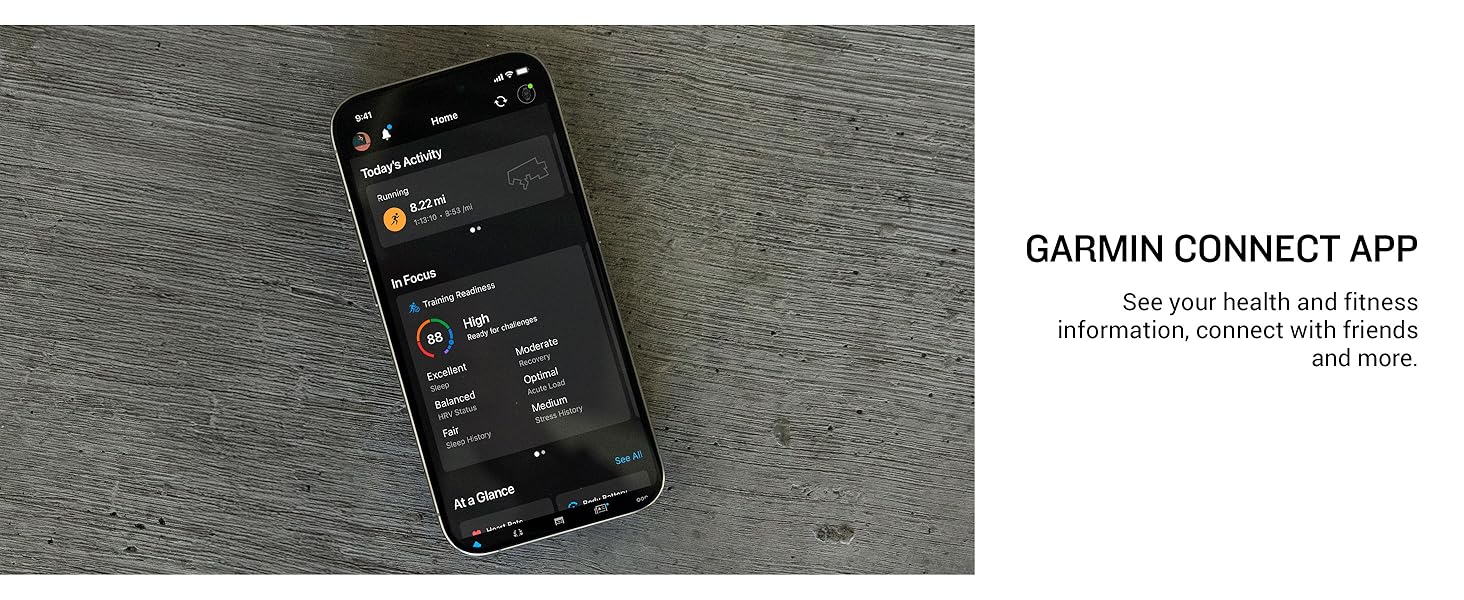
Image: A smartphone displaying the Garmin Connect app interface with activity and training readiness data. This image demonstrates how the app visualizes your fitness information.
5. Key Features
- Bright AMOLED touchscreen display with button controls, lightweight titanium bezel, and sapphire lens.
- Built-in LED flashlight for enhanced awareness.
- Up to 15 days of battery life in smartwatch mode; up to 26 hours in GPS mode.
- Running economy and step speed loss metrics (HRM 600 monitor required for step speed loss).
- Running tolerance to help adjust training.
- Garmin Coach training plans for running and triathlon.
- Built-in microphone and speaker for wrist-based calls and voice assistant interaction (when paired with smartphone).
- Full-color, built-in maps and multi-band GPS with dynamic round-trip routing.
- Training readiness score based on sleep quality, recovery, training load, and HRV status.
- ECG app for heart rhythm recording and atrial fibrillation detection (22+ years, not available in all countries).
- Multisport auto-transition for seamless tracking of swim, bike, and run activities.
- Wrist-based running dynamics (cadence, stride length, ground contact time).
- Wrist-based running power measurement.
6. Maintenance
6.1 Charging the Device
Use the provided charging cable to connect your Forerunner 970 to a USB power source. Ensure the charging contacts on the watch align with the pins on the cable. A full charge provides up to 15 days of battery life in smartwatch mode or 26 hours in GPS mode.
6.2 Cleaning and Care
Regularly clean your watch and band to prevent buildup of sweat and other residues. Rinse the watch with fresh water after workouts. For deeper cleaning, use a soft, damp cloth. Avoid harsh chemicals or abrasive materials that could damage the device.
7. Troubleshooting
7.1 Connectivity Issues
If your watch is not connecting to your smartphone, ensure Bluetooth is enabled on both devices and that they are within range. Try restarting both your watch and smartphone. If issues persist, unpair and re-pair the devices through the Garmin Connect app.
7.2 GPS Accuracy
For optimal GPS accuracy, ensure you are in an open area with a clear view of the sky when starting an activity. Allow the watch a few moments to acquire satellite signals before beginning your workout. Multi-band GPS technology generally provides superior positioning accuracy.
8. Specifications
| Feature | Detail |
|---|---|
| Product Dimensions | 7.9 x 6.5 x 4.7 inches |
| Item Weight | 2 Grams (0.071 ounces) |
| Item Model Number | 010-02969-00 |
| Batteries | 1 Nonstandard Battery (included) |
| Standing Screen Display Size | 1.4 Inches |
| Memory Storage Capacity | 32 GB |
| Operating System | Garmin OS |
| Special Features | Activity Tracker, Alarm Clock, GPS, Multisport Tracker, Notifications |
| Battery Capacity | 560 Milliamp Hours |
| Connectivity Technology | Bluetooth, USB |
| Wireless Communication Standard | Bluetooth |
| GPS | Built-in GPS |
| Shape | Round |
| Screen Size | 1.4 Inches |
9. Warranty and Support
For warranty information and product support, please refer to the documentation included in your product packaging or visit the official Garmin support website. Garmin offers various protection plans for extended coverage, available for purchase separately.


