
Introduction
This manual provides comprehensive instructions for the setup, operation, maintenance, and troubleshooting of your LONGRUF 9-Inch GPS Navigation System. Designed for both car and truck use, this device features pre-loaded 2025 North America maps with lifetime free updates, voice broadcast, speed camera warnings, and a responsive touch screen.
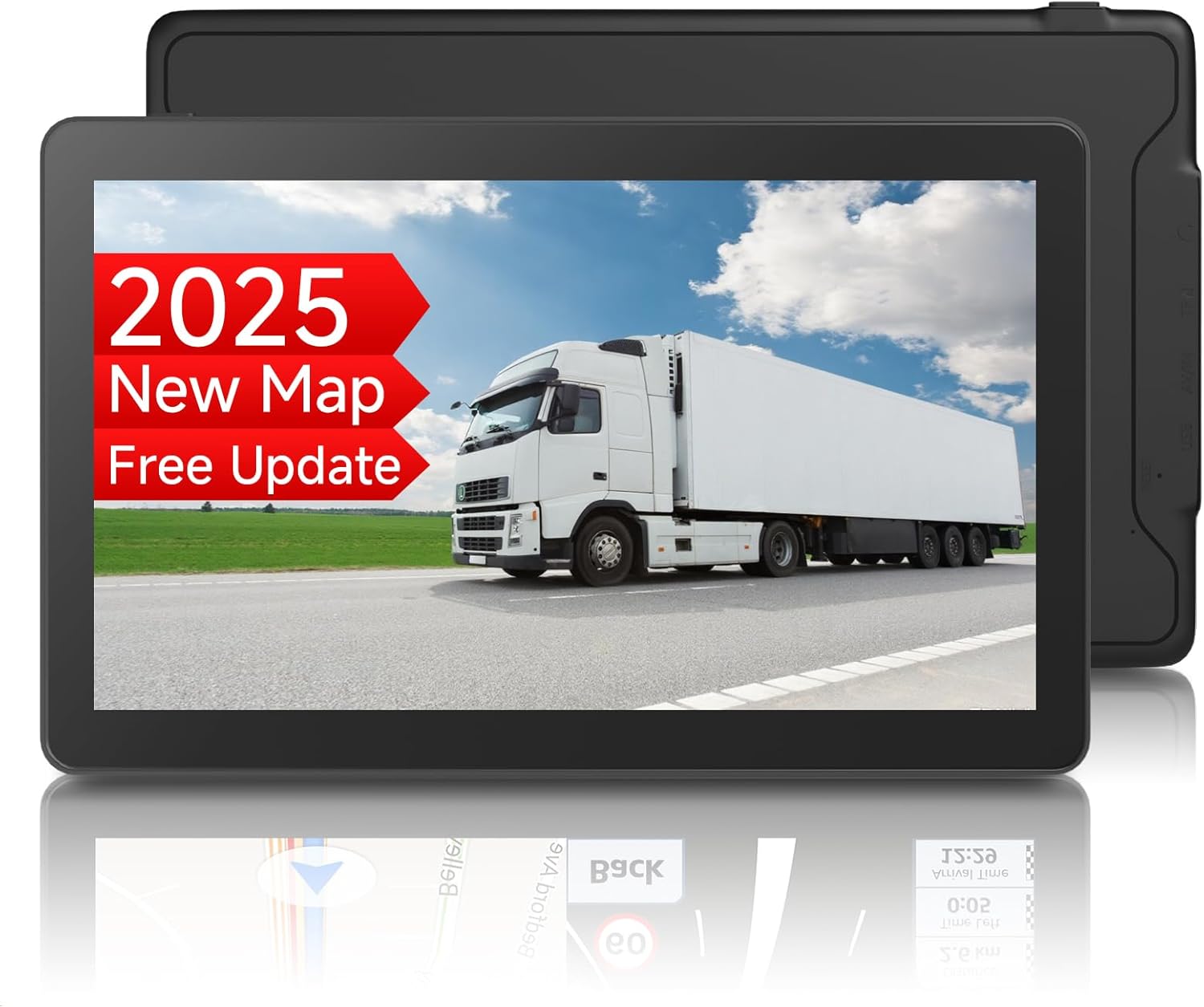
Image: Front view of the LONGRUF 9-Inch GPS Navigation System, showing a truck on a road with "2025 New Map Free Update" text on the screen.
Package Contents
Upon opening the package, ensure all the following items are present:
- 1 x 9-inch GPS Navigation for Car/Truck
- 1 x Car Charger
- 1 x USB Data Cable
- 1 x Power Adapter
- 1 x User Manual (English, French, German)
- 1 x Storage Bag
- 1 x Suction Cup Mount
- 1 x Adhesive Disc

Image: Visual representation of all items included in the product package.
Setup
Mounting the GPS Unit
The GPS unit comes with a suction cup mount for easy installation on your vehicle's windshield. Follow these steps to securely mount the device:
- Ensure the handle on the suction cup mount is in its released position (perpendicular to the pad).
- Press the suction cup firmly against a clean, smooth area of your windshield.
- Flip the handle to the locked position (parallel to the pad) to create a strong vacuum seal.
- Attach the GPS unit to the mount's clamp.
- Adjust the angle of the GPS unit for optimal viewing, then tighten the screw on the mount to secure the position.
Video: Demonstrates the assembly and mounting process of the GPS unit to a car's windshield using the suction cup mount.
Initial Charging
Before first use, fully charge the GPS Navigation unit using the provided car charger or power adapter. This ensures optimal battery performance.
Operating Instructions
Powering On/Off
Press and hold the power button located on the side of the device to turn it on or off. The 9-inch 2.5D touch screen will illuminate upon startup.

Image: Close-up view of the 9-inch GPS navigation system, highlighting its display.
Navigation Features
- Pre-loaded Maps: The device comes with the latest 2025 North America maps (US/CA/MX) pre-installed.
- Voice Broadcast: Receive clear, turn-by-turn voice directions, including road names.
- Speed Camera Reminder: Get alerts for current speed cameras on your route.
- Lane Assistance: Visual guidance helps you navigate complex intersections and exits.
- Route Planning: Plan your routes efficiently, with display of remaining distance and estimated arrival time.
- FM Transmitter: Connect the GPS audio to your car's radio for louder, clearer navigation prompts. Ensure your car's FM is turned on if there is no sound.
- Multi-Vehicle Modes: Supports various vehicle types including car, truck, lorry, RV, hiking, bus, and taxi, allowing for customized routing based on vehicle dimensions and preferences.

Image: Overview of key navigation features such as satellite positioning, voice guidance, and map views.

Image: Illustration of the multilingual voice assistant feature, showing supported languages and example voice prompts.
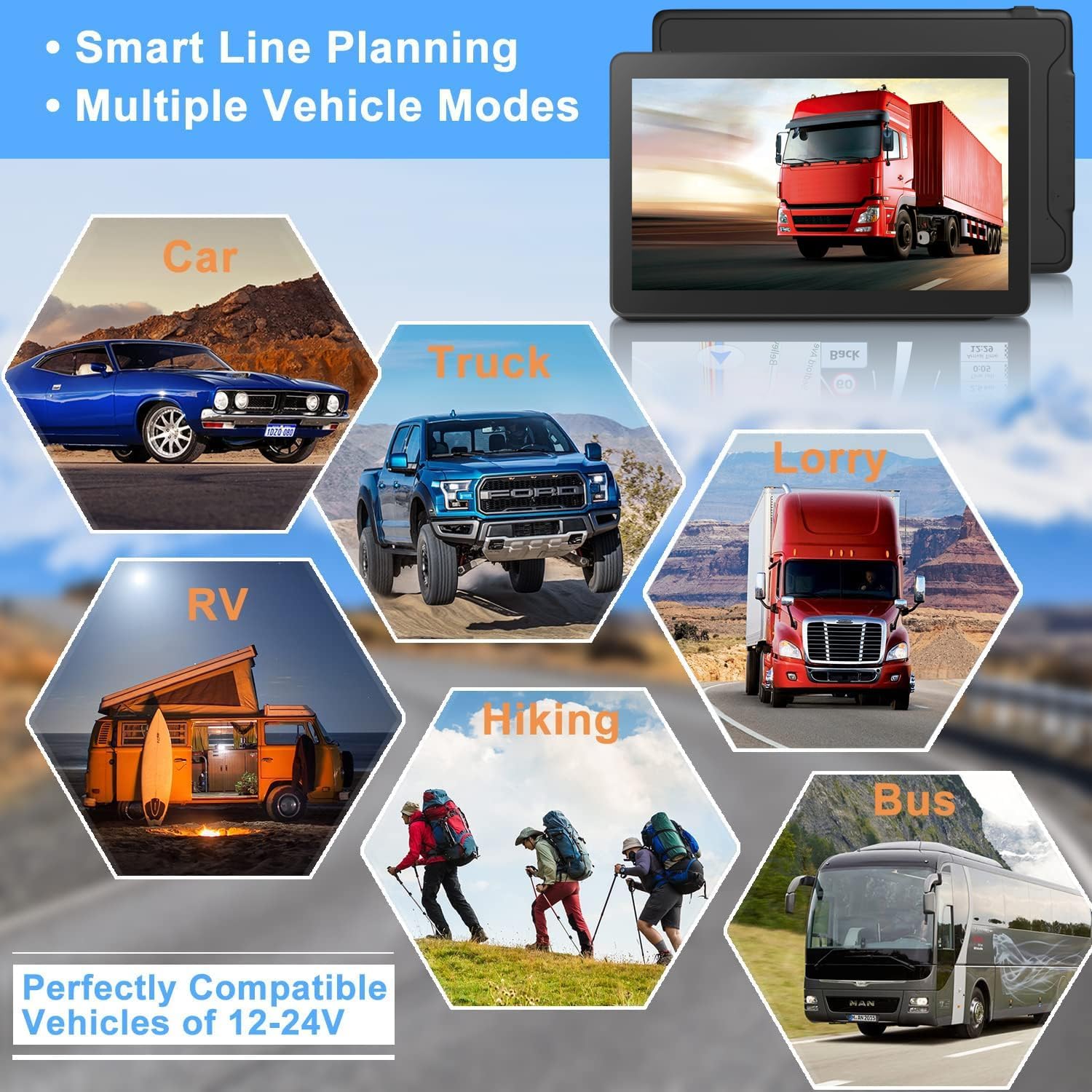
Image: Depicts the smart line planning and multiple vehicle modes supported by the GPS unit.

Image: A visual comparison highlighting the larger 9-inch display of the LONGRUF GPS unit.

Image: Illustrates the speed camera and height limit reminder functions for safer driving.
Maintenance
Map Updates
The LONGRUF GPS Navigation System includes lifetime free map updates. To update your maps, please contact LONGRUF customer support for the latest download link. This ensures you always have the most current navigation data.

Image: Demonstrates the process of updating maps for the GPS unit via a computer.
Battery Care
To maintain the battery life and performance of your GPS unit, always ensure it is fully charged before use, especially after prolonged periods of inactivity. Use only the provided car charger or power adapter.
Troubleshooting
- No Sound from FM Transmitter: If you are using the FM transmitter feature and experience no sound, please verify that the FM function is enabled on both your GPS unit and your car's radio.
- GPS Signal Issues: Ensure the device has a clear line of sight to the sky for optimal satellite reception. Avoid placing it under metallic objects or in areas with heavy overhead cover.
- Device Not Responding: If the device becomes unresponsive, try performing a soft reset by pressing and holding the power button for 10-15 seconds until it restarts.
For any other issues or technical assistance, please refer to the Support section.
Specifications
| Feature | Detail |
|---|---|
| Brand | LONGRUF |
| Model Name | 9 inch T31 |
| Item Model Number | T31-USB |
| Display Size | 9 Inches |
| Product Dimensions | 9.19 x 5.5 x 5.1 inches |
| Item Weight | 1.94 pounds |
| Batteries | 1 9V batteries required (included) |
| Battery Life | 30 minutes (on internal battery) |
| Connectivity Technology | USB |
| Map Type | North America (US/CA/MX) |
| Operating System | Windows |
| Special Features | Custom Truck Routing, Free Lifetime Update Maps, Lane Assist, Road Warnings, Touchscreen |
Warranty
The LONGRUF GPS Navigation System comes with a 2-year manufacturer warranty. Please retain your proof of purchase for warranty claims.
Support
For any questions, technical support, or map update requests, please contact LONGRUF customer service via Amazon. Our professional technician team is dedicated to assisting you and will reply within 24 hours.
You can also visit the official LONGRUF brand page on Amazon for more information: LONGRUF Brand Store