
Introduction
The Reyke Android Smart Tag is a Google Certified Bluetooth tracker designed to help you locate your personal items using the Google Find My Device app on your Android smartphone. This device is ideal for tracking keys, wallets, luggage, backpacks, and other valuables. It features a simple one-tap setup, a replaceable battery, and IP66 waterproof rating for durability.
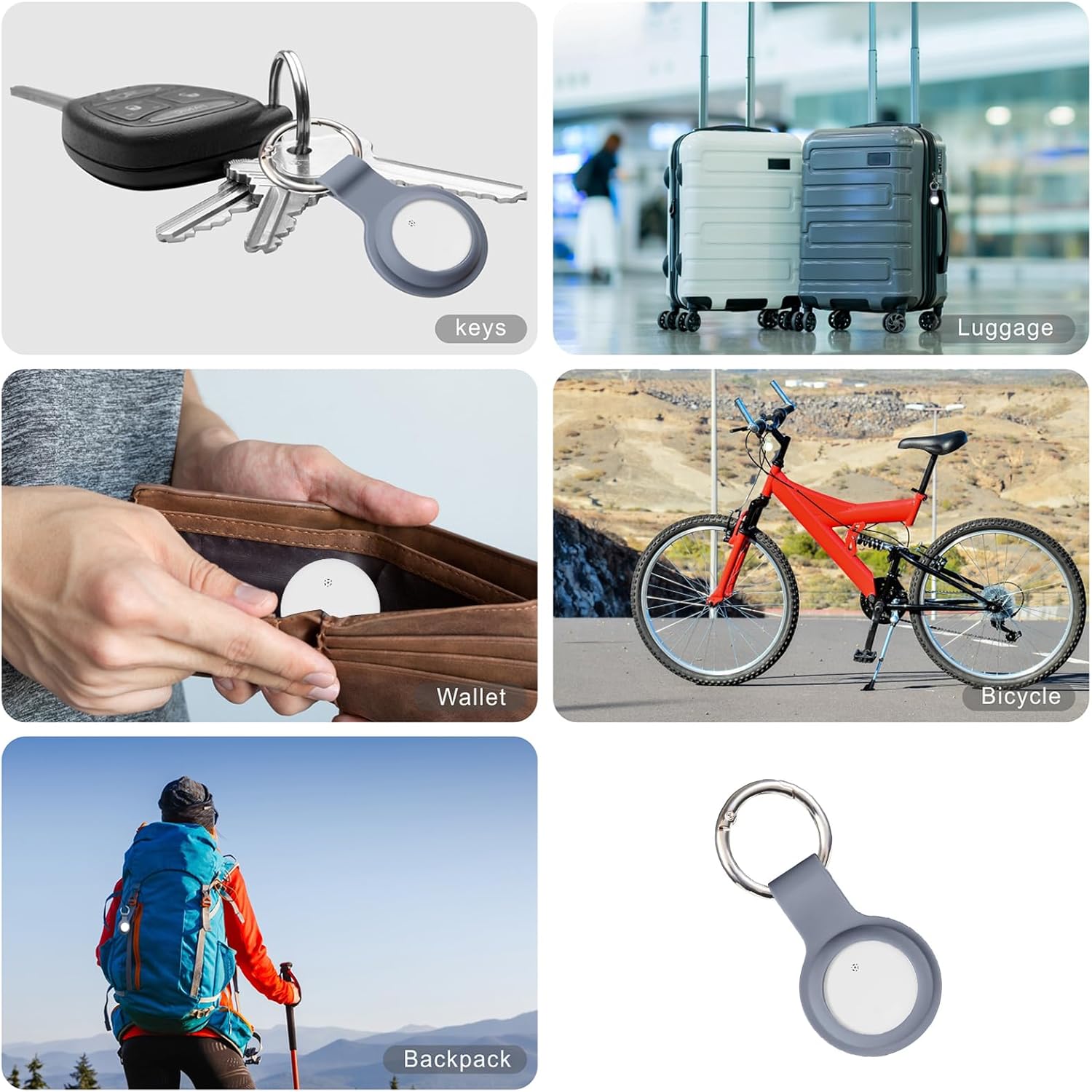
Image: The Reyke Smart Tag shown attached to keys, luggage, a wallet, a bicycle, and a backpack, illustrating various use cases.
Product Overview
Key Features:
- Google Certified: Works exclusively with the Google Find My Device app on Android devices.
- Global Tracking: Locate items within Bluetooth range (up to 180 feet) using a built-in speaker, or view the tag's last known position on a map when out of range.
- Left-Behind Reminders: Receive notifications on your phone if you leave your tracked item behind.
- Device Sharing: Share access to your tag's location with up to 5 other users via the Google Find My Device app.
- Lost Mode: Activate Lost Mode to leverage the Google Find My network for locating your item.
- Durable Design: IP66 waterproof rating protects against splashes and dust.
- Long-lasting Battery: Features a replaceable battery designed to last over a year.
Setup
- Power On: Ensure the Reyke Smart Tag has a working battery. The device comes with one Lithium Metal battery included.
- Install Google Find My Device App: Download and install the official Google Find My Device app from the Google Play Store on your Android smartphone.
- Pairing: Open the Google Find My Device app. Follow the on-screen prompts for a simple one-tap setup to instantly connect your Reyke Smart Tag with your phone. Ensure your phone's Bluetooth is enabled.
- Name Your Tag: Assign a descriptive name to your Reyke Smart Tag within the app (e.g., "Keys," "Wallet," "Luggage").

Image: A visual representation of the Reyke Smart Tag working with the Google Find My Device app on an Android phone, displaying the tag's location.
Operating Instructions
Locating Your Item:
- Within Bluetooth Range: Open the Google Find My Device app. Select your Reyke Smart Tag. Tap the "Play sound" option. The built-in speaker on the tag will emit a loud beep (up to 105dB) to help you pinpoint its location. The Bluetooth range is approximately 180 feet (50 meters).
- Out of Bluetooth Range: If your item is outside Bluetooth range, the app will display the tag's last known location on a map. The Google Find My network, composed of millions of Android devices, can anonymously detect your tag and update its location in the app.

Image: The Reyke Smart Tag is shown emitting sound, with a smartphone displaying the 'Play sound' function within the Find My Device app.
Left-Behind Reminders:
- Enable this feature in the Google Find My Device app settings for your specific tag.
- You will receive a notification on your phone if you move out of Bluetooth range from your Reyke Smart Tag, indicating that you may have left your item behind.
Sharing Your Device:
- Within the Google Find My Device app, you can share access to your Reyke Smart Tag's location with up to 5 other individuals.
- Shared users will be able to see the item's location on a map but will not receive tracking notifications as the item moves with them.

Image: A smartphone screen displaying the 'Share device' interface within the Google Find My Device app, detailing how to share the tag's location.
Mark as Lost:
- If your item is lost, activate "Lost Mode" for your Reyke Smart Tag in the app.
- This feature utilizes the vast Google Find My network to help locate your item. When any Google device in the network detects your tag, you will automatically receive a notification with its updated location.
Maintenance
Battery Replacement:
- The Reyke Smart Tag uses a replaceable Lithium Metal battery, designed to last over a year under normal use.
- When the battery is low, the app will notify you. Refer to the device's casing for instructions on how to open and replace the battery. Ensure proper polarity when inserting the new battery.
Cleaning:
- The device has an IP66 waterproof rating, meaning it is protected against strong jets of water and dust.
- To clean, gently wipe the surface with a soft, damp cloth. Do not use harsh chemicals or abrasive materials.
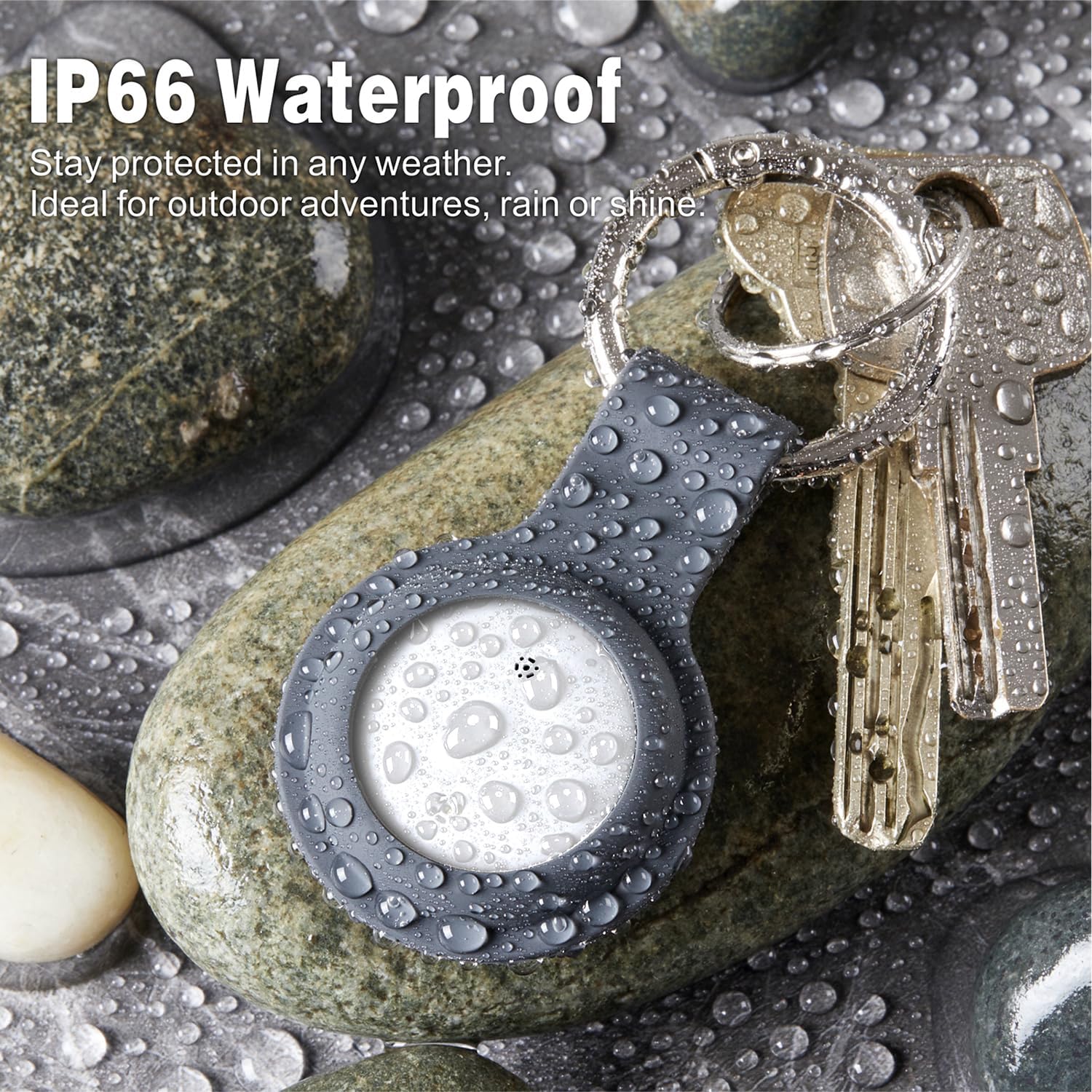
Image: The Reyke Smart Tag, shown in a protective silicone case with water droplets, highlighting its IP66 waterproof feature.
Troubleshooting
- Device Not Connecting:
- Ensure your phone's Bluetooth is enabled.
- Check if the Reyke Smart Tag's battery is charged or needs replacement.
- Try a factory reset of the device. This typically involves pressing and holding a button on the tag for a specified duration until an indicator light or sound confirms the reset. Refer to the packaging for specific reset instructions.
- Ensure the Google Find My Device app is updated to the latest version.
- No Sound from Tag:
- Verify the tag is within Bluetooth range of your phone.
- Check the battery level.
- Inaccurate Location:
- Ensure your phone's location services are enabled and the Google Find My Device app has permission to access your location.
- Location accuracy can vary based on environmental factors and the density of the Google Find My network.
- Notifications Not Received:
- Check your phone's notification settings for the Google Find My Device app.
- Ensure Left-Behind Reminders are enabled in the app for the specific tag.
Specifications
| Brand | Reyke |
| Model Number | B0F8QH4VBT |
| Connectivity Technology | Bluetooth |
| Compatible Devices | Google Find My Device, Android Smartphone, Tablet |
| Material | Plastic |
| Waterproof Rating | IP66 |
| Battery Type | 1 Lithium Metal battery (included, replaceable) |
| Item Weight | 0.01 Kilograms |
| Sound Level | 90-105dB |
| Bluetooth Range | Up to 180ft / 50m |

Image: A diagram illustrating the physical dimensions (1.26in/32mm diameter, 0.31in/7.9mm thickness) and key specifications of the Reyke Smart Tag.
Warranty and Support
Warranty Information:
The Reyke Android Smart Tag comes with a 1-year manufacturer's warranty from the date of purchase. This warranty covers defects in materials and workmanship under normal use. It does not cover damage caused by misuse, accidents, unauthorized modifications, or normal wear and tear.
Customer Support:
For technical assistance, warranty claims, or further inquiries, please refer to the contact information provided on your product packaging or visit the official Reyke website. Please have your product model number (B0F8QH4VBT) and proof of purchase ready when contacting support.