
1. Introduction
This manual provides essential information for setting up, operating, and maintaining your TCL 65T69C 65-inch QLED 4K HDR Smart Google TV. Please read it thoroughly to ensure proper use and to maximize your viewing experience.
The TCL 65T69C features advanced QLED technology for vibrant colors, Direct LED backlighting for improved image quality, and a high-contrast HVA panel. Powered by Google TV, it offers seamless access to streaming content and smart features, including Google Assistant and Alexa compatibility. Enjoy immersive audio with Dolby Atmos and enhanced gaming with Game Master features like HDMI 2.1, ALLM, and VRR.
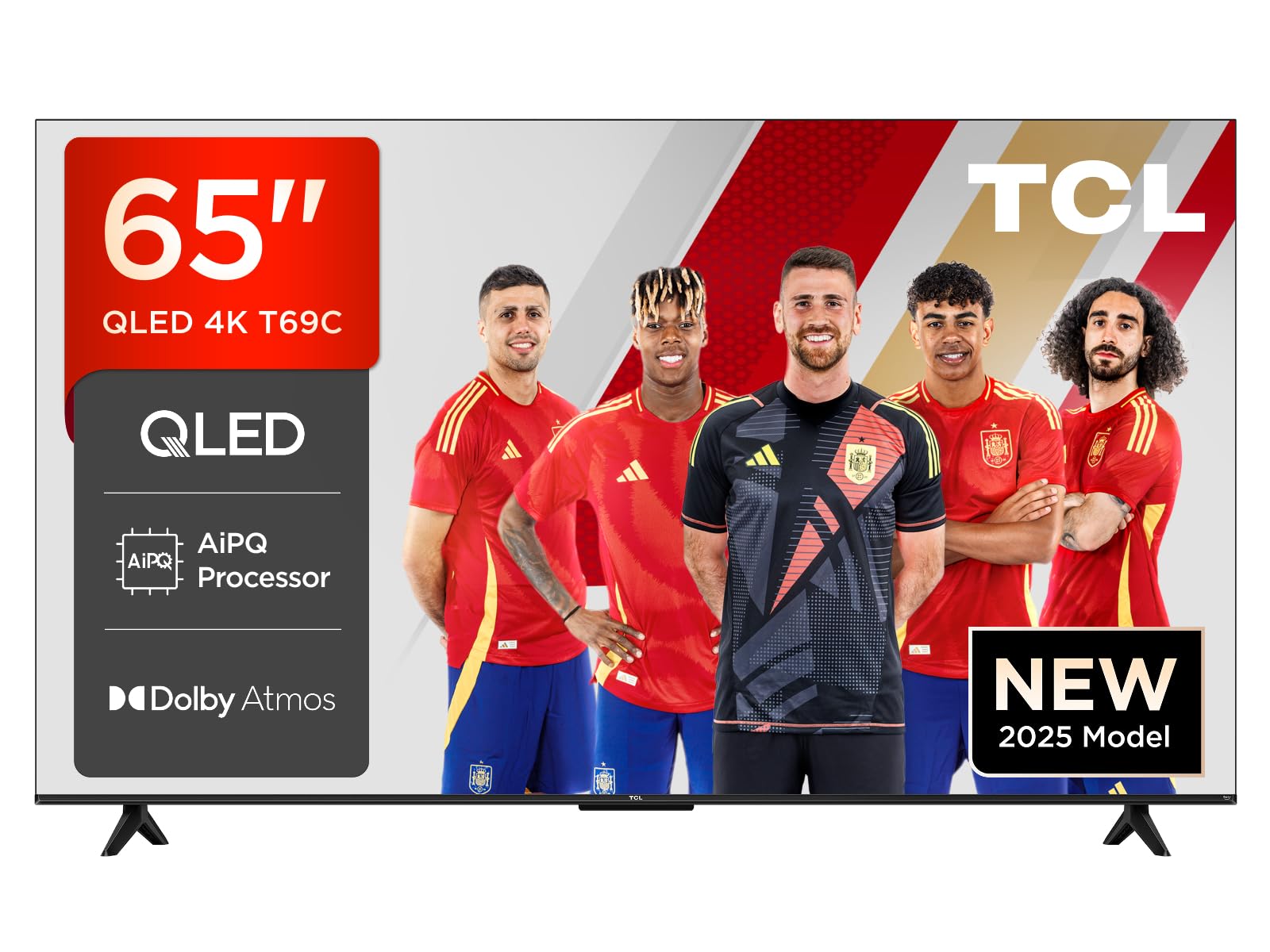
Figure 1.1: Front view of the TCL 65T69C 65-inch QLED 4K HDR Smart Google TV.
2. Important Safety Information
Always follow basic safety precautions when using this product to reduce the risk of fire, electric shock, and injury.
- Do not block ventilation openings.
- Do not place the TV on an unstable cart, stand, tripod, bracket, or table.
- Protect the power cord from being walked on or pinched.
- Do not expose the TV to rain or moisture.
- Refer all servicing to qualified service personnel.
3. What's in the Box
Verify that all components are present before proceeding with the setup:
- TCL 65T69C 65-inch QLED 4K HDR Smart Google TV
- Power Cable
- Remote Control
- Stand (with screws)
- User Manual (this document)
4. Setup
4.1. Installing the TV Stand
To install the stand, place the TV face down on a soft, flat surface to prevent damage. Align the stand with the mounting holes on the bottom of the TV and secure it with the provided screws.

Figure 4.1: TV dimensions and remote control. The stand is visible at the bottom of the TV.
4.2. Connecting Cables
Connect your power cable, antenna, and other devices to the appropriate ports on the back of the TV. Ensure all connections are secure.

Figure 4.2: Illustration of the TV's rear ports, including HDMI x3, USB x1, LAN, Optical, Cable, Satellite, and CI Slot.
4.3. Initial Power-On and Setup Wizard
Plug the power cable into an electrical outlet. Press the power button on the remote control. The TV will guide you through the initial setup process, including language selection, network connection, and Google TV account setup.
5. Operating Your TV
5.1. Remote Control
The included remote control allows you to navigate the TV's interface, adjust settings, and access smart features. It supports voice commands via Google Assistant and Alexa for convenient control.
5.2. Smart TV Features (Google TV)
Your TCL 65T69C is powered by Google TV, providing a personalized entertainment experience. Access a wide range of streaming services, apps, and live TV. Use the Google Home App or Google Assistant for smart home integration and voice control.
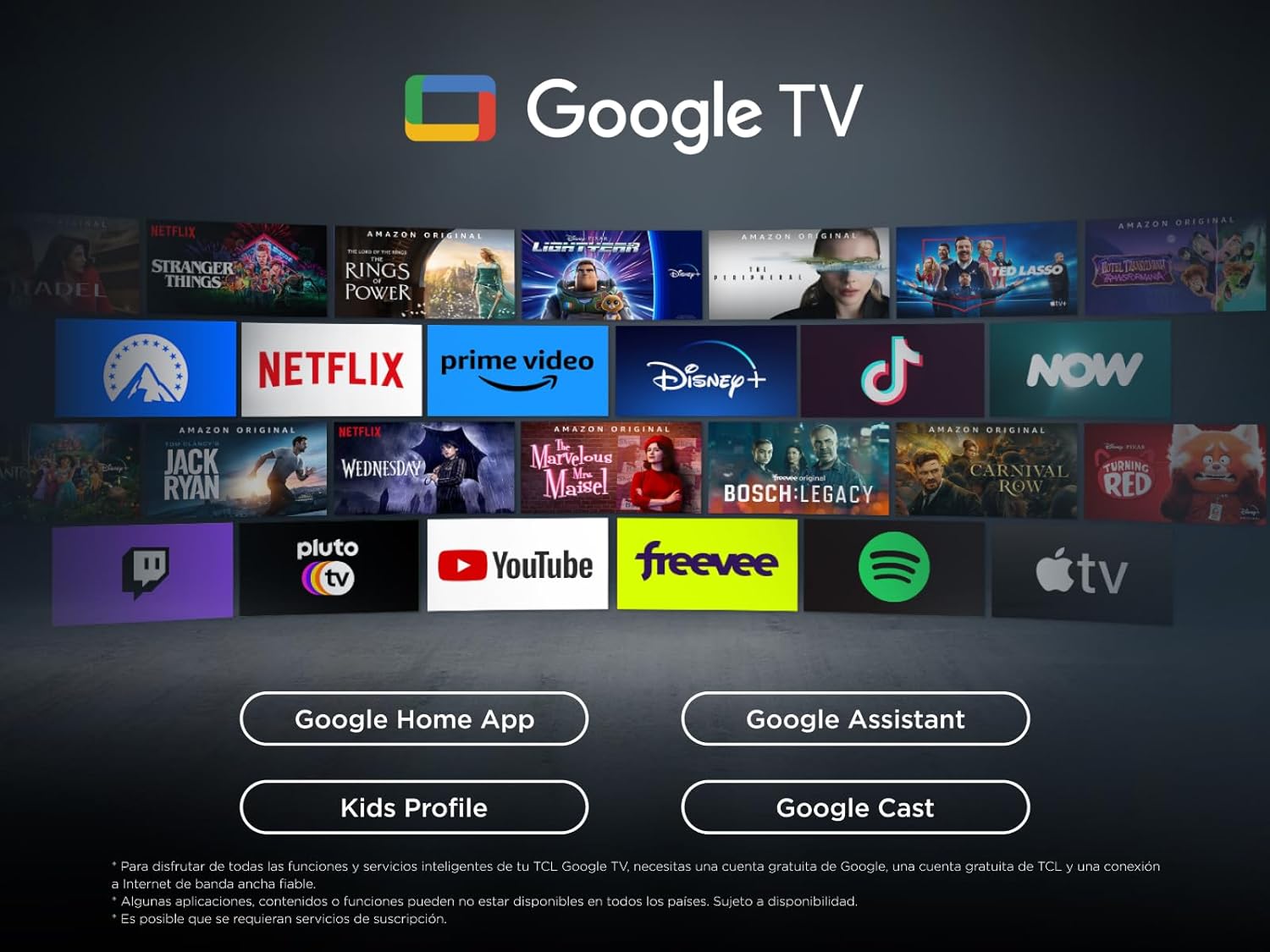
Figure 5.1: The Google TV interface, displaying various streaming applications and content recommendations.
5.3. Picture Settings
The TV utilizes QLED technology, Direct LED backlighting, and an HVA panel to deliver superior image quality. The AiPQ Processor optimizes content for 4K resolution, clear motion, and high contrast. The Multi HDR format supports HDR10, HLG, HDR10+, and Dolby Vision for stunning visuals from any source.

Figure 5.2: Key visual technologies of the TCL 65T69C, highlighting QLED, AiPQ Processor, and HDR formats.

Figure 5.3: Visual representation of QLED UltraWide colors, showcasing the vibrant and broad color gamut.
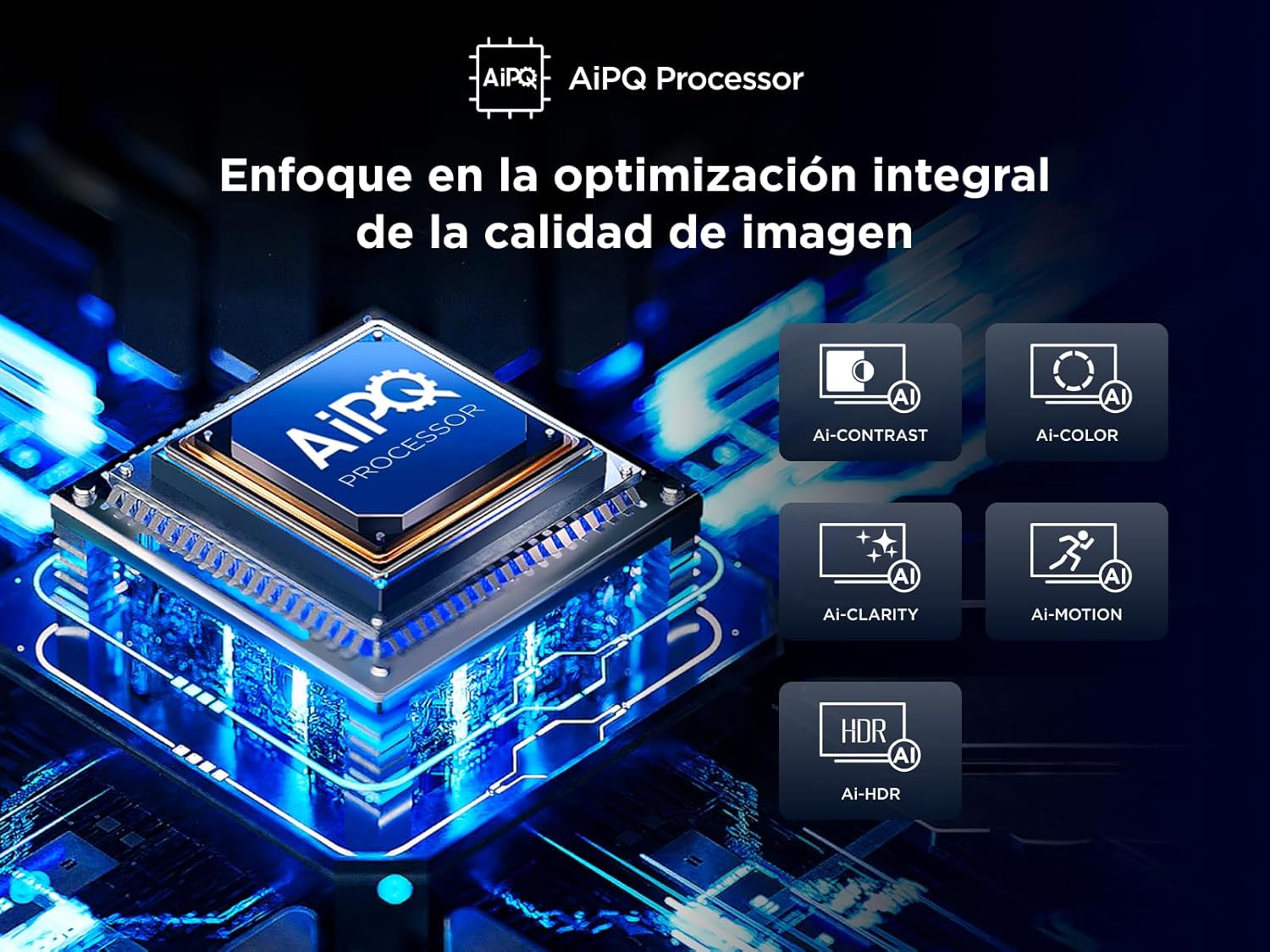
Figure 5.4: The AiPQ Processor, illustrating its role in optimizing image contrast, color, clarity, motion, and HDR.
5.4. Sound Settings
Experience theatrical sound with Dolby Atmos, which provides immersive audio that flows around you. Adjust sound modes and equalizer settings in the TV menu to suit your preferences.

Figure 5.5: Visual representation of Dolby Atmos technology, enhancing the audio experience with immersive sound.
5.5. Gaming Features (Game Master)
The Game Master feature, combined with HDMI 2.1 and ALLM (Auto Low Latency Mode), ensures the lowest latency and optimal image settings for gaming. VRR (Variable Refresh Rate) and Game Accelerator 120 Hz (in FHD resolution) provide smooth, tear-free gameplay.
6. Connectivity
Your TV offers various connectivity options:
- HDMI: Three HDMI ports for connecting external devices like game consoles, Blu-ray players, and soundbars.
- USB: One USB port for media playback from USB drives.
- LAN (Ethernet): For wired internet connection.
- Optical: Digital audio output for connecting to external audio systems.
- Wi-Fi: Built-in Wi-Fi for wireless internet access.
- Bluetooth: For connecting wireless headphones or other Bluetooth devices.
7. Maintenance
7.1. Cleaning Your TV
To clean the screen, gently wipe it with a soft, lint-free cloth. For stubborn marks, dampen the cloth with a small amount of water or a screen cleaner. Avoid using harsh chemicals or abrasive materials. Clean the TV's exterior with a soft, dry cloth.
7.2. Software Updates
Ensure your TV's software is up to date for optimal performance and security. Updates can typically be found in the TV's settings menu under 'System' or 'About'.
8. Troubleshooting
If you encounter issues with your TV, refer to the following common solutions:
- No Power: Check if the power cable is securely plugged into the TV and the outlet. Try a different outlet.
- No Picture/Poor Picture Quality: Ensure all cables are correctly connected. Adjust picture settings (brightness, contrast, sharpness). Try a different input source.
- No Sound/Poor Sound Quality: Check volume levels and mute settings. Ensure external audio devices are correctly connected.
- Remote Control Not Working: Replace batteries. Ensure there are no obstructions between the remote and the TV.
- Network Connection Issues: Restart your router. Check Wi-Fi password. Try a wired (LAN) connection if available.
For more complex issues, consult the full electronic manual or contact TCL customer support.
9. Specifications
| Parameter | Value |
|---|---|
| Brand | TCL |
| Model Number | 65T69C |
| Screen Size | 65 Inches |
| Display Technology | QLED |
| Resolution | 4K (3840 x 2160) |
| Refresh Rate | 60 Hz |
| Special Features | Dynamic Contrast Enhancer, Wide Viewing Angle |
| Connectivity Technology | Bluetooth, Ethernet, HDMI, USB, Wi-Fi |
| Aspect Ratio | 16:9 |
| Product Dimensions | 30 x 144.6 x 87.8 cm; 19.8 kg |
| Energy Efficiency Rating (SDR) | F |
| Power Consumption (SDR) | 95.0 W |
| Energy Efficiency Rating (HDR) | G |
| Power Consumption (HDR) | 135 W |

Figure 9.1: Energy efficiency label for the TCL 65T69C.
For detailed product information, refer to the EPREL database: https://eprel.ec.europa.eu/qr/2218570
10. Product Overview Video
Watch this short video for a quick overview of the TCL 65T69C's features and benefits.
Video 10.1: A brief product overview highlighting key features of the TCL 65T69C TV.
11. Warranty and Support
Your TCL 65T69C TV comes with a manufacturer's warranty. Please refer to the warranty card included in the packaging for specific terms and conditions. For technical support, troubleshooting assistance, or service inquiries, please visit the official TCL support website or contact their customer service.


