
Introduction
This manual provides detailed instructions for the installation, operation, and maintenance of your BOTSLAB Security Camera Wireless Outdoor. This 4MP WiFi IP Camera is designed for home security, featuring a 170° ultra-wide angle, color night vision, and advanced person/vehicle detection. It supports both 2.4/5GHz WiFi and is compatible with Alexa.

Figure 1: Front view of the BOTSLAB Security Camera Wireless Outdoor, showcasing its dual lenses and two antennas.
What's in the Box
Upon opening the package, please verify that all components are present and in good condition.
- BOTSLAB Security Camera Wireless Outdoor
- Camera Bracket
- Power Adapter (Corded Electric)
- Mounting Screws and Wall Plugs
- Quick Start Guide
Setup and Installation
Follow these steps to set up your security camera for optimal performance.
- Choose a Location: Select an outdoor location with a clear view of the area you wish to monitor. Ensure the location is within range of your Wi-Fi network. The camera is designed for wall mount installation.
- Mount the Camera: Use the included camera bracket and mounting screws to securely attach the camera to a wall. Ensure the camera is positioned to capture the desired viewing angle.
- Connect Power: Connect the provided power adapter to the camera and plug it into a suitable outdoor power outlet.
- Download the App: Download the Botslab app from your smartphone's app store (compatible with Android and iOS devices).
- Pair with Wi-Fi: Open the Botslab app and follow the on-screen instructions to add your new camera. The camera supports dual-band Wi-Fi (2.4GHz and 5GHz) for faster and more stable connectivity.
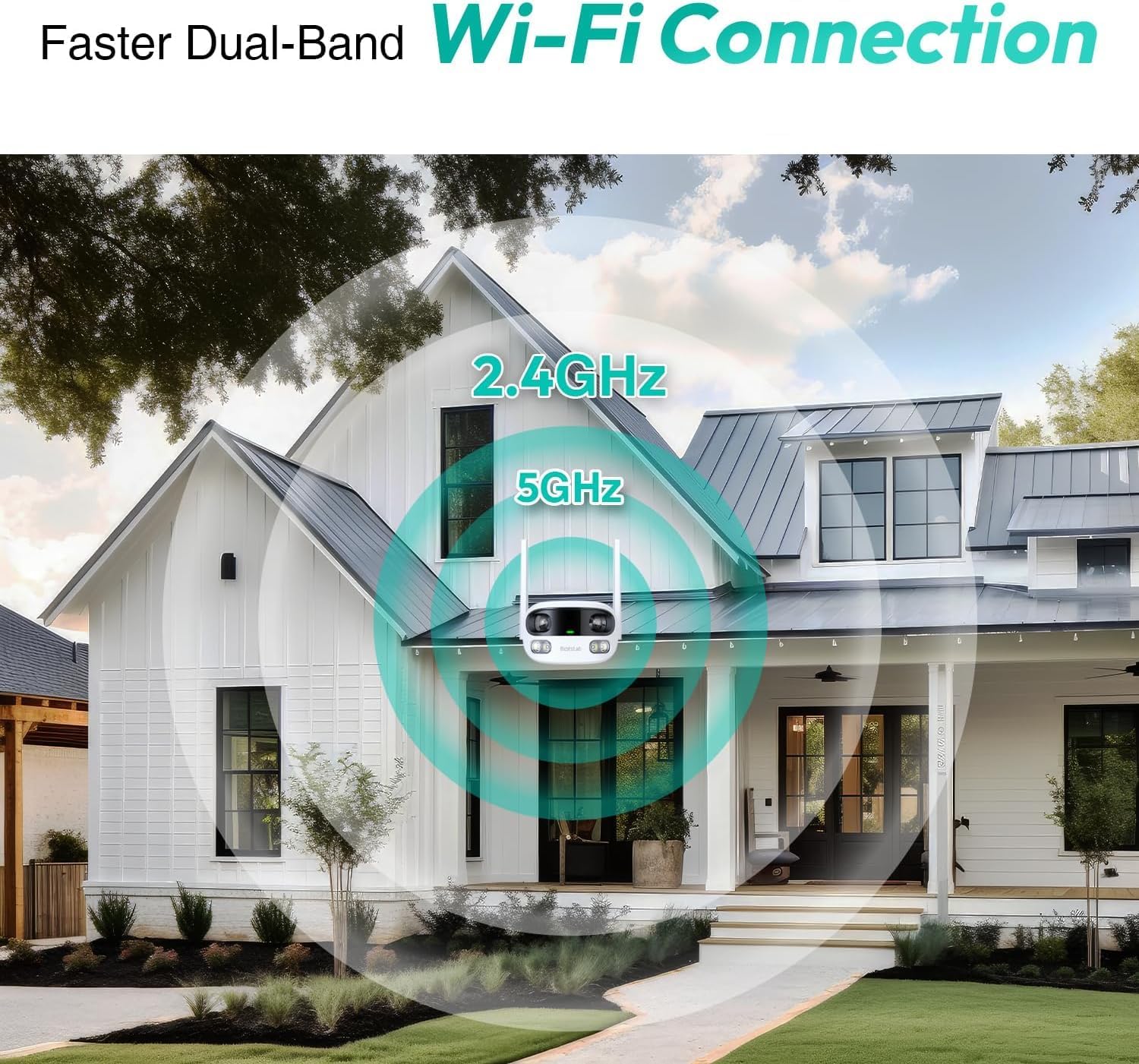
Figure 2: Illustration of the camera's dual-band Wi-Fi connectivity, showing 2.4GHz and 5GHz signals reaching a home.
Operating the Camera
Understand the key features and functionalities of your BOTSLAB security camera.
Smart Security and Alerts
The camera is equipped with advanced detection capabilities to keep your property secure. It can precisely identify and differentiate between people and vehicles, reducing false alarms. Motion detection ensures you are informed of any activity. Customizable siren and light alarms can be activated within selected zones for enhanced protection.

Figure 3: Visual representation of the camera's smart detection features, including person detection in a garden, vehicle detection in a driveway, and general motion detection.
Dual-Lens Vision and Wide Angle
Featuring a dual-lens system, the camera provides a 170° super-wide viewing angle with a clear 2MP+2MP resolution. This design ensures seamless panoramic images without blind spots or distortion, capturing comprehensive views of your surroundings.

Figure 4: Diagram illustrating the camera's dual-lens capability, showing how it combines two views to create a single 170-degree super-wide image, eliminating blind spots.
Color Night Vision
Even in low-light conditions, the camera provides continuous color night vision. Thanks to automatic light adaptation, it ensures true color views 24/7, allowing for clear identification of details at any time.

Figure 5: Comparison images demonstrating the camera's ability to maintain color vision throughout the day and night, showing scenes at 3:00, 9:00, 15:00, and 21:00.
AI-Powered Tracking
The camera's advanced AI intelligently tracks human subjects, providing close-up views to ensure no important details are missed. You can enjoy dual live views, simultaneously seeing both a wide panorama and a close-up perspective. The Botslab app allows you to slide to explore or zoom in for more details.

Figure 6: Depiction of the AI-powered tracking feature, showing a panoramic view with a highlighted human subject and a corresponding close-up image of the tracked person.
Two-Way Audio and Voice Control
Engage in real-time communication with the built-in two-way audio feature. The camera also seamlessly integrates with Alexa and Google Assistant for convenient voice control.
Storage Options
The camera offers flexible storage solutions:
- Botslab Cloud Storage: Includes a one-year trial providing 7-day storage for motion-detected clips (5-minute intervals).
- Local Storage: Supports up to 256GB MicroSD cards (not included).
Your privacy is safeguarded with TÜV Rheinland and ISO/IEC 27001 certifications, backed by the reliability of Amazon Web Services.
Maintenance
Regular maintenance ensures the longevity and optimal performance of your camera.
- Cleaning: Gently wipe the camera lens and body with a soft, damp cloth to remove dust and dirt. Avoid using harsh chemicals or abrasive materials.
- Weather Protection: The camera has an IP66 weatherproof design, allowing it to perform reliably in temperatures ranging from -20°C to 60°C. Ensure proper installation to prevent water ingress.
- Firmware Updates: Periodically check the Botslab app for available firmware updates to ensure your camera has the latest features and security enhancements.
Troubleshooting
If you encounter issues with your camera, refer to the common solutions below.
- No Power:
- Ensure the power adapter is securely plugged into both the camera and a working electrical outlet.
- Verify the power outlet is functional.
- Wi-Fi Connectivity Issues:
- Check if your Wi-Fi router is working correctly.
- Ensure the camera is within range of your Wi-Fi signal.
- Try restarting your router and the camera.
- Confirm you are connecting to the correct 2.4GHz or 5GHz network.
- Poor Image Quality:
- Clean the camera lens to remove any smudges or dirt.
- Ensure there are no obstructions in the camera's field of view.
- Check your internet connection speed, as low bandwidth can affect streaming quality.
- Detection Not Working:
- Verify that motion, person, or vehicle detection settings are enabled in the Botslab app.
- Adjust the sensitivity settings in the app.
- Ensure the detection zones are correctly configured.
Specifications
Detailed technical specifications for the BOTSLAB Security Camera Wireless Outdoor.
| Feature | Specification |
|---|---|
| Model Name | BAW |
| Indoor/Outdoor Usage | Outdoor |
| Connectivity Technology | Wireless (Wi-Fi, Bluetooth) |
| Wi-Fi Support | 2.4GHz, 5GHz Dual-Band |
| Power Source | Corded Electric |
| Video Capture Resolution | 1080p (4MP effective resolution with dual 2MP lenses) |
| Viewing Angle | 170° Ultra-Wide Angle |
| Night Vision | Color Night Vision (Night Color technology) |
| Special Features | 2-Way Audio, Person/Vehicle Detection, AI-Powered Tracking, Siren and Light Alarm |
| Weather Resistance | IP66 Waterproof |
| Operating Temperature | -20°C to 60°C |
| Storage Options | Botslab Cloud Storage, MicroSD (up to 256GB) |
| Compatible Devices | Smartphone (Android, iOS), Alexa, Google Assistant |
| Dimensions (L x W x H) | 4 x 8 x 6 inches |
| Item Weight | 4 pounds |
| Installation Type | Wall Mount |
Warranty and Support
For detailed warranty information and technical support, please refer to the official BOTSLAB website or contact their customer service. The product adheres to high security standards, including TÜV Rheinland and ISO/IEC 27001 certifications, with data hosted on Amazon Web Services for reliability.
For further assistance, visit the BOTSLAB Store on Amazon.
