
Introduction
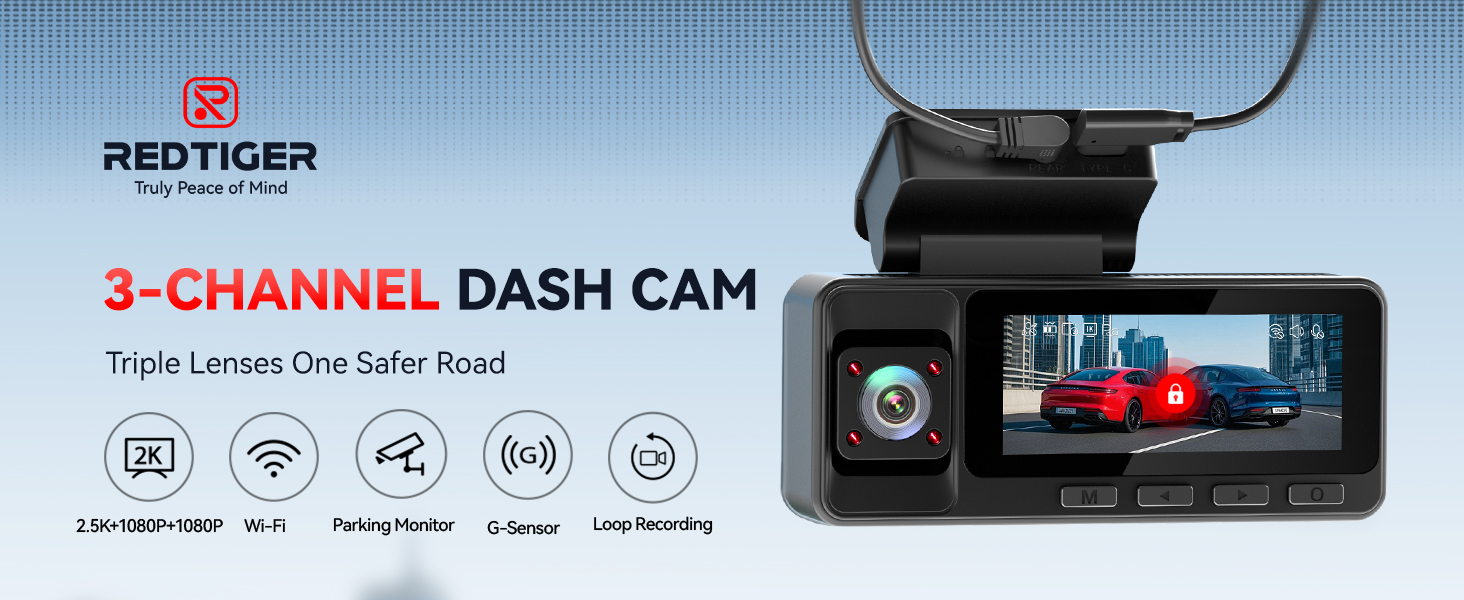
The REDTIGER A3 3 Channel Dash Cam is designed to provide comprehensive surveillance for your vehicle. It features a 2.5K front camera, a 1080P rear camera, and a 1080P interior cabin camera, ensuring detailed coverage of both road conditions and in-car activity. This manual provides essential information for setting up, operating, maintaining, and troubleshooting your dash cam.
Package Contents
Please verify that all items listed below are included in your package:
- 1 x REDTIGER A3 Dual Dash Cam
- 1 x 1080P Rear Camera
- 1 x 11.5ft Power Supply Cable with Car Charger
- 1 x 32GB MicroSD Card
- 1 x Adhesive Mount
- 1 x 21.3ft Rear Camera Cable
- 5 x Cable Clips
- 1 x Car Wire Trim Tool
- 1 x User Manual
- Adhesive stickers
- Electrostatic Sticker

Product Overview
The REDTIGER A3 dash cam features a compact design with a 3.18-inch screen and multiple cameras for comprehensive recording.
Triple-Channel Recording
The dash cam records simultaneously from three perspectives:
- Front Camera: 2.5K resolution for clear road footage.
- Cabin Camera: 1080P resolution with IR Night View for interior monitoring.
- Rear Camera: 1080P resolution for coverage behind your vehicle.
IR Night View for Cabin
Equipped with infrared lights and low-light optimization, the cabin camera captures clear details of the vehicle's interior even in dark conditions, enhancing safety and evidence collection.

Detachable Design and Type-C Interface
The dash cam features a detachable design for easy removal and an upgraded Type-C interface for reliable power and data transfer.

Setup and Installation
Follow these steps for proper installation of your REDTIGER A3 Dash Cam:
- Mount the Front Dash Cam: Attach the dash cam to your windshield using the adhesive mount. Ensure it is positioned to capture a clear view of the road without obstructing your driving vision.
- Install the Rear Camera: Mount the rear camera on your rear windshield. Route the 21.3ft rear camera cable from the front dash cam to the rear camera, tucking it neatly along the vehicle's headliner and pillars.
- Connect Power: Connect the 11.5ft power supply cable from the car charger to the dash cam's Type-C port. Plug the car charger into your vehicle's 12V power outlet.
- Insert MicroSD Card: Insert the included 32GB MicroSD card (or a compatible card up to 256GB) into the designated slot on the dash cam.
- Adjust Camera Angles: Power on the dash cam and adjust the angles of the front, cabin, and rear cameras to ensure optimal coverage.

Operating Instructions
Automatic Recording
Once powered on, the dash cam will automatically begin recording in a continuous loop. Older footage will be overwritten by new recordings when the memory card is full, ensuring continuous operation.
G-Sensor
The built-in G-Sensor detects sudden impacts or collisions. When an event is detected, the current video segment is automatically locked to prevent it from being overwritten, serving as critical evidence.
Audio Recording
The dash cam supports audio recording. This feature can be enabled or disabled through the device settings.
Wi-Fi and App Control
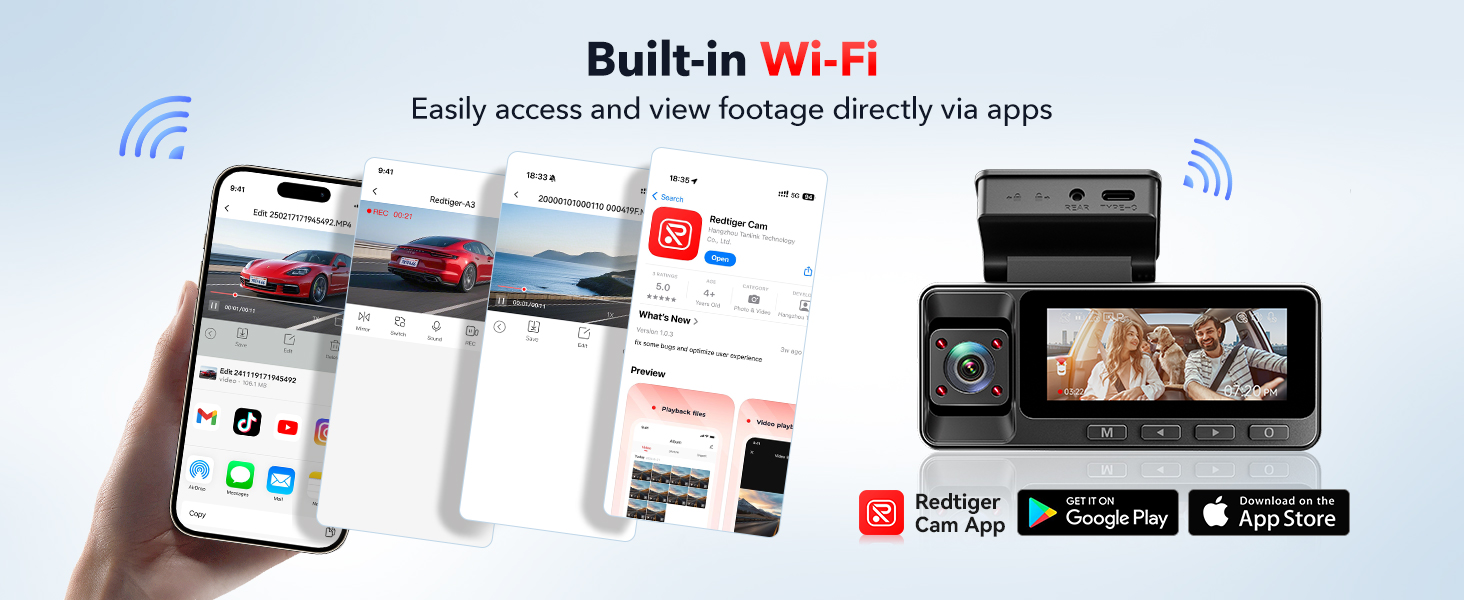
The REDTIGER A3 features built-in Wi-Fi for seamless connectivity with the REDTIGER Cam app on your smartphone.
- Download the App: Search for "REDTIGER Cam" in the Apple App Store or Google Play Store and install it on your smartphone.
- Connect to Wi-Fi: On the dash cam, enable Wi-Fi. On your smartphone, connect to the dash cam's Wi-Fi network (SSID and password will be displayed on the dash cam screen).
- Access Footage: Open the REDTIGER Cam app to preview live footage, download recorded videos, and manage settings directly from your phone.
Parking Mode
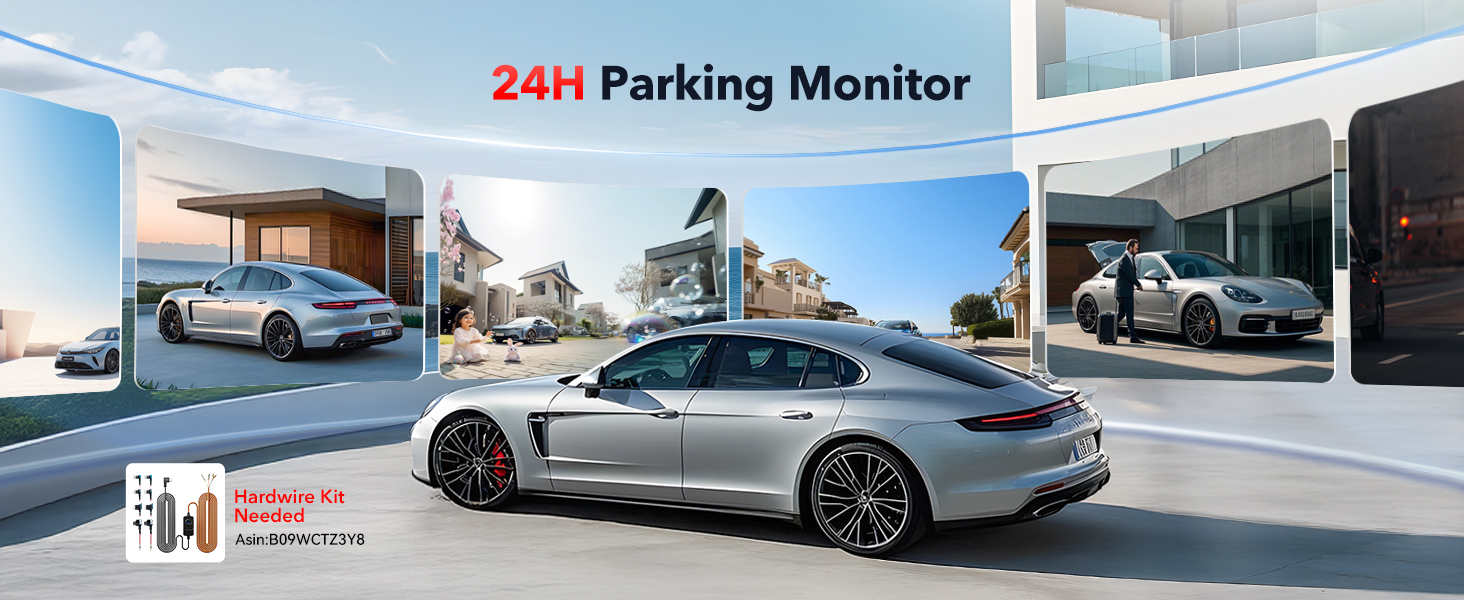
The parking mode feature provides surveillance for your vehicle when it is parked. To enable 24-hour parking monitoring, a hardwire kit (not included) is required.
Collision Detection
When the hardwire kit is installed, the dash cam monitors for impacts or motion while parked. If an event is detected, it automatically records and locks the footage.
Time-Lapse Recording
Parking mode also supports time-lapse recording, allowing for extended surveillance periods by capturing footage at a lower frame rate, conserving storage space.
Maintenance
To ensure optimal performance and longevity of your REDTIGER A3 Dash Cam, follow these maintenance guidelines:
- MicroSD Card Management: Regularly format the MicroSD card (at least once a month) to prevent data corruption and ensure smooth recording. Use a Class 10 or higher U3 speed MicroSD card.
- Lens Cleaning: Gently clean the camera lenses with a soft, lint-free cloth to remove dust or smudges that may affect video clarity.
- Temperature Range: The dash cam is designed with a supercapacitor for enhanced durability and heat resistance, operating effectively in temperatures from -20°C to 70°C. Avoid exposing the device to temperatures outside this range for prolonged periods.
- Cable Connections: Periodically check all cable connections to ensure they are secure.
Troubleshooting
If you encounter issues with your REDTIGER A3 Dash Cam, refer to the following common problems and solutions:
Dash Cam Not Powering On
- Ensure the car charger is properly plugged into the vehicle's 12V outlet and the dash cam.
- Check if the vehicle's 12V outlet is functioning. Try plugging in another device.
- Verify the power cable is not damaged.
Recording Stops or Freezes
- Format the MicroSD card. A corrupted card can cause recording issues.
- Ensure you are using a high-speed (Class 10, U3) MicroSD card. Lower speed cards may not keep up with the data rate.
- Check if the card is full. Enable loop recording or replace the card if necessary.
Poor Video Quality
- Clean the camera lenses with a soft cloth.
- Ensure the protective film has been removed from the lenses.
- Check video resolution settings in the dash cam menu or app.
Wi-Fi Connection Issues
- Restart both the dash cam and your smartphone.
- Ensure you are within close proximity to the dash cam for a stable connection.
- Verify the correct Wi-Fi password is being entered.
Parking Mode Not Working
- Parking mode requires a separate hardwire kit (not included) for continuous power when the vehicle is off. Ensure the hardwire kit is correctly installed.
- Check parking mode settings in the dash cam menu.
Dash Cam Feels Hot
It is normal for the dash cam to generate some heat during operation, especially in warm environments. The device's casing is designed to dissipate this heat. If the device becomes excessively hot or malfunctions, contact customer support.
Specifications
| Brand | REDTIGER |
| Model Name | A3 |
| Vehicle Service Type | Bus, Car, Minivan, Truck |
| Connectivity Technology | Wi-Fi |
| Video Capture Resolution | Front: 2.5K, Cabin: 1080P, Rear: 1080P |
| Screen Size | 3.18 Inches (LCD) |
| Included Memory Card | 32 GB |
| Max. Supported Memory Card | 256 GB |
| Operating Temperature | -20°C to 70°C |
| Special Features | 3 Channel Recording, 4 IR Lights, APP Control, Built-In Supercapacitor, G-Sensor, Loop Recording, Mute Function, Night View, Parking Monitor, Audio Recording |
Warranty and Support
Warranty Information
The REDTIGER A3 Dash Cam comes with an 18-month warranty from the date of purchase. Please retain your proof of purchase for warranty claims.
Customer Support
For any technical assistance, setup queries, or warranty-related concerns, please contact REDTIGER customer support:
- Email: support@redtigercam.com
- Phone (India): +91 92897 80777