
1. Introduction
This manual provides instructions for the safe and efficient use of your GUY-TECH 12V AC Adapter. This adapter is designed to provide power to compatible electronic devices, specifically the IOMEGA Screenplay PRO HD Media Player, and other devices requiring a 12V power supply with a compatible plug type.
The adapter is compact and lightweight, designed for portability. It features high power exchange efficiency, low energy consumption, and incorporates protection mechanisms against over-voltage, over-current, and short circuits to ensure device safety.
Note: This adapter is a replacement unit and is not an original manufacturer product.
2. Safety Information
- Ensure the adapter's voltage and current specifications match your device's requirements before connecting. Incorrect voltage can damage your device.
- Do not expose the adapter to water, moisture, or extreme temperatures.
- Avoid dropping or subjecting the adapter to strong impacts.
- Do not attempt to open or repair the adapter. Refer to qualified personnel for service.
- Keep the adapter away from children.
- Unplug the adapter from the power outlet when not in use for extended periods.
- Ensure proper ventilation around the adapter during operation to prevent overheating.
3. Setup Instructions
- Verify Compatibility: Before connecting, confirm that your device requires a 12V DC input and has a compatible power input jack. Refer to your device's manual for power specifications.
- Connect to Device: Insert the adapter's output plug firmly into the power input jack of your electronic device.
- Connect to Power Outlet: Plug the adapter's AC input plug into a standard AC 100V-240V wall outlet.
- Power On Device: Once connected, you can power on your device.
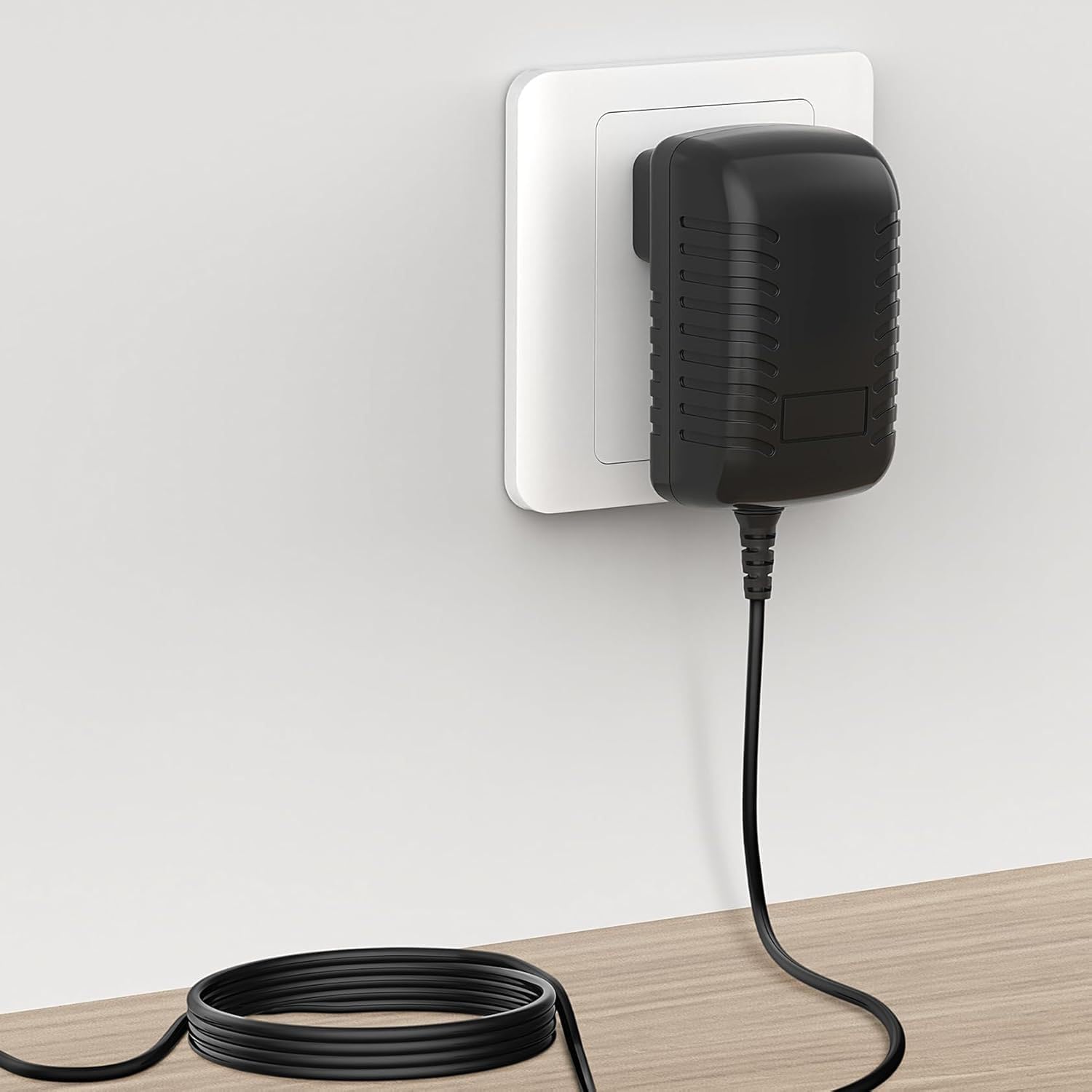
Figure 3.1: Adapter connected to a wall outlet and device.
4. Operating Instructions
The GUY-TECH 12V AC Adapter operates automatically once connected to a power source and a compatible device. It converts the AC input voltage (100V-240V) to a stable 12V DC output for your device.
- Ensure the adapter is placed in a well-ventilated area during operation to prevent heat buildup.
- Do not cover the adapter with cloths or other materials while it is in use.
- If the adapter feels excessively hot, disconnect it immediately and check for proper ventilation or potential issues with the connected device.
5. Maintenance
- Cleaning: Disconnect the adapter from the power outlet and your device before cleaning. Use a soft, dry cloth to wipe the exterior. Do not use liquid cleaners or solvents.
- Storage: When not in use, store the adapter in a cool, dry place, away from direct sunlight and moisture. Avoid tightly coiling the power cord to prevent damage.
- Inspection: Periodically inspect the power cord and adapter casing for any signs of damage, such as cuts, fraying, or cracks. If damage is found, discontinue use and replace the adapter.

Figure 5.1: Details of the adapter's construction, including the flexible power cord.
6. Troubleshooting
| Problem | Possible Cause | Solution |
|---|---|---|
| Device not powering on. |
|
|
| Adapter feels hot during use. |
|
|
| Sparking when plugging into outlet. |
|
|
7. Specifications
| Brand | GUY-TECH |
| Model | 12V AC Adapter |
| Input Voltage | AC 100V - 240V (Worldwide Use) |
| Output Voltage | 12V DC (Output current not specified, ensure compatibility with device requirements) |
| Connector Type | Plug (American Standard) |
| Compatible Devices | IOMEGA Screenplay PRO HD Media Player, and other devices requiring 12V DC with compatible plug. |
| Special Feature | Travel-friendly design |
| Color | Black |
| Material | Composite, Metal, Plastic |
| Certifications | CCC, CE, RoHS |
| Protection Features | Over Voltage Output Protection, Over Current Output Protection, Short Circuit Output Protection |

Figure 7.1: Adapter dimensions for reference.
8. Support Information
For technical assistance or inquiries regarding your GUY-TECH 12V AC Adapter, please refer to the retailer or manufacturer's support channels. Ensure you have your product model information (12V AC Adapter) and purchase details available when contacting support.
This product is manufactured by SHENZHEN XINGSENXIANG.
