
1. Product Overview
The GUY-TECH 12V AC Adapter Power Supply Charger (Model: 50514E00937) is designed to provide reliable power to compatible electronic devices, such as the Tevion Twin Screen DVD Player. This adapter features a compact and lightweight design for portability, high efficiency, and low energy consumption. It incorporates essential safety features including over voltage, over current, and short circuit protection to safeguard your devices.

Image: Detailed view of the GUY-TECH AC Adapter, highlighting its American plug, thick copper core for durability, and the flexibility of its power cord.
2. Safety Information
Before using this product, please read and understand all safety instructions:
- Do not expose the adapter to water, rain, or excessive moisture.
- Do not disassemble or modify the adapter.
- Ensure the adapter is used within its specified input and output voltage ranges.
- Keep out of reach of children.
- Unplug the adapter from the power outlet when not in use for extended periods.
3. Setup and Installation
- Verify Compatibility: Before connecting, ensure your device requires a 12V DC input and that the connector type is compatible with this adapter. Refer to your device's manual for power requirements.
- Connect to Device: Plug the adapter's output connector securely into the power input port of your electronic device.
- Connect to Power Outlet: Insert the AC plug of the adapter into a standard AC 100V-240V wall outlet. The adapter is designed for worldwide use.
- Power On: Once connected, power on your device as usual. The adapter will automatically begin supplying power.
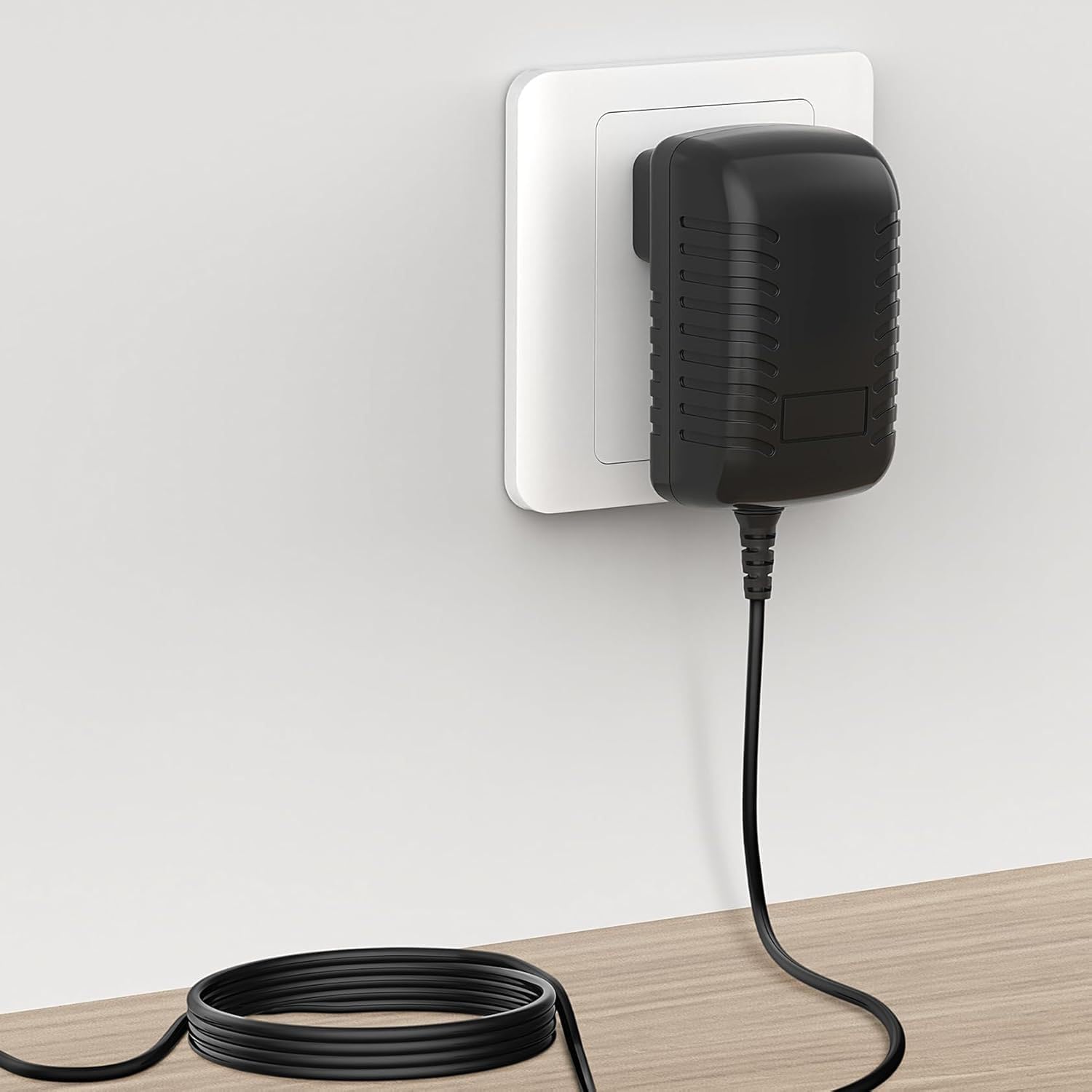
Image: The GUY-TECH AC Adapter correctly plugged into a standard wall outlet, ready to power a device.
4. Operation
The GUY-TECH 12V AC Adapter operates automatically once connected to a compatible device and a power source. No user intervention is required for its basic function. It provides a stable 12V output to power or charge your device.

Image: A hand holding the compact GUY-TECH AC Adapter, illustrating its small size and ease of portability for travel or storage.
5. Maintenance
To ensure optimal performance and longevity of your adapter:
- Cleaning: Disconnect the adapter from both the power outlet and your device before cleaning. Use a soft, dry cloth to wipe the exterior. Do not use liquid cleaners or solvents.
- Storage: Store the adapter in a cool, dry place when not in use. Avoid wrapping the power cord too tightly to prevent damage.
- Inspection: Periodically inspect the adapter and its cable for any signs of damage, such as frayed wires or cracked casing. Discontinue use if damage is observed.
6. Troubleshooting
If your device is not receiving power:
- Check Connections: Ensure the adapter is securely plugged into both the wall outlet and your device.
- Verify Power Outlet: Test the wall outlet with another device to confirm it is functional.
- Confirm Compatibility: Double-check that your device's power requirements (voltage and connector type) match this adapter.
- Inspect Adapter: Look for any visible damage to the adapter or its cable. If damaged, do not use.
- If the issue persists, contact customer support.
7. Specifications
| Model Number | 50514E00937 |
| Brand | GUY-TECH |
| Input Voltage | AC 100V - 240V (Worldwide Use) |
| Output Voltage | 12V DC |
| Connector Type | Plug |
| Compatible Devices | Monitors, Printers, Speakers, Tablets, Tevion Twin Screen DVD Player |
| Special Feature | Travel |
| Color | Black |
| Certifications | CCC, CE, RoHS |
| Material | Composite, Metal, Plastic |
| Manufacturer | SHENZHEN XINGSENXIANG |

Image: The GUY-TECH AC Adapter with its physical dimensions (length, width, height) clearly indicated.
8. Warranty and Support
This GUY-TECH AC Adapter comes with a 1-year warranty from the date of purchase. For warranty claims, technical support, or further assistance, please refer to the contact information provided by your retailer or visit the official GUY-TECH website.


