
1. Introduction and Overview
This manual provides instructions for the UGREEN Cat 6A Ethernet Cable, designed for high-speed network connections. This cable supports data transfer rates of up to 10 Gigabits per second (10Gbps) and a bandwidth of 500 MHz, making it suitable for demanding network environments such as gaming, 4K/8K video streaming, and large file transfers.
The UGREEN Cat 6A Ethernet Cable features an Unshielded Twisted Pair (UTP) design with gold-plated RJ45 connectors to ensure reliable and stable network performance, minimizing interference and latency.


2. Setup Instructions
Connecting your UGREEN Cat 6A Ethernet Cable is a straightforward process. Ensure that both your source device (e.g., router, modem, Ethernet switch) and your destination device (e.g., PC, laptop, smart TV, game console) are powered off before making connections to prevent potential damage.
- Identify Ports: Locate the Ethernet (RJ45) ports on your network devices. These ports are typically rectangular and slightly larger than a phone jack.
- Connect First End: Insert one end of the UGREEN Cat 6A Ethernet Cable into an available Ethernet port on your router, modem, or network switch. Ensure the connector clicks securely into place.
- Connect Second End: Insert the other end of the cable into the Ethernet port on your target device, such as a computer, laptop, smart TV, or game console. Again, ensure a secure click.
- Power On Devices: Once both ends are securely connected, power on your network devices and then your computer or other connected equipment.
- Verify Connection: Check the network status on your device. Most devices will automatically detect the wired connection. You may see an indicator light on the Ethernet port or within your device's network settings confirming the connection.

3. Operating Instructions
The UGREEN Cat 6A Ethernet Cable is designed to provide a stable and high-speed wired network connection for various applications. Once connected, the cable operates automatically, facilitating data transfer between your devices.
- High-Speed Data Transfer: Benefit from 10Gbps data transfer rates and 500MHz bandwidth for seamless online gaming, 4K/8K video streaming, and rapid file downloads/uploads.
- Reduced Latency: The wired connection minimizes network latency, providing a more responsive experience for online activities compared to wireless connections.
- Anti-Interference Design: The cable's construction, including Unshielded Twisted Pair (UTP) and gold-plated pins, helps to reduce electromagnetic interference, noise, and crosstalk, ensuring a consistent signal.
- Wide Application: Use the cable to connect PCs, laptops, servers, printers, routers, switches, network media players, NAS devices, VoIP phones, and smart TVs to your local area network (LAN).


4. Maintenance
Proper care and maintenance will extend the lifespan and ensure optimal performance of your UGREEN Cat 6A Ethernet Cable.
- Avoid Sharp Bends: Do not bend the cable at sharp angles, as this can damage the internal conductors and insulation, leading to signal degradation.
- Protect Connectors: Avoid pulling the cable by the wire when disconnecting. Always grasp the RJ45 connector itself. Keep connectors free from dust and debris.
- Storage: When not in use, coil the cable loosely. Avoid tightly wrapping it around objects or kinking it.
- Cleaning: If necessary, gently wipe the cable and connectors with a dry, soft cloth. Do not use liquid cleaners directly on the connectors.
- Durability: The cable features a high-toughness PVC jacket and sturdy HD-PE insulation materials, designed to withstand regular use and provide flexibility. It has been tested for 750 plug and unplug cycles.

5. Troubleshooting
If you encounter issues with your network connection while using the UGREEN Cat 6A Ethernet Cable, consider the following troubleshooting steps:
- No Network Connection:
- Ensure both ends of the Ethernet cable are securely plugged into their respective ports. Listen for a click when inserting the RJ45 connectors.
- Check the indicator lights on your router/switch and your connected device's Ethernet port. If no lights are active, try another port or another cable.
- Restart your router/modem and your connected device.
- Slow Network Speed:
- Verify that both your network equipment (router, switch) and your connected device support 10Gbps speeds. If any component is slower, the connection will default to the lowest speed.
- Ensure the cable is not damaged, kinked, or run near strong electromagnetic interference sources.
- Test with a different Cat 6A cable if available to rule out a cable issue.
- Update network drivers on your computer or device.
- Intermittent Connection:
- Check for loose connections at both ends of the cable.
- Inspect the RJ45 connectors for any bent or broken pins.
- Ensure the cable is not being stepped on or pinched by furniture.
If these steps do not resolve the issue, consult the support resources for your network devices or contact UGREEN customer support.
6. Specifications
The following table details the technical specifications for the UGREEN Cat 6A Ethernet Cable (Model 55157):
| Feature | Detail |
|---|---|
| Brand | UGREEN |
| Item Model Number | 55157 |
| Cable Type | Ethernet (Cat 6A) |
| Data Transfer Rate | 10 Gigabits Per Second (10Gbps) |
| Frequency (Bandwidth) | 500 MHz |
| Connector Type | RJ45 |
| Shielding | Unshielded Twisted Pair (UTP) |
| Conductor Gauge | 26 AWG |
| Jacket Material | High-toughness PVC |
| Insulation Material | HD-PE |
| Compatible Devices | Laptop, Router, PC, Ethernet Switch, Smart TV, Game Console, NAS, VoIP Phones |
| Durability Test | 750 plug and unplug cycles |
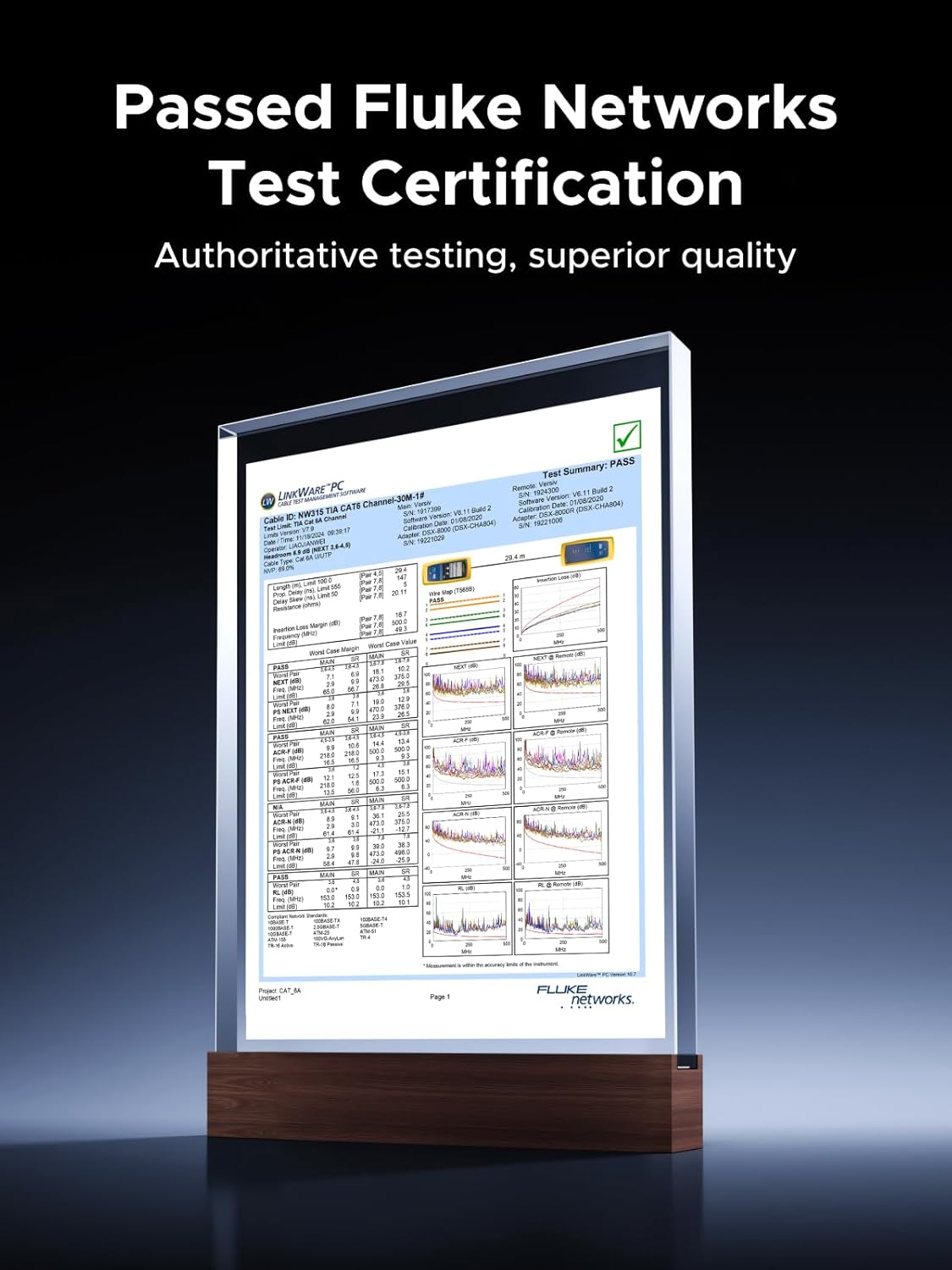
| Certification | Fluke Networks Test Certification |
7. Warranty and Support
For information regarding warranty coverage and customer support for your UGREEN Cat 6A Ethernet Cable, please refer to the warranty card included with your product or visit the official UGREEN website. You may also contact UGREEN customer service directly for assistance with product inquiries, technical support, or warranty claims.
UGREEN Official Website: www.ugreen.com


