
1. Introduction
This manual provides instructions for setting up, operating, maintaining, and troubleshooting your FOPETT Wireless Keyboard and Mouse Combo (Model V2050). This combo features a full-sized 104-round key retro-style keyboard and a matching wireless mouse, designed for comfortable and efficient use with various devices.
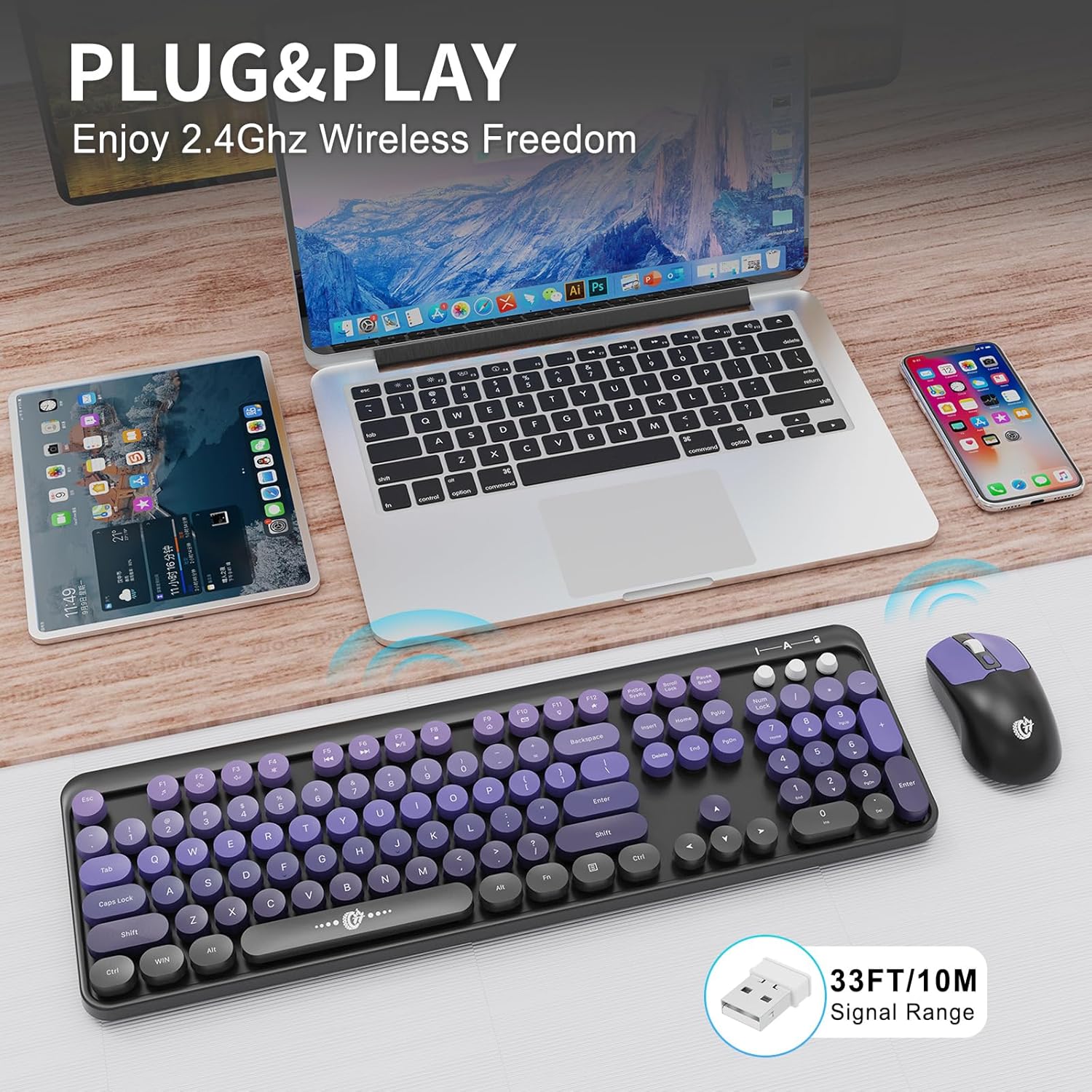
Image 1.1: FOPETT Wireless Keyboard and Mouse Combo in use, highlighting its 2.4GHz wireless connectivity and 10-meter signal range.
2. Setup Instructions
Follow these steps to set up your FOPETT Wireless Keyboard and Mouse Combo:
- Insert Batteries: Open the battery compartments on both the keyboard and the mouse. Insert the required AA batteries (not included) into each device, ensuring correct polarity.
- Locate USB Receiver: The 2.4GHz nano USB receiver is typically stored within the mouse's battery compartment for convenience. Carefully remove it.
- Plug and Play: Insert the USB receiver into an available USB-A port on your computer or device. The system will automatically detect and install the necessary drivers.
- Automatic Connection: Wait for a few seconds for the keyboard and mouse to establish a connection with the receiver. Once connected, they are ready for use.
Note:
- The keyboard and mouse share a single USB receiver.
- If your device only has USB-C ports (e.g., modern MacBooks), a USB-A to USB-C adapter (sold separately) will be required.

Image 2.1: Visual guide for initial setup, including battery insertion and USB receiver connection.
3. Operating Instructions
3.1 Keyboard Features
The keyboard features 104 round keys and several indicator lights for status updates.
- Indicator Lights: Located in the upper right corner, these lights indicate Num Lock, Caps Lock, and a combined low battery/2.4G connection status.
- Multimedia Hotkeys: The keyboard includes 12 hotkeys (F1-F12) that can be activated by pressing the Fn key simultaneously with the desired F-key. These provide quick access to media control, email, search, and other functions.

Image 3.1: Keyboard layout detailing indicator lights and Fn key shortcuts for multimedia and system functions.

Image 3.2: Comprehensive guide to the keyboard's multimedia hotkeys.
3.2 Mouse Features
The wireless mouse offers adjustable sensitivity and quiet operation.
- DPI Settings: The mouse supports adjustable DPI (Dots Per Inch) settings of 800, 1000, and 1600, allowing you to customize cursor speed and precision.
- Quiet Click: Designed with low-profile whisper-quiet technology, the mouse provides a silent clicking experience, minimizing distractions.

Image 3.3: Mouse features, including DPI settings and ergonomic design.

Image 3.4: Demonstration of the quiet typing and clicking experience.
3.3 Ergonomic Design
The keyboard is designed for comfort during extended use.
- Foldable Stands: The keyboard includes foldable stands at the back, allowing you to adjust the typing angle for improved ergonomics and reduced wrist pressure.
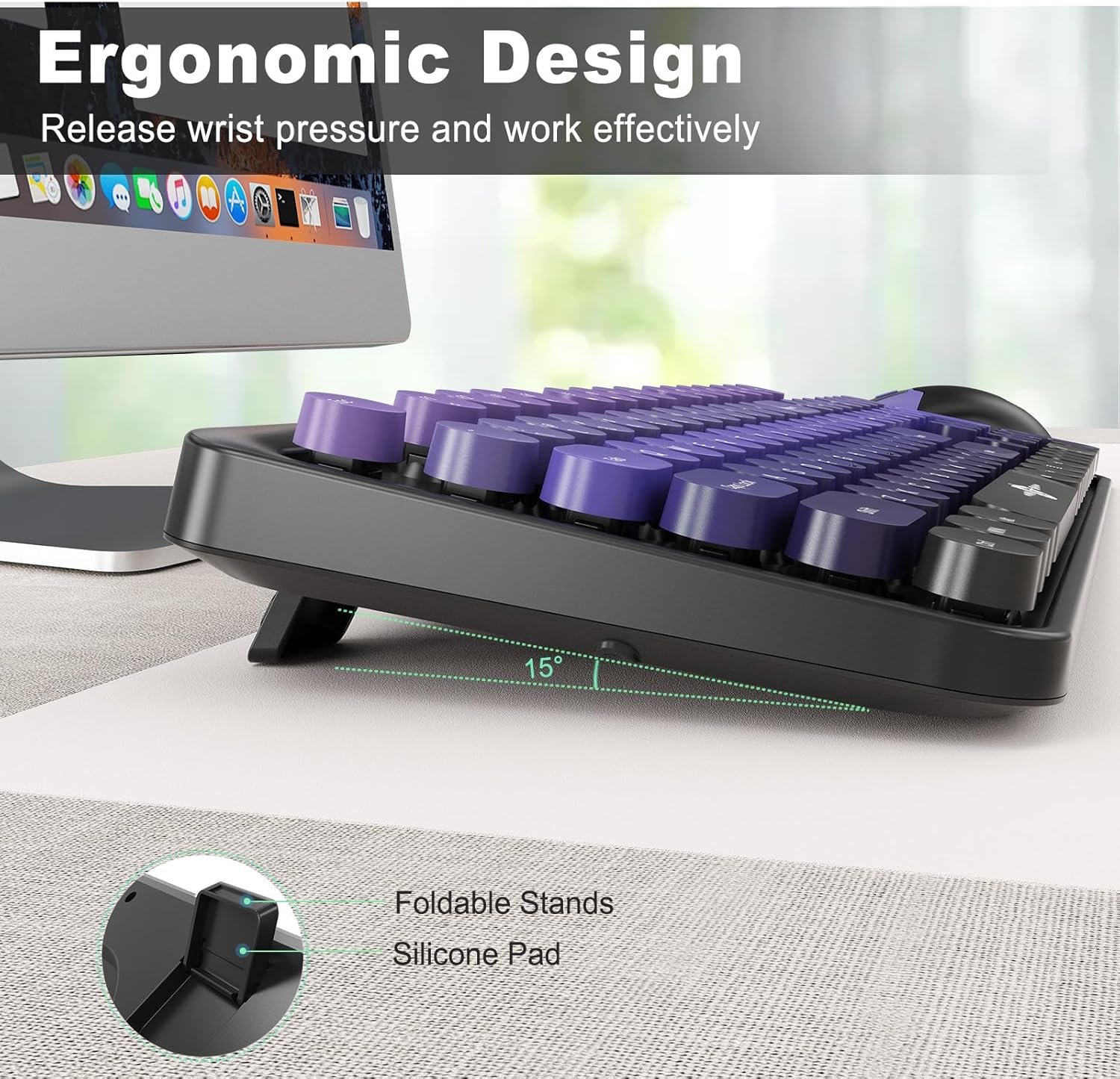
Image 3.5: Keyboard with adjustable foldable stands for ergonomic typing.
4. Maintenance
Proper maintenance ensures the longevity and optimal performance of your keyboard and mouse combo.
- Cleaning: Use a soft, dry cloth to wipe down the surfaces of the keyboard and mouse. For deeper cleaning, a slightly damp cloth with mild soap can be used, ensuring no liquid enters the devices.
- Battery Replacement: When the low battery indicator illuminates, replace the AA batteries in both the keyboard and mouse promptly. Ensure correct polarity when inserting new batteries.
- Power Saving: The keyboard and mouse feature an auto-sleep mode. The keyboard enters sleep mode after 5 minutes of inactivity, and the mouse after 10 minutes. To wake them up, simply press any key on the keyboard or move/click the mouse. This feature helps conserve battery life.
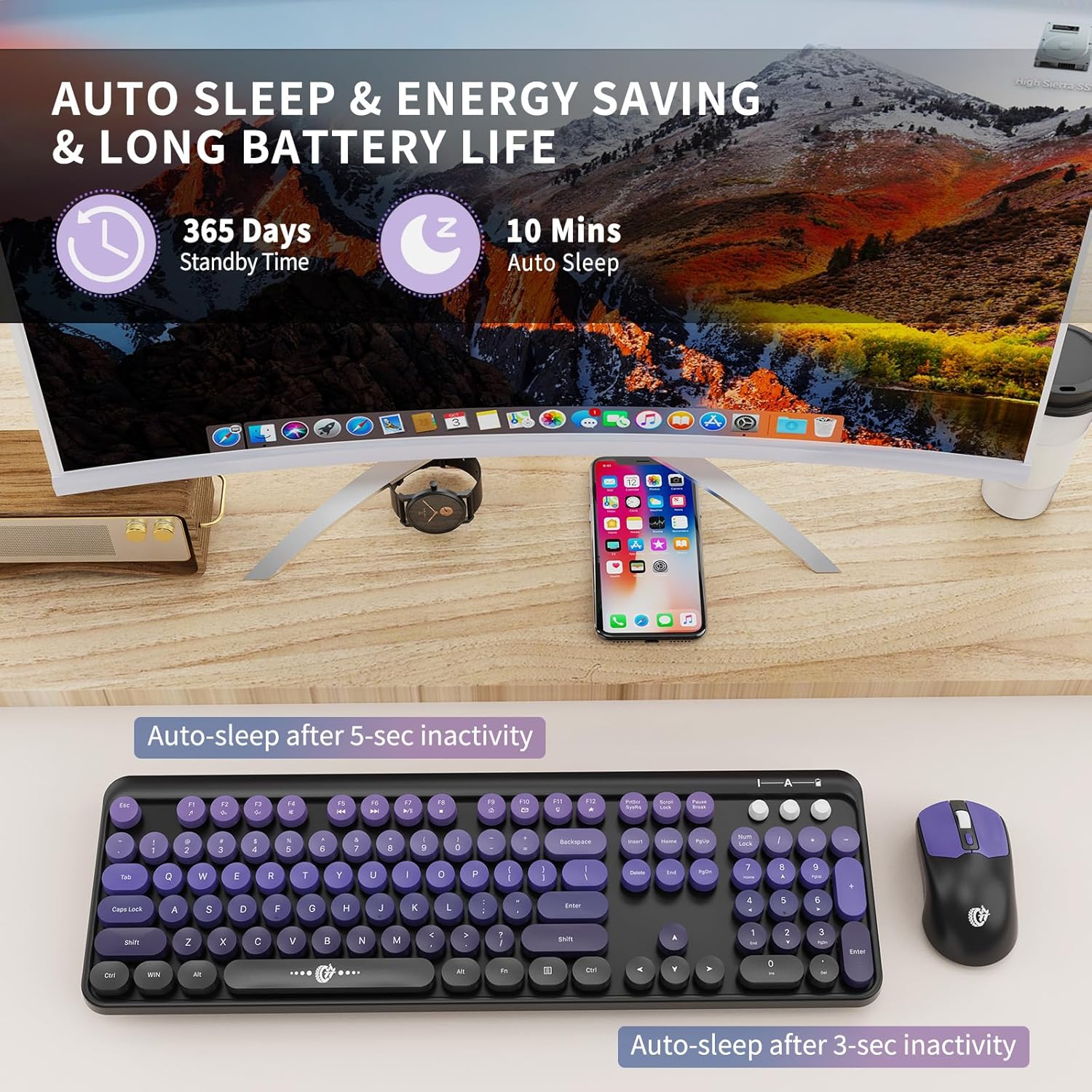
Image 4.1: Auto-sleep and energy-saving features of the keyboard and mouse.
5. Troubleshooting
If you encounter issues with your FOPETT Wireless Keyboard and Mouse Combo, refer to the following common solutions:
- No Connection / Unresponsive Devices:
- Ensure the USB receiver is securely plugged into a working USB-A port.
- Check if the batteries in both the keyboard and mouse are correctly inserted and have sufficient charge. Replace them if necessary.
- Try plugging the USB receiver into a different USB port on your computer.
- Move the keyboard and mouse closer to the USB receiver to rule out range issues (maximum 10 meters).
- Hotkeys Not Working on Mac:
- Some hotkeys may not be fully compatible with Mac operating systems. This is a known limitation.
- Device Not Recognized on USB-C Only Computers:
- If your computer (e.g., modern MacBook) only has USB-C ports, you will need a USB-A to USB-C adapter (sold separately) to connect the USB receiver.
- Mouse Cursor Jumps or is Erratic:
- Ensure the mouse is used on a suitable surface. Avoid highly reflective or transparent surfaces.
- Check for low battery and replace if needed.
- No On/Off Switch:
- The keyboard and mouse do not have separate power switches. They are designed to enter an automatic sleep mode after a period of inactivity to save power.
If these steps do not resolve your issue, please contact FOPETT customer support for further assistance.
6. Specifications
| Feature | Description |
|---|---|
| Brand | FOPETT |
| Model | V2050 |
| Color | Purple Gradient |
| Connectivity Technology | 2.4GHz Wireless (USB Receiver) |
| Special Features | Plug and Play, Portable, Energy Saving, Quiet Operation |
| Compatible Devices | Laptop, PC, Chromebook, Smart TV |
| Operating System Compatibility | Windows, Mac OS, Android, Linux, Chrome OS |
| Batteries Required | Yes (AA batteries, not included) |
| Number of Keys (Keyboard) | 104 |
| Keyboard Layout | QWERTY |
| Item Weight | 0.76 Kilograms |
| Mouse DPI Settings | 800/1000/1600 |
7. Warranty and Support
FOPETT is committed to providing high-quality products and customer satisfaction.
- Warranty: This product comes with a three-year worry-free warranty.
- Money-Back Guarantee: We offer a 60-day money-back guarantee or replacement option.
- Customer Support: If you have any inquiries or concerns regarding your FOPETT Wireless Keyboard and Mouse Combo, please do not hesitate to contact the seller. The FOPETT team provides 24-hour online service to assist you.