
Introduction
This manual provides detailed instructions for the HONOR Choice Earbuds X7e wireless headphones. Please read this guide thoroughly to ensure proper use, optimal performance, and longevity of your device. Keep this manual for future reference.
1. Setup
1.1 Package Contents
Before use, verify that all items are present in the package:
- HONOR Choice Earbuds X7e (Left and Right earbuds)
- Charging Case
- User Manual (this document)
Note: A charging cable is not included in the package.
1.2 Charging the Earbuds and Case
For first-time use, fully charge the earbuds and the charging case. Place the earbuds into the charging case. Connect the charging case to a power source using a compatible USB-C cable (not supplied). The indicator light on the case will show charging status.
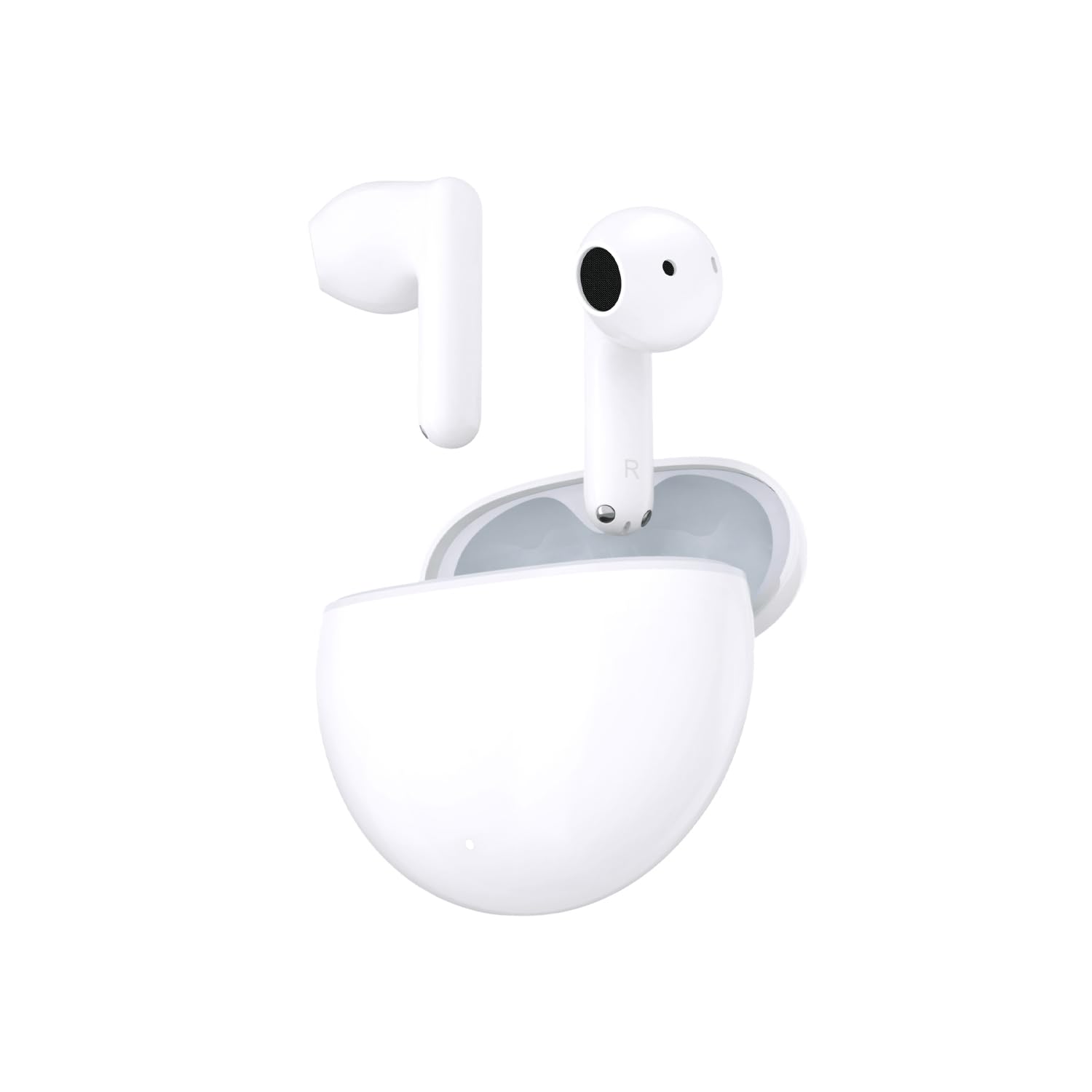
Image: The HONOR Choice Earbuds X7e charging case in its closed state, featuring a small indicator light at the front base.
A full charge provides up to 8 hours of music playback for the earbuds, and up to 40 hours total with the charging case. A 10-minute charge can provide up to 2 hours of music listening.
1.3 Bluetooth Pairing
- Ensure the earbuds are in the charging case and the case has sufficient power.
- Open the charging case. The earbuds will automatically enter pairing mode, indicated by a flashing light on the case.
- On your device (smartphone, tablet, etc.), enable Bluetooth and search for available devices.
- Select "HONOR Choice Earbuds X7e" from the list of found devices to connect.
- Once connected, a confirmation message will appear on your device, and the indicator light on the case will turn off or show a steady color.

Image: The HONOR Choice Earbuds X7e charging case is open, revealing both white earbuds securely placed inside their respective charging slots.
1.4 Wearing the Earbuds
Gently insert the earbuds into your ears. Adjust them for a comfortable and secure fit. The earbuds are designed for semi-open wear, allowing for ambient sound awareness while providing active noise cancellation.

Image: Both the left and right HONOR Choice Earbuds X7e are displayed side-by-side, showcasing their design and individual 'L' and 'R' markings.
2. Operating Instructions
2.1 Power On/Off
- Power On: Open the charging case, or take the earbuds out of the case. They will automatically power on and attempt to connect to the last paired device.
- Power Off: Place the earbuds back into the charging case and close the lid. They will automatically disconnect and power off.
2.2 Touch Controls
The HONOR Choice Earbuds X7e feature intuitive touch controls on the stem of each earbud. The touch-sensitive area is typically located on the upper part of the stem.
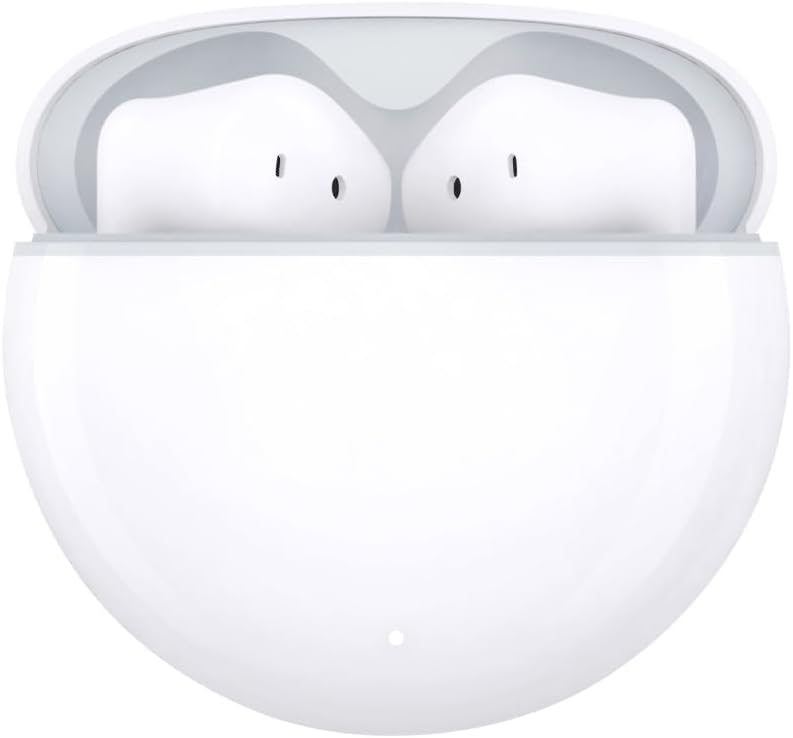
Image: A close-up view of a single HONOR Choice Earbud X7e, showing the 'R' marking and the general area where touch controls are located on the stem.
- Double Tap (Default):
- Answer/Hang up calls
- Play/Pause music
- Triple Tap (User-defined):
- Previous track
- Next track
- Switch connected devices
- Hold (Default):
- Turn on/off Active Noise Cancellation (ANC)
- Reject incoming calls
2.3 Active Noise Cancellation (ANC)
The earbuds feature semi-open active noise cancellation. To activate or deactivate ANC, perform the 'Hold' gesture on either earbud as described above. This feature reduces ambient noise while allowing some environmental sounds to pass through for safety and comfort.
2.4 Low-Latency Game Mode
The earbuds support a low-latency game mode for a more synchronized audio experience during gaming. Refer to your device's Bluetooth settings or the HONOR AI Life app (if available) for specific instructions on how to enable this mode.
3. Maintenance
3.1 Cleaning
Regularly clean your earbuds and charging case to maintain optimal performance and hygiene.
- Use a soft, dry, lint-free cloth to wipe the earbuds and charging case.
- For stubborn dirt, slightly dampen the cloth with water or a mild, non-abrasive cleaner. Avoid excessive moisture.
- Clean the charging contacts on both the earbuds and inside the case with a dry cotton swab to ensure proper charging.
- Do not use harsh chemicals, aerosols, or abrasive cleaners.
3.2 Water Resistance
The HONOR Choice Earbuds X7e are rated IP54 for water and dust resistance. This means they are protected against limited dust ingress and splashing water from any direction. They are not designed for swimming, showering, or exposure to heavy rain or submersion. Water resistance is not a permanent condition and may decrease over time with normal wear.
3.3 Storage
When not in use, store the earbuds in their charging case to protect them from dust, damage, and to keep them charged. Store the device in a cool, dry place away from extreme temperatures and direct sunlight.
4. Troubleshooting
If you encounter issues with your HONOR Choice Earbuds X7e, refer to the following common solutions:
| Problem | Possible Solution |
|---|---|
| Earbuds not pairing |
|
| No sound or low volume |
|
| Earbuds not charging |
|
| Touch controls unresponsive |
|
4.1 Factory Reset
If issues persist, a factory reset may resolve them. Consult the official HONOR support website or app for specific instructions on how to perform a factory reset for the HONOR Choice Earbuds X7e, as the procedure can vary.
5. Specifications
The following table outlines the key technical specifications for the HONOR Choice Earbuds X7e:
| Feature | Specification |
|---|---|
| Model Name | HONOR CHOICE Earbuds X7e |
| Item Model Number | 5504ABHF |
| Connectivity Technology | Wireless (Bluetooth) |
| Bluetooth Version | 5.3 |
| Noise Control | Active Noise Cancellation (Semi-Open) |
| Battery Life (Earbuds) | Up to 8 hours (single playback) |
| Total Battery Life (with Case) | Up to 40 hours |
| Fast Charging | 10 minutes charge for 2 hours playback |
| Water Resistance Level | IP54 |
| Control Method | Touch |
| Audio Driver Type | Dual-Magnet Dynamic Driver with LCP composite diaphragm |
| Microphone | Dual-mic AI ENC |
| Earbud Weight | Approx. 4.8g (each) |
| Product Dimensions | 3.94 x 39.37 x 1.38 inches (packaging/overall) |
| Material | Plastic |
| Color | White |
6. Warranty Information
HONOR products are covered by a limited warranty. The specific terms and duration of the warranty may vary by region and local laws. Please retain your proof of purchase for warranty claims. For detailed warranty information, refer to the warranty card included with your product or visit the official HONOR website.
7. Customer Support
If you require further assistance, have questions not covered in this manual, or need technical support, please contact HONOR customer service. You can typically find contact information (phone numbers, email, live chat) on the official HONOR support website for your region.
Please have your product model number (5504ABHF) and proof of purchase ready when contacting support.


