1. Introduction
This manual provides essential information for the safe and efficient operation of your LG 65-Inch NANO80 4K Smart TV (Model: 65NANO80AUA). Please read this manual thoroughly before using the product and retain it for future reference.

Image 1.1: Front view of the LG 65-Inch NANO80 4K Smart TV.
2. Important Safety Information
Always follow basic safety precautions when using this television to reduce the risk of fire, electric shock, and injury. Keep this manual handy for quick reference.
- Power Source: Connect the TV to an AC 120V, 60Hz power outlet. Do not overload power outlets.
- Ventilation: Ensure proper ventilation around the TV. Do not block ventilation openings.
- Water and Moisture: Do not expose the TV to rain or moisture. Do not place objects filled with liquids on the TV.
- Cleaning: Unplug the TV before cleaning. Use a soft, dry cloth. Avoid liquid cleaners.
- Placement: Place the TV on a stable, level surface or mount it securely to a wall. Keep out of reach of children.
- Servicing: Do not attempt to service this product yourself. Refer all servicing to qualified service personnel.
3. Setup Guide
3.1 Unpacking
Carefully remove the TV and all accessories from the packaging. Retain the packaging for future transport or service needs.
3.2 Stand Assembly (Table Mount)
If using the included stand for table mounting:
- Place the TV screen-down on a soft, flat surface to prevent damage.
- Attach the stand components to the TV using the provided screws, ensuring they are securely fastened.
- Carefully lift the TV and place it on a stable, level surface.

Image 3.1: Side view of the TV illustrating the stand assembly.
3.3 Connecting Peripherals
Connect external devices to your TV using the appropriate ports. The LG NANO80AUA features multiple connectivity options:
- HDMI: For high-definition audio and video from devices like gaming consoles, Blu-ray players, or set-top boxes.
- USB: For connecting USB storage devices to play media files.
- Ethernet: For a wired internet connection.
- Bluetooth: For wireless connection to compatible headphones or speakers.
- Wi-Fi: For wireless internet access.
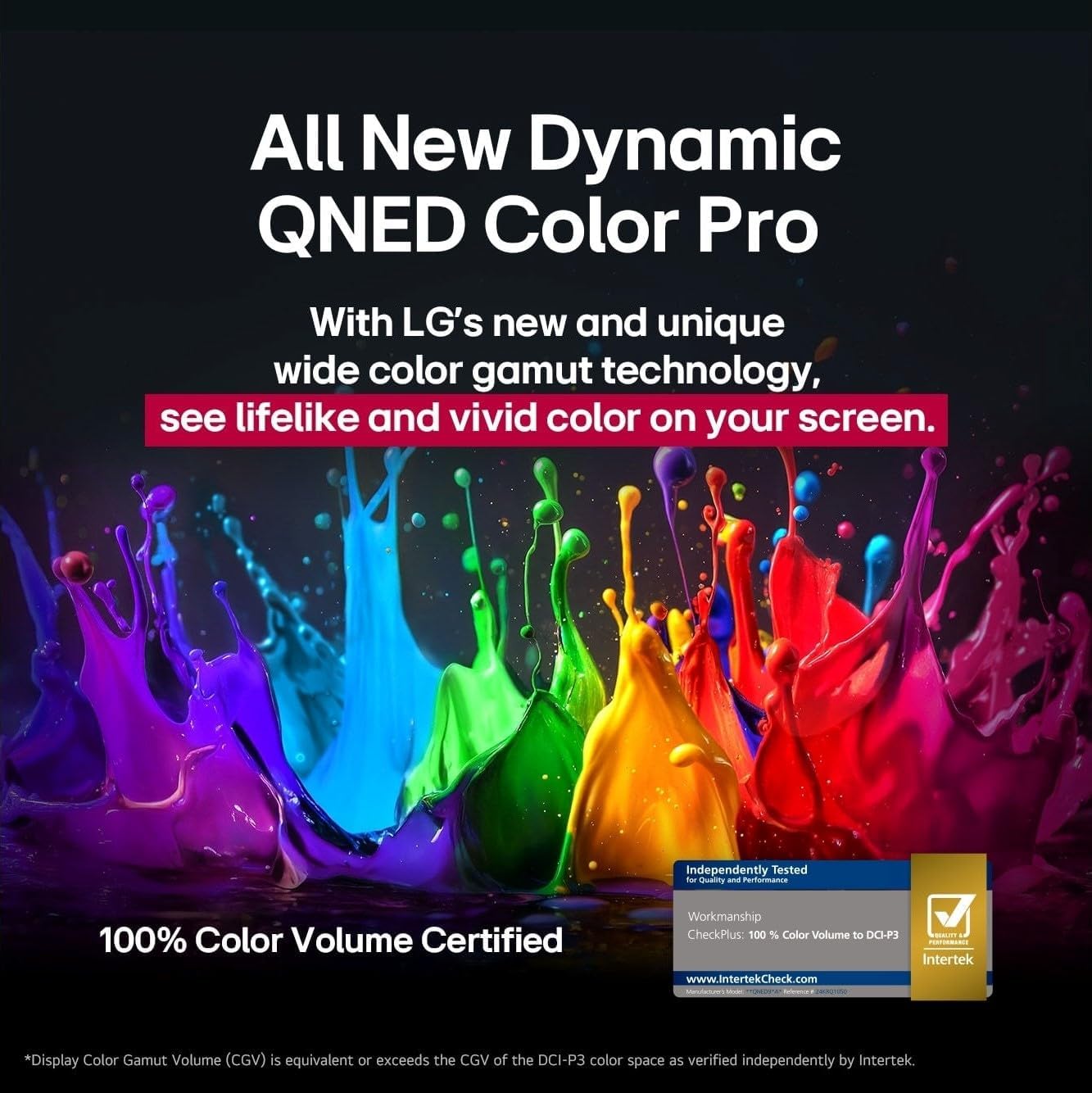
Image 3.2: Rear view of the TV showing various input ports.
3.4 Initial Power On and Setup
- Plug the power cable into the TV and then into a wall outlet.
- Press the power button on the TV or the Magic Remote.
- Follow the on-screen instructions to complete the initial setup, including language selection, network connection, and channel scanning.
4. Operating the TV
4.1 Magic Remote Usage
The LG Magic Remote provides intuitive control over your TV. It features a dedicated AI button for quick access to smart features.
- Pointer: Point and click on the screen like a mouse.
- Voice Control: Press the AI icon and speak into the remote to search for content or control TV functions.

Image 4.1: The LG Magic Remote highlighting its AI features.
4.2 Smart TV Features (webOS 25)
Your LG NANO80AUA runs on webOS 25, offering a universe of entertainment and smart functionalities.
- Streaming Apps: Access popular streaming services like Netflix, Prime Video, Disney+, and Apple TV. (Internet connection and subscriptions may be required).
- AI Voice ID: The TV can recognize individual voice signatures to offer personalized content recommendations.
- AI Search: Provides personalized recommendations and solutions, including integration with Microsoft Copilot.
- AI Chatbot: Understands your intent and provides immediate solutions for settings configuration and troubleshooting.
- LG Channels: Access over 100 free channels with an internet connection.
- Screen Mirroring: Use Apple AirPlay 2 and Google Cast to display content from your smartphone, tablet, or computer.
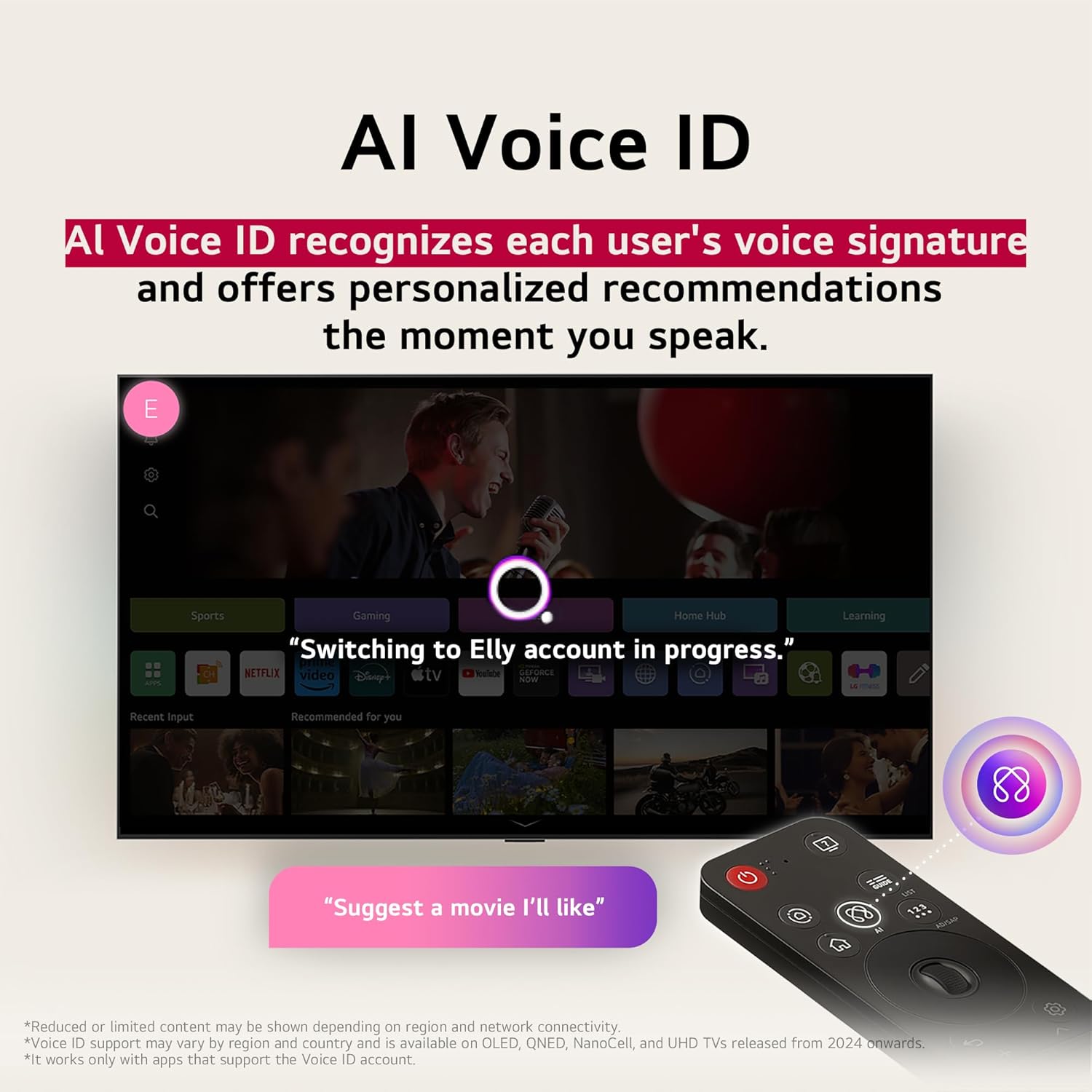
Image 4.2: AI Voice ID in action, providing personalized recommendations.

Image 4.3: AI Search interface on the LG TV.

Image 4.4: AI Chatbot providing assistance on the LG TV.
4.3 Picture Settings
Your NANO80AUA TV delivers stunning 4K visuals with advanced picture technologies.
- 4K UHD Display: Enjoy content in ultra-high definition.
- α7 AI Processor 4K Gen 8: Enhances brightness, sound, and refines picture detail with 4K upscaling and Dynamic Tone Mapping Pro.
- NanoCell Display: Experience over a billion vibrant colors.
- HDR10 & HGIG: Supports High Dynamic Range for improved contrast and color in compatible content.
- AI Picture Pro: Analyzes each frame to enhance resolution, brightness, depth, and clarity.
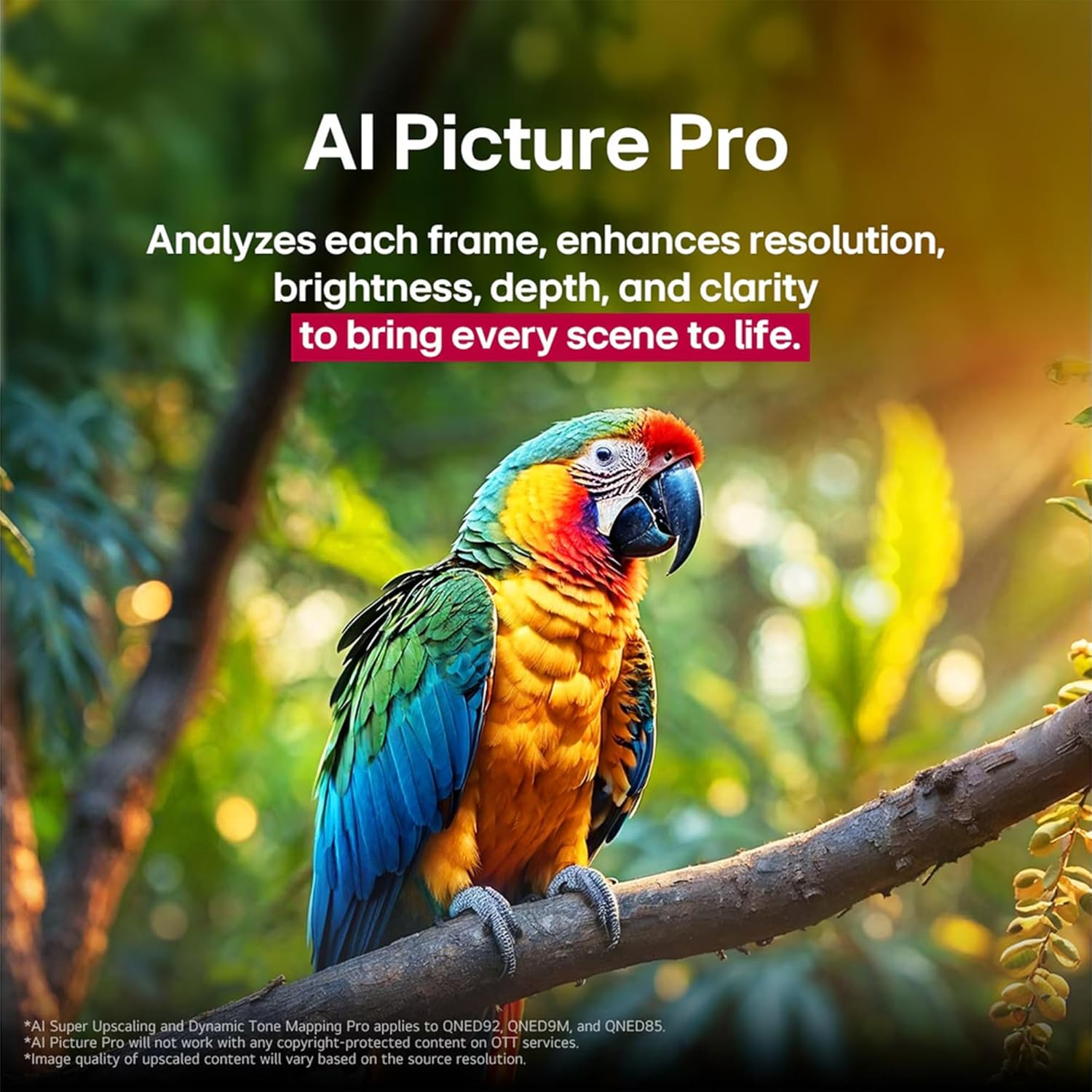
Image 4.5: The α7 AI Processor 4K Gen 8, responsible for picture enhancements.

Image 4.6: AI Picture Pro analyzing and enhancing image quality.
4.4 Sound Settings
The TV features integrated sound enhancements for an immersive audio experience.
- AI Sound Pro: Fine-tunes your sound for impact, adapting to the content and environment.
- Speaker Configuration: 2.0 channel with 20 Watts output.
- Audio Output: Digital audio output mode.
4.5 Gaming Features
Optimized for a responsive gaming experience:
- ALLM (Auto Low Latency Mode): Automatically switches to a low-latency mode for smoother gaming.
- HGIG (HDR Gaming Interest Group): Ensures HDR gaming content is displayed as intended by game developers.
- VRR (Variable Refresh Rate): Supported for smoother gameplay, reducing screen tearing and stuttering. (Only works with games or PC inputs that support 60Hz).

Image 4.7: Gaming experience on the LG NANO80AUA with VRR.
5. Maintenance
5.1 Cleaning Your TV
- Screen: Gently wipe the screen with a soft, lint-free cloth. For stubborn marks, lightly dampen the cloth with water or a specialized screen cleaner (ensure it's TV-safe).
- Frame and Stand: Use a soft, dry cloth to wipe dust.
- Important: Never spray cleaners directly onto the screen or frame. Always unplug the TV before cleaning.
5.2 Software Updates
Your LG TV supports the webOS Re:New Program, which provides software upgrades over five years. Ensure your TV is connected to the internet to receive the latest updates for optimal performance and new features.
6. Troubleshooting
If you encounter issues with your TV, refer to the following common solutions:
| Problem | Possible Solution |
|---|---|
| No power | Check if the power cord is securely plugged into the TV and the wall outlet. Test the outlet with another device. |
| No picture, but sound is present | Ensure the correct input source is selected. Check cable connections to external devices. |
| No sound, but picture is present | Check the volume level and mute settings. Verify audio cable connections. If using external speakers, ensure they are powered on and correctly configured. |
| Remote control not working | Replace the batteries in the Magic Remote. Ensure there are no obstructions between the remote and the TV. Re-pair the remote if necessary. |
| Cannot connect to Wi-Fi | Restart your router and modem. Check Wi-Fi settings on the TV and ensure the password is correct. Move the TV closer to the router if possible. |
For more detailed troubleshooting, refer to the on-screen help guide or visit the LG support website.
7. Specifications
Key technical specifications for the LG 65-Inch NANO80 4K Smart TV (Model: 65NANO80AUA):
- Brand: LG
- Model: 65NANO80AUA
- Model Year: 2025
- Screen Size: 65 Inches
- Display Technology: 4K UHD NanoCell
- Resolution: 3840 x 2160 Pixels (4K)
- Refresh Rate: 60 Hz
- Processor: α7 AI Processor 4K Gen 8
- Operating System: webOS 25
- HDR Support: HDR10, HGIG
- Audio Output Power: 20 Watts (2.0 Channel)
- Connectivity: Bluetooth, Ethernet, HDMI, USB, Wi-Fi
- Gaming Features: ALLM (Auto Low Latency Mode), VRR (Variable Refresh Rate)
- Voice Assistants: Alexa Built-in
- Dimensions (with stand): 145.4 cm (W) x 90.3 cm (H) x 26.9 cm (D)
- Weight: 27.5 kg
- Included Components: Power Cable, Magic Remote, Stand, Remote Control Batteries
Note: Specifications are subject to change without notice.
8. Warranty and Support
For warranty information, product registration, and technical support, please visit the official LG website or contact LG customer service. Keep your purchase receipt for warranty claims.
LG Customer Support: Visit LG Support Page