1. Introduction
This manual provides essential instructions for setting up, operating, maintaining, and troubleshooting your SAMSUNG QN85QN70FAFXZA 85-inch Neo QLED 4K Smart TV. Please read this manual thoroughly before using your television to ensure safe and correct operation.
The SAMSUNG QN85QN70FAFXZA features an 85-inch Neo QLED display, 4K resolution, the NQ4 AI Gen2 Processor, Quantum Matrix Technology Slim, and Dolby Atmos audio for an immersive viewing experience.
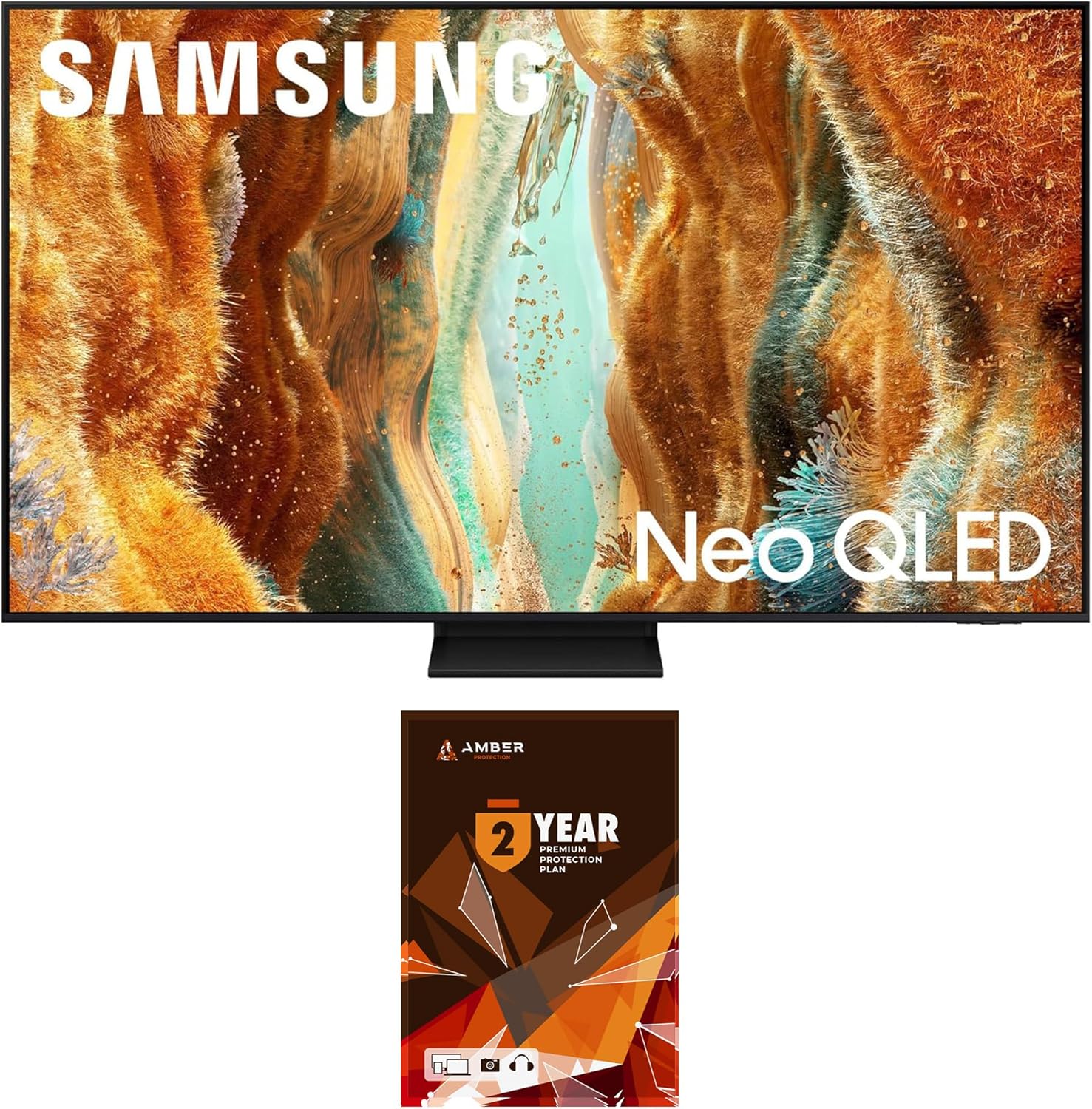
Image 1.1: Front view of the SAMSUNG QN85QN70FAFXZA 85-inch Neo QLED 4K Smart TV.
2. Setup
2.1 Unpacking
Carefully remove the television and all accessories from the packaging. It is recommended to retain the original packaging for future transport or service needs. Ensure all components listed in the packing guide are present.
2.2 Physical Installation
The television weighs approximately 91.9 pounds (41.7 kg) and has dimensions of 74.9"W x 45"H x 14.4"D (with stand). Due to its size and weight, two or more people are recommended for safe handling and installation.
2.2.1 Stand Installation
Follow the instructions provided in the separate stand assembly guide to attach the stand securely to the television. Place the television on a stable, level surface.
2.2.2 Wall Mount Installation
If wall-mounting, use a VESA-compliant wall mount kit (600mm x 400mm). Consult a professional for wall mount installation to ensure safety and proper mounting.

Image 2.1: Side profile of the television, illustrating its slim design.
2.3 Connecting External Devices
Connect your external devices to the appropriate ports on the back of the television. Ensure the television is powered off before making any connections.
- HDMI Ports (x4): Connect Blu-ray players, game consoles, set-top boxes, and other HDMI-compatible devices. HDMI 3 supports eARC for enhanced audio return channel functionality.
- USB Ports (x2): Connect USB storage devices for media playback or software updates.
- LAN Port: Connect an Ethernet cable for a wired internet connection.
- ANT In: Connect an antenna or cable TV coaxial cable.

Image 2.2: Rear view of the television showing various input/output ports.
2.4 Initial Power On
After connecting all necessary cables, plug the power cord into an electrical outlet. Press the power button on the remote control or on the television itself to turn it on. Follow the on-screen instructions for initial setup, including language selection, network connection, and channel scanning.
3. Operating the Television
3.1 Basic Functions
- Power On/Off: Use the power button on the remote or TV.
- Input Source: Press the 'Source' button on the remote to select between connected devices (HDMI 1, HDMI 2, TV, etc.).
- Volume Control: Use the volume up/down buttons.
- Channel Selection: Use the channel up/down buttons or the number pad.
3.2 Smart TV Features (One UI Tizen)
Your SAMSUNG TV runs on the One UI Tizen operating system, providing access to a wide range of smart features and applications. Supported internet services include Netflix, Prime Video, Disney+, Hulu, Apple TV, YouTube, HBO Max, Peacock, Sling, and more.
- Home Screen: Access apps, connected devices, and settings from the customizable home screen.
- App Store: Download and install additional applications.
- Web Browser: Browse the internet directly on your TV.
3.3 Picture Settings
The NQ4 AI Gen2 Processor and Quantum Matrix Technology Slim enhance picture quality. Adjust settings to optimize your viewing experience.
- NQ4 AI Gen2 Processor: Advanced AI processing for enhanced 4K clarity and upscaling.
- Quantum Matrix Technology Slim: Utilizes Mini LED lighting for precise light control and enhanced detail.
- 4K AI Upscaling: Automatically enhances lower-resolution content to near 4K quality.
- Neo Quantum HDR: Provides a wide range of brightness and contrast.
- Motion 144Hz / Refresh Rate 120Hz (Up to 144Hz): Ensures smooth motion for fast-paced content and gaming.
- Adaptive Picture AI Optimized / AI Customization: Adjusts picture settings based on ambient light and content.

Image 3.1: Diagram illustrating the NQ4 AI Gen2 Processor.

Image 3.2: Illustration of Quantum Matrix Technology Slim with Mini LED lighting.
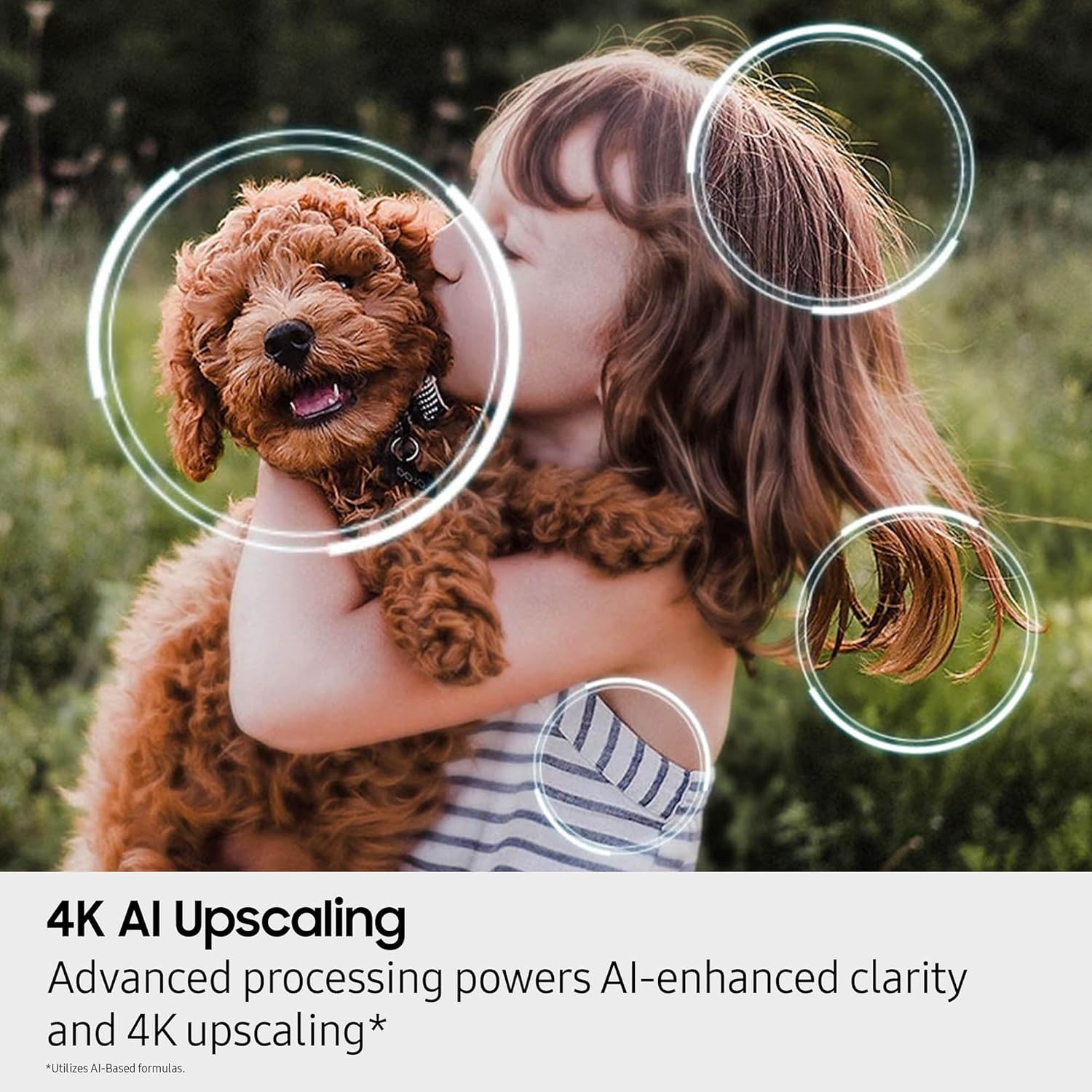
Image 3.3: Visual representation of 4K AI Upscaling enhancing image clarity.
3.4 Audio Settings
Experience rich audio with Dolby Atmos and other advanced sound technologies.
- Dolby Atmos: Provides immersive, multi-dimensional sound.
- OTS Lite (Object Tracking Sound Lite): Sound follows the action on screen.
- Q-Symphony: Synchronizes TV speakers with compatible Samsung soundbars for enhanced audio.
- Bluetooth Audio: Connect wireless headphones or speakers.
3.5 Gaming Features
- Super Ultra Wide Game View: Optimizes the screen for an expansive gaming perspective.
- Motion 144Hz: Reduces input lag and motion blur for smoother gameplay.
3.6 Voice Assistant
The TV supports multiple voice assistants for convenient control. Refer to the on-screen guide for setup and usage of your preferred voice assistant.
4. Maintenance
4.1 Screen Cleaning
To clean the screen, gently wipe it with a soft, lint-free cloth. For stubborn marks, use a screen cleaning solution specifically designed for electronics. The included Amber Protection HDTV Screen Cleaner Kit is suitable for this purpose.
- The cleaning solution is non-ammonia and alcohol-free, preventing damage to display screens.
- It effectively removes dust, dirt, and fingerprints.

Image 4.1: Amber Protection Screen Cleaner Kit, including spray and microfiber cloths.
4.2 General Care
- Avoid placing the TV in direct sunlight or near heat sources.
- Do not block ventilation openings.
- Unplug the TV during lightning storms or when unused for extended periods.
5. Troubleshooting
If you encounter issues with your television, refer to the following common troubleshooting steps. For more detailed assistance, consult the full e-manual accessible via the TV's settings menu or contact SAMSUNG support.
5.1 No Power
- Ensure the power cord is securely plugged into both the TV and a working electrical outlet.
- Check if the outlet is receiving power by plugging in another device.
- Try pressing the power button on the TV itself, not just the remote.
5.2 No Picture or Distorted Picture
- Verify the correct input source is selected (e.g., HDMI 1, TV).
- Check all cable connections between the TV and external devices. Try re-seating them.
- If using an antenna, check its connection and position.
- Reset the TV by unplugging it from the power outlet for a few minutes, then plugging it back in.
5.3 No Sound or Low Sound
- Increase the volume using the remote control.
- Check if the TV is muted.
- Verify audio cables are correctly connected for external audio systems.
- Check the TV's sound settings to ensure the correct audio output is selected.
5.4 Network Connection Issues
- For Wi-Fi, ensure your router is on and within range. Try restarting the router.
- For wired connection, ensure the Ethernet cable is securely connected to both the TV and the router.
- Go to the TV's network settings and run a network status test.
6. Specifications
| Feature | Specification |
|---|---|
| Brand | SAMSUNG |
| Model Name | QN85QN70FAFXZA |
| Screen Size | 85 Inches (216 cm) |
| Display Technology | Neo QLED |
| Resolution | 4K (3840 x 2160) |
| Refresh Rate | 120 Hz (Up to 144Hz Motion) |
| Processor | NQ4 AI Gen2 Processor |
| Special Features | Quantum Matrix Technology Slim, 4K AI Upscaling, Neo Quantum HDR, Auto HDR Remastering, Wide Viewing Angle, Supreme UHD Dimming, Color Booster Pro, Adaptive Picture AI Optimized / AI Customization, Dolby Atmos, OTS Lite, Q-Symphony, 360 Audio, Bluetooth Audio, One UI Tizen, Samsung Vision AI, Multiple Voice Assistant Compatible, Karaoke Mic, Super Ultra Wide Game View |
| Operating System | One UI Tizen |
| Supported Internet Services | Netflix, Prime Video, Disney+, Hulu, Apple TV, YouTube, HBO Max, Peacock, Sling, and More |
| Connectivity | Wi-Fi 5, Ethernet, HDMI (x4, one eARC), USB-A (x2) |
| Speaker Type | Built-In |
| VESA Mount Compatibility | 600mm x 400mm |
| Product Dimensions (with stand) | 14.4"D x 74.9"W x 45"H |
| Item Weight | 91.9 Pounds (41.7 kg) |
| Color | Black |
| Energy Efficiency | Energy Star Compliant |
7. Warranty and Support
7.1 Manufacturer's Warranty
This SAMSUNG television comes with a full 1-year manufacturer's warranty. Please refer to the warranty card included with your product for specific terms and conditions.
7.2 Amber Protection Plan
This product bundle includes a 2-year Amber Protection Plan, which extends coverage beyond the manufacturer's warranty. This plan typically covers mechanical and electrical failures and provides power surge protection. Benefits such as power surge protection and mechanical & electrical failures begin on Day 1 of purchase.
For details regarding your Amber Protection Plan, including covered products and how to file a claim, please refer to the documentation provided with the plan or contact Amber Protection customer support.

Image 7.1: Example of an Amber Protection Plan document.
7.3 Customer Support
For technical assistance, product inquiries, or warranty claims, please contact SAMSUNG customer support. You can find contact information on the official SAMSUNG website or in the documentation included with your TV.
For support related to the Amber Protection Plan, please refer to the contact details provided with your plan documentation.


