
Introduction
This manual provides comprehensive instructions for the setup, operation, and maintenance of your VW Visio World OptimaX Series 40-inch Full HD Smart QLED Android TV, model VW40AQ1. Please read this manual thoroughly before using your television to ensure proper functionality and to maximize your viewing experience.

Image: Front view of the VW Visio World OptimaX Series 40-inch Full HD Smart QLED Android TV.
What's in the Box
Upon unpacking, please verify that all the following components are included:
- 1 x VW LED TV (VW40AQ1)
- 1 x Table Top Stand (set of 2 legs)
- 1 x Wall Mount Bracket (for optional wall installation)
- 1 x User Manual (this document)
- 1 x Warranty Card
- 1 x Remote Control
- 1 x Power Cable

Image: Diagram illustrating all items included in the product packaging.
Setup
1. Physical Installation
Your TV can be installed using either the included table-top stand or the wall mount bracket.
Table-Top Stand Installation:
- Carefully place the TV screen-down on a soft, flat surface to prevent damage.
- Attach the two stand legs to the designated slots at the bottom of the TV using the provided screws. Ensure they are securely fastened.
- Carefully lift the TV and place it on a stable, level surface.
Wall Mount Installation:
- Consult a professional for wall mounting to ensure safety and proper installation.
- Attach the wall mount bracket to the rear of the TV using the appropriate screws.
- Mount the TV securely to a sturdy wall structure according to the wall mount manufacturer's instructions.

Image: Rear view of the TV showing VESA mounting points and input ports.
2. Connecting Peripherals
The VW40AQ1 TV offers various connectivity options:
- HDMI Ports (2): Connect set-top boxes, Blu-Ray players, gaming consoles, or other HDMI-enabled devices.
- USB Ports (2): Connect hard drives, USB flash drives, or other USB devices for media playback.
- LAN (Ethernet): For a wired internet connection.
- Wi-Fi: For wireless internet connectivity.
- Composite Video: For older devices.
- Auxiliary Audio Input: For external audio sources.
Image: Detailed view of the TV's back panel, highlighting HDMI, USB, and other connectivity ports.
3. Initial Power-On and Network Setup
- Connect the power cable to the TV and then to a power outlet.
- Press the power button on the remote control or on the TV itself.
- Follow the on-screen instructions to complete the initial setup, including language selection, time zone, and network configuration (Wi-Fi or Ethernet).
- Log in with your Google account to access Android TV features and download applications.
Operating Your TV
1. Remote Control Functions
The smart remote control provides easy navigation and quick access to key features.

Image: The TV's smart remote control, showing navigation buttons and dedicated keys for popular streaming services like Prime Video, YouTube, and JioCinema.
- Power Button: Turns the TV on or off.
- Navigation Pad (Up/Down/Left/Right/OK): Used to navigate menus and select options.
- Volume Up/Down: Adjusts the audio level.
- Channel Up/Down: Changes TV channels.
- Home Button: Returns to the Android TV home screen.
- Back Button: Returns to the previous screen or menu.
- Dedicated App Keys: Quick access to streaming services like Prime Video, YouTube, and JioCinema.
2. Android TV Interface
Your TV runs on Android TV, offering a user-friendly interface and access to a wide range of applications.

Image: The Android TV interface showing recommended apps and content, including Prime Video, YouTube, Zee5, and JioCinema.
- Home Screen: Provides quick access to installed apps, recommended content, and settings.
- Google Assistant: Use voice commands for search, control, and information.
- Supported Apps: Access popular streaming services such as Prime Video, YouTube, Zee5, Sony Liv, Disney+Hotstar, JioCinema, and more.
- Miracast: Wirelessly mirror content from compatible devices to your TV.
3. Display and Sound Settings
Optimize your viewing and listening experience through the TV's settings menu.
- QLED Display: Enjoy vibrant colors and deep contrast with Quantum Dot technology.
- IPE Technology & True Display: Enhances picture quality for realistic visuals.
- Quantum Lucent: Delivers unparalleled TV brightness and clarity.
- HDR-10: Supports High Dynamic Range content for improved contrast and color accuracy.
- Sound Output: 24 Watts Stereo Surround Sound with Box Speakers.
- Sound Modes: Choose from 5 available sound modes to suit your content.
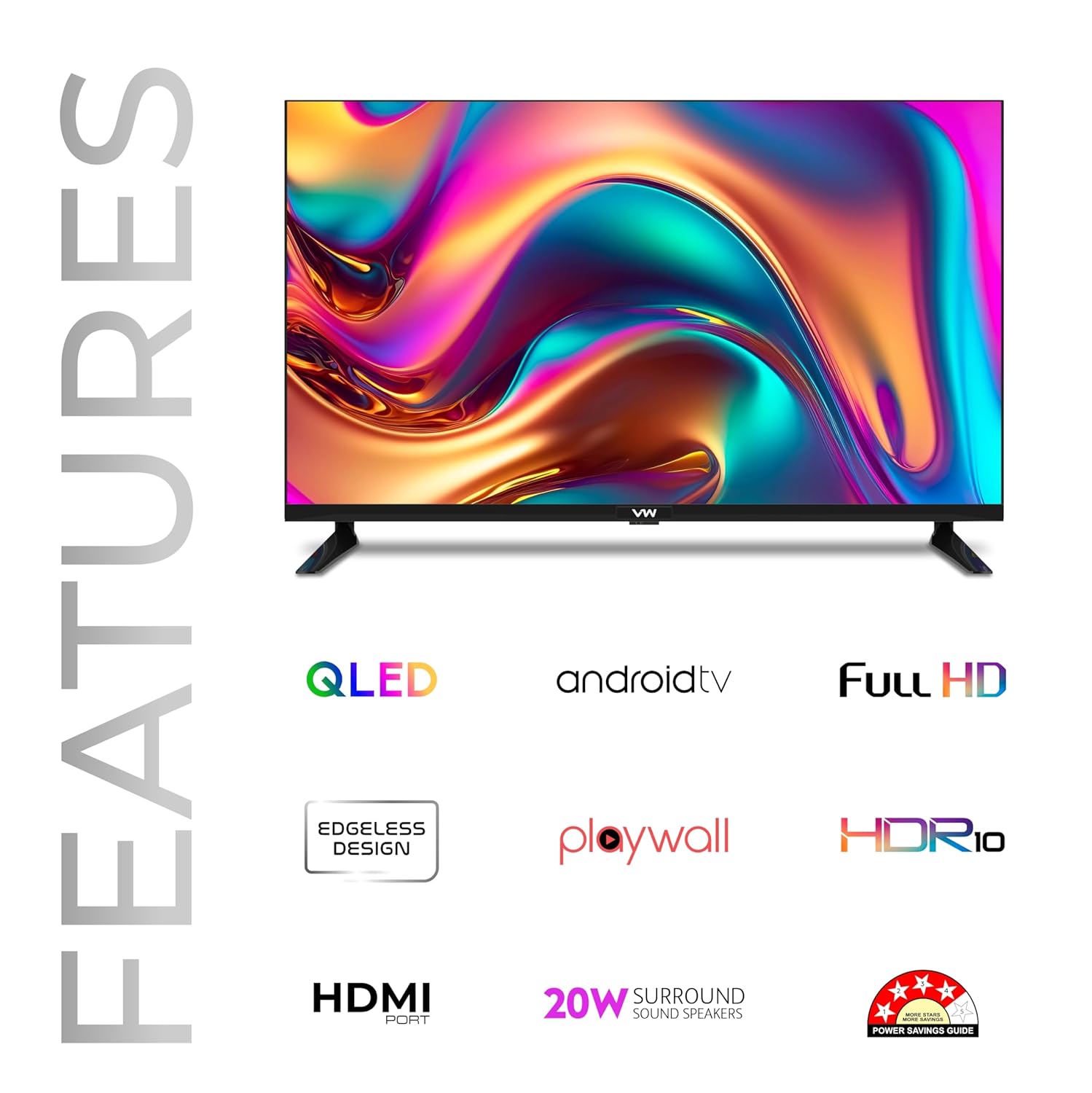
Image: Graphic highlighting key features such as QLED, Android TV, Full HD resolution, Edgeless Design, HDR10 support, and 24W surround sound speakers.
Maintenance
- Cleaning the Screen: Use a soft, lint-free cloth specifically designed for electronics. Do not use harsh chemicals or abrasive materials.
- Cleaning the Body: Wipe the TV's frame and stand with a soft, dry cloth.
- Ventilation: Ensure adequate airflow around the TV to prevent overheating. Do not block ventilation openings.
- Power Off: Always power off and unplug the TV before cleaning or when not in use for extended periods.
Troubleshooting
| Problem | Possible Cause | Solution |
|---|---|---|
| No power | Power cable disconnected; power outlet issue | Check power cable connection; test power outlet with another device. |
| No picture/sound | Incorrect input source; loose HDMI/AV cable | Verify correct input source; ensure cables are securely connected. |
| Remote control not working | Batteries depleted; obstruction; remote not paired | Replace batteries; remove obstructions; re-pair remote if it's a Bluetooth model (refer to TV settings). |
| Wi-Fi connection issues | Incorrect password; router issues; TV too far from router | Re-enter Wi-Fi password; restart router; move TV closer to router or use Ethernet. |
| Apps not loading | Internet connection issue; app cache full | Check internet connection; clear app cache/data in TV settings. |
For further assistance, please refer to the support section or contact customer service.
Specifications
| Feature | Detail |
|---|---|
| Brand | VW (Visio World) |
| Model | VW40AQ1 |
| Screen Size | 40 Inches (101 cm) |
| Display Technology | QLED |
| Resolution | Full HD (1920 x 1080 Pixels) |
| Refresh Rate | 60 Hz |
| Viewing Angle | 178 Degrees |
| Operating System | Android TV |
| Processor | Quad Core |
| Sound Output | 24 Watts (Stereo Surround Sound with Box Speakers) |
| Connectivity | 2 HDMI, 2 USB, Wi-Fi, LAN (Ethernet), Composite Video, Auxiliary Audio Input, Bluetooth |
| Special Features | IPE Technology, True Display, Quantum Lucent, HDR-10, Miracast, Supported Apps (Prime Video, YouTube, Zee5, Sony Liv, Disney+Hotstar, JioCinema) |
| Product Dimensions (LxHxD) | 92.5 x 54.5 x 20 cm (approx.) |
| Item Weight | 8.8 kg |
| Power Consumption (On-mode) | 65 Watts |
| Model Year | 2025 |

Image: Dimensional drawing of the TV, indicating length, height, and base width.
Warranty Information
Your VW Visio World OptimaX Series TV comes with a 1-year warranty provided by the manufacturer from the date of purchase.
To avail warranty services, please retain your purchase invoice. The warranty covers manufacturing defects under normal use conditions.
For detailed terms and conditions, please refer to the warranty card included in your product packaging.
Support
For technical support, service requests, or any inquiries regarding your VW TV, please contact:
- Manufacturer: Beston Sky Vision Pvt. Ltd.
- Contact Number: 9532730000
- Email: info@bestonskyvision.com
- Address: A-51, Sector 63 Rd, A Block, Sector 63, Noida, Uttar Pradesh, India-201301
Please have your TV model number (VW40AQ1) and purchase invoice ready when contacting support.