1. Product Overview
The xinwld A97 Pro Wireless Earbuds offer an exceptional audio experience with advanced features designed for convenience and performance. Equipped with Bluetooth 5.4 technology, these earbuds ensure stable and efficient connectivity. Enjoy immersive Hi-Fi stereo sound with deep bass, enhanced by 13mm high-efficiency speakers. The integrated ENC noise-cancelling microphones provide clear call quality by reducing background noise.
The charging case features a dual LED display to show battery levels for both the earbuds and the case. With up to 40 hours of total playtime, these earbuds are ideal for extended use. Their ergonomic design ensures a comfortable and secure fit, while IP7 waterproofing makes them suitable for various activities, including workouts and outdoor adventures.

Image: xinwld A97 Pro Wireless Earbuds in their charging case, showcasing the dual LED display.
2. What's in the Box
Your xinwld A97 Pro package includes the following components:
- 2x Wireless Earbuds (Left and Right)
- 1x Lightweight Charging Case
- 1x USB-C Cable
- 3x Eartips (S/M/L sizes)
- 1x User Manual

Image: Diagram showing all items included in the product package.
3. Setup Guide
3.1 Charging the Earbuds and Case
Before first use, fully charge the earbuds and the charging case. Connect the provided USB-C cable to the charging port on the case and a compatible USB power source. The dual LED display on the case will indicate the charging status and battery percentage. Ensure both earbuds are placed correctly in the charging case for them to charge.
3.2 One-Step Pairing
- Ensure your device's Bluetooth is turned on.
- Open the lid of the charging case. The earbuds will automatically enter pairing mode.
- On your device, search for "A97 Pro" in the Bluetooth settings and select it to connect.
- Once paired, the earbuds will automatically connect to the last paired device when the case lid is opened.
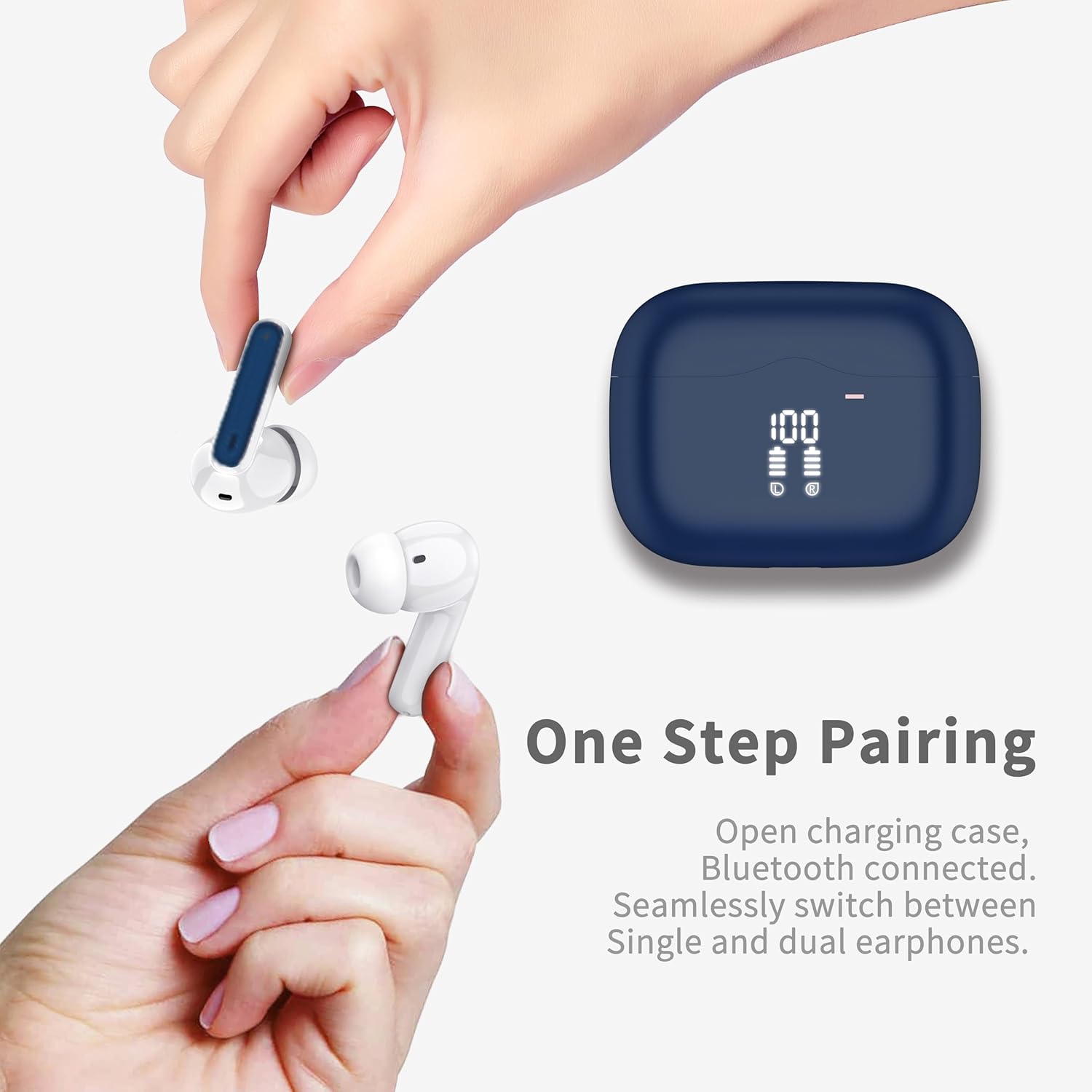
Image: Illustration of the one-step pairing process with the earbuds and charging case.
3.3 Wearing the Earbuds
Choose the eartips (S/M/L) that provide the most comfortable and secure fit for your ears. Insert the earbuds into your ear canal and gently twist them to ensure a snug fit. A proper fit is crucial for optimal sound quality and noise isolation.
4. Operating Instructions
4.1 Smart Touch Controls
The A97 Pro earbuds feature intuitive touch controls on each earbud for easy management of music, calls, and voice assistant:
| Action | Left Earbud | Right Earbud |
|---|---|---|
| Play/Pause | Tap once | Tap once |
| Volume Down | Tap twice | |
| Volume Up | Tap twice | |
| Previous Track | Press and hold for 2s | |
| Next Track | Press and hold for 2s | |
| Answer/End Call | Tap once | Tap once |
| Reject Call | Press and hold for 2s | Press and hold for 2s |
| Activate Voice Assistant | Quickly tap three times | Quickly tap three times |

Image: Visual guide to the touch control functions on each earbud.
4.2 Mono/Dual Mode
The A97 Pro earbuds support both mono and dual modes. You can use either earbud independently while the other remains in the charging case, or use both together for a stereo experience. Seamlessly switch between single and dual earphone use at any time.

Image: Diagram illustrating the flexibility of using earbuds in mono or dual mode.
5. Maintenance
5.1 IP7 Waterproof Rating
The xinwld A97 Pro earbuds are rated IP7 waterproof, meaning they are protected against temporary immersion in water (up to 1 meter for 30 minutes). This makes them resistant to sweat and light rain, ideal for sports and outdoor activities. However, they are not suitable for swimming or prolonged submersion.
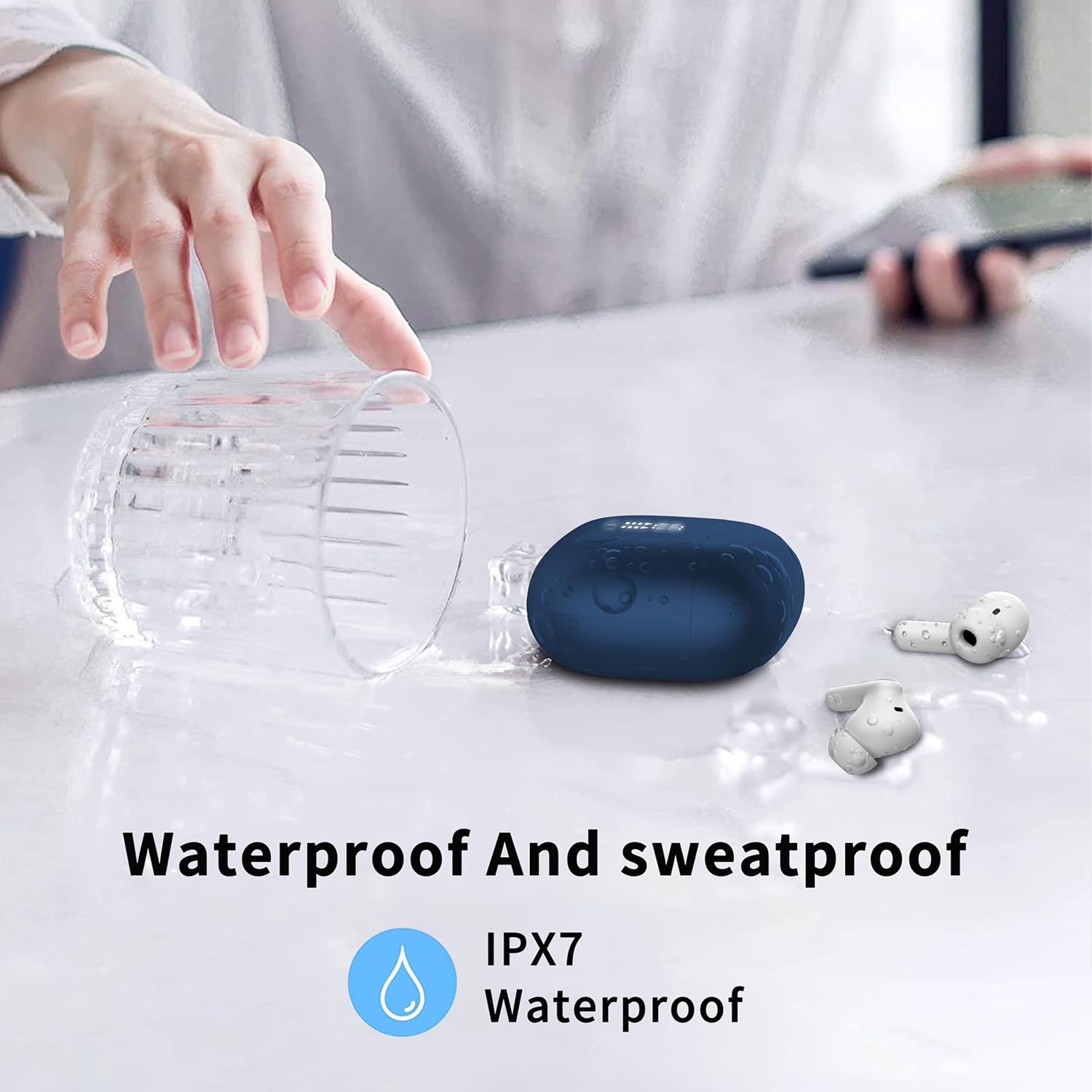
Image: Earbuds shown with water splashes, highlighting their IPX7 waterproof feature.
5.2 Cleaning and Storage
- Regularly clean the earbuds and charging case with a soft, dry, lint-free cloth.
- Remove eartips and clean them separately with water and mild soap if necessary, ensuring they are completely dry before reattaching.
- Avoid using abrasive cleaners or solvents.
- Store the earbuds in their charging case when not in use to protect them and keep them charged.
- Keep the product away from extreme temperatures and direct sunlight.
6. Troubleshooting
6.1 Connection Issues
- Earbuds not connecting to device: Ensure Bluetooth is enabled on your device. Place earbuds back in the case, close the lid, wait a few seconds, then open the lid to re-enter pairing mode. Try re-pairing.
- Only one earbud working: Place both earbuds back in the charging case, close the lid, and then open it again. This often re-syncs them. If the issue persists, try resetting the earbuds (refer to manufacturer's website for specific reset instructions if not in manual).
- Intermittent connection: Ensure earbuds are within the 15-meter Bluetooth range of your device. Avoid obstacles between the earbuds and your device.
6.2 Sound Quality Issues
- Low volume or poor sound: Adjust the volume on both your device and the earbuds. Ensure the eartips are properly seated in your ear canal for a good seal. Clean any debris from the earbud speakers.
- Call clarity issues: Ensure the microphones are not obstructed. Move to a quieter environment if there is excessive background noise.
6.3 Charging Issues
- Earbuds not charging: Ensure the charging contacts on the earbuds and in the case are clean and free of debris. Make sure the earbuds are correctly seated in the case.
- Charging case not charging: Try a different USB-C cable and power adapter. Ensure the cable is securely connected.
7. Specifications
| Feature | Specification |
|---|---|
| Model Name | A97 Pro |
| Brand | xinwld |
| Connectivity Technology | Wireless (Bluetooth) |
| Bluetooth Version | 5.4 |
| Bluetooth Range | 15 Meters |
| Ear Placement | In Ear |
| Control Type | Touch Control |
| Water Resistance Level | IP7 Waterproof |
| Playtime (Single Charge) | 6-8 hours |
| Total Playtime (with Charging Case) | Up to 40 hours |
| Earbud Weight | 3.8g (single earbud) |
| Charging Case Weight | 29g |
| Material | Plastic |
| Noise Control | Passive Noise Cancellation (ENC for Mic) |
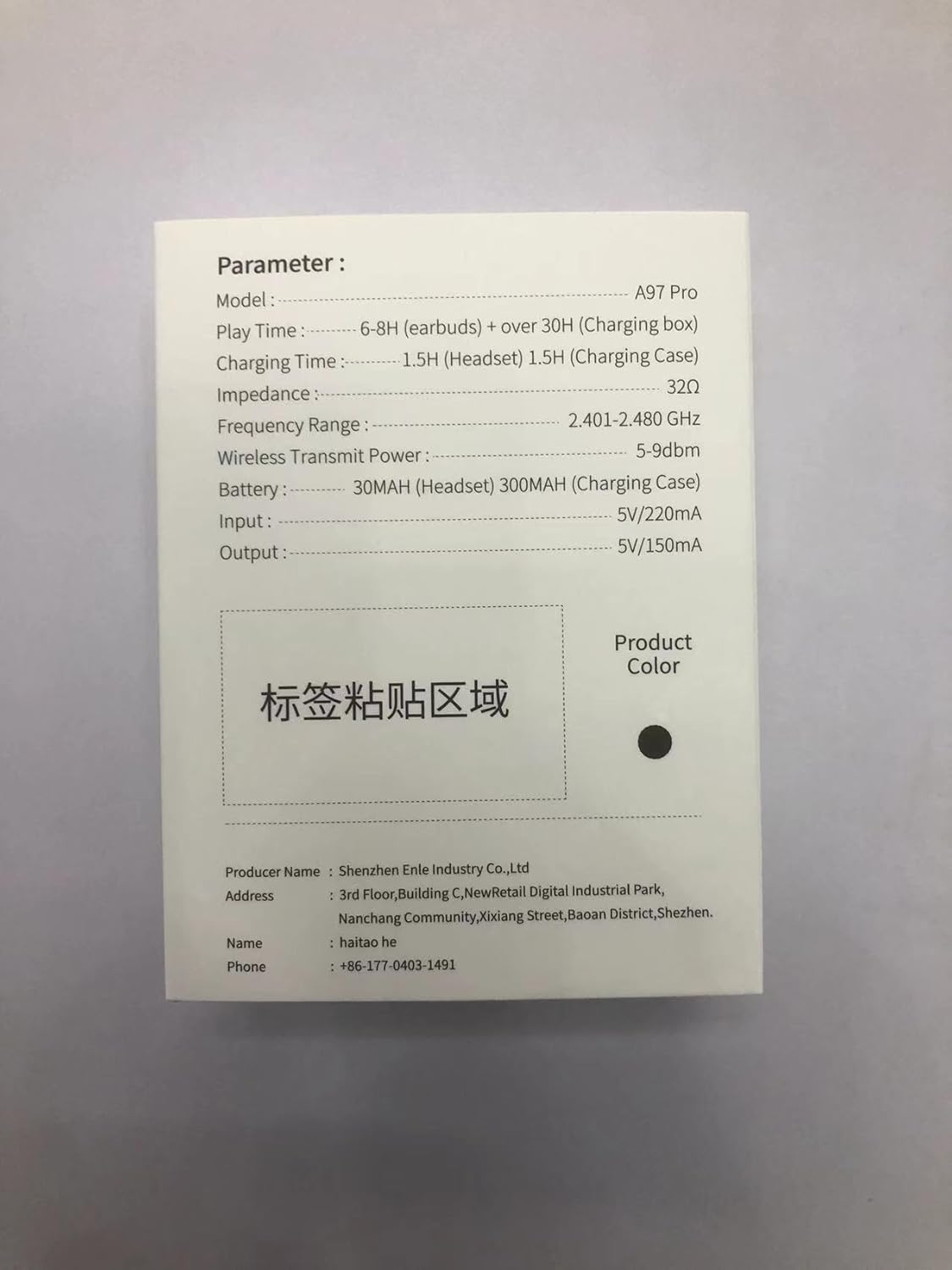
Image: Product parameters as listed on the packaging.
8. Warranty and Support
For warranty information and customer support, please refer to the official xinwld website or contact their customer service directly. Keep your purchase receipt as proof of purchase for any warranty claims.
For technical assistance or further inquiries, you may contact the manufacturer:
- Manufacturer: Shenzhen Enle Industry Co.,Ltd
- Contact Information: Refer to the product packaging or official brand website for the most current contact details.
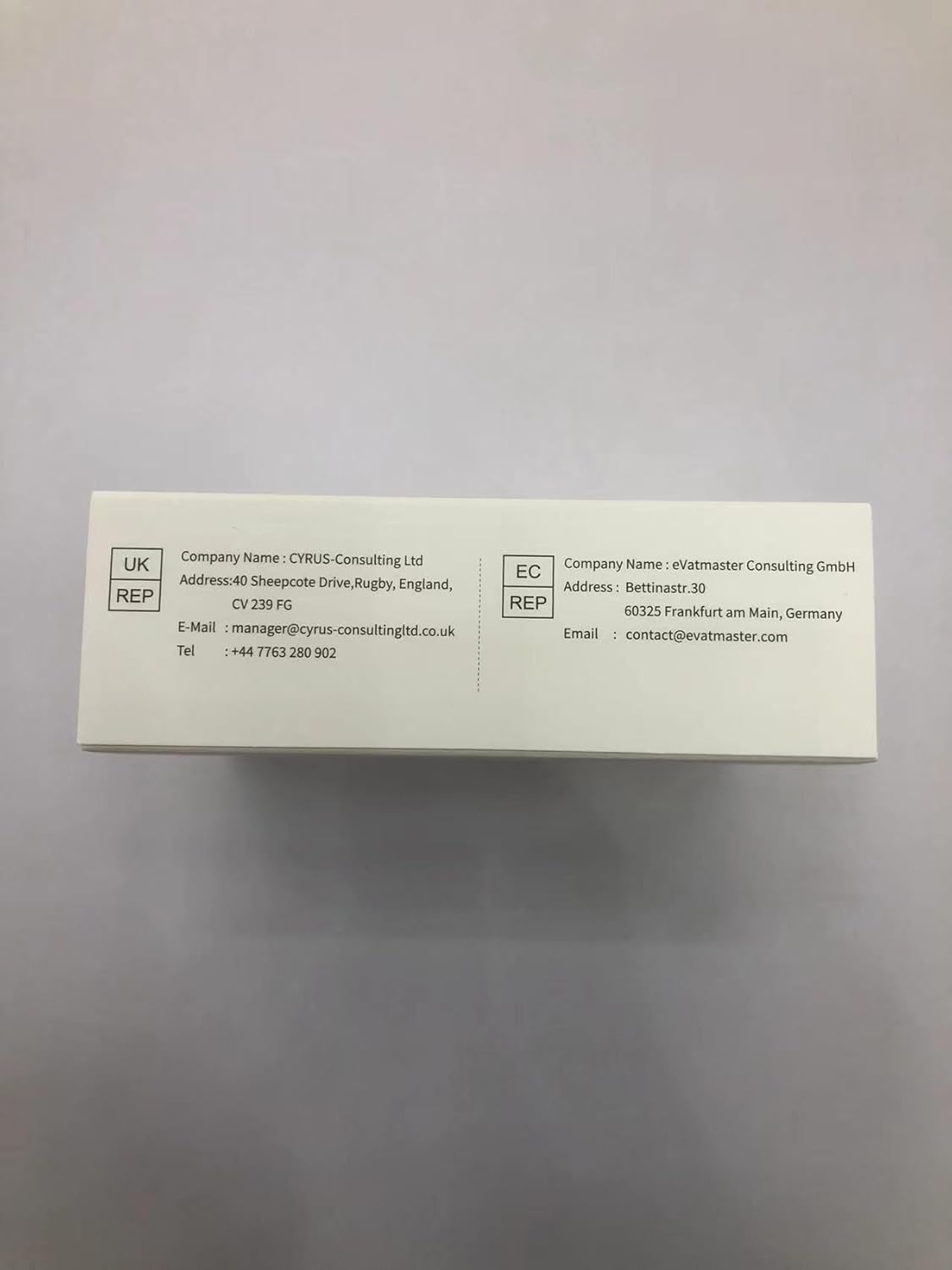
Image: Contact information for Cyrus Consulting Ltd (UK REP) and eVatmaster Consulting GmbH (EC REP) as found on the product packaging.


