
Introduction
Thank you for choosing the LEDIARY 20-Inch Caged Ceiling Fan with Light. This manual provides essential information for the safe and efficient installation, operation, and maintenance of your new ceiling fan. Designed with a retro farmhouse style, this low-profile fan features a powerful, ultra-quiet DC motor, reversible airflow for year-round comfort, and dual smart control options via a remote and a dedicated mobile application. Please read this manual thoroughly before installation and retain it for future reference.
Safety Information
- Electrical Safety: Always disconnect power at the circuit breaker before installation or maintenance. Ensure all wiring is performed by a qualified electrician and complies with local electrical codes.
- Mounting: The ceiling fan must be mounted to a structurally sound ceiling joist or a fan-rated outlet box capable of supporting the fan's weight (approximately 12.07 pounds).
- Blade Clearance: Ensure there is adequate clearance between the fan blades and any obstructions, including walls and furniture. The caged design provides enhanced safety around children and pets.
- Bulb Type: Use only recommended bulb types (4*E26 base, incandescent up to 60W, LED up to 10W). Do not exceed the maximum wattage.
- Remote Control: Keep the remote control away from water and extreme temperatures. Replace batteries as needed (2 AAA batteries included).
Package Contents
Verify that all components are present and undamaged before proceeding with installation.

Image: All components of the LEDIARY 20-Inch Caged Ceiling Fan, including the motor, fan blades, light sockets, remote control, and mounting hardware, laid out for inspection.
- Caged Ceiling Fan Unit (with integrated motor and light sockets)
- Fan Blades (7 ABS blades)
- Mounting Bracket
- Remote Control (with 2 AAA batteries)
- Instruction Manual
- Hardware Pack (screws, wire nuts, etc.)
- Light Bulbs (4*E26, not included, purchase separately)
Setup & Installation
Follow these steps carefully for proper installation. It is recommended to have two people for installation due to the weight and size of the unit.
1. Prepare for Installation
- Turn off power at the circuit breaker.
- Remove existing light fixture.
- Install the mounting bracket to the ceiling electrical box.
2. Assemble the Fan Unit
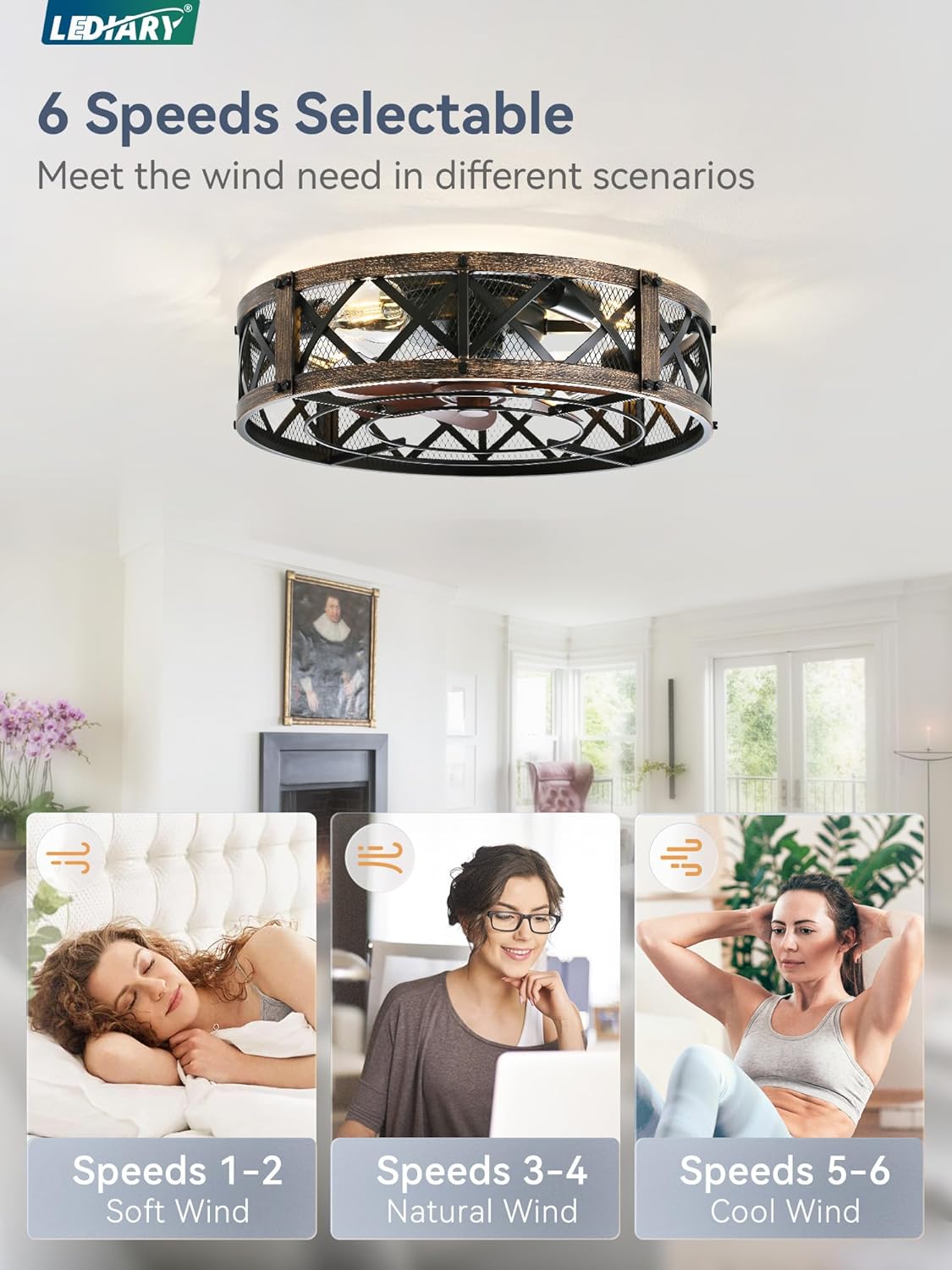
Image: Step-by-step assembly of the fan unit, showing attachment of the fan blades and light sockets within the caged frame.
- Attach the fan blades to the motor hub.
- Secure the light sockets to the fan frame.
- Connect internal wiring as per the detailed diagram in the included manual.
3. Wiring and Mounting
Video: This official seller video demonstrates the installation process for the 20-Inch Caged Ceiling Fan, including wiring connections and mounting to the ceiling.
- Connect the fan's electrical wires to the household wiring (black to black, white to white, ground to ground) using wire nuts.
- Carefully lift the assembled fan unit and attach it to the previously installed mounting bracket.
- Secure the fan unit to the mounting bracket with the provided screws.
4. Install Light Bulbs
- Screw in the four E26 base light bulbs (not included) into the sockets.
5. Restore Power
- Turn on power at the circuit breaker.
Operating Instructions
Your LEDIARY ceiling fan offers convenient control via both a remote and a mobile application.
Remote Control Functions

Image: The remote control and a smartphone displaying the mobile application interface, illustrating the dual control options for the ceiling fan and light.
- Power On/Off: Turn the fan and/or light on or off.
- Fan Speed: Select from 6 adjustable fan speeds (1-6).
- Reversible Motor (F/R): Change the direction of the fan blades for summer (downward airflow) or winter (upward airflow to circulate warm air).
- Timer: Set the fan to automatically turn off after 1, 2, or 4 hours.
- Light Control: Turn the light on/off independently of the fan.
Mobile Application Control
Video: This official seller video demonstrates how to pair the fan light with the mobile application for smart control.
- Download the companion app (e.g., "FanLampPro" from Google Play or Apple App Store).
- Enable Bluetooth on your smartphone.
- Follow the in-app instructions to pair your device.
- Once paired, you can control all fan and light functions directly from your smartphone.
Reversible Airflow

Image: Diagram illustrating the reversible airflow feature, showing downward airflow for cooling in summer and upward airflow for circulating warm air in winter.
The reversible DC motor allows you to change the direction of the fan blades. In summer, set the fan to rotate counter-clockwise for a cooling breeze. In winter, set it to rotate clockwise to circulate warm air trapped near the ceiling, improving heating efficiency.
Maintenance
- Cleaning: To clean the fan, wipe with a soft, damp cloth. Do not use abrasive cleaners or solvents. Ensure power is off before cleaning.
- Bulb Replacement: Always turn off power before replacing light bulbs. Allow bulbs to cool completely before handling.
- Tighten Fasteners: Periodically check all fasteners for tightness. Due to natural movement, some connections may become loose over time.
Troubleshooting
| Problem | Possible Cause | Solution |
|---|---|---|
| Fan does not operate | No power; Loose wiring; Remote/App not paired | Check circuit breaker; Verify wiring connections; Re-pair remote/app. |
| Light does not work | Bulb faulty; Loose wiring; Light function off | Replace bulb; Check wiring; Ensure light is turned on via remote/app. |
| Fan makes noise | Loose screws; Unbalanced blades | Tighten all screws; Check for balanced blades (refer to manual for balancing kit if needed). |
| Remote/App not responding | Low batteries; Interference; Not paired | Replace remote batteries; Reduce interference; Re-pair remote/app. |
Specifications

Image: Detailed dimensions of the 20-Inch Caged Ceiling Fan, showing its diameter and height for installation planning.
| Feature | Detail |
|---|---|
| Model Name | 20" Caged Ceiling Fan With Light |
| Brand | LEDIARY |
| Color | Black Gold |
| Size | 20 Inch |
| Product Dimensions | 17.3"D x 13.7"W x 7.7"H |
| Power Source | DC Motor |
| Wattage | 65 watts |
| Noise Level | 35 Decibels |
| Number of Blades | 7 |
| Speed Settings | 6 RPM |
| Control Method | App, Remote |
| Installation Type | Flush Mount |
| Recommended Bulb Type | 4*E26 (Incandescent up to 60W, LED up to 10W) |
| Indoor/Outdoor Usage | Indoor |
Warranty & Support
LEDIARY provides a two-year after-sales service for this product. Our professional after-sales team is available 24 hours a day to respond promptly to any quality issues and provide considerate solutions, ensuring a worry-free shopping experience. For support, please refer to the contact information provided in your purchase documentation or visit the official LEDIARY website.
