
Product Overview
The Foivtrui Mini Keychain Camera S150 is a compact and portable digital camera designed for capturing 1080P videos and 20MP photos. It features a 0.96-inch IPS color screen for real-time preview and playback, a built-in LED fill light, and supports continuous recording while charging. Its retro design makes it a versatile accessory.

Image: The Foivtrui Mini Keychain Camera S150, a compact device with a retro design, held in a user's hand.
Camera Components and Package Contents
Familiarize yourself with the camera's components and what is included in the package.

Image: A detailed diagram illustrating the camera's features such as the Speaker, Shutter/Power button, Flashing light, 2MP Camera Lens, Indicator Light, TF Card Slot, and USB port. Below, the package contents are displayed: 1 mini camera, 2 keychains, 1 USB cable, 1 32GB Memory card, 1 Card reader, and 1 User manual.
Package Contents:
- 1 x Foivtrui Mini Keychain Camera S150
- 1 x 32GB TF Card
- 1 x Card Reader
- 1 x TYPE-C Data Cable
- 1 x Metal Buckle (keychain attachment)
- 1 x Lanyard
- 1 x User Manual (this document)
Setup Guide
1. Charging the Camera
Before first use, fully charge the camera. Connect the provided TYPE-C data cable to the camera's USB port and plug the other end into a USB power source (e.g., computer, wall adapter). The indicator light will show charging status and turn off when fully charged. The built-in 180mAh battery supports approximately 50 minutes of video recording or 120 minutes of continuous photo taking on a full charge.
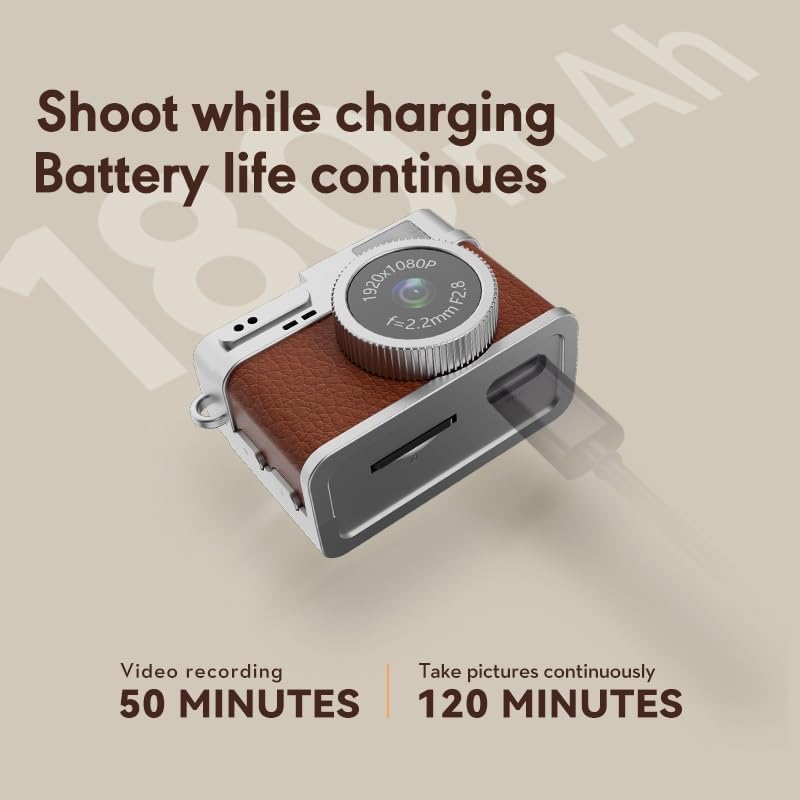
Image: The camera connected to a charging cable, illustrating the "Shoot while charging" feature and battery life.
2. Inserting the TF Card
Locate the TF card slot on the side of the camera. Gently insert the provided 32GB TF card into the slot until it clicks into place. Ensure the card is inserted in the correct orientation. The camera requires a TF card for storing photos and videos.
3. Attaching Accessories
Attach the metal buckle or lanyard to the designated loops on the camera for convenient carrying. This allows you to wear it as a necklace, attach it to a keychain, or clip it to a bag.

Image: The camera shown as both a wearable accessory (on a necklace) and attached to a backpack via a keychain.
Operating Instructions
1. Power On/Off
Press and hold the Shutter/Power button (refer to the Components diagram) for a few seconds to turn the camera on or off. The 0.96-inch IPS color screen will activate upon power-on.
2. Taking Photos
With the camera powered on, a short press of the Shutter/Power button will capture a 20MP photo. The image will be displayed on the screen for a brief moment before saving to the TF card. The camera supports 5 retro filters for various aesthetic effects.

Image: Examples of high-quality 20-megapixel photos taken with the camera, demonstrating its image capabilities.
3. Recording Videos
To start video recording, press the dedicated Video Record button (if available, otherwise assume a mode switch or long press of shutter). The camera records in 1080P (30FPS). Press the button again to stop recording. Videos are saved to the TF card.
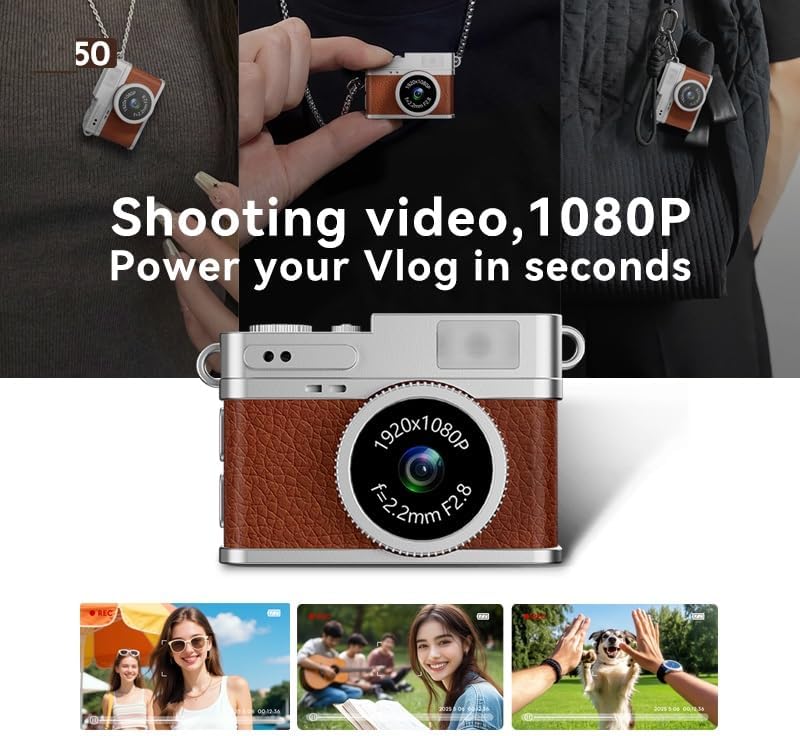
Image: The camera in use, capturing 1080P video, with examples of recorded footage shown below.
4. Using the IPS Color Screen
The 0.96-inch IPS color screen provides a real-time preview of your shots and allows for instant review of captured photos and videos. Navigate through menus (if applicable) using the control buttons.
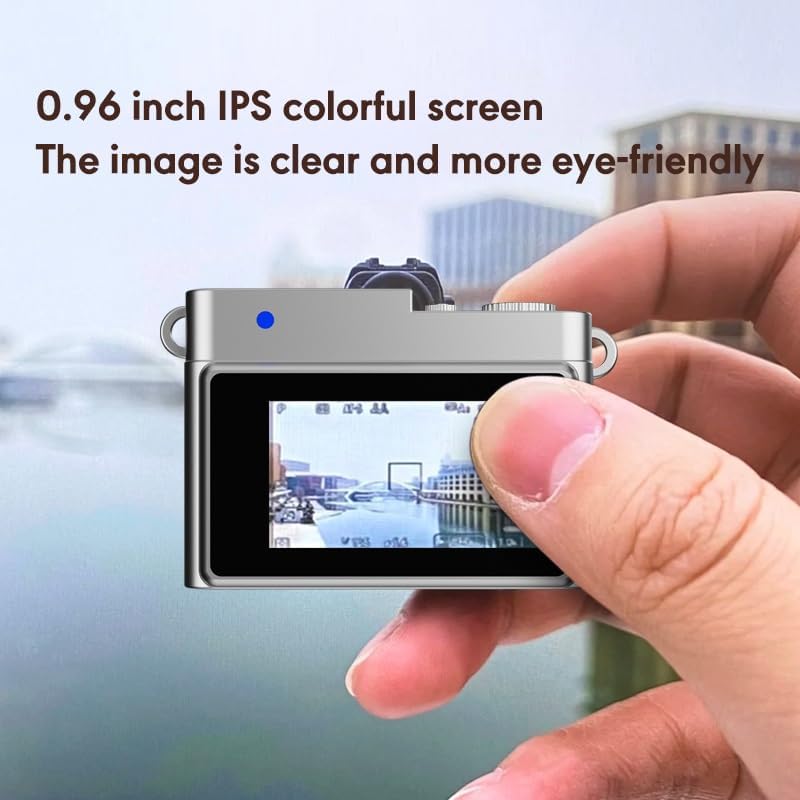
Image: A close-up of the camera's 0.96-inch IPS colorful screen, showing a clear image preview.
5. Activating the LED Fill Light
For low-light conditions, activate the built-in LED fill light. Refer to the camera's controls (likely a dedicated button or menu option) to toggle the light on or off. The fill light enhances visibility and image quality in darker environments.

Image: A comparison showing the effect of the LED fill light, with an image taken without the light and another with the light on, demonstrating improved illumination.
6. Transferring Files
To transfer photos and videos:
- Using the USB Cable: Connect the camera to a computer using the TYPE-C data cable. The camera will appear as a removable disk, allowing you to copy files.
- Using the TF Card Reader: Remove the TF card from the camera and insert it into the provided card reader. Connect the card reader to your computer or Android phone (via OTG adapter) to access the files.
Maintenance
- Cleaning: Use a soft, dry cloth to clean the camera body. For the lens and screen, use a specialized lens cleaning cloth to avoid scratches. Do not use liquid cleaners directly on the camera.
- Storage: Store the camera in a cool, dry place away from direct sunlight and extreme temperatures.
- Battery Care: To prolong battery life, avoid fully discharging the battery frequently. Charge the camera regularly, even if not in use for extended periods.
- Water Resistance: This camera is NOT water resistant. Avoid exposure to water or high humidity.
Troubleshooting
- Camera does not power on:
- Ensure the battery is charged. Connect the camera to a power source using the TYPE-C cable and allow it to charge for at least 30 minutes before attempting to power on again.
- Cannot take photos/videos:
- Check if a TF card is properly inserted. Ensure the TF card has sufficient free space. The camera may also not function if the battery is critically low.
- Poor image/video quality:
- Ensure the camera lens is clean and free from smudges. Check lighting conditions; use the LED fill light in dark environments. Hold the camera steady during capture.
- Files not transferring to computer/phone:
- Verify the USB cable connection. Try using the provided TF card reader. Ensure your computer or phone recognizes the connected device or card reader.
Specifications
| Feature | Detail |
|---|---|
| Model Name | S150 |
| Brand | Foivtrui |
| Photo Sensor Resolution | 20 MP |
| Video Resolution | 1080p (1920x1080) at 30 FPS |
| Screen Type | 0.96 Inches IPS Color Screen |
| Battery Capacity | 180 mAh Lithium Ion |
| Storage | Supports up to 32GB TF Card (32GB included) |
| Connectivity | USB (Type-C) |
| Image Stabilization | Optical |
| Special Features | Time-lapse, LED Fill Light, Retro Filters |
| Weight | Approximately 20 grams |
| Water Resistance Level | Not Water Resistant |
Warranty and Support
Warranty Information
This Foivtrui Mini Keychain Camera S150 comes with a 1-Year Warranty from the date of purchase. This warranty covers manufacturing defects under normal use. It does not cover damage caused by misuse, accidents, unauthorized modifications, or exposure to water.
Customer Support
If you encounter any issues or have questions regarding your Foivtrui Mini Keychain Camera S150, please contact our customer support. You can typically find a "Contact Seller" option within your order history on the platform where you purchased the product. Please provide your order number and a detailed description of the issue for prompt assistance.