
1. Important Safety Information
Please read all instructions carefully before using the appliance. Keep this manual for future reference.
- This appliance is intended for household use only.
- Ensure the power supply voltage matches the rating label on the appliance.
- Do not immerse the appliance, cord, or plug in water or other liquids.
- Supervise children closely when the appliance is in use.
- Always place the cooktop on a stable, level surface.
- Use only cookware suitable for induction cooking (magnetic bottom).
- Do not touch hot surfaces. Use handles or knobs.
- Unplug from the outlet when not in use and before cleaning.
- Do not operate any appliance with a damaged cord or plug, or after the appliance malfunctions or has been damaged in any manner.
- The cooktop features overheat protection and a residual heat indicator ('H') to alert you to high glass panel temperatures, preventing burns.
2. Product Overview
The Karinear KNI-B33514-VDE-W-DE is a 3-zone induction cooktop designed for efficient and safe cooking. It features a white ceramic glass surface, touch controls, and multiple safety functions.
Control Panel Layout
The cooktop features an intuitive touch control panel. Refer to the image below for a visual guide to the controls.

Image 2.1: Detailed view of the Karinear induction cooktop control panel, highlighting the zone selection, booster, power/timer adjustment, child safety lock, and ON/OFF buttons.
- Zone Selection: Indicators for each heating zone.
- Booster (B): Activates rapid heating for a selected zone.
- Power/Timer Adjustment (+/-): Adjusts heating levels or timer settings.
- Timer: Sets cooking duration.
- Child Safety Lock (LO): Locks the control panel to prevent accidental operation.
- ON/OFF: Powers the cooktop on or off.
3. Setup and Installation
The Karinear induction cooktop is designed for built-in installation. Ensure proper ventilation and electrical connection.
Dimensions and Cut-out

Image 3.1: Diagram showing the product dimensions (59cm x 52cm x 6.1cm) and the required cut-out dimensions (56cm x 49cm) for built-in installation. Also shows the 16A Schuko plug.
- Product Dimensions: 59 cm (Length) x 52 cm (Width) x 6.1 cm (Height).
- Cut-out Dimensions: 56 cm (Length) x 49 cm (Width).
- Ensure a 5 cm cooling compartment for the bottom cooling fan.
- The cooktop comes with a standard 16A plug for direct connection (Plug and Play).
- Always measure your counter space before purchasing and installing.
What's in the Box
Your package should contain the following items:
- Karinear 3-zone induction cooktop with plug
- Sponge gasket
- Mounting parts
- Scraper
- User Manual
4. Operating Instructions
Basic Operation
- Power On: Touch the ON/OFF button to turn on the cooktop.
- Select Heating Zone: Touch the desired heating zone indicator. The display for that zone will light up.
- Adjust Power Level: Use the '+' and '-' buttons to set the desired heating level (typically 1-9).
- Power Off: Touch the ON/OFF button again to turn off the cooktop. Alternatively, turn off individual zones by reducing their power level to '0'.
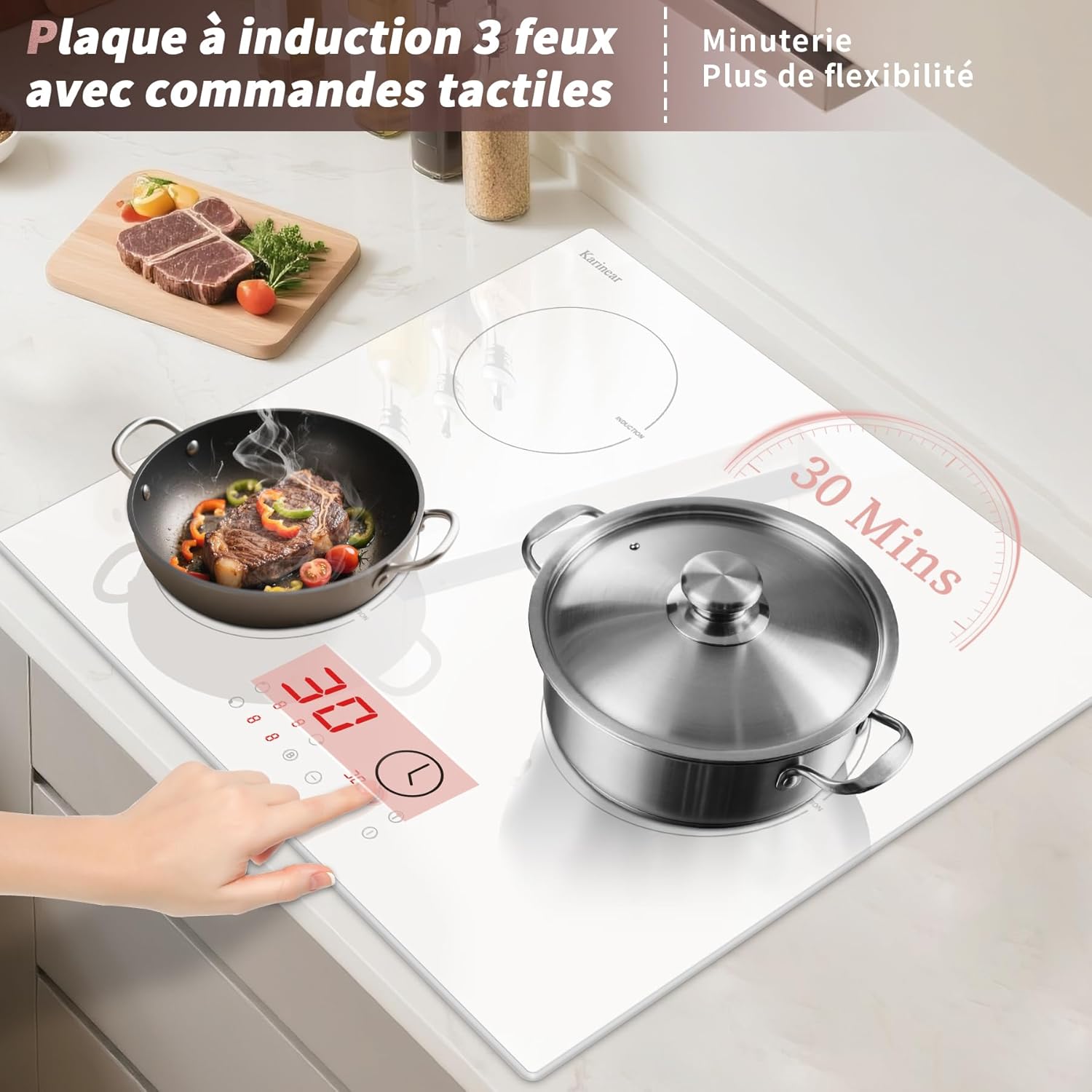
Image 4.1: The Karinear induction cooktop in operation, showing two cooking zones active with pots and the timer function engaged.
Special Functions
- Booster Function (B):
To activate the booster, select a heating zone and then touch the 'B' button. This function provides rapid heating at the highest power level for 5 minutes. Note that the total power is limited to 3500W, and the cooktop's internal program will automatically adjust power distribution if multiple zones are boosted simultaneously to prevent exceeding this limit.

Image 4.2: The cooktop demonstrating the booster function, indicated by the 'B' symbol, providing maximum power for quick heating.
- Timer Function:
The timer can be set for up to 99 minutes. To set the timer:
- Select the target heating zone.
- Touch the 'Timer' button.
- Use the '+' and '-' buttons to adjust the desired cooking time.
The timer can be set to automatically switch off the selected zone or to emit an audible beep without turning off the appliance.
- Child Safety Lock (LO):
To activate the child safety lock, touch the 'Lock' button. The display will show 'LO', indicating the control panel is locked to prevent accidental changes. To deactivate, press and hold the 'Lock' button for 3-5 seconds until 'LO' disappears.
Cookware Compatibility
This induction cooktop functions exclusively with magnetic cookware. Ensure your pots and pans have a flat, magnetic bottom for optimal performance.

Image 4.3: Visual guide illustrating compatible (magnetic bottom) and incompatible (non-magnetic, ceramic, glass, copper) cookware for the induction cooktop.
5. Maintenance and Cleaning
Regular cleaning and maintenance will ensure the longevity and optimal performance of your Karinear induction cooktop.
- Before Cleaning: Always ensure the cooktop is turned off and has cooled down completely. Unplug the appliance from the power outlet.
- Surface Cleaning: The white ceramic glass surface is smooth and easy to clean. Wipe the surface with a soft, damp cloth after each use. For stubborn stains, use a mild detergent specifically designed for ceramic cooktops. Avoid abrasive cleaners, scouring pads, or harsh chemicals that could scratch or damage the surface.
- Control Panel: Wipe the touch control panel with a soft, damp cloth. Ensure no moisture enters the control area.
- Scraper Use: For burnt-on food residues, use the provided scraper carefully at an angle to lift the residue without scratching the glass.
- Drying: Dry the cooktop thoroughly with a clean, dry cloth to prevent water spots.
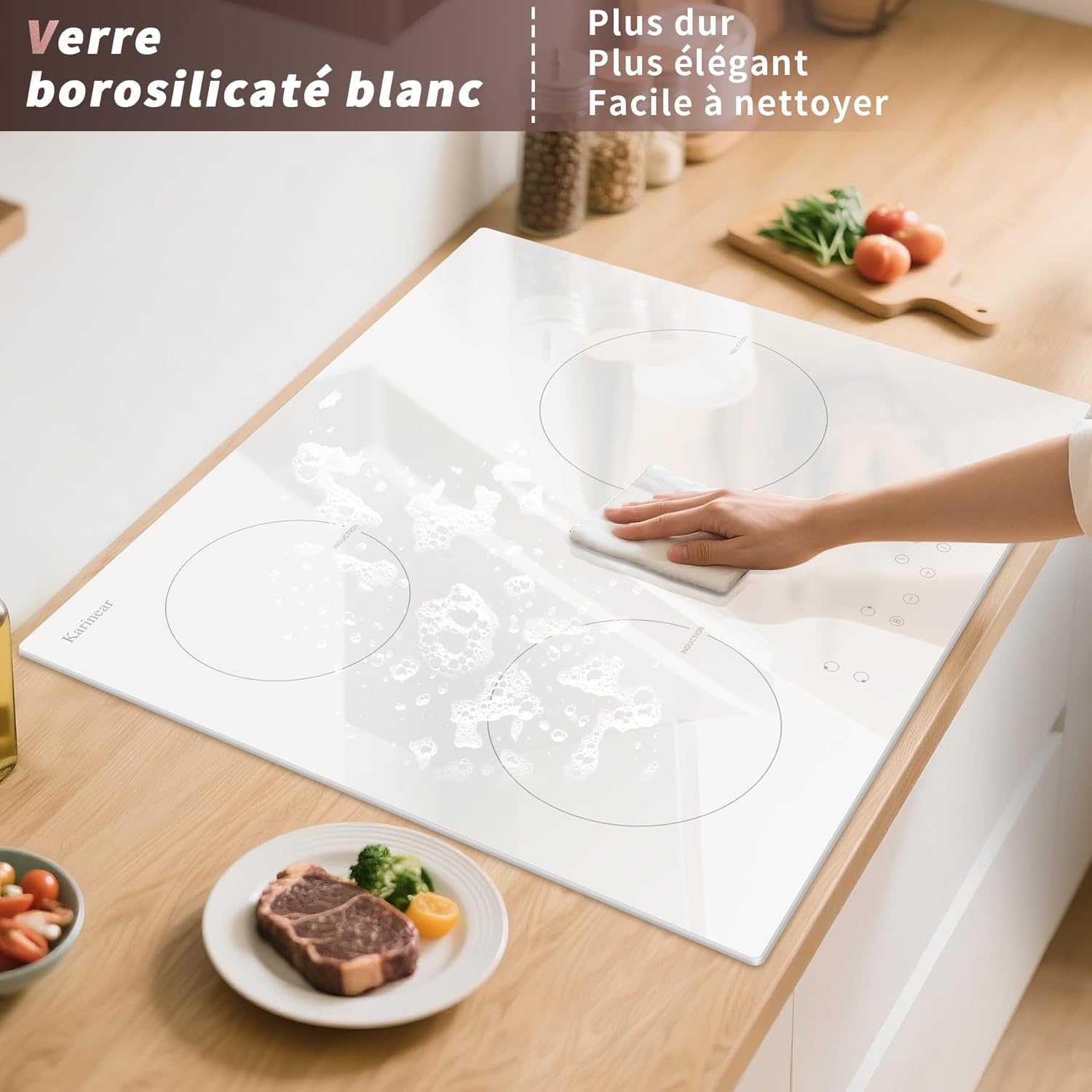
Image 5.1: A hand wiping the white ceramic glass surface of the Karinear induction cooktop with a damp cloth, demonstrating the ease of cleaning.
6. Troubleshooting
If you encounter issues with your induction cooktop, refer to the following common problems and solutions before contacting customer service.
| Problem | Possible Cause | Solution |
|---|---|---|
| Cooktop does not turn on. | No power supply; appliance not plugged in; power outage. | Check if the plug is securely inserted and the power outlet is functional. Verify main power supply. |
| Heating zone not working. | Incorrect cookware; cookware not centered; safety lock active. | Ensure cookware is induction-compatible and correctly positioned. Deactivate child safety lock if 'LO' is displayed. |
| Display shows 'H'. | Residual heat indicator. | This indicates the cooking zone is still hot. Do not touch the surface. It will disappear once the temperature drops to a safe level. |
| Cooktop makes unusual noise. | Normal operation sound (fan, coil vibration); incompatible cookware. | A low humming or buzzing sound is normal during induction cooking. Ensure cookware is flat-bottomed and induction-compatible. |
| Overheat protection activated. | Cooktop has become too hot. | The cooktop will automatically shut down. Allow it to cool down before resuming operation. Ensure proper ventilation around the appliance. |
7. Specifications
| Feature | Detail |
|---|---|
| Brand | Karinear |
| Model Number | KNI-B33514-VDE-W-DE |
| Product Dimensions (L x W x H) | 59 x 52 x 6.1 cm |
| Weight | 8.06 kg |
| Installation Type | Drop-in (Built-in) |
| Special Features | Booster Function, 99-minute Timer, Child Safety Lock, Overheat Protection, Residual Heat Indicator |
| Hob Type | Induction |
| Number of Heating Zones | 3 |
| Color | White |
| Voltage | 220 Volts |
| Wattage | 3500 W (Total, with automatic power adjustment) |
| Power Source | Electric (16A Plug) |
| Surface Material | Ceramic Glass |
| Required Cut-out Dimensions | 56 cm (Length) x 49 cm (Width) |
8. Warranty and Support
For warranty information, product registration, or technical support, please refer to the warranty card included with your product or visit the official Karinear website. Keep your purchase receipt as proof of purchase.
Contact Information: Please refer to the contact details provided in your product packaging or on the manufacturer's website for customer service.


