
SPYPOINT Flex-DarkTwin22BOXC
SPYPOINT Flex Dark Twin Solar Cellular Trail Camera User Manual
Model: Flex-DarkTwin22BOXC
Introduction
This manual provides comprehensive instructions for the setup, operation, and maintenance of your SPYPOINT Flex Dark Twin Solar Cellular Trail Camera. Designed for discreet and powerful game activity monitoring, this camera system captures high-quality photos and videos, transmitting them directly to your mobile device.
What's Included
Your SPYPOINT Flex Dark Twin Security Kit includes the following components:
- Two SPYPOINT Flex Dark Cellular Trail Cameras
- Two LIT-22 Rechargeable Batteries
- Two 32GB Micro SD Cards
- Two SB-500s Steel Lock Boxes
- Two Steel Locking Cables

Image: The complete SPYPOINT Flex Dark Twin Security Kit, showing two cameras, two lock boxes, two locking cables, two batteries, and two SD cards.
Setup
1. Battery and SD Card Installation
Before deploying your camera, ensure the LIT-22 rechargeable battery and the 32GB Micro SD card are correctly installed.
- Open the camera's battery compartment.
- Insert the LIT-22 rechargeable battery, ensuring correct polarity.
- Locate the SD card slot and insert the 32GB Micro SD card until it clicks into place.
- Close the battery compartment securely to maintain weather resistance.


Image: Front and side views of the SPYPOINT Flex Dark camera, illustrating its design and antenna. These images show the camera's exterior, where the battery and SD card compartments are typically located.
2. Security Kit Installation (Optional)
For enhanced security, utilize the included SB-500s Steel Lock Box and Steel Locking Cable.
- Place the SPYPOINT Flex Dark camera inside the SB-500s Steel Lock Box.
- Thread the Steel Locking Cable through the designated openings on the lock box and around a secure object, such as a tree or post.
- Secure the cable with a padlock (not included).
3. Mobile App Activation and Placement
The SPYPOINT app is essential for activating and managing your camera. No Wi-Fi is needed for activation.
- Download the free SPYPOINT app from your device's app store.
- Follow the in-app instructions for quick, hassle-free camera activation using the on-camera buttons.
- Position the camera in your desired scouting location. The camera's reinforced ghost grey shell provides superior concealment.
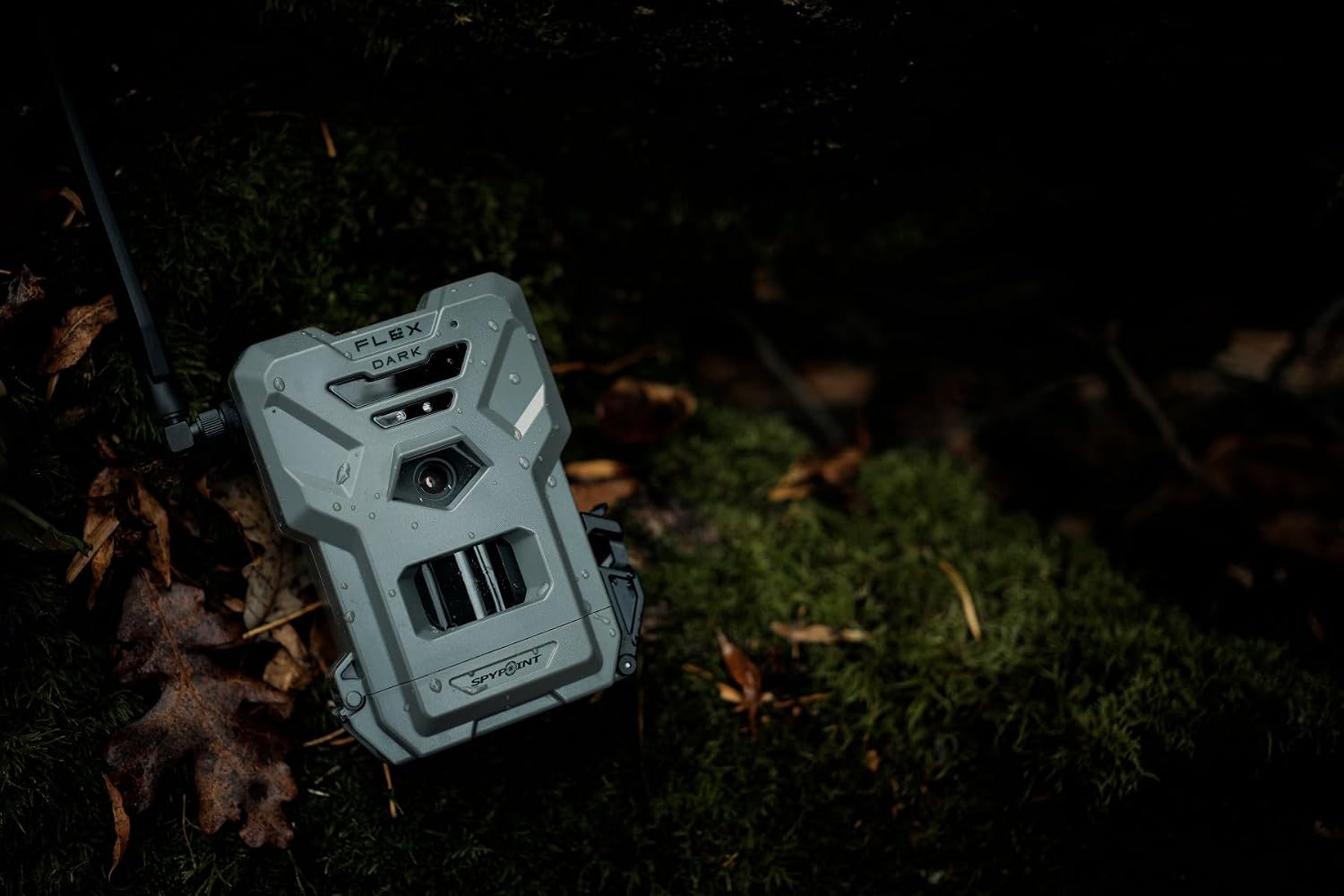
Image: A SPYPOINT Flex Dark camera discreetly mounted on a tree in a natural outdoor environment, demonstrating typical deployment.
Operating Instructions
Photo and Video Capture
The Flex Dark camera captures crystal-clear 40MP photos and 1080p videos with sound. These are sent directly to your SPYPOINT app.
- Multi-shot Mode: Capture multiple images per detection.
- Time-Lapse+: Set the camera to capture images at predefined intervals.
- Customizable Scheduling: Define specific operational hours for the camera.
Cellular Connectivity
Equipped with cross-carrier cellular coverage and dual SIM technology, the camera automatically connects to the strongest available signal, ensuring reliable transmission of data.
- No need to select a specific carrier; the camera optimizes its connection.
- Data plans start with a free 100 photo monthly plan, with upgrade options available via the SPYPOINT app.
Night Vision and Detection
The camera features NO-GLOW LEDs for invisible night vision, ensuring discretion in total darkness. It has a 100-foot detection range.
- Switch between no-glow and low-glow settings remotely via the app.
- The camera's advanced sensors detect movement within its range, triggering capture.

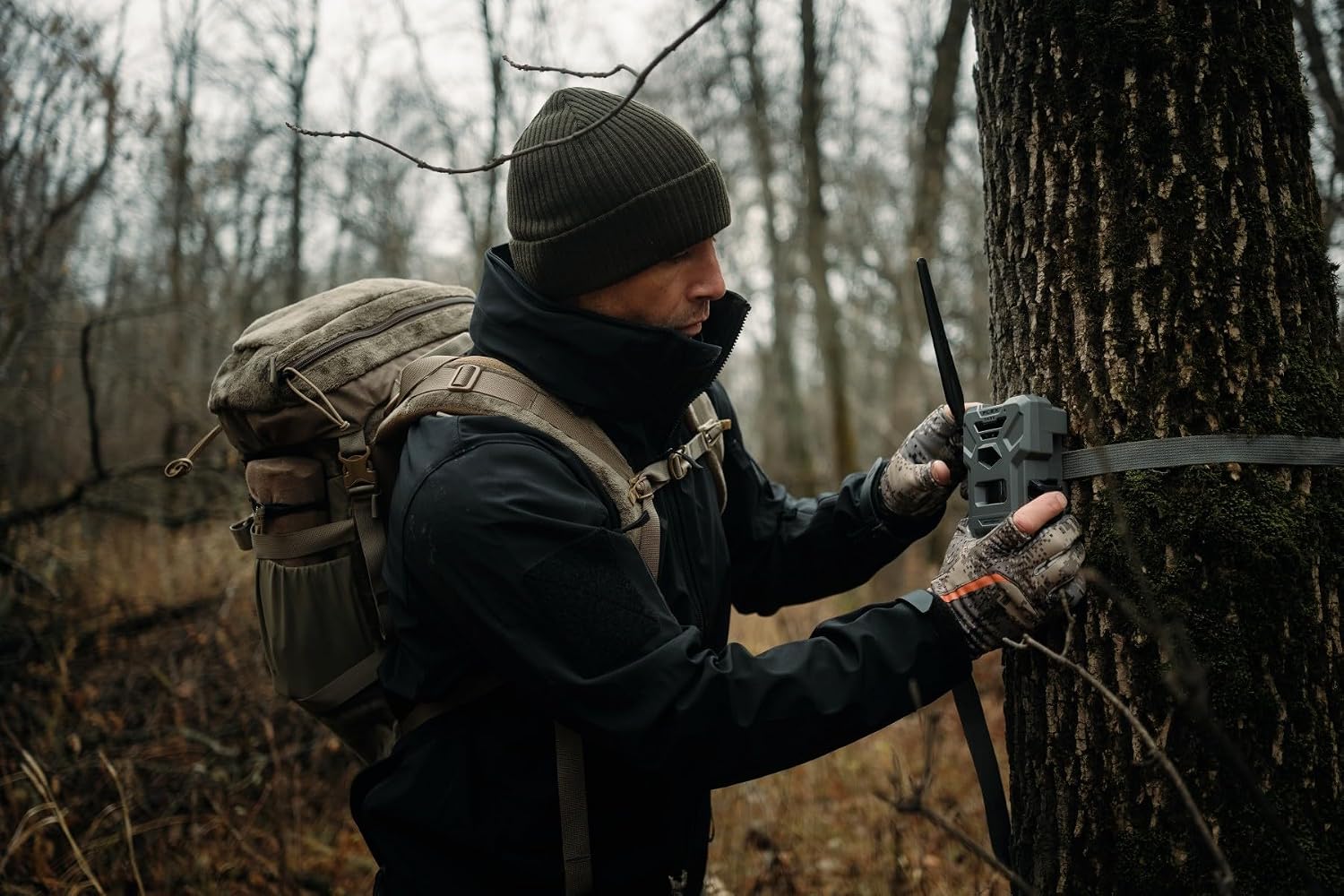
Image: A person in outdoor gear adjusting a SPYPOINT Flex Dark camera mounted on a tree, demonstrating typical field operation and setup.
Maintenance
The SPYPOINT Flex Dark camera is built for rugged outdoor use and requires minimal maintenance.
- Cleaning: Periodically wipe the camera's exterior with a soft, damp cloth to remove dirt and debris. Ensure the lens and sensor areas are clean for optimal performance.
- Battery Care: Recharge the LIT-22 batteries as needed. For long-term storage, ensure batteries are partially charged (around 50%) and stored in a cool, dry place.
- Antenna: The semi-flexible antenna with secure brass fittings is designed to resist damage. Avoid excessive bending or force.
- Latch: The upgraded latch is designed for easy opening, even in cold weather. Ensure it is securely closed after accessing the camera's interior.
Troubleshooting
If you encounter issues with your SPYPOINT Flex Dark camera, consider the following common solutions:
- No Photos/Videos Received:
- Check battery level via the SPYPOINT app.
- Ensure the SD card is properly inserted and not full.
- Verify cellular signal strength in the camera's location. The camera automatically connects to the strongest signal.
- Confirm your photo transmission plan is active and has available photos. Consider upgrading your plan if you exceed the free 100 photos/month.
- Poor Image Quality:
- Clean the camera lens and infrared sensors.
- Ensure the camera is not pointed directly at the sun or strong light sources.
- Camera Not Activating:
- Ensure the battery is fully charged.
- Re-attempt activation through the SPYPOINT app, following all prompts.
For further assistance, refer to the support section or contact SPYPOINT customer service.
Specifications
| Feature | Detail |
|---|---|
| Model Name | Flex-DarkTwin22BOXC |
| Indoor/Outdoor Usage | Outdoor |
| Connectivity Protocol | Cellular |
| Power Source | Battery Powered (LIT-22) |
| Video Capture Resolution | 1080p |
| Photo Resolution | 40MP |
| Detection Range | 100-foot |
| Night Vision | No-Glow LEDs |
| Included Components | Two Trail Camera, Two SB-500s Steel Lock Box, Two Rechargeable Battery, Two Steel Locking Cable, Two 32GB Micro SD Card |
| Product Dimensions | 10 x 4 x 3 inches |
| Manufacturer | Spypoint |
| Country of Origin | China |
Warranty and Support
Your SPYPOINT Flex Dark Twin Cellular Trail Camera comes with a two-year warranty, ensuring peace of mind regarding your investment.
- For warranty claims or technical support, please visit the official SPYPOINT website or contact their customer service directly.
- Join the Insiders Club for exclusive discounts and additional support resources.
Ask a question about this manual
Ask about setup, troubleshooting, compatibility, parts, safety, or missing instructions. Manuals+ will review the question and use this page’s manual context to help answer it.