
Retevis EHK007, RT22
Retevis EHK007 Tactical Headset and RT22 Walkie Talkies User Manual
Model: EHK007 Tactical Headset, RT22 Rechargeable Walkie Talkies
1. Introduction
This manual provides detailed instructions for the Retevis EHK007 Tactical Headset and RT22 Rechargeable Walkie Talkies bundle. This product is designed for various activities including hunting, shooting, airsoft sports, and tactical games, offering clear communication and effective hearing protection. Please read this manual thoroughly before using the product to ensure proper operation and safety.
2. Package Contents
Upon opening the package, please verify that all the following items are included:
- 1 x Retevis EHK007 Tactical Headset
- 1 x U94 K Head 2 Pin PTT Cable
- 2 x Battery Covers (for headset)
- 4 x Retevis RT22 Walkie Talkies (Orange)
- 4 x Li-ion Batteries (for RT22)
- 4 x Belt Clips (for RT22)
- 2 x Dual Port USB Charger Adapters
- 4 x USB Cables
- 2 x User Manuals (for RT22)

Figure 2.1: Complete package contents of the Retevis EHK007 and RT22 bundle.
3. Product Overview
3.1 Retevis EHK007 Tactical Headset
The EHK007 Tactical Headset is designed for communication and hearing protection. It features sound amplification for ambient sounds and automatic noise reduction for loud impulses like gunshots. It includes a microphone and connects via a U94 K Head 2 Pin PTT cable.

Figure 3.1: Components of the EHK007 Tactical Headset.
- Head-Mounted Band: Adjustable for comfortable fit.
- Adjustable Frame: Allows for precise positioning of the earcups.
- Microphone: For clear voice transmission.
- PTT (Push-to-Talk) Unit: External unit for activating transmission.
- Kenwood 2 Pin Connector: Standard connector for compatible radios.
- Pickup Mics: Ambient sound microphones for sound amplification.

Figure 3.2: EHK007 Headset ear cushion detail.
The earcups feature comfortable leather ear cushions and soundproof sponges for effective noise isolation and comfort during extended use.
3.2 Retevis RT22 Rechargeable Walkie Talkies
The RT22 walkie talkies are compact, license-free FRS radios designed for ease of use and reliable communication. They feature 16 channels, USB charging, and an adjustable VOX function.
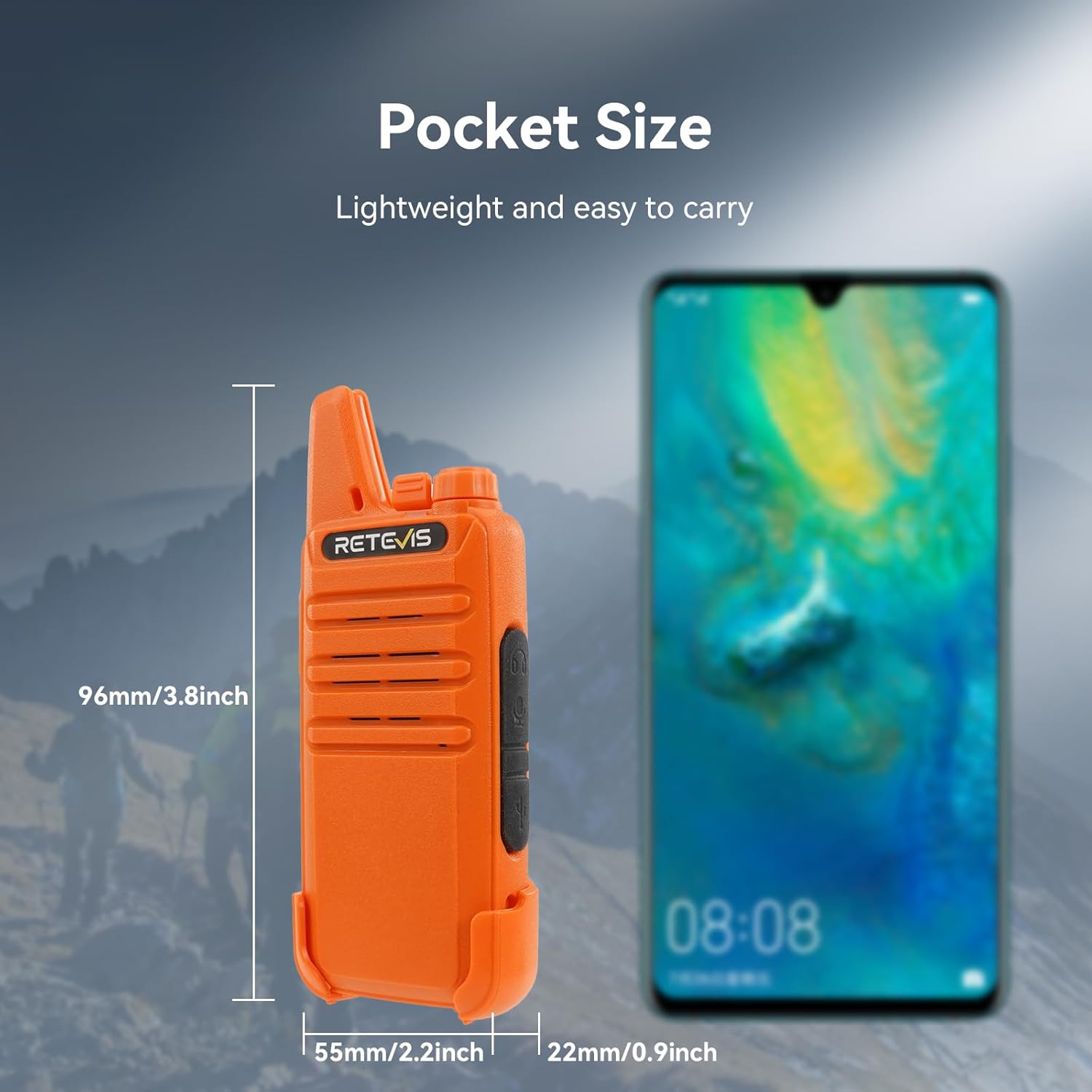
Figure 3.3: Retevis RT22 Walkie Talkie.
- Compact Design: Extremely compact and slim, making them easy to carry.
- License-Free FRS: Operates on FRS frequencies, requiring no license for use.
- 16 Channels: Provides multiple channels for communication.
- USB Charging: Convenient charging via standard USB ports.
- VOX Function: Voice-activated transmission, adjustable from 0 to 9 levels.
- Key Lock: Prevents accidental changes to settings.
- Durable Material: Constructed from ABS material for ruggedness.

Figure 3.4: RT22 USB Charging options.
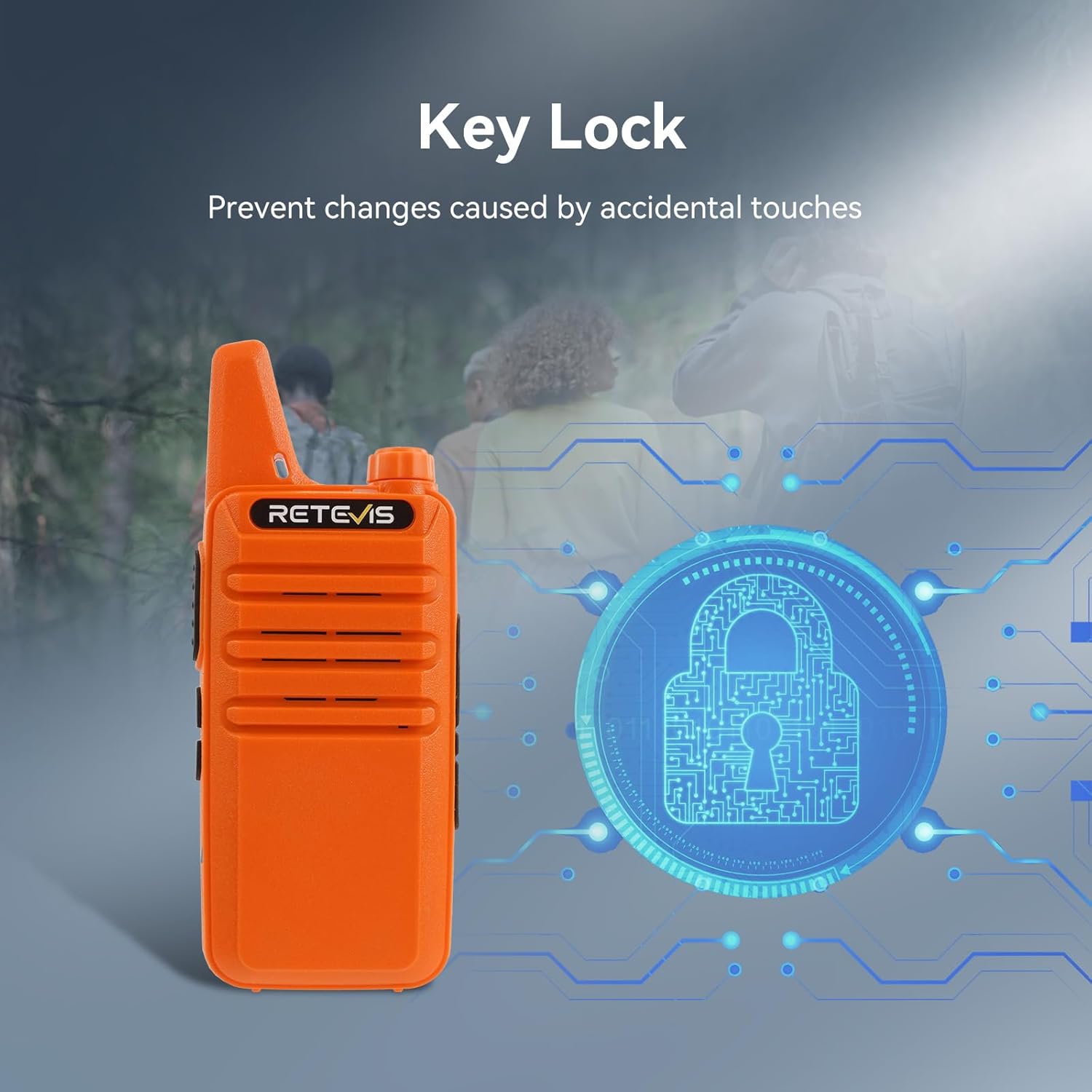
Figure 3.5: RT22 Key Lock feature.
4. Setup
4.1 Charging the RT22 Walkie Talkies
- Insert the Li-ion battery into each RT22 walkie talkie, ensuring it clicks into place.
- Connect one end of the provided USB cable to the charging port on the RT22 walkie talkie.
- Connect the other end of the USB cable to a USB charger adapter, computer USB port, or power bank.
- The charging indicator light on the walkie talkie will illuminate during charging and change color or turn off when fully charged.
- Allow approximately 3-4 hours for a full charge.
4.2 Connecting the EHK007 Headset to RT22 Walkie Talkie
- Locate the 2-pin audio jack on the side of the RT22 walkie talkie.
- Connect the Kenwood 2 Pin connector of the U94 K Head PTT cable to the audio jack on the RT22 walkie talkie. Ensure a secure connection.
- Connect the 7.1mm connector from the PTT unit to the EHK007 Tactical Headset.
- Adjust the headset's head-mounted band and microphone position for comfort and optimal voice pickup.

Figure 4.1: Headset connected to walkie talkie in use.
5. Operating Instructions
5.1 RT22 Walkie Talkie Basic Operation
- Power On/Off: Rotate the power/volume knob clockwise to turn on the radio. Rotate counter-clockwise until a click is heard to turn off.
- Volume Adjustment: Rotate the power/volume knob to adjust the listening volume.
- Channel Selection: Use the channel selector knob on top of the radio to choose one of the 16 available channels. Ensure all radios in your group are on the same channel for communication.
- Transmitting: Press and hold the PTT (Push-to-Talk) button on the side of the radio (or on the external PTT unit if using the headset) to transmit your voice. Speak clearly into the microphone. Release the PTT button to receive.
- Receiving: When not transmitting, the radio is in receive mode.
- Key Lock: To prevent accidental changes, activate the key lock function (refer to the RT22 specific user manual for exact steps, typically a long press of a specific button).
5.2 EHK007 Headset Features
- Sound Amplification: The headset's pickup microphones amplify ambient sounds, allowing you to hear your surroundings clearly.
- Noise Reduction: When sudden loud noises (e.g., gunshots, explosions) occur, the headset's noise reduction function automatically activates to protect your hearing by reducing the sound level.
- Communication: Use the integrated microphone and external PTT unit to communicate through the connected walkie talkie.
5.3 VOX Function (Voice Operated Exchange)
The RT22 walkie talkies support VOX, allowing hands-free transmission without pressing the PTT button. When VOX is enabled, the radio will automatically transmit when it detects your voice.
- Adjusting VOX Level: The VOX sensitivity can be adjusted from level 0 (off) to 9 (most sensitive). A higher level means the radio will transmit with softer voice input.
- Enabling/Disabling VOX: Refer to the RT22 specific user manual for instructions on how to enable or disable the VOX function and adjust its sensitivity. This typically involves a combination of button presses during power-on or programming via software.
6. Maintenance
- Cleaning: Use a soft, damp cloth to clean the surfaces of the headset and walkie talkies. Do not use harsh chemicals or abrasive cleaners.
- Storage: Store the devices in a cool, dry place away from direct sunlight and extreme temperatures when not in use.
- Battery Care: For optimal battery life, avoid fully discharging the Li-ion batteries frequently. Recharge them regularly. If storing for extended periods, charge them to about 50% capacity.
- Headset Ear Cushions: Periodically inspect the ear cushions for wear and tear. Replace if damaged to maintain comfort and acoustic performance.
7. Troubleshooting
| Problem | Possible Cause | Solution |
|---|---|---|
| No power on RT22 walkie talkie | Battery discharged or not properly installed. | Ensure battery is correctly inserted and fully charged. |
| Cannot transmit or receive | Incorrect channel, out of range, low battery, PTT not pressed. | Verify all radios are on the same channel. Move closer to other radios. Charge battery. Press PTT firmly. |
| Headset microphone not working | Headset not properly connected to PTT unit or PTT unit to radio. | Check all cable connections between headset, PTT, and radio. Ensure PTT button is pressed during transmission. |
| Headset noise reduction not activating | Sound not loud enough to trigger, or unit malfunction. | Ensure the sound is sufficiently loud (e.g., a gunshot). If issue persists, contact support. |
| Poor sound quality / Static | Weak signal, interference, or damaged antenna/cable. | Move to an open area. Avoid sources of electronic interference. Check antenna and cables for damage. |
8. Specifications
8.1 Retevis EHK007 Tactical Headset
- Brand: Retevis
- Color: Armygreen
- Ear Placement: Over Ear
- Form Factor: Over Ear
- Impedance: 32 Ohm
8.2 Retevis RT22 Rechargeable Walkie Talkies
- Model: RT22
- Color: Orange
- Number of Channels: 16
- Special Feature: Good sound quality, license free
- Frequency Range: FRS
- Talking Range Maximum: 3 Kilometers (approx. 1.86 miles)
- Tuner Technology: FRS
- Voltage: 3.7 Volts
- Water Resistance Level: Not Water Resistant
- Product Dimensions: 0.83"D x 2.2"W x 5.35"H (2.1cm D x 5.6cm W x 13.6cm H)
9. Warranty and Support
This product is manufactured by Retevis. For warranty information, technical support, or service inquiries, please refer to the official Retevis website or contact their customer service directly. Keep your purchase receipt as proof of purchase.
Manufacturer: Retevis
Date First Available: May 30, 2024
For further assistance, you may visit the Retevis Store on Amazon.
Ask a question about this manual
Ask about setup, troubleshooting, compatibility, parts, safety, or missing instructions. Manuals+ will review the question and use this page’s manual context to help answer it.