
1. Introduction
Thank you for choosing the HAPPRUN KC7 Pro Netflix Projector. This projector is designed to provide a high-quality home entertainment experience with integrated streaming capabilities. Featuring 4K Ultra HD resolution support, 2500 ANSI Lumens brightness, AI auto-focus, and Wi-Fi 6 connectivity, the KC7 Pro offers a seamless and immersive viewing experience. This manual provides essential information for safe operation, setup, maintenance, and troubleshooting.

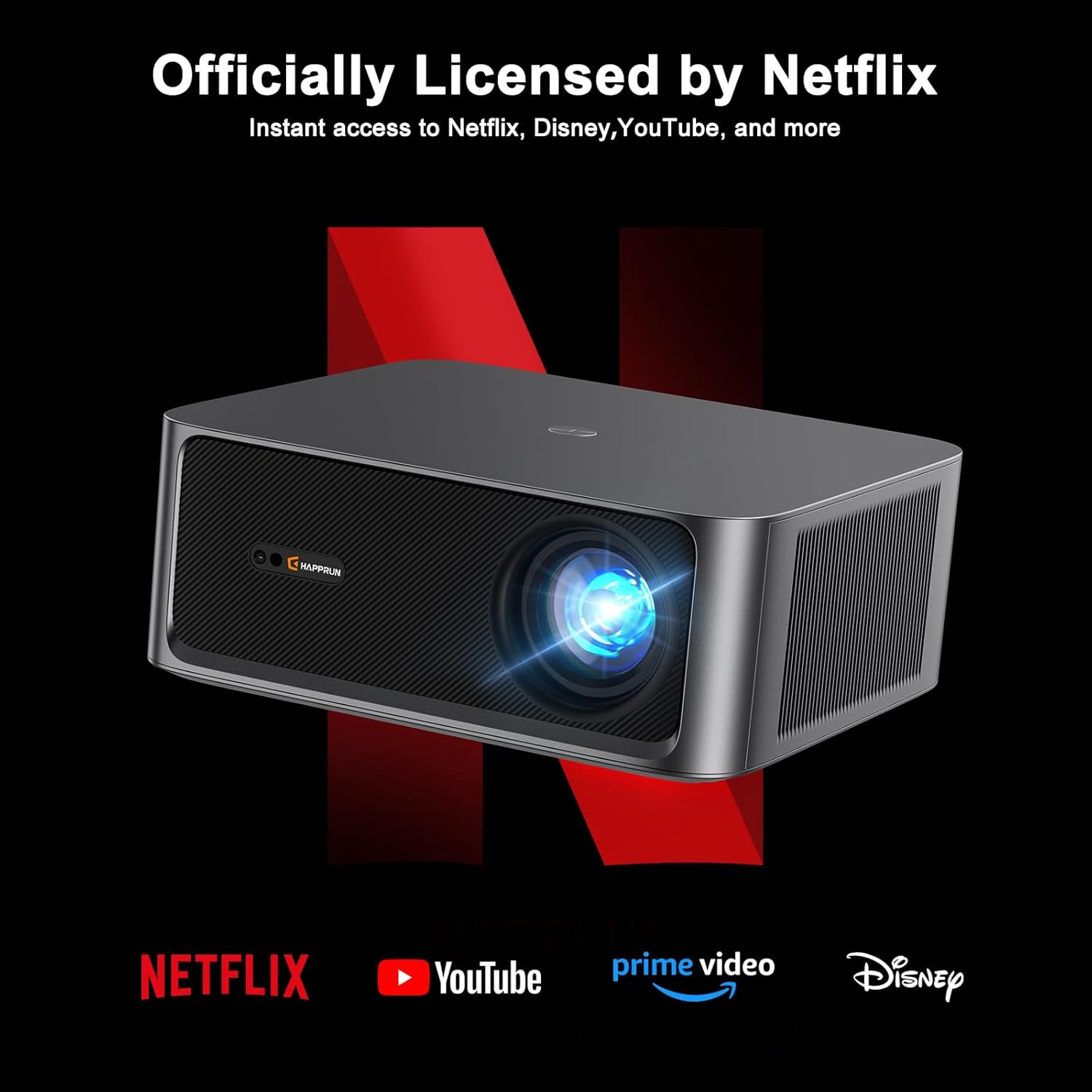
The HAPPRUN KC7 Pro is officially licensed by Netflix, YouTube, Prime Video, and Disney+, providing instant access to a wide range of content. Its advanced audio features, including Hi-Res Audio and Dolby Audio support, ensure a rich sound experience.
2. Important Safety Information
Please read all safety instructions carefully before using the projector. Keep this manual for future reference.
- Power Source: Use only the provided power cord and connect to a power outlet with the correct voltage (110 Volts).
- Ventilation: Ensure adequate ventilation around the projector. Do not block ventilation openings.
- Heat: Do not place the projector near heat sources or in direct sunlight.
- Moisture: Keep the projector away from water, rain, or excessive humidity.
- Cleaning: Unplug the projector before cleaning. Use a soft, dry cloth. Do not use liquid or aerosol cleaners.
- Servicing: Do not attempt to service this product yourself. Refer all servicing to qualified service personnel.
- Eye Safety: Do not look directly into the projector lens when the lamp is on.
3. Package Contents
Verify that all items are present in the package:
- HAPPRUN KC7 Pro Projector
- Remote Control
- Power Cord
- HDMI Cable
- Cleaning Kit
- User Manual (this document)
4. Product Overview
The HAPPRUN KC7 Pro features a compact design with various ports for connectivity. Familiarize yourself with the projector's components:
- Front: Projection Lens, IR Receiver.
- Top: Control Panel (Power, Navigation, OK, Back).
- Rear: Power Input, HDMI Port, USB Port, 3.5mm Audio Jack.
- Sides: Ventilation openings.
5. Setup
5.1 Placement
Place the projector on a stable, flat surface or mount it to the ceiling. Ensure the projector is positioned directly in front of the screen or wall for optimal image geometry. The projector can create a screen size up to 300 inches.

5.2 Power Connection
Connect the provided power cord to the projector's power input and then to a wall outlet.
5.3 Initial Configuration
Upon first power-on, the projector will guide you through initial setup steps. The KC7 Pro features AI Auto-Focus, which automatically adjusts the image for optimal clarity without manual tweaking.

Connect to your Wi-Fi network for streaming services. The projector supports Wi-Fi 6 for smooth HD streaming and gaming with no lags or delays.

5.4 Connecting External Devices
The projector offers multiple connectivity options:
- HDMI: Connect gaming consoles, laptops, or other HDMI-enabled devices using the HDMI cable.
- USB: Plug in USB drives for media playback.
- Bluetooth 5.2: Connect to external Bluetooth speakers or headphones for enhanced audio.

6. Operating Instructions
6.1 Power On/Off
Press the power button on the projector or the remote control to turn the unit on or off.
6.2 Menu Navigation
Use the arrow keys and OK button on the remote control to navigate through the projector's on-screen menus and settings.
6.3 Source Selection
Select the desired input source (HDMI, USB, or internal apps) from the main menu.
6.4 Streaming Applications
Access pre-installed streaming applications like Netflix, YouTube, Prime Video, and Disney+ directly from the projector's home screen. Ensure an active internet connection for these services.
6.5 Audio Settings
Adjust volume and audio output settings in the menu. The projector supports Hi-Res Audio and Dolby Audio for an immersive sound experience.

6.6 Image Settings
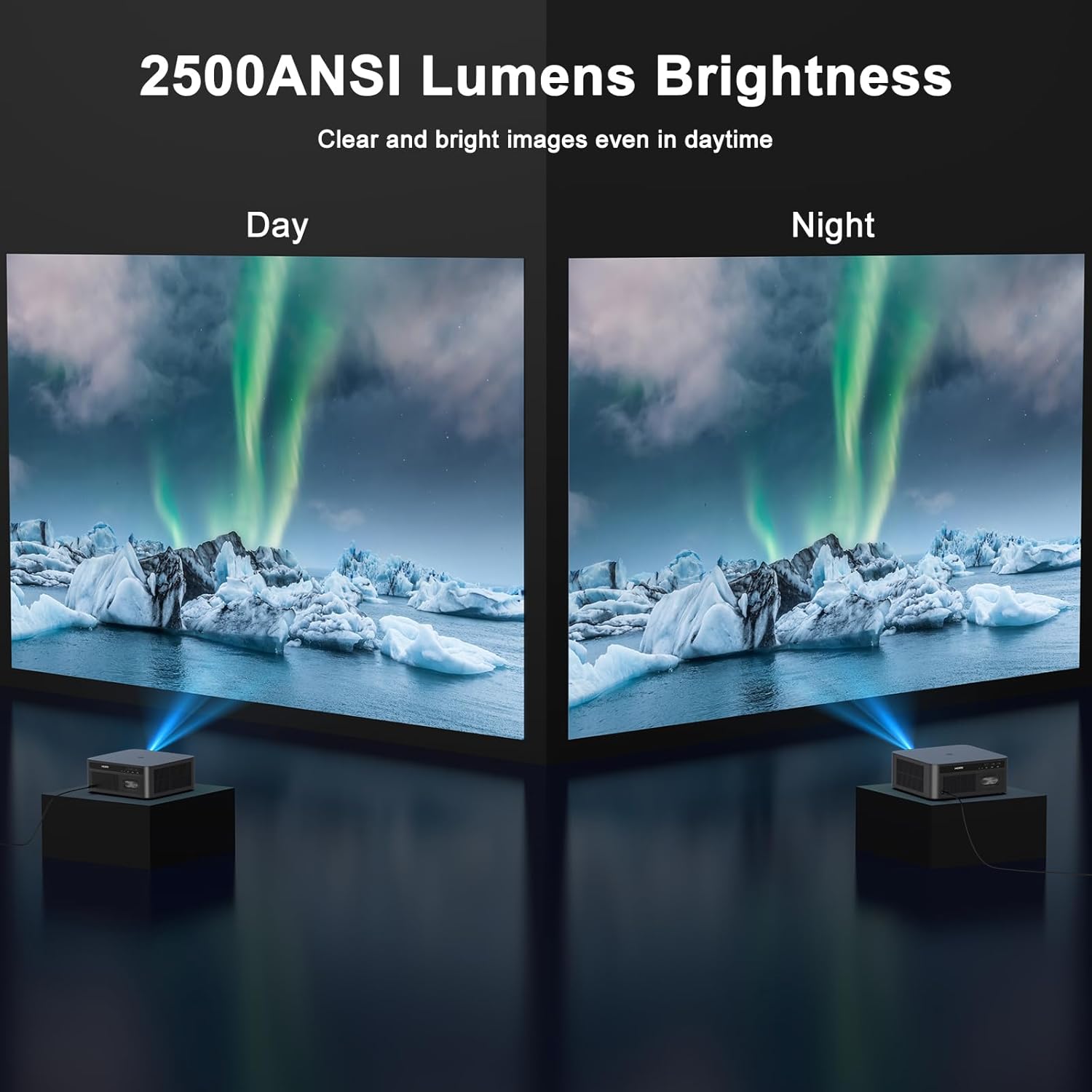
Customize image settings such as brightness, contrast, and color. The projector delivers 2500 ANSI Lumens brightness for clear images even in daylight and supports 4K Ultra HD resolution for ultra-clear and delicate visuals.

7. Maintenance
7.1 Cleaning
Regular cleaning helps maintain optimal performance.
- Lens: Use the provided cleaning kit or a soft, lint-free cloth specifically designed for optical lenses. Do not use abrasive cleaners.
- Casing: Wipe the projector's exterior with a soft, dry cloth.
- Ventilation: Periodically check and gently clean the ventilation openings to prevent dust buildup.
7.2 Storage
When not in use for extended periods, store the projector in a cool, dry place, away from direct sunlight and excessive dust. Use the original packaging or a protective case if available.
8. Troubleshooting
If you encounter issues with your HAPPRUN KC7 Pro Projector, refer to the following common problems and solutions:
- No Power:
- Ensure the power cord is securely connected to both the projector and the power outlet.
- Check if the power outlet is functional. - No Image:
- Verify the input source is correctly selected (e.g., HDMI 1, USB).
- Check the HDMI or USB cable connection.
- Ensure the lens cap is removed.
- Restart the projector and the connected device. - Blurry Image:
- The projector features AI Auto-Focus; ensure it has enough space and time to adjust. If issues persist, check for obstructions near the lens.
- Ensure the projection surface is flat. - No Sound:
- Adjust the volume on both the projector and the connected device.
- If using external Bluetooth speakers, ensure they are properly paired and connected.
- Check audio output settings on the projector. - Remote Control Not Working:
- Ensure there are no obstructions between the remote and the projector's IR receiver.
- Replace the batteries in the remote control. - Wi-Fi Connection Issues:
- Ensure your Wi-Fi router is on and within range.
- Re-enter the Wi-Fi password carefully.
- Restart the projector and your router.
9. Specifications
| Feature | Specification |
|---|---|
| Brand | HAPPRUN |
| Model | KC7 Pro |
| Display Type | LCD |
| Display Resolution | 1920 x 1080 (Native) |
| Supported Resolution | Up to 4K Ultra HD |
| Brightness | 2500 ANSI Lumens |
| Aspect Ratio | 16:9, 4:3 |
| Special Features | Auto Focus, Netflix Licensed |
| Connectivity Technology | 3.5mm Jack, Bluetooth 5.2, HDMI, USB, Wi-Fi 6 |
| Compatible Devices | Gaming Console, Laptop, Smartphone, Speaker |
| Noise Level | 35 dB |
| Voltage | 110 Volts |
| Wattage | 180 watts |
| Refresh Rate | 60 Hz |
| Product Dimensions | 28.8 x 26.52 x 11.35 cm |
| Item Weight | 3.9 kg |
| Mounting Type | Ceiling Mount, Desktop |
10. Warranty and Support
The HAPPRUN KC7 Pro Projector comes with a standard manufacturer's warranty. For specific warranty terms and conditions, please refer to the warranty card included in your package or visit the official HAPPRUN website. For technical support, troubleshooting assistance, or service inquiries, please contact HAPPRUN customer support through the contact information provided on the official website or your purchase platform.


