
1. Introduction
Thank you for choosing the Calex Wi-Fi 2K Outdoor PTZ Surveillance Camera. This manual provides detailed instructions for the installation, operation, and maintenance of your new camera. Please read this manual thoroughly before use to ensure proper functionality and safety.
This camera offers advanced surveillance features including 2K video resolution, pan and tilt functionality for 360° coverage, two-way audio, motion detection, and night vision. It is designed for outdoor use with an IP65 waterproof rating.
2. What's in the Box
Please check the contents of your package. If any items are missing or damaged, contact your retailer.
- 1x Calex Wi-Fi 2K Outdoor PTZ Camera
- 1x USB-C Cable
- 1x Power Adapter
- Mounting Accessories (screws, wall plugs)
- User Manual (this document)
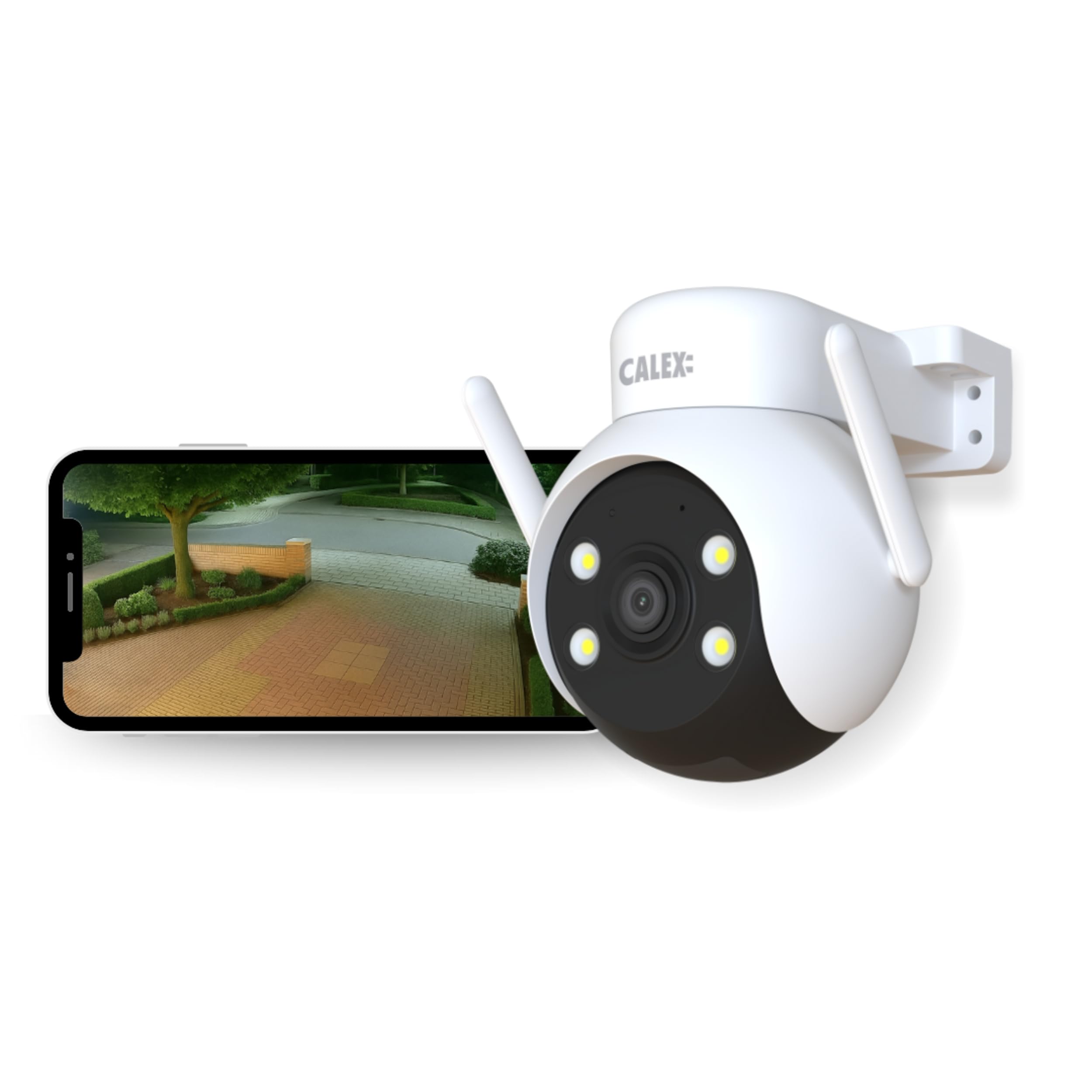
Image: The Calex Wi-Fi 2K Outdoor PTZ Camera with its included USB-C cable and power adapter.
3. Safety Information
- Ensure the power supply voltage matches the camera's requirements (220 Volts).
- Do not expose the camera to extreme temperatures or humidity beyond its operating range.
- Avoid placing the camera near strong electromagnetic fields.
- Disconnect power before cleaning or performing any maintenance.
- Keep out of reach of children.
- Only use the provided power adapter and USB-C cable.
- Ensure secure mounting to prevent the camera from falling.
4. Setup Guide
4.1. App Installation
Download the Calex Smart App from your smartphone's app store (iOS or Android). Register or log in to your account.

Image: Screenshot of the Calex Smart App interface, highlighting privacy protection and continuous recording options via cloud or micro SD card.
4.2. Powering On
Connect the USB-C cable to the camera and the power adapter. Plug the adapter into a suitable outdoor power outlet. The camera will power on and initiate its startup sequence.
4.3. Wi-Fi Connection
- Open the Calex Smart App and tap "Add Device" or the "+" icon.
- Select "Security Camera" or the appropriate camera type.
- Follow the on-screen instructions to connect the camera to your 2.4 GHz Wi-Fi network. Note: This camera only supports 2.4 GHz Wi-Fi. Ensure your router is configured correctly or you are connecting to a 2.4 GHz band.
- The app will guide you through scanning a QR code displayed on your phone with the camera lens to establish the connection.
4.4. Mounting the Camera
The camera is designed for wall mounting. Choose a location that provides optimal surveillance coverage and has a stable Wi-Fi signal. Use the provided mounting accessories to securely attach the camera to a wall or suitable surface.
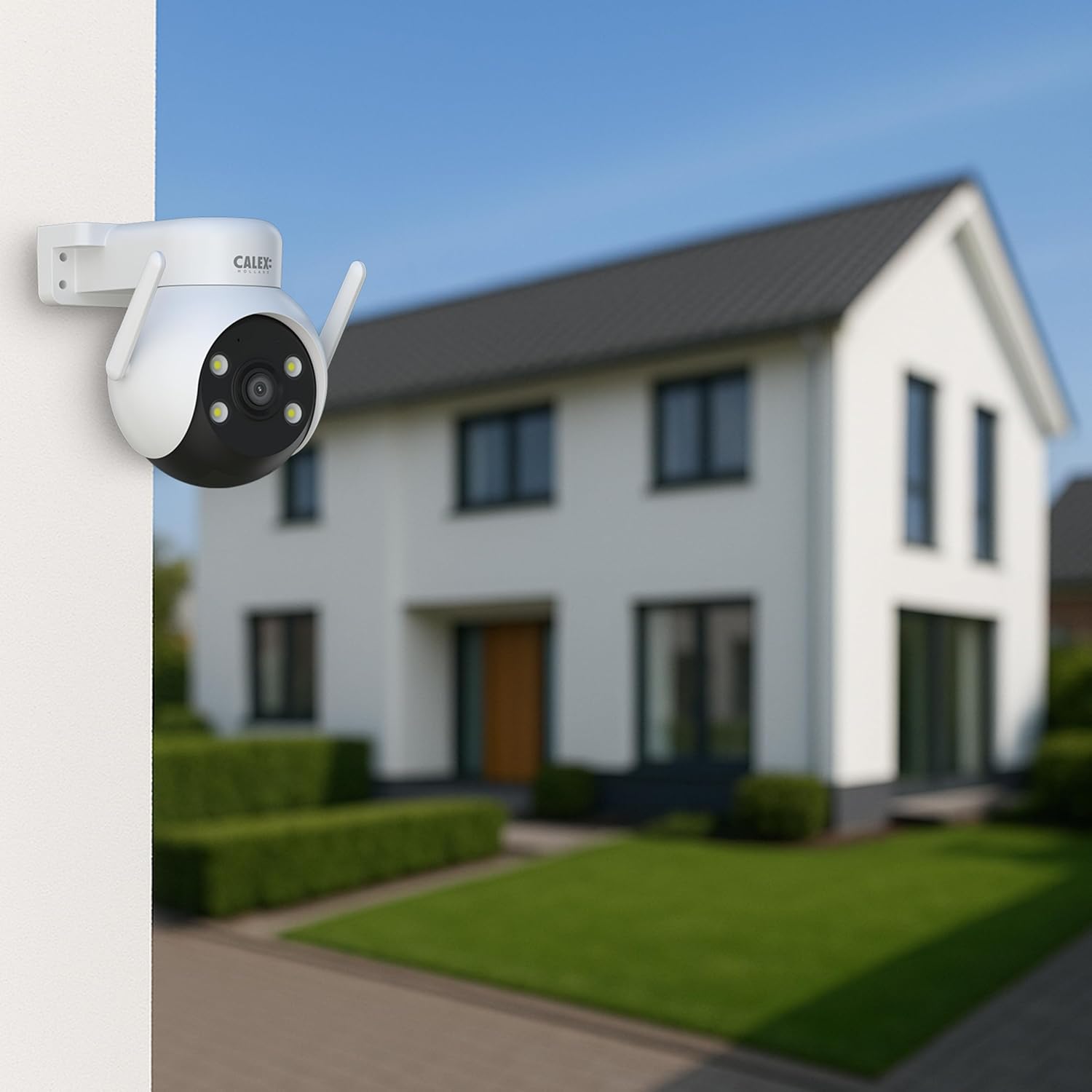
Image: The Calex Wi-Fi 2K Outdoor PTZ Camera securely mounted on the exterior wall of a house, demonstrating typical installation.
5. Operating Instructions
5.1. Live View and 2K Video
Access the live feed through the Calex Smart App. The camera provides clear 2K resolution (2304 x 1296 pixels) for detailed monitoring.

Image: The Calex camera surrounded by icons indicating its features: SD card input, Pan, Night Vision (Infrared), Cloud Storage, 2-Way Audio, Tilt, App Controlled, Motion Sensor, Water & Dust Proof, and 2K resolution.
5.2. Pan and Tilt Functionality
Control the camera's viewing angle remotely via the app. The camera supports 355° horizontal pan and 90° vertical tilt, allowing for comprehensive area coverage.

Image: The Calex camera illustrating its full PTZ functionality with arrows showing 355° pan and 90° tilt for complete coverage.
5.3. Motion Detection
The camera features a motion sensor that detects movement up to 5 meters. Configure motion detection zones and sensitivity settings within the app to receive instant notifications on your smartphone when activity is detected.

Image: A smartphone screen showing an instant motion alert from the Calex camera, indicating detection at the front door, with a delivery person in the background.
5.4. Two-Way Audio
Utilize the built-in microphone and speaker for two-way communication. This allows you to speak to visitors or deter intruders directly through the camera via the app.

Image: A person holding a smartphone displaying the live camera feed, demonstrating the use of two-way audio with built-in speakers and microphone.
5.5. Night Vision
The camera is equipped with infrared night vision, providing clear black and white images in low-light conditions up to 15 meters.

Image: The Calex camera next to a smartphone displaying a clear night vision view of a driveway, illustrating its capability up to 15 meters.
5.6. Recording Options
The camera supports 24/7 continuous recording. You can store footage locally using a Micro SD card (not included) or opt for cloud storage services (subscription may be required).

Image: The Calex camera with icons representing the two continuous recording options: cloud storage and micro SD card.
6. Maintenance
- Cleaning: Gently wipe the camera lens and body with a soft, damp cloth. Do not use harsh chemicals or abrasive cleaners.
- Firmware Updates: Regularly check the Calex Smart App for available firmware updates to ensure optimal performance and security.
- Connection Check: Periodically verify the Wi-Fi connection strength and power cable integrity.
- SD Card Management: If using an SD card, format it periodically through the app to maintain recording efficiency.

Image: The Calex camera being sprayed with water, illustrating its IP65 waterproof rating, suitable for all weather conditions.
7. Troubleshooting
7.1. Camera Not Connecting to Wi-Fi
- Ensure your Wi-Fi network is 2.4 GHz. The camera does not support 5 GHz networks.
- Check that the Wi-Fi signal strength at the camera's location is adequate.
- Restart your router and the camera.
- Verify that you have entered the correct Wi-Fi password.
- Reset the camera to factory settings (refer to the app for specific instructions) and try the setup process again.
7.2. Poor Video Quality
- Ensure the camera lens is clean and free from dust or smudges.
- Check your Wi-Fi connection speed. A weak signal can affect streaming quality.
- Adjust video quality settings within the Calex Smart App if available.
7.3. Motion Detection Not Working or Too Sensitive
- Verify that motion detection is enabled in the app settings.
- Adjust the motion detection sensitivity levels.
- Define specific motion detection zones to reduce false alarms from irrelevant areas.
- Ensure there are no obstructions blocking the camera's view.
7.4. Two-Way Audio Issues
- Check the volume settings on your smartphone and within the app.
- Ensure the camera's microphone and speaker are not obstructed.
- Verify a stable internet connection for clear audio transmission.
8. Specifications
| Model Number | 5501001700 |
| Brand | CALEX |
| Video Resolution | 2K (2304 x 1296 pixels) |
| Pan Range | 355° |
| Tilt Range | 90° |
| Connectivity | Wi-Fi (2.4 GHz only) |
| Motion Detection Range | Up to 5 meters |
| Night Vision Range | Up to 15 meters |
| Waterproof Rating | IP65 |
| Power Input | 220 Volts, 10 Watts |
| Dimensions (L x W x H) | 12.3 x 12.3 x 12.2 cm |
| Weight | 655 Grams |
| Material | Plastic |
| Included Components | 1x Camera, 1x USB-C Cable, 1x Adapter |
9. Warranty and Support
This Calex product comes with a standard manufacturer's warranty. Please refer to the warranty card included in your package or visit the official Calex website for detailed warranty terms and conditions.
For technical support, troubleshooting assistance, or any inquiries regarding your product, please contact Calex customer service through their official website or the contact information provided in your product documentation.


