1. Introduction
This manual provides detailed instructions for the proper use, setup, and maintenance of your 5MNG0Y8 JM20 Max Dac Type C to 3.5mm Adapter. Please read this manual thoroughly before using the product to ensure optimal performance and longevity. Keep this manual for future reference.
2. Product Overview
The JM20 Max Dac Type C to 3.5mm Adapter is designed to provide high-fidelity audio output from USB Type-C devices to 3.5mm headphones or earphones. It integrates advanced CS43131 and SGM8262 amplifier chips to deliver superior sound quality.
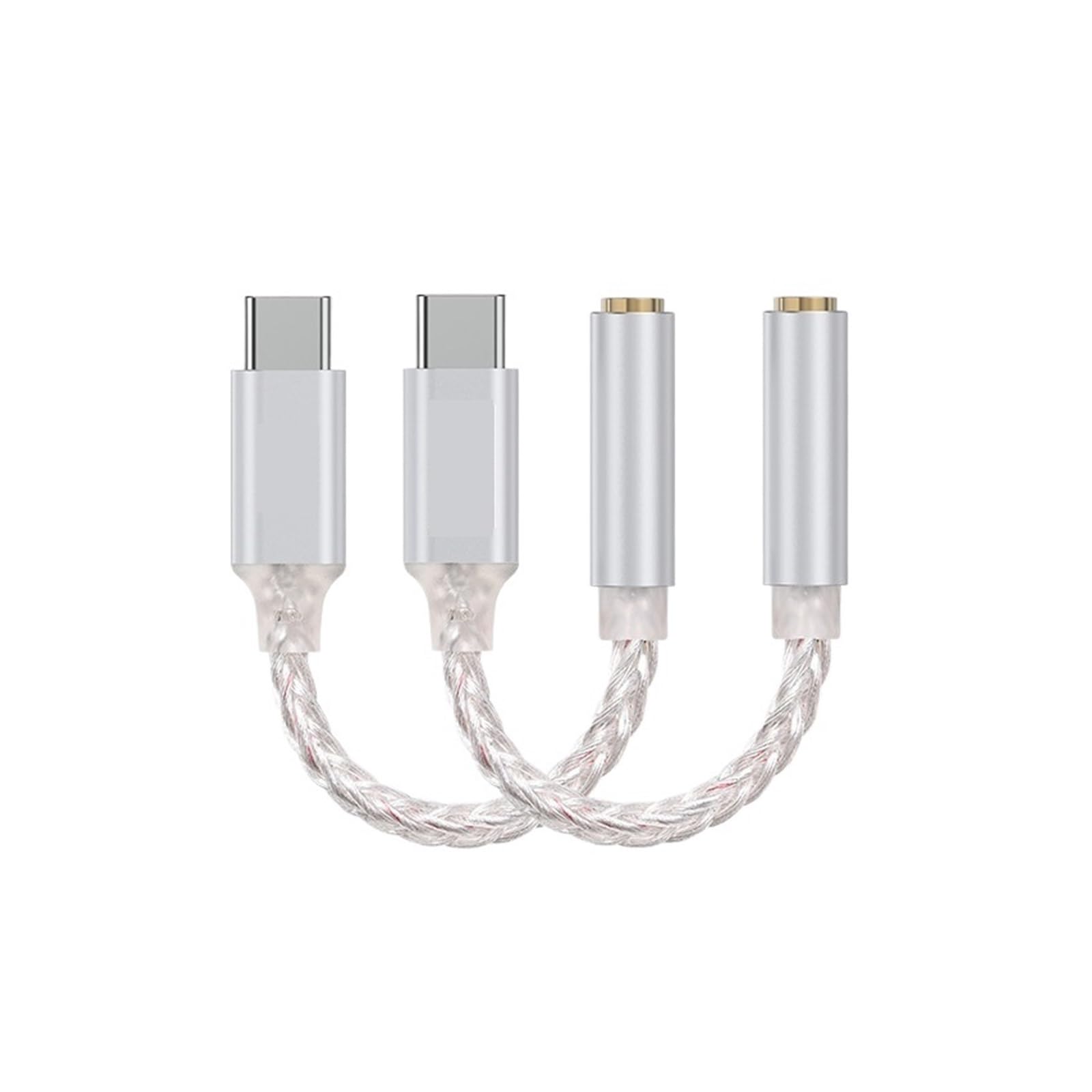
Image: The JM20 Max Dac Type C to 3.5mm Adapter, showcasing its compact design and Type-C connector on one end and 3.5mm jack on the other.
Key Features:
- High-Performance DAC Chip: Utilizes the CS43131 for exceptional digital-to-analog conversion.
- Dedicated Amplifier: Features the SGM8262 amplifier chip for powerful and clear audio output.
- Universal Compatibility: Connects USB Type-C devices to standard 3.5mm audio devices.
- Durable Construction: Designed for reliability and portability.
3. Package Contents
Please check the package for the following items:
- 1 x JM20 Max Dac Type C to 3.5mm Adapter
- 1 x User Manual (this document)
4. Setup
Follow these steps to set up your adapter:
- Connect to Device: Insert the USB Type-C connector of the JM20 Max Dac adapter into the Type-C port of your smartphone, tablet, or computer.
- Connect Headphones: Plug your 3.5mm headphones or earphones into the 3.5mm audio jack of the adapter.
- Play Audio: Begin playing audio on your device. The sound should now be routed through the adapter to your connected headphones.
5. Operating Instructions
The JM20 Max Dac adapter operates automatically once connected. No additional drivers or software are typically required for most operating systems.
- Volume Control: Adjust the volume directly from your connected device.
- Audio Quality: For the best audio experience, ensure your audio files are of high quality.
- Compatibility: While broadly compatible, some devices may require specific audio settings adjustments. Refer to your device's manual if you encounter issues.
6. Maintenance
To ensure the longevity and optimal performance of your adapter, follow these maintenance guidelines:
- Cleaning: Use a soft, dry cloth to clean the adapter. Avoid using liquid cleaners or solvents.
- Storage: Store the adapter in a cool, dry place away from direct sunlight and extreme temperatures.
- Handling: Avoid bending or twisting the cable excessively, as this can damage internal wires.
7. Troubleshooting
If you encounter any issues with your JM20 Max Dac adapter, refer to the following common problems and solutions:
- No Sound:
- Ensure the adapter is fully inserted into both the device's Type-C port and the headphones' 3.5mm jack.
- Check your device's volume settings.
- Test with different headphones or a different Type-C device to isolate the problem.
- Poor Audio Quality:
- Ensure the audio source is of good quality.
- Check for any loose connections.
- Avoid electromagnetic interference from other electronic devices.
- Adapter Not Recognized:
- Restart your device.
- Ensure your device's Type-C port supports audio output.
- Check for any available software updates for your device.
8. Specifications
| Feature | Value |
|---|---|
| Model Number | 5MNG0Y8 |
| ASIN | B0F7R9VPFC |
| Chipset | CS43131 + SGM8262 |
| Connector Type | USB Type-C to 3.5mm |
| Item Weight | 1.76 ounces |
| Package Dimensions | 0.39 x 0.39 x 0.39 inches |
9. Warranty and Support
This product is covered by a standard manufacturer's warranty against defects in materials and workmanship. The specific duration and terms of the warranty may vary. Please retain your proof of purchase for warranty claims.
For technical support, warranty inquiries, or further assistance, please contact the retailer or manufacturer directly. Contact information can typically be found on the product packaging or the seller's website.