
1. Overview of the Cricut Joy Xtra User Manual
This manual provides a comprehensive guide for users of the Cricut Joy Xtra cutting machine. It covers essential information from initial setup to advanced crafting techniques, focusing on Smart Vinyl projects, Design Space software, and Bluetooth connectivity. The aim is to facilitate understanding and effective use of the Cricut Joy Xtra for various DIY projects.
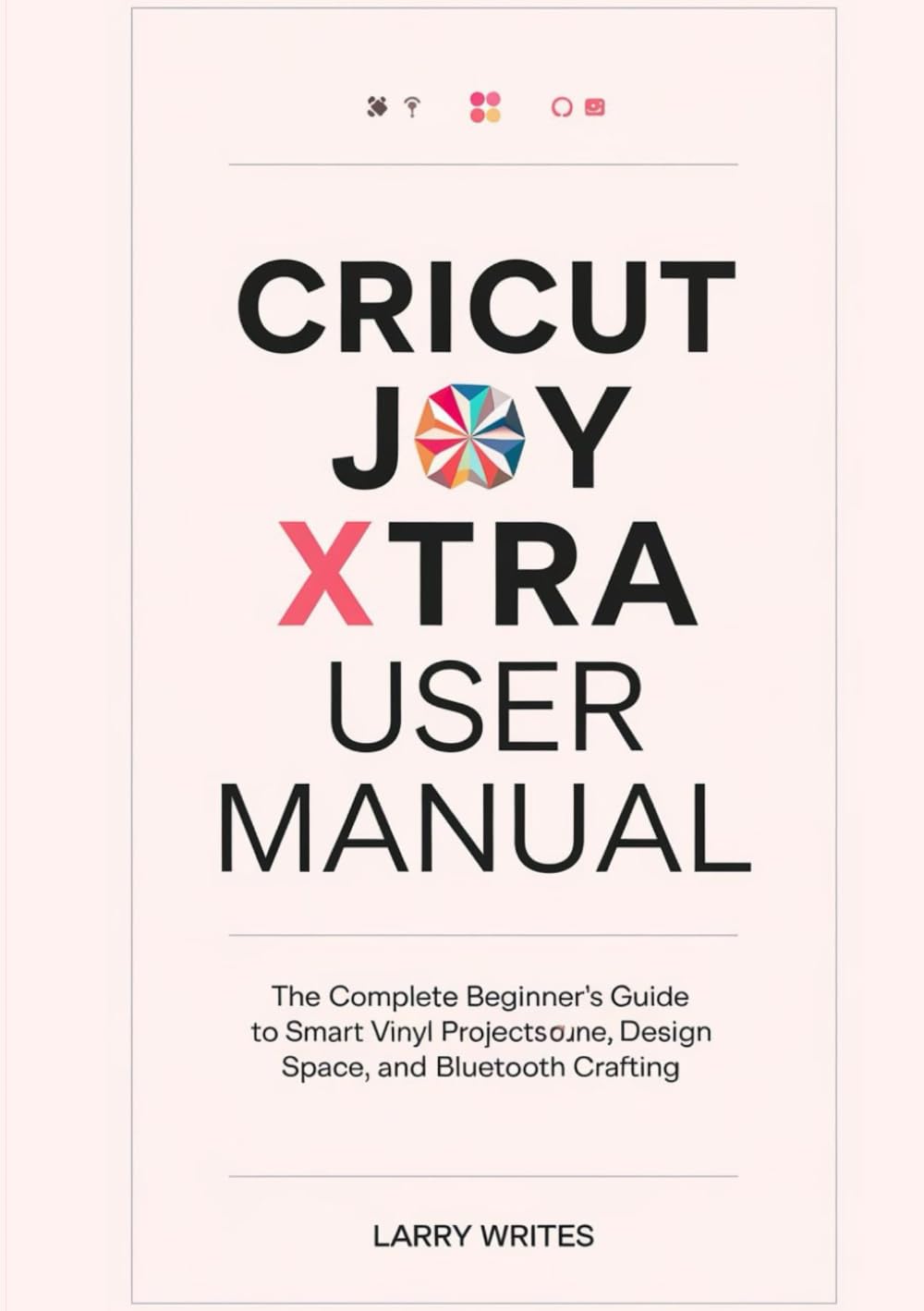
Image 1.1: Front cover of the Cricut Joy Xtra User Manual. This image displays the title and design of the manual itself, which serves as the instructional guide for the Cricut Joy Xtra machine.
2. Setup and Initial Configuration
This section details the process of setting up your Cricut Joy Xtra machine and configuring the necessary software.
2.1 Unboxing and Component Identification
Understand the contents of the Cricut Joy Xtra package and the function of each component. This includes the machine, power adapter, blade housing, cutting mat, and any included sample materials.
2.2 Cricut Design Space Setup
Instructions for installing and setting up Cricut Design Space on both mobile devices and desktop computers. This involves downloading the application, creating an account, and connecting your Cricut Joy Xtra via Bluetooth.
- Download the Cricut Design Space application from the official website or app store.
- Create or log in to your Cricut ID.
- Follow on-screen prompts to pair your Cricut Joy Xtra machine using Bluetooth.
- Perform any necessary firmware updates for the machine.
3. Operating the Cricut Joy Xtra
This section guides you through the fundamental operations of your Cricut Joy Xtra, from material preparation to project completion.
3.1 Material Preparation and Loading
Learn how to prepare and load various materials such as Smart Vinyl, cardstock, and sticker paper into the machine. This includes understanding material compatibility and proper placement on the cutting mat (if required).
3.2 Cutting Process
Step-by-step instructions for initiating a cut project using Cricut Design Space. This covers selecting designs, adjusting settings for different materials, and sending the project to your Cricut Joy Xtra.
3.3 Weeding and Application
Guidance on weeding excess material from your cut designs and applying them using transfer tape or other appropriate methods. This section emphasizes techniques for clean and precise application.
3.4 First Project Walkthrough
A detailed, step-by-step guide for completing your first vinyl project, from design selection in Design Space to the final application. This practical exercise reinforces the learned operational steps.
4. Maintenance
Proper maintenance ensures the longevity and optimal performance of your Cricut Joy Xtra.
4.1 Blade Care
Instructions for inspecting, cleaning, and replacing the cutting blade. A sharp and clean blade is crucial for precise cuts.
4.2 Machine Cleaning
Guidelines for cleaning the internal and external components of your Cricut Joy Xtra, including the rollers and housing, to prevent material buildup and ensure smooth operation.
4.3 Storage
Recommendations for storing your machine and accessories to protect them from dust and damage when not in use.
5. Troubleshooting Common Issues
This section addresses common problems encountered by users and provides solutions to resolve them.
5.1 Design and Cutting Errors
Solutions for issues related to design inaccuracies, incomplete cuts, or material tearing. This includes checking blade condition, material settings, and design file integrity.
5.2 Connectivity Problems
Guidance on resolving Bluetooth connection issues between your device and the Cricut Joy Xtra machine.
5.3 Material Loading Difficulties
Tips for correctly loading materials and resolving instances where the machine struggles to feed or detect the material.
6. Specifications of this Manual (Book)
Key technical specifications for this user manual, which is a published book.
| Feature | Detail |
|---|---|
| ASIN | B0F7QPMN5S |
| Publisher | Independently published |
| Publication Date | May 6, 2025 |
| Language | English |
| Print Length | 104 pages |
| ISBN-13 | 979-8282720242 |
| Item Weight | 6.9 ounces |
| Dimensions | 5.83 x 0.24 x 8.27 inches |
Image 6.1: Back cover of the Cricut Joy Xtra User Manual. This image shows the back of the manual, including the ISBN barcode and publisher information.
7. Warranty and Support Information
Information regarding product warranty and customer support for the Cricut Joy Xtra machine is typically provided by the manufacturer, Cricut. This user manual (the book) does not contain specific warranty details for the machine itself.
For warranty claims, technical support, or service inquiries related to your Cricut Joy Xtra machine, please refer to the official Cricut website or the documentation included with your machine purchase.


