
1. Product Overview
The Samsung Galaxy Watch Ultra (2025) is a 47mm LTE smartwatch designed for active users. It features a durable titanium casing, advanced health and fitness tracking capabilities, and integrated cellular connectivity.
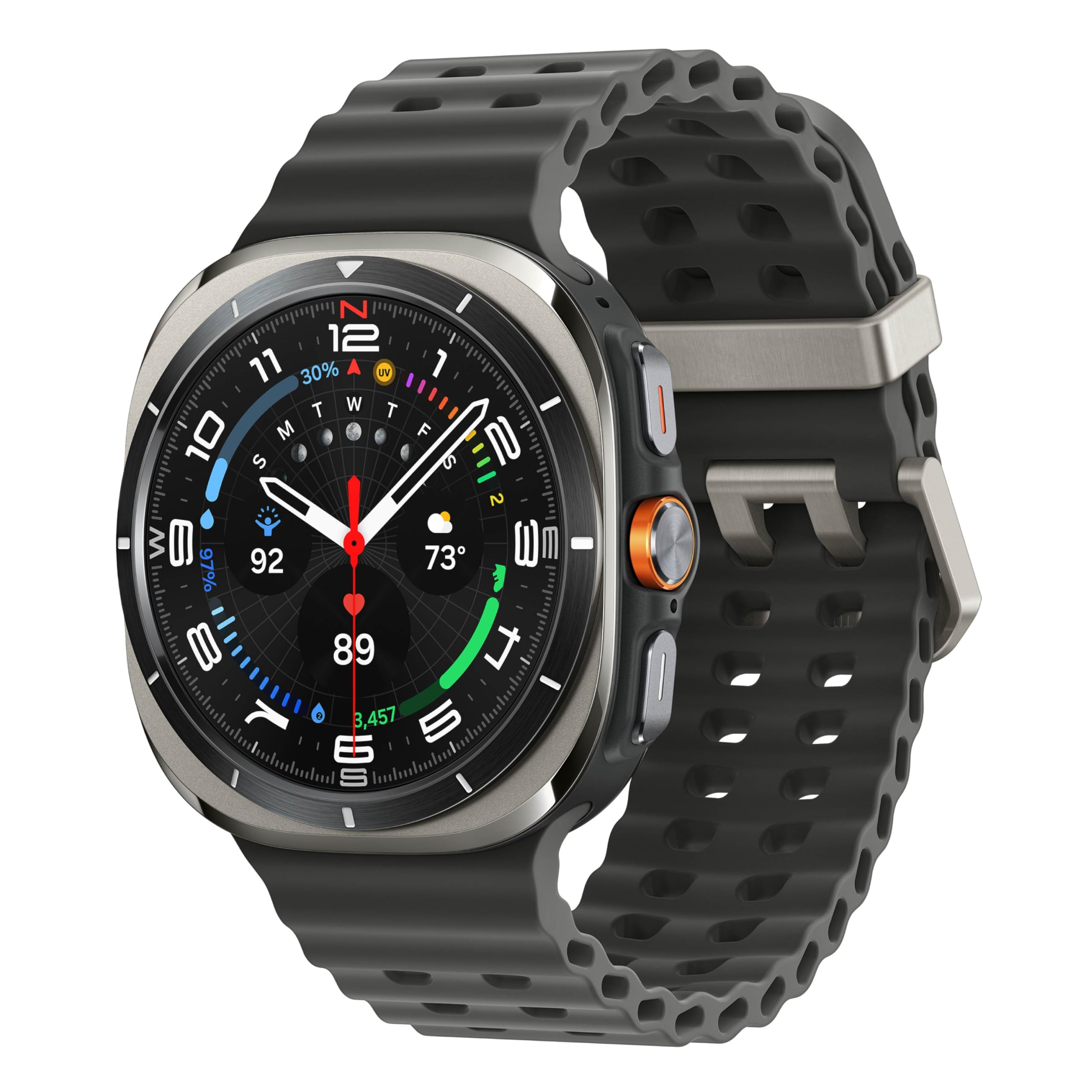
Image: Samsung Galaxy Watch Ultra (2025) in Titanium Silver. This image displays the front view of the smartwatch with its round display and titanium silver casing, showcasing the watch face with various data points.
What's in the Box
- Watch Body
- Watch Band
- Charging Cable
- User Manual
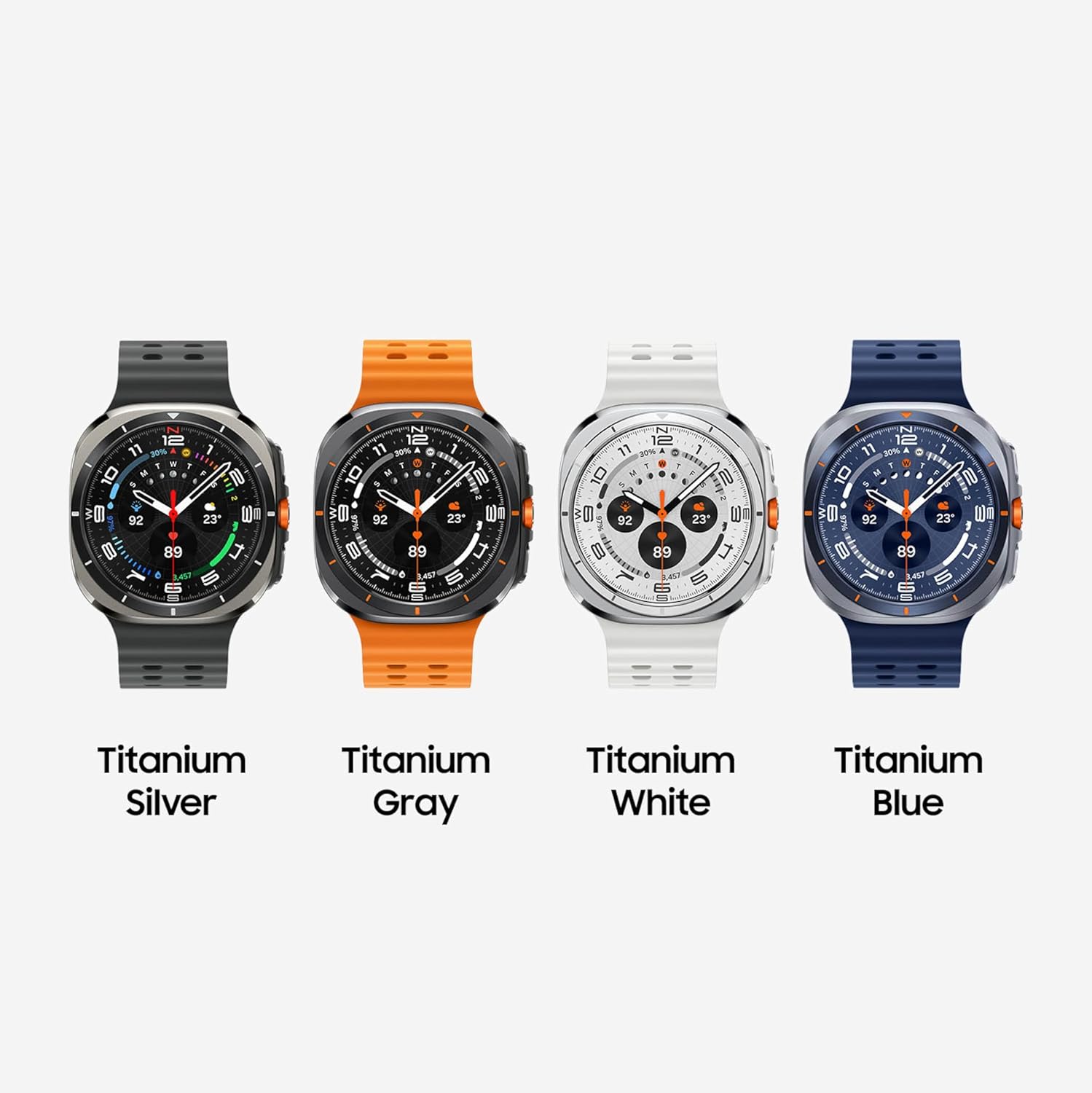
Image: Contents of the Samsung Galaxy Watch Ultra box. This image shows the smartwatch body, a watch band, and the wireless charging cable, illustrating the items included with the product.
2. Setup
Initial Device Pairing
- Ensure your Samsung Galaxy Watch Ultra is charged or connected to its charging cable.
- Turn on the smartwatch by pressing and holding the Power button.
- On your compatible Android smartphone, download and install the Galaxy Wearable app and the Samsung Health app from the Google Play Store.
- Open the Galaxy Wearable app on your smartphone and follow the on-screen instructions to pair your smartwatch.
- Confirm the pairing code displayed on both your watch and smartphone.
- Complete the setup process within the Galaxy Wearable app, including granting necessary permissions and configuring settings.
Charging the Device
Connect the provided wireless charging cable to a compatible USB power adapter (not included) and plug it into a power outlet. Place your Galaxy Watch Ultra onto the charging pad. The watch display will indicate charging status. A full charge typically takes approximately 2 hours.
Attaching the Watch Band
Align the watch band with the lugs on the watch body and slide it into place until it clicks securely. Ensure both ends of the band are firmly attached before wearing the watch.
3. Operating Instructions
Basic Navigation
- Touchscreen: Swipe left, right, up, or down to navigate through widgets, notifications, and quick settings. Tap to select items.
- Physical Buttons: Use the side buttons for power, back functions, and quick access to apps or features. The customizable Quick Button can be configured for specific workout functions or an emergency siren.
Video: Demonstrating basic navigation and watch face interaction on the Samsung Galaxy Watch Ultra. This video shows a user interacting with the touchscreen and physical buttons to navigate the watch interface and change settings.
Health and Fitness Tracking
- Advanced Sleep Coaching: The watch tracks your sleep patterns and provides insights to help improve sleep quality. Wear the device for seven nights during a 30-night period for initial setup and data collection.
- Running Coach: For outdoor running, the Running Coach analyzes factors such as age, weight, oxygen levels, and heart rate to provide personalized guidance. Requires at least 12 minutes of running with GPS on and initial setup.
- Energy Score: Understand your daily physical readiness. The Energy Score, powered by Galaxy AI, analyzes your previous day's sleep, activity, and heart rate to provide a wellness summary.
- Heart Rate Tracking: Continuously monitors your heart rate. Note: These software functions are not intended for medical diagnosis or treatment.
- Blood Pressure Monitoring: Check your blood pressure by calibrating the Watch Ultra with a third-party blood pressure cuff (sold separately) every 28 days. Use the Samsung Health Monitor app to track readings. Note: This function is not intended for medical diagnosis or treatment.

Image: Samsung Galaxy Watch Ultra displaying sleep coaching data. The watch screen shows "7h 30m" sleep duration and an "Excellent" sleep score, with a penguin graphic, indicating advanced sleep tracking features.

Image: Samsung Galaxy Watch Ultra displaying running coach interface. The watch screen shows "Running coach" with "1. Jogging" and a distance/time target, illustrating the personalized running guidance feature.

Image: Samsung Galaxy Watch Ultra displaying Energy Score. The watch screen shows an "Excellent" energy score of 94, along with steps, heart rate, and sleep score metrics, providing a comprehensive wellness overview.
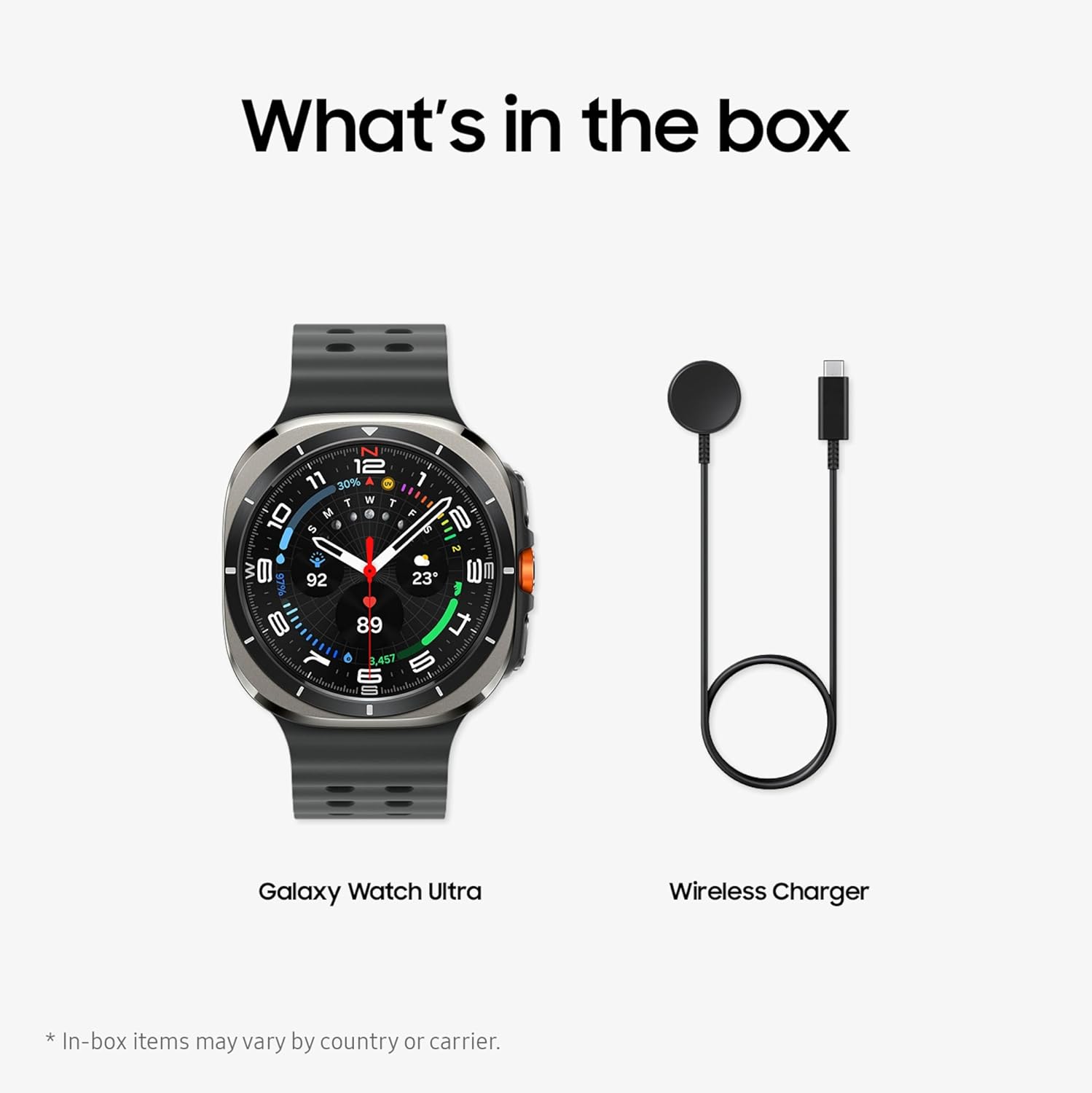
Image: Samsung Galaxy Watch Ultra displaying blood pressure measurement. The watch screen shows a blood pressure reading of "120/80 mmHg" and heart rate, indicating the blood pressure tracking feature.
Connectivity and Smart Features
- LTE Connectivity: Make calls and send texts directly from your watch, even when your phone is not nearby. Requires initial pairing with an eligible Android smartphone and a separate qualifying wireless plan.
- Dual-frequency GPS: Provides accurate location tracking for outdoor activities.
- Now Bar: Access frequently used information like weather, timers, and directions directly on your main watch screen for an improved user experience.
- Personal AI Assistant: Utilize the integrated AI assistant for hands-free tasks and information retrieval. Requires compatible Wear OS watch connected to a compatible device, internet connection, and setup.
4. Maintenance
Water Resistance
The Galaxy Watch Ultra has a 10ATM water-resistance classification (up to 100m for up to 10 minutes) and an IP68 rating (up to 6 feet of water for up to 30 minutes). After exposure to water, especially saltwater or chlorinated water, rinse the watch with fresh water and dry it thoroughly to prevent residue buildup and maintain performance.

Image: Samsung Galaxy Watch Ultra being worn during rock climbing. This image highlights the watch's rugged and reliable design, suitable for demanding outdoor activities.
Cleaning Your Watch
- Regularly wipe the watch screen and body with a soft, lint-free cloth.
- For stubborn dirt, slightly dampen the cloth with water. Avoid using harsh chemicals or abrasive materials.
- Clean the watch band periodically according to its material type (e.g., silicone bands can be washed with mild soap and water).
Battery Care
- To maximize battery lifespan, avoid fully discharging the battery frequently.
- Charge the watch using only the provided charging cable.
- Avoid exposing the watch to extreme temperatures, which can degrade battery performance.
5. Troubleshooting
Common Issues and Solutions
| Issue | Possible Cause | Solution |
|---|---|---|
| Rapid Battery Drain | Too many apps running in the background, frequent use of GPS or LTE, high screen brightness, always-on display enabled. | Close unnecessary background apps. Reduce screen brightness. Disable always-on display if not needed. Limit continuous GPS/LTE usage. |
| Watch Not Charging | Improper placement on charger, faulty charging cable, incompatible power adapter. | Ensure the watch is correctly aligned on the wireless charger. Verify the charging cable is securely connected to a working power adapter and outlet. Use only the provided charging cable. |
| Connectivity Problems (LTE/Bluetooth) | Out of range from phone (for Bluetooth), no active LTE plan, network issues, software glitch. | Ensure your phone is within Bluetooth range. Verify your LTE plan is active and configured correctly with your carrier. Restart both the watch and your smartphone. Check for software updates. |
| Screen Unresponsive | Temporary software issue, extreme temperature exposure. | Restart the watch by holding down the Power button. If unresponsive, allow the battery to drain completely and then recharge. |
6. Specifications
| Feature | Detail |
|---|---|
| Model Number | SM-L705UZSQXAA |
| Operating System | Wear OS powered by Samsung |
| Memory Storage Capacity | 64 GB |
| Battery Capacity | 590 Milliampere Hour (mAh) |
| Connectivity Technology | Cellular (LTE), 802.11a/b/g/n/ac Wireless |
| GPS | Built-in GPS, Dual-frequency |
| Screen Size | 1.47 Inches |
| Display Type | AMOLED |
| Water Resistance Level | 10ATM (100 Meters), IP68 |
| Band Material Type | Silicone |
| Item Weight | 60.3 Grams |
| Compatible Phone Models | Android Devices |
7. Warranty and Support
Warranty Information
This Samsung Galaxy Watch Ultra (2025) comes with a 2 Year Manufacturer Warranty. Please retain your proof of purchase for warranty claims. For detailed terms and conditions, refer to the warranty card included in your product packaging or visit the official Samsung support website.
Additional Protection Plans
Optional protection plans are available for purchase to extend coverage beyond the standard manufacturer warranty. These may include:
- 2-Year Samsung Care+ Device Protection
- Samsung Care+ Device Protection Monthly Subscription
- Complete Protect (covers eligible past and future purchases)
For more information on these plans, please consult your retailer or Samsung's official website.
Customer Support
For further assistance, technical support, or to access additional resources, please visit the official Samsung support website or contact their customer service. Ensure you have your model number (SM-L705UZSQXAA) and serial number ready when contacting support.
The Samsung Health app and Galaxy Wearable app are essential for full functionality and provide access to health data, device settings, and updates. Ensure these apps are kept up-to-date on your compatible Android smartphone.