
Introduction
Thank you for choosing the VEVOR 14-Inch High Velocity Industrial Floor Fan. This manual provides essential information for the safe and efficient use of your new fan. Designed for powerful airflow and durability, this fan is suitable for various environments including homes, gyms, offices, garages, and commercial spaces. Please read these instructions carefully before use and retain them for future reference.
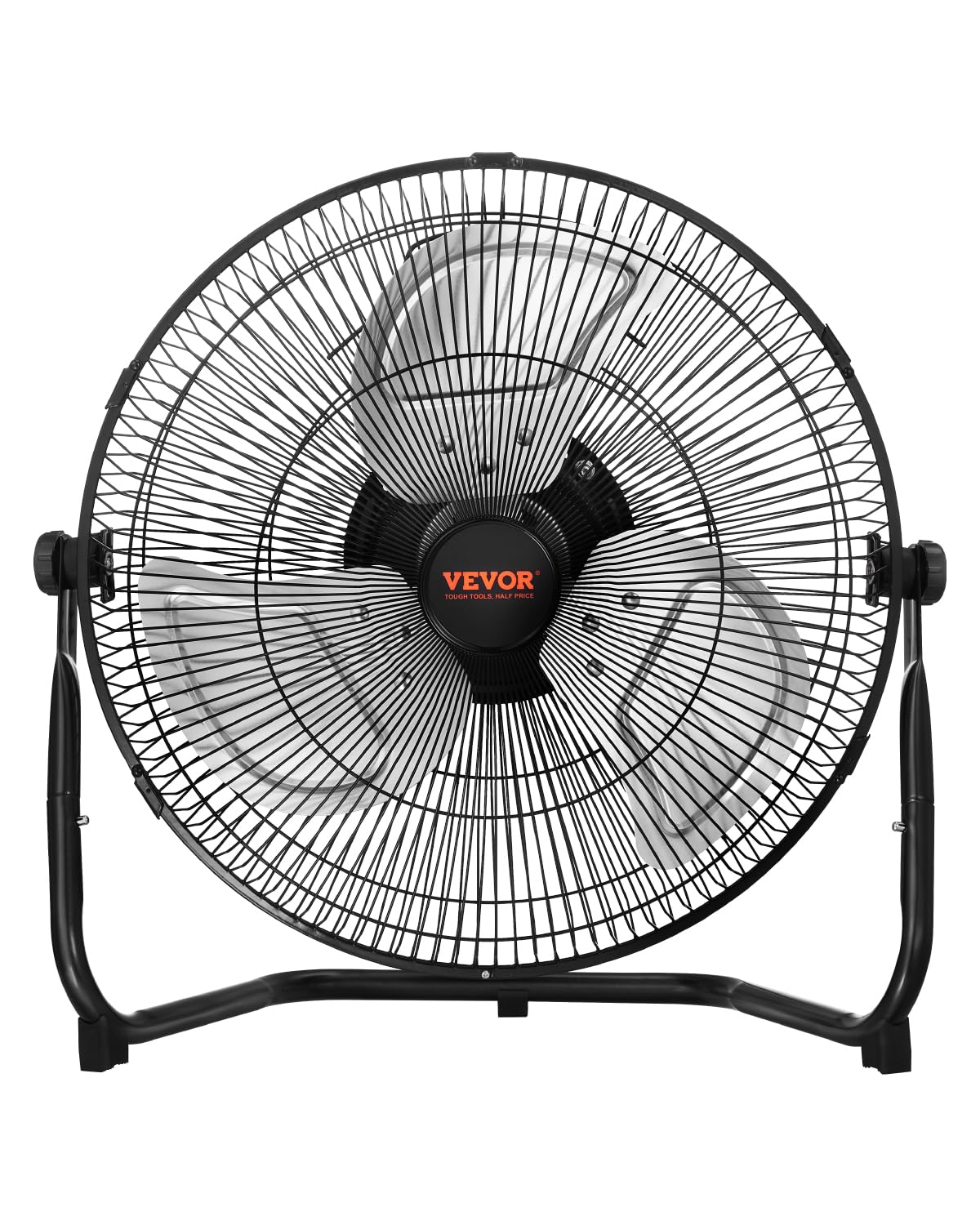
The VEVOR 14-inch High Velocity Industrial Floor Fan, showcasing its robust design and compact form factor.
Safety Instructions
To reduce the risk of fire, electric shock, or injury, always follow these basic safety precautions:
- Read all instructions before using this fan.
- Always unplug the fan before cleaning or servicing.
- Do not operate any fan with a damaged cord or plug. Discard fan or return to an authorized service facility for examination and/or repair.
- Do not run cord under carpeting. Do not cover cord with throw rugs, runners, or similar coverings. Do not route cord under furniture or appliances. Arrange cord away from traffic area and where it will not be tripped over.
- Do not insert or allow fingers or foreign objects to enter any ventilation or exhaust opening as it may cause an electric shock or fire, or damage the fan.
- Do not block air intakes or exhaust in any manner.
- Do not use outdoors. This fan is intended for indoor use only.
- This fan is not intended for use in wet or damp locations.
- Always place the fan on a stable, flat surface to prevent tipping.
- Keep children and pets away from the fan during operation.
Setup
The VEVOR 14-Inch High Velocity Industrial Floor Fan comes largely pre-assembled for your convenience. Follow these simple steps to prepare your fan for use:
- Unpacking: Carefully remove the fan from its packaging. Inspect for any damage that may have occurred during shipping.
- Placement: Place the fan on a firm, level surface. Ensure there is adequate space around the fan for proper airflow and to prevent obstruction of the air intake and exhaust.
- Power Connection: Plug the fan's power cord into a standard electrical outlet. Ensure the outlet voltage matches the fan's requirements.
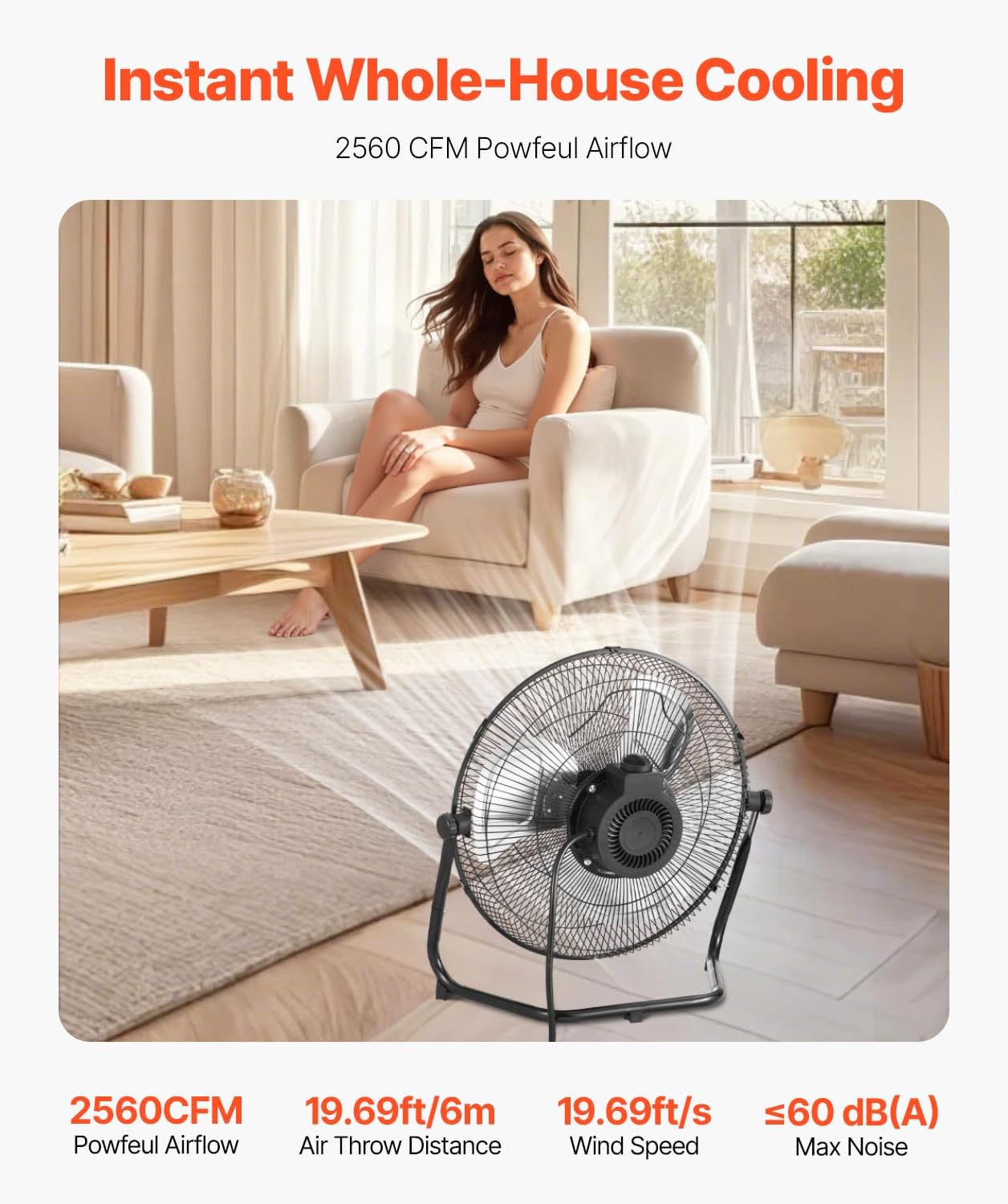
Illustration of the VEVOR floor fan providing cooling in a living room, highlighting its 2560 CFM airflow and low noise operation.

The VEVOR floor fan positioned in a room, demonstrating its immediate readiness for use after simple placement.
Operating Instructions
Your VEVOR floor fan is designed for ease of use with adjustable settings to suit your cooling needs.
- Power On/Off: Locate the control knob on the back of the fan. Turn the knob clockwise to power on the fan and select your desired speed. Turn it counter-clockwise to turn the fan off.
- Speed Adjustment: The fan features 3 speed settings. Rotate the control knob to cycle through the speeds:
- Speed 1 (Low): Approximately 1800 CFM, ideal for comfortable sleeping or gentle air circulation.
- Speed 2 (Medium): Approximately 2400 CFM, suitable for daily use and moderate cooling.
- Speed 3 (High): Approximately 2560 CFM, provides maximum airflow for rapid cooling.
- Tilt Adjustment: The fan head can be tilted 360 degrees vertically. Loosen the adjustment knobs on either side of the fan frame, adjust the fan head to the desired angle, and then tighten the knobs securely to lock it in place.
- Portability: Utilize the built-in handle on the top of the fan for easy transportation between locations.

Detail of the fan's control panel, showing the knob-style speed adjustment and three distinct speed settings for varied airflow.

The VEVOR floor fan demonstrating its 360-degree adjustable tilt feature, allowing precise direction of airflow.
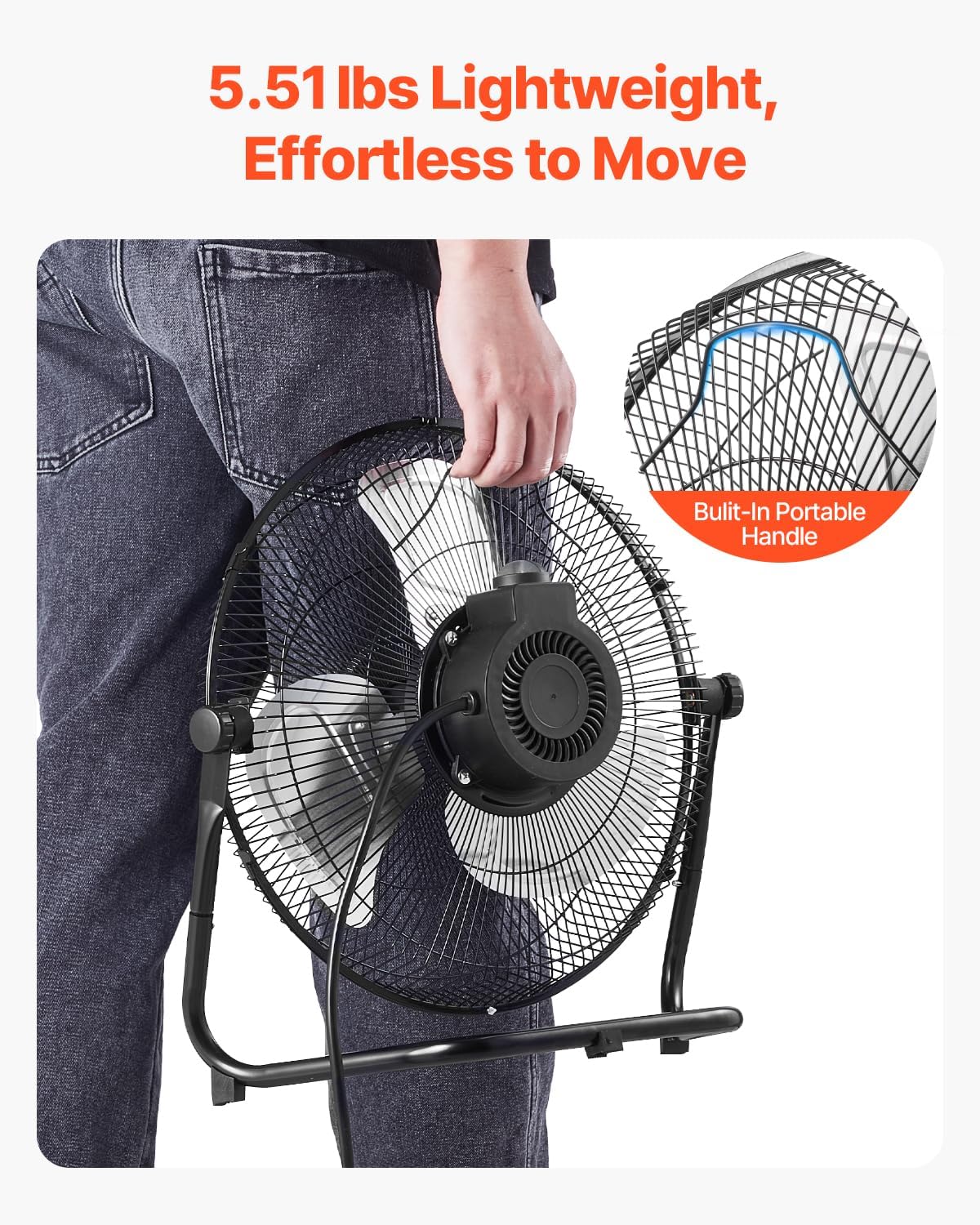
A person easily carrying the VEVOR floor fan using its built-in portable handle, emphasizing its lightweight design.
Maintenance
Regular cleaning and maintenance will ensure optimal performance and extend the lifespan of your VEVOR floor fan.
- Cleaning the Fan: Always unplug the fan from the power outlet before cleaning. Use a soft, damp cloth to wipe the exterior surfaces. Do not use abrasive cleaners or solvents.
- Cleaning the Blades and Grill: The fan features a detachable grill and water-washable aluminum blades for easy cleaning. To remove the front grill, locate the clips or screws holding it in place, unfasten them, and carefully remove the grill. Wipe the blades with a damp cloth or wash them with mild soap and water. Ensure all parts are completely dry before reassembling.
- Storage: When not in use for extended periods, store the fan in a cool, dry place, preferably in its original packaging, to protect it from dust and damage.

Visual representation of the fan's detachable grill and water-washable blades, illustrating its easy maintenance.
Troubleshooting
If you encounter issues with your fan, refer to the following troubleshooting guide:
| Problem | Possible Cause | Solution |
|---|---|---|
| Fan does not turn on. | No power supply. | Check if the power cord is securely plugged into a working outlet. |
| Reduced airflow. | Fan blades or grill are dirty. | Unplug the fan and clean the blades and grill as described in the Maintenance section. |
| Unusual noise during operation. | Loose parts or obstruction. | Unplug the fan and inspect for any loose components or foreign objects. Ensure the fan is on a stable surface. |
Specifications
Detailed technical specifications for the VEVOR 14-Inch High Velocity Industrial Floor Fan:
| Feature | Detail |
|---|---|
| Brand | VEVOR |
| Model Number | HIFANXFLOOR14 |
| Electric Fan Design | Floor Fan |
| Power Source | AC |
| Number of Speeds | 3 |
| Noise Level | 60 Decibels (Max) |
| Air Flow Capacity | 2560 Cubic Feet Per Minute (CFM) |
| Product Dimensions (D x W x H) | 7.09" x 17.05" x 17.72" (180mm x 433mm x 450mm) |
| Item Weight | 5.5 Pounds (2.5 kg) |
| Material | Aluminum (Blades), Metal (Grill, Frame) |
| Special Features | Portable, 360° Adjustable Tilt |

Technical diagram displaying the dimensions and key specifications of the VEVOR floor fan.
Warranty & Support
VEVOR products are built to last and come with a standard warranty. For specific warranty details, please refer to the warranty card included with your product or visit the official VEVOR website.
If you require technical assistance, have questions about your product, or need to report a defect, please contact VEVOR customer support. Our dedicated team is available to help you.
- Online Support: Visit www.vevor.com for FAQs, product registration, and contact information.
- Email Support: Refer to your product packaging or the VEVOR website for the appropriate customer service email address.