1. Introduction
Thank you for choosing the iFFALCON 75-Inch Class U85 Series QD-Mini LED 4K UHD Google Smart TV. This manual provides essential information for the safe and efficient use of your television. Please read it thoroughly before operating the device and retain it for future reference.
This television combines advanced QD-Mini LED technology with 4K UHD resolution, Google Smart TV features, and enhanced gaming capabilities to deliver a comprehensive entertainment experience.
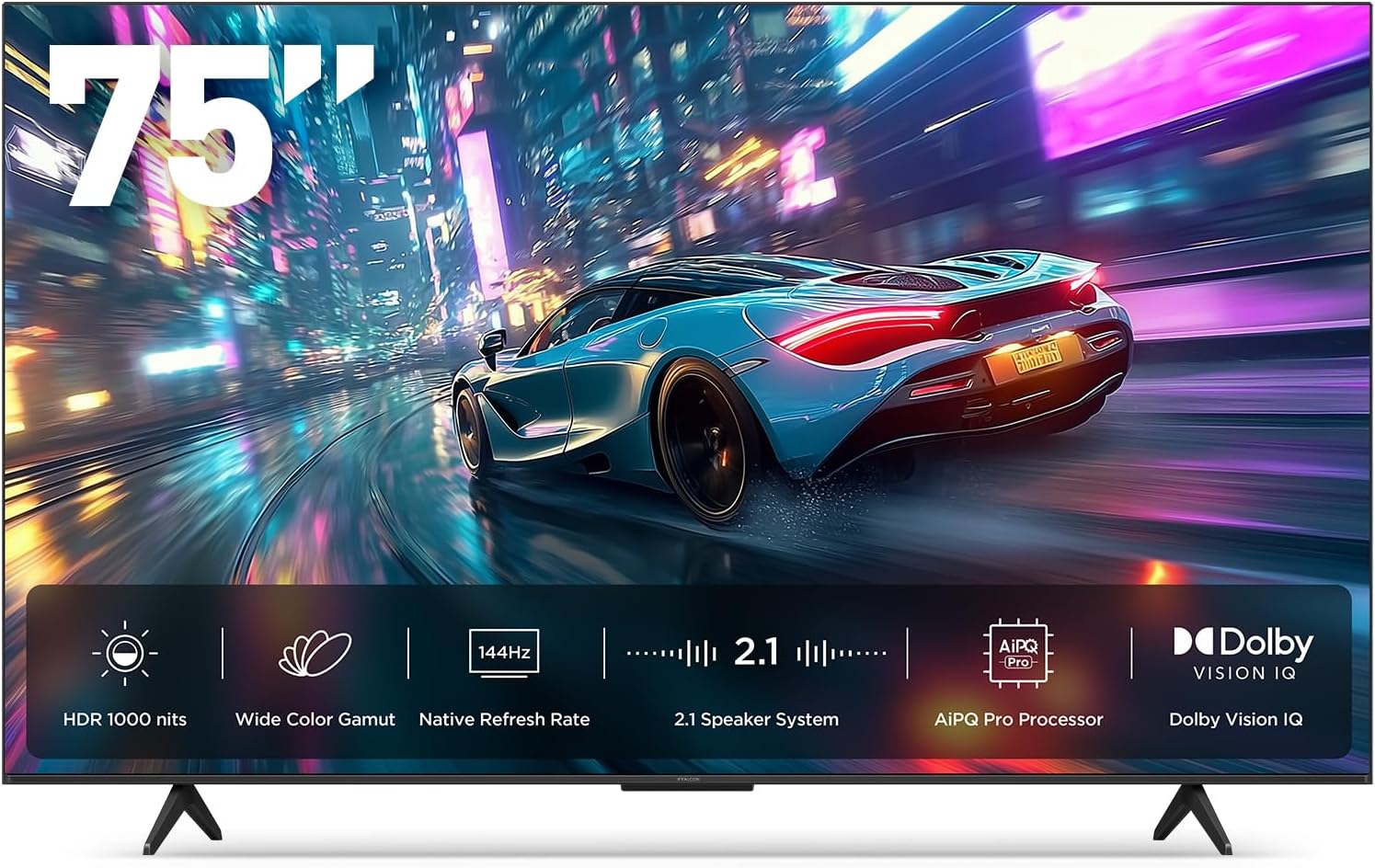
Image 1.1: The iFFALCON 75-Inch U85 Series QD-Mini LED 4K UHD Google Smart TV.
2. What's in the Box
Please check the contents of your product packaging. If any items are missing or damaged, contact your retailer.
- iFFALCON 75-Inch Class U85 Series QD-Mini LED 4K UHD Google Smart TV
- Power cable
- 2 x AAA batteries for remote
- 6 x Stand screws
- Table stands (2 pieces)
- 5 x Cable clips
- Quick Start Guide
- TV remote
3. Setup
3.1. Stand Installation
Carefully place the TV screen-down on a soft, flat surface to prevent damage. Attach the two table stands to the designated slots on the bottom of the TV using the provided stand screws. Ensure the stands are securely fastened.
3.2. Connecting Peripherals
Connect your external devices (e.g., cable box, gaming console, Blu-ray player) to the HDMI ports on the back of the TV. Ensure the power cable is securely connected to the TV and a wall outlet.
3.3. Initial Power On and Google TV Setup
Press the power button on the remote control or the TV. Follow the on-screen instructions to complete the initial setup, including language selection, network connection (Wi-Fi or Ethernet), and Google TV account login. This process will also guide you through setting up Google Assistant and Alexa compatibility for voice control.

Image 3.1: The TV's ultra-slim unibody design for seamless integration into living spaces.
4. Operating Instructions
4.1. Picture Settings
Your iFFALCON U85 TV features QD-Mini LED technology for precise lighting and vibrant colors. Access the picture settings menu to adjust brightness, contrast, color, and sharpness. The AiPQ Pro Processor optimizes these settings in real-time.
- Mini LED & Local Dimming: The TV utilizes 300 local dimming zones and All-domain Halo Control for deep blacks and bright highlights, achieving up to 1000 nits peak brightness and a 7000:1 contrast ratio.
- QLED Wide Color: Experience a 93% DCI-P3 wide color gamut for accurate and lifelike color reproduction.
- Dolby Vision IQ: This feature automatically adjusts HDR brightness based on the room's ambient light, ensuring optimal viewing conditions.

Image 4.1: Mini LED technology provides precise local dimming for enhanced contrast.

Image 4.2: The TV achieves up to 1000 nits peak brightness for vivid details.
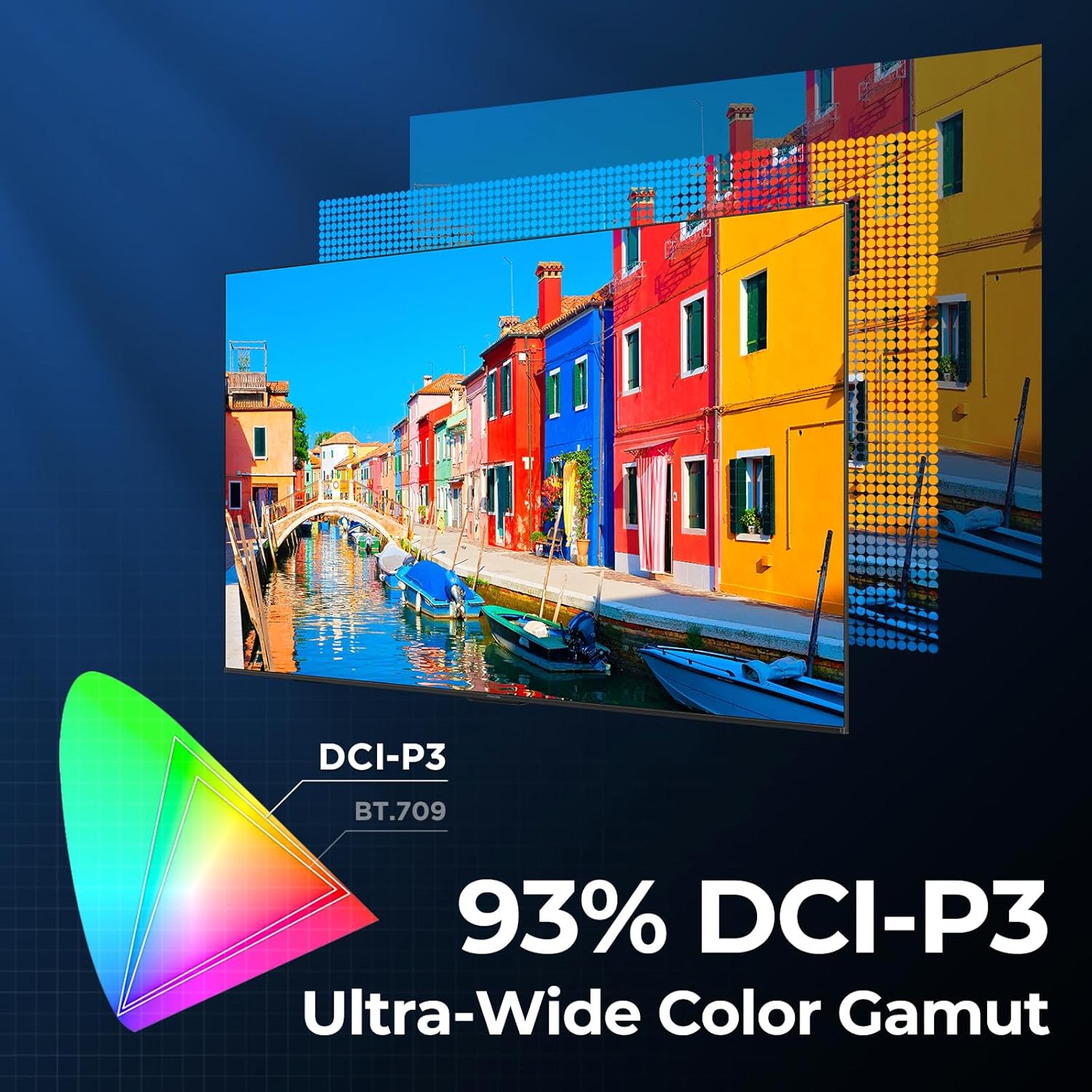
Image 4.3: The QLED display offers a 93% DCI-P3 ultra-wide color gamut.

Image 4.4: The AiPQ Pro Processor intelligently optimizes picture quality.
4.2. Audio Settings
The TV features a 2.1-channel 50W sound system. Adjust audio modes and settings through the sound menu to enhance your listening experience.
- Dolby Atmos: Provides immersive, multi-dimensional sound that flows around and above you.
- DTS Virtual X: Delivers expansive, room-filling audio with virtual height and surround effects.
- IMAX Enhanced: Optimizes audio and video for a premium cinematic experience with compatible content.

Image 4.5: The TV's audio system creates an immersive sound experience.
4.3. Gaming Features
The iFFALCON U85 TV is equipped with features designed for an optimized gaming experience.
- 144Hz Game Mode Pro: Provides a native 144Hz refresh rate for smooth motion.
- 288Hz DLG Acceleration: Further enhances motion clarity for competitive gaming.
- VRR (Variable Refresh Rate): Synchronizes the TV's refresh rate with the game console's output to eliminate screen tearing and stuttering.
- FreeSync Premium Pro: Offers tear-free, low-latency gaming with HDR support.
- ALLM (Auto Low Latency Mode): Automatically switches the TV to a low-latency mode when a game console is detected.
- Game Bar: An on-screen overlay that allows quick access to gaming-related settings and information like FPS, HDR status, and more.
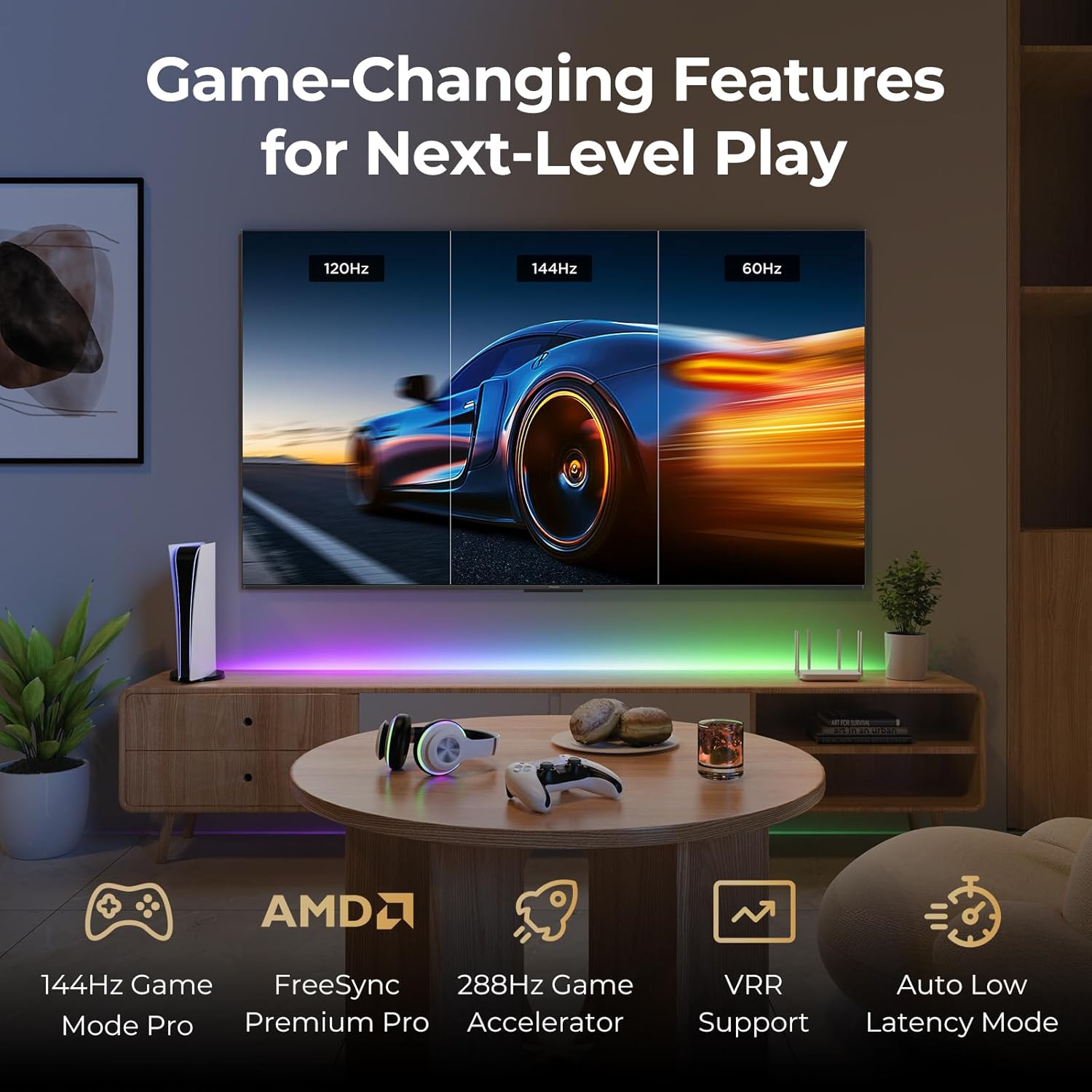
Image 4.6: The TV offers advanced features for an enhanced gaming experience.
4.4. Smart Features and Voice Control
The iFFALCON U85 TV runs on Google TV, providing access to a wide range of streaming services and applications. Utilize integrated voice assistants for hands-free control.
- Google TV: Organizes movies, shows, and live TV from your subscriptions and apps into one place.
- Google Assistant: Use voice commands to search for content, control smart home devices, and manage your TV.
- Alexa Compatibility: Integrate your TV with Amazon Alexa devices for additional voice control options.
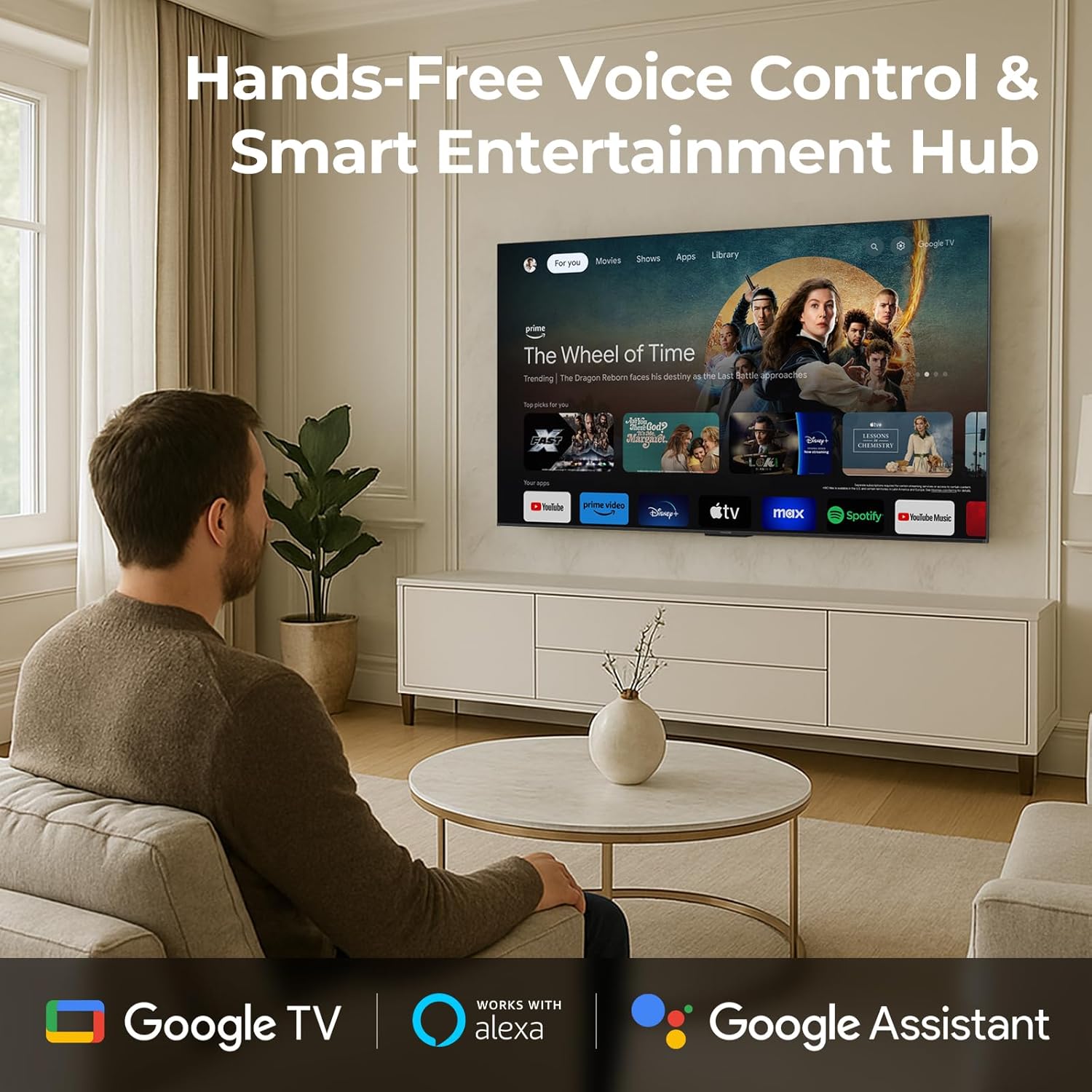
Image 4.7: Access smart features and hands-free voice control with Google TV and integrated assistants.
4.5. Eye Comfort Mode
The TV includes multiple eye-care technologies to reduce strain during extended viewing sessions.
- Low Blue Light: Filters harmful blue light emissions.
- Natural Light Optimization: Adjusts screen brightness and color temperature to match ambient lighting.

Image 4.8: Eye comfort features reduce strain for healthier viewing.
5. Maintenance
5.1. Cleaning the Screen
Gently wipe the screen with a soft, lint-free cloth. For stubborn marks, lightly dampen the cloth with water or a specialized screen cleaner. Avoid using harsh chemicals, abrasive materials, or direct spraying onto the screen.
5.2. Cleaning the TV Body
Wipe the TV's frame and back panel with a soft, dry cloth. Ensure the TV is unplugged before cleaning.
6. Troubleshooting
If you encounter issues with your TV, refer to the following common solutions. If the problem persists, contact customer support.
| Problem | Possible Solution |
|---|---|
| No power | Check if the power cable is securely connected to the TV and the power outlet. Ensure the outlet is functional. |
| No picture, but sound is present | Verify the correct input source is selected. Check external device connections. Try restarting the TV. |
| No sound, but picture is present | Check the volume level and mute status. Ensure external audio devices are correctly connected and powered on. |
| Remote control not working | Replace the AAA batteries. Ensure there are no obstructions between the remote and the TV's IR sensor. |
| Network connection issues | Restart your router and modem. Check Wi-Fi password. Try connecting via Ethernet cable if possible. |
7. Specifications
| Feature | Detail |
|---|---|
| Brand | iFFALCON |
| Model Number | 75U85 |
| Screen Size | 75 Inches |
| Display Technology | QD-Mini LED |
| Resolution | 4K UHD (3840 x 2160) |
| Refresh Rate | 144 Hz (Native), 288Hz DLG |
| Peak Brightness | 1000 nits |
| Contrast Ratio | Up to 7000:1 |
| Local Dimming Zones | 300 |
| Color Gamut | 93% DCI-P3 |
| Processor | AiPQ Pro Processor |
| HDR Support | Dolby Vision IQ, HDR10, HLG |
| Audio System | 2.1-channel 50W |
| Audio Technologies | Dolby Atmos, DTS Virtual X, IMAX Enhanced |
| Smart TV Platform | Google TV |
| Voice Assistants | Google Assistant, Alexa compatible |
| Gaming Features | 144Hz VRR, FreeSync Premium Pro, ALLM, Game Bar |
| Connectivity | Bluetooth, Wi-Fi, Ethernet, HDMI |
| Product Dimensions (with stand) | 13.9"D x 65.6"W x 40.3"H |
| Item Weight | 56.4 Pounds |
| Included Components | Mini LED TV, Power cable, 2 x AAA batteries for remote, 6 x Stand screws, Table stands, 5 x Cable clips, Quick Start Guide, TV remote |
8. Warranty and Support
8.1. Product Warranty
Your iFFALCON 75U85 TV is covered by a manufacturer's warranty. Please refer to the warranty card included in your packaging for specific terms, conditions, and duration. Keep your proof of purchase for warranty claims.
8.2. Customer Support
For technical assistance, troubleshooting beyond this manual, or warranty inquiries, please contact iFFALCON customer support. Contact information can typically be found on the manufacturer's official website or in the Quick Start Guide.
Additional protection plans may be available for purchase from your retailer or third-party providers, offering extended coverage beyond the standard manufacturer's warranty.


