
1. Introduction
Thank you for choosing the INFURTURE USB C Wired Over-Ear Headphones. This manual provides essential information for the proper setup, operation, and maintenance of your new headphones. Designed for comfort and superior audio, these headphones feature active noise cancellation (ANC) and a built-in HD microphone, making them suitable for various environments from travel to office work.
2. Package Contents
Please verify that all items are present in your package:
- INFURTURE USB C Wired Over-Ear Headphones (Model BH131AB)
- User Manual
Video: Unboxing and initial overview of the INFURTURE USB C Wired Over-Ear Headphones.
3. Product Overview
The INFURTURE BH131AB headphones are designed for comfort and functionality. They feature a lightweight, foldable design for portability and plush memory-protein ear cushions for extended wear. The headphones connect via a 1.2m braided USB Type-C cable, eliminating the need for adapters and ensuring direct compatibility with a wide range of devices.
Key Features:
- Active Noise Cancellation (ANC): Reduces ambient noise by up to 28dB.
- HD Microphone: Integrated for clear communication during calls.
- Lightweight Design: Weighs approximately 195g for comfortable, long-duration use.
- Foldable Structure: Enhances portability and storage convenience.
- Inline Controls: Easy access to volume adjustment and multi-function button (MFB).
- USB Type-C Connectivity: Direct wired connection to compatible devices.

Image: Front view of the INFURTURE USB C Wired Over-Ear Headphones.

Image: Detail of the comfortable ear cushions and adjustable headband.
4. Setup
These headphones are designed for simple plug-and-play operation with USB Type-C compatible devices.
Connecting to Your Device:
- Locate the USB Type-C port on your smartphone, tablet, laptop, or other compatible device.
- Plug the USB Type-C connector of the headphone cable firmly into your device's USB Type-C port.
- The headphones should be automatically recognized by your device, and audio will be routed through them.
Note: No battery charging is required for these wired headphones. The Active Noise Cancellation feature draws power directly from the connected device.
Video: Demonstration of connecting the USB C headphones to a smartphone and computer.
5. Operating Instructions
The headphones feature intuitive controls for managing audio and calls.
Active Noise Cancellation (ANC):
- To activate ANC, locate the ANC button on the left earcup and slide it to the 'ON' position. A green indicator light will illuminate.
- To deactivate ANC, slide the button to the 'OFF' position.

Image: Illustration of the 28dB Active Noise Cancellation feature.
Inline Remote Controls:
The braided Type-C cable includes an inline remote with a multi-function button (MFB) and volume controls.
- Volume Up (+): Press to increase audio volume.
- Volume Down (-): Press to decrease audio volume.
- Multi-Function Button (MFB):
- Single press: Play/Pause audio, Answer/End calls.
- Double press: Skip to next track.
- Triple press: Go to previous track.
- Long press: Activate voice assistant (if supported by device).
HD Microphone:
The integrated HD microphone allows for clear hands-free communication. Ensure the microphone is positioned appropriately for optimal voice pickup during calls.
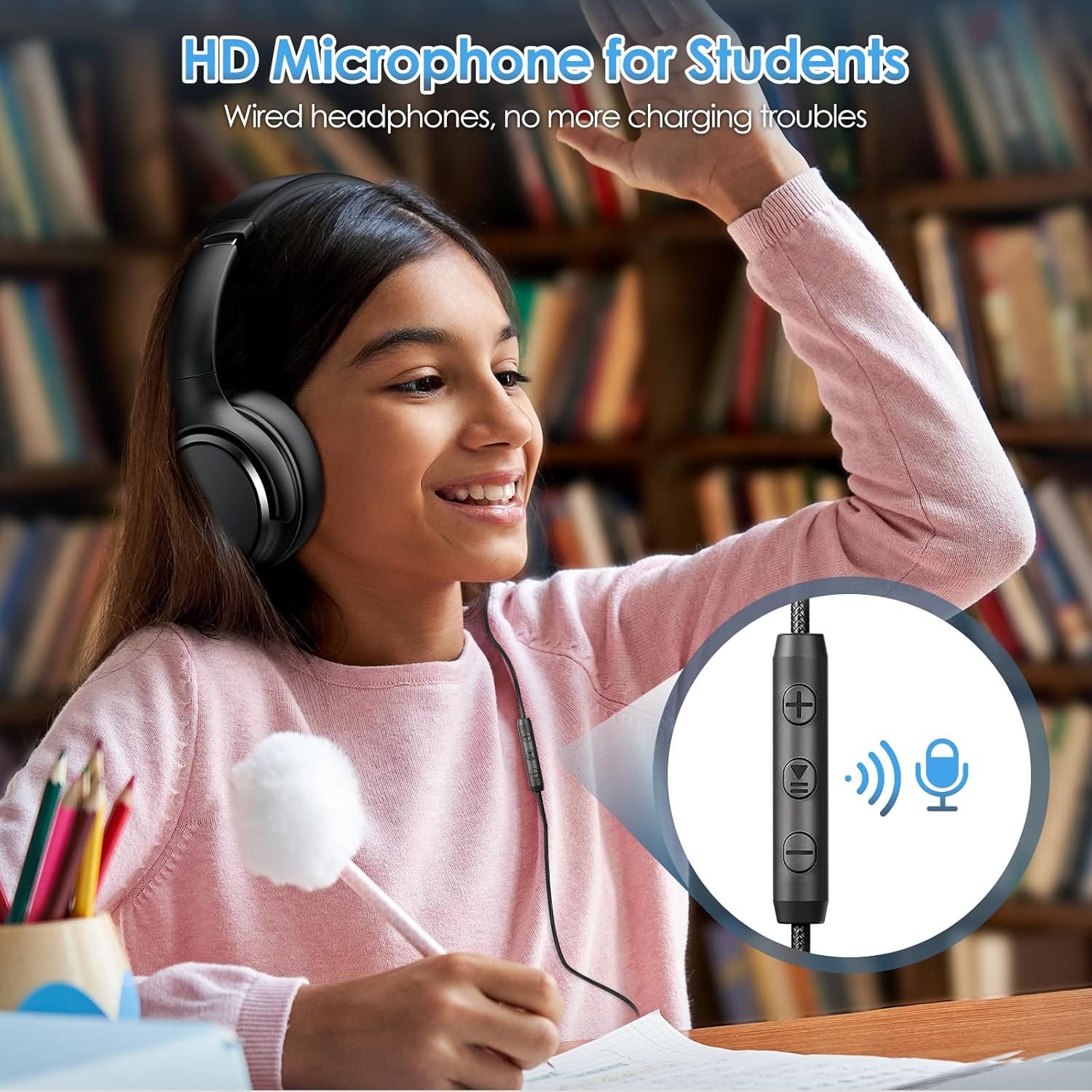
Image: Inline remote controls and HD microphone for communication.
6. Maintenance
Proper care will extend the lifespan of your headphones.
- Cleaning: Use a soft, dry cloth to wipe the earcups and headband. Avoid using harsh chemicals or abrasive materials.
- Storage: When not in use, fold the headphones to their compact size and store them in a protective case or a clean, dry place to prevent damage.
- Cable Care: Avoid sharp bends or excessive pulling on the USB Type-C cable to prevent internal wire damage.
7. Troubleshooting
If you encounter any issues, please refer to the following common solutions:
- No Sound:
- Ensure the USB Type-C cable is fully inserted into both the headphones and your device.
- Check your device's volume settings and ensure it is not muted.
- Test the headphones with another compatible device to rule out device-specific issues.
- Active Noise Cancellation (ANC) Not Working:
- Verify that the ANC switch on the left earcup is in the 'ON' position and the green indicator light is illuminated.
- Ensure the headphones are properly connected to a device that can supply power for the ANC function.
- Microphone Issues:
- Check your device's microphone input settings to ensure the headphones are selected as the primary input device.
- Ensure the microphone on the inline remote is not obstructed.
8. Specifications
| Feature | Specification |
|---|---|
| Model Name | FTBH131AB |
| Item Model Number | BH131AB |
| Brand | INFURTURE |
| Connectivity Technology | Wired |
| Headphones Jack | USB C |
| Noise Control | Active Noise Cancellation (28dB) |
| Item Weight | 0.2 Kilograms (7 ounces) |
| Special Features | Adjustable Headband, Foldable, Lightweight, Microphone Included, Noise Cancellation |
| Control Method | Push Button |
| Ear Placement | Over Ear |
| Form Factor | Over Ear |
| Impedance | 32 Ohms |
| Audio Driver Type | Dynamic Driver |
| Earpiece Shape | Oval |
| Color | Black |
9. Safety Information
Please read and follow these safety guidelines for safe and optimal use:
- Hearing Protection: Avoid listening at high volume levels for extended periods to prevent hearing damage.
- Environmental Awareness: Do not use headphones in situations where inability to hear ambient sounds could be dangerous, such as driving, cycling, or walking in traffic.
- Water and Moisture: Keep the headphones away from water, moisture, and extreme temperatures.
- Cleaning: Only clean with a dry cloth. Do not use liquid cleaners.
- Disassembly: Do not attempt to disassemble or modify the headphones. This may void the warranty and cause damage.
10. Warranty and Support
For warranty information or technical support, please refer to the contact details provided with your purchase or visit the official INFURTURE website. Keep your proof of purchase for any warranty claims.