
1. Introduction
Thank you for choosing the Rampage Runner KB-RX77 Membrane Switch Wired Gaming Keyboard. This keyboard is designed for desktop PC gaming, featuring a durable membrane switch type, rainbow backlighting, and anti-ghosting capabilities for an enhanced gaming experience. This manual will guide you through the setup, operation, and maintenance of your new keyboard.
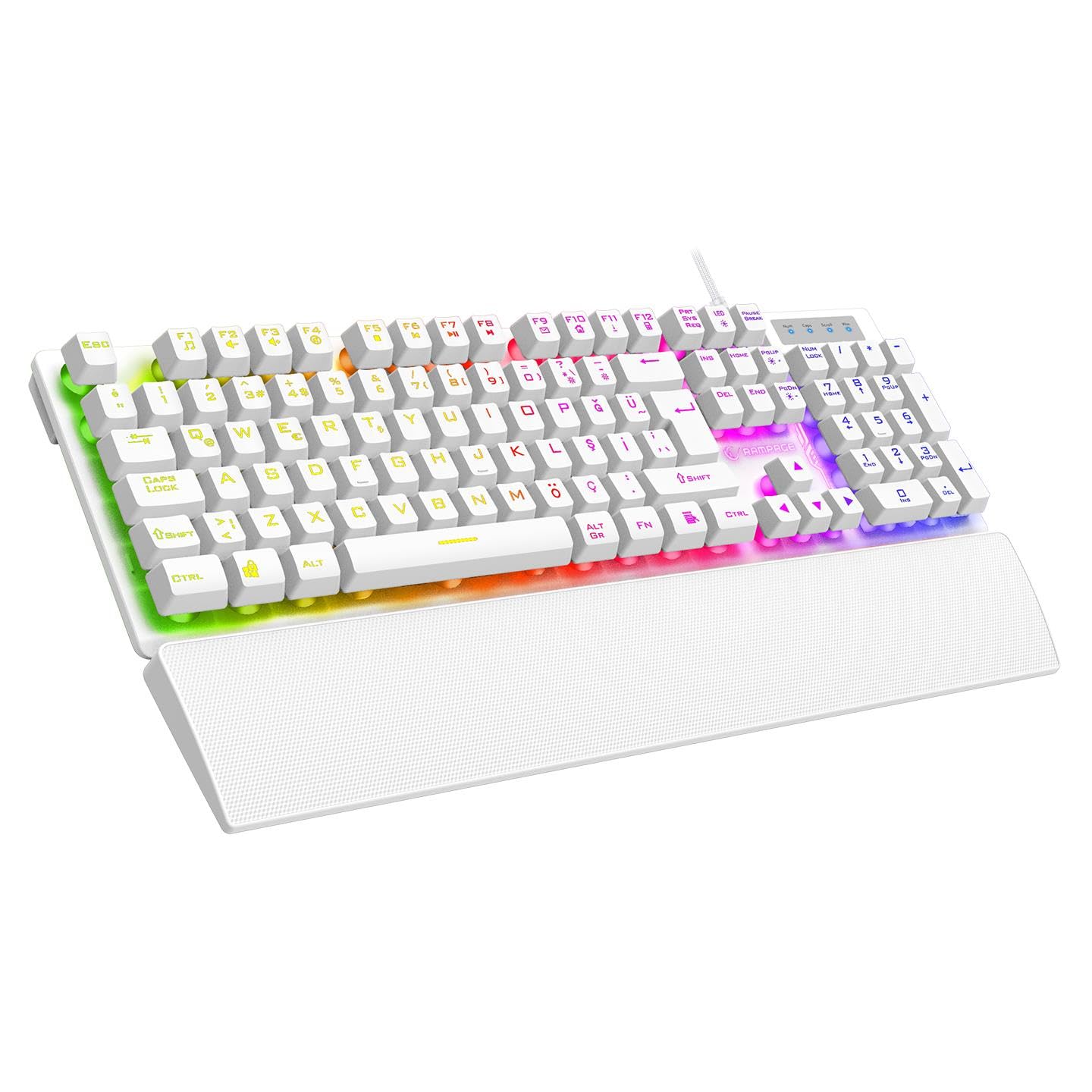
Figure 1.1: Top-down view of the Rampage Runner KB-RX77 keyboard, showcasing its full layout and vibrant rainbow backlighting.
2. Setup
Follow these steps to set up your Rampage Runner KB-RX77 keyboard:
- Unpack the Keyboard: Carefully remove the keyboard and any accessories from its packaging. Ensure all components are present, including the keyboard and the attached wrist rest.
- Connect to PC: Locate an available USB-A port on your desktop computer. Insert the keyboard's braided USB cable into the USB-A port.
- Driver Installation: The keyboard is plug-and-play. Your operating system should automatically detect and install the necessary drivers. No additional software installation is typically required.
- Positioning: Place the keyboard on a stable, flat surface. The integrated wrist rest provides ergonomic support during use.
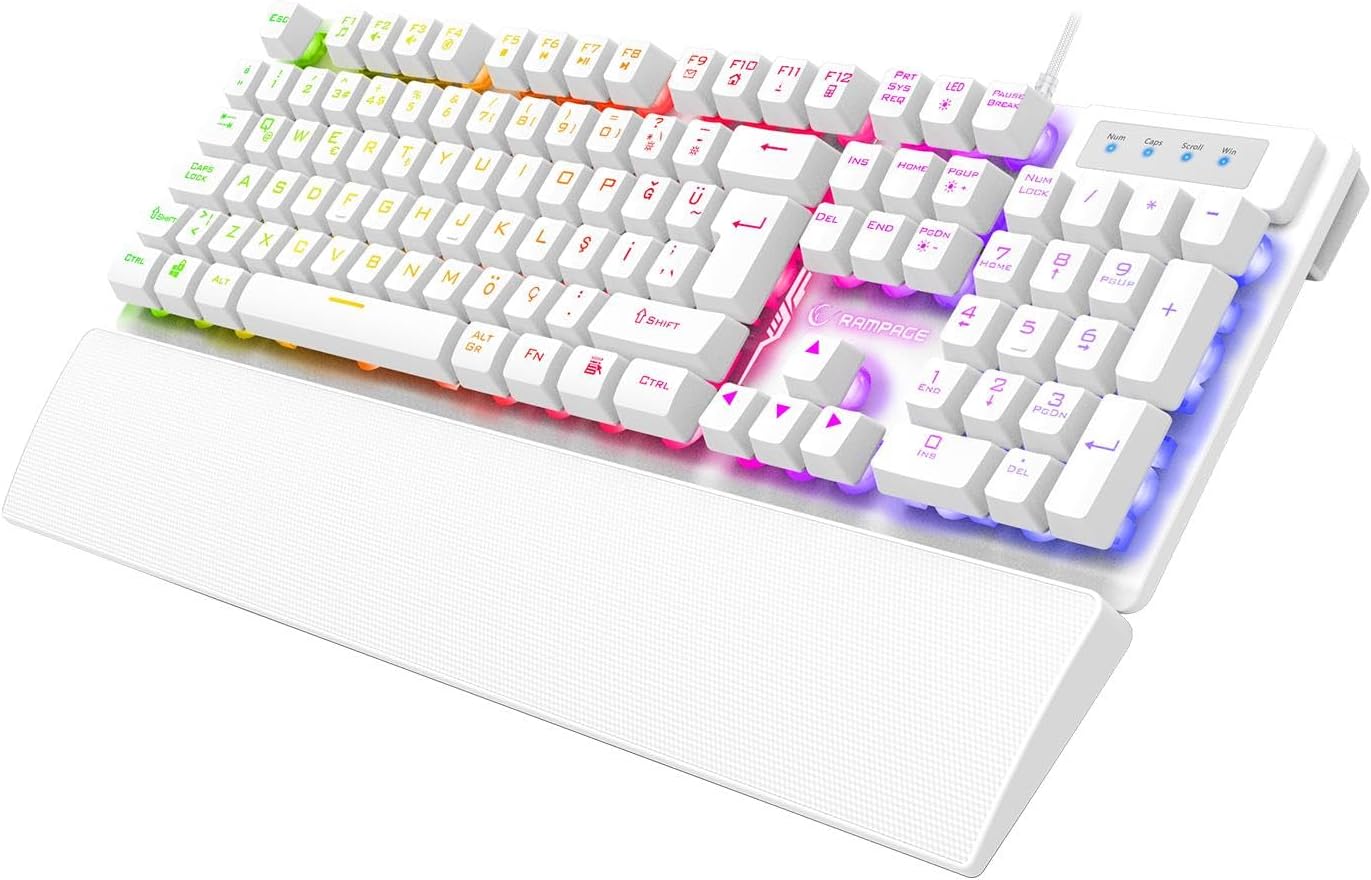
Figure 2.1: Angled view of the Rampage Runner KB-RX77 keyboard, highlighting the integrated wrist rest and USB cable connection.
3. Operating Instructions
The Rampage Runner KB-RX77 keyboard offers standard typing functionality along with gaming-specific features.
3.1 Basic Keyboard Functions
- Standard Keys: All standard alphanumeric and symbol keys function as expected for typing and general computer use.
- Numeric Keypad: The dedicated numeric keypad on the right provides quick access to numbers and arithmetic operations.
- Arrow Keys: Use the arrow keys for navigation within documents or games.
3.2 Rainbow Backlighting Control
The keyboard features vibrant rainbow backlighting. Use the following key combinations to control the lighting:
- FN + F-keys: The keyboard includes multimedia and lighting control functions integrated with the F1-F12 keys. Press and hold the FN key, then press the corresponding F-key to activate its secondary function. Specific F-keys may control lighting modes, brightness, or on/off toggles. Refer to the keycap legends for exact functions.
3.3 Anti-Ghosting
The KB-RX77 supports 25-key anti-ghosting, allowing multiple key presses to be registered simultaneously without conflict. This is crucial for fast-paced gaming where complex key combinations are common.

Figure 3.1: Close-up top-down view of the Rampage Runner KB-RX77 keyboard, showing the key layout and rainbow backlighting.
4. Maintenance
Proper maintenance ensures the longevity and optimal performance of your keyboard.
- Cleaning: Regularly clean the keyboard surface with a soft, dry cloth. For deeper cleaning, use a slightly damp cloth with a mild cleaning solution, ensuring no liquid enters the key switches or internal components. Do not use harsh chemicals or abrasive materials.
- Dust Removal: Use compressed air to remove dust and debris from between the keycaps.
- Storage: When not in use for extended periods, store the keyboard in a clean, dry environment away from direct sunlight and extreme temperatures.
- Cable Care: Avoid bending or twisting the USB cable excessively to prevent damage.
5. Troubleshooting
If you encounter issues with your keyboard, try the following troubleshooting steps:
- Keyboard Not Responding:
- Ensure the USB cable is securely plugged into a working USB-A port on your computer.
- Try plugging the keyboard into a different USB-A port.
- Restart your computer.
- Backlighting Not Working:
- Check if the backlighting has been turned off using the FN + F-key combination.
- Ensure the keyboard is properly connected to your computer.
- Keys Not Registering:
- Clean the affected keys to remove any debris that might be obstructing the switch.
- Test the keyboard on another computer to determine if the issue is with the keyboard or the computer.
If these steps do not resolve the issue, please contact customer support.
6. Specifications
| Brand | Rampage |
| Model | KB-RX77 |
| Switch Type | Membrane |
| Key Layout | Turkish Q |
| Backlighting | Rainbow |
| Anti-Ghosting | 25 Keys |
| Connection Type | Wired (USB-A) |
| Cable Type | Braided |
| Cable Length | 1.65 meters |
| Key Lifespan | 30 Million Keystrokes |
| Wrist Rest | Integrated |
| Dimensions (L x W x H) | 439 x 134 x 35 mm |
| Weight | 780g +/- 20g |
| Compatible Devices | Desktop PC |
7. Warranty and Support
7.1 Warranty Information
The Rampage Runner KB-RX77 Membrane Switch Wired Gaming Keyboard comes with a 24-month warranty from the date of purchase. This warranty covers manufacturing defects and malfunctions under normal use. Please retain your proof of purchase for warranty claims. The warranty does not cover damage caused by misuse, accidents, unauthorized modifications, or normal wear and tear.
7.2 Customer Support
For technical assistance, warranty claims, or any questions regarding your Rampage Runner KB-RX77 keyboard, please contact your retailer or the official Rampage customer support channel. Refer to the warranty certificate included with your product for specific contact details.