
1. Introduction
The SINGER M1000 Mending Machine is a compact, lightweight, and portable sewing machine designed for light to medium weight fabrics and various mending and repair tasks. It features 32 stitch applications, an LED light, and user-friendly controls, making it suitable for both beginners and experienced sewists.
This manual provides essential information for setting up, operating, and maintaining your SINGER M1000 machine to ensure optimal performance and longevity.
2. Safety Instructions
- Always unplug the machine from the electrical outlet immediately after using and before cleaning, removing covers, or performing any user servicing adjustments.
- Keep fingers away from all moving parts. Special care is required around the sewing machine needle.
- Use only accessories recommended by the manufacturer as contained in this manual.
- Never operate the machine if it has a damaged cord or plug, if it is not working properly, or if it has been dropped or damaged.
- Do not operate where aerosol (spray) products are being used or where oxygen is being administered.
3. Machine Components
Familiarize yourself with the main parts of your SINGER M1000 Mending Machine:

- Spool Pin: Holds the spool of thread.
- Bobbin Winder Spindle: Used to wind thread onto the bobbin.
- Thread Tension Dial: Adjusts the tension of the upper thread.
- Stitch Selector Dial: Used to choose from the 32 available stitch applications.
- Reverse Sewing Lever: Engages reverse stitching to secure seams.
- Needle Clamp Screw: Secures the needle in place.
- Presser Foot: Holds the fabric firmly against the feed dogs.
- Feed Dogs: Move the fabric under the needle.
- LED Light: Illuminates the sewing area.
- Free Arm: Allows for easy sewing of tubular items like cuffs and sleeves.
4. Setup
4.1. Unpacking and Initial Inspection
Carefully remove the machine from its packaging. Ensure all included accessories are present:
- All-Purpose Foot
- Extra Needle
- Bobbins: Class 15 (transparent)
- Manual Needle Threader
- Power Cord

4.2. Power Connection
Connect the power cord to the machine and then to a suitable electrical outlet. Plug the foot pedal into its designated port on the machine.
4.3. Bobbin Winding
- Place a spool of thread on the spool pin.
- Guide the thread through the upper thread guide and around the bobbin winding tension disc.
- Place an empty bobbin onto the bobbin winder spindle.
- Wind the thread clockwise a few times around the bobbin.
- Push the bobbin winder spindle to the right.
- Press the foot pedal to start winding. Stop when the bobbin is full.
- Cut the thread and push the bobbin winder spindle back to the left.
4.4. Inserting the Bobbin
The SINGER M1000 features a convenient top drop-in bobbin system:
- Open the transparent bobbin cover plate.
- Insert the wound bobbin into the bobbin case, ensuring the thread unwinds in the correct direction (usually counter-clockwise).
- Follow the indicated threading path on the machine for the bobbin thread.
- Replace the bobbin cover plate.

4.5. Threading the Upper Thread
Follow the numbered threading guides on the machine for proper upper thread tension and needle threading:
- Raise the presser foot lever.
- Place the thread spool on the spool pin.
- Guide the thread through the upper thread guide (1).
- Bring the thread down through the right thread channel (2).
- Loop the thread up and around the take-up lever (3) from right to left.
- Bring the thread down through the left thread channel (4).
- Pass the thread behind the needle bar thread guide (5).
- Thread the needle from front to back. Use the manual needle threader if desired.

4.6. Needle Installation
To install or change the needle:
- Turn the handwheel towards you to raise the needle to its highest position.
- Loosen the needle clamp screw.
- Remove the old needle (if applicable).
- Insert the new needle with the flat side facing the back of the machine, pushing it up as far as it will go.
- Tighten the needle clamp screw securely.
5. Operation
5.1. Stitch Selection
The SINGER M1000 offers 32 stitch applications. Turn the Stitch Selector Dial to choose the desired stitch. The machine has preset stitch length and width for ease of use.

5.2. Adjustable Thread Tension
The thread tension dial allows you to customize the stitch appearance based on the fabric and thread type. Adjust the dial to achieve balanced tension for neat, professional-looking results. Refer to the manual for recommended tension settings for different stitches and fabrics.
5.3. Reverse Stitching
To reinforce seams at the beginning and end, use the reverse stitch lever. Press and hold the lever while sewing to stitch backward. Release the lever to resume forward stitching. This prevents stitches from unraveling.
5.4. Free Arm Functionality
The machine features a built-in free arm. To access it, slide off the removable accessory storage compartment. The free arm is ideal for sewing tubular or hard-to-reach fabric areas such as cuffs, sleeves, and pant hems.
5.5. LED Light
The integrated LED light illuminates the sewing area, providing clear visibility for detailed work and reducing eye strain, especially in low-light conditions.
5.6. Basic Sewing Applications
The M1000 is versatile for various tasks:
- Mending: Repair tears, holes, and worn areas on clothing.
- Hemming: Create neat and durable hems on garments.
- Patching: Apply patches to strengthen or decorate fabric.
- Embellishments: Add decorative stitches or appliques to personalize items.

6. Maintenance
6.1. Cleaning
Regular cleaning helps maintain your machine's performance:
- Always unplug the machine before cleaning.
- Remove the needle plate and bobbin case.
- Use a small brush to remove lint and dust from the feed dogs and bobbin area.
- Wipe the exterior of the machine with a soft, dry cloth.
6.2. Storage
When not in use, store your SINGER M1000 in a dry, dust-free environment. Using a dust cover is recommended to protect the machine from dust and debris.
7. Troubleshooting
If you encounter issues with your SINGER M1000, consider the following common solutions:
- Skipped Stitches: Ensure the needle is inserted correctly, not bent, and is the appropriate type for your fabric. Re-thread the machine completely.
- Thread Breakage: Check for proper threading, correct thread tension, and ensure the needle is not dull or bent. Use good quality thread.
- Machine Jamming: Remove any tangled threads from the bobbin area. Ensure the bobbin is correctly inserted and wound.
- Uneven Stitches: Adjust the thread tension. Ensure the fabric is fed evenly without pulling or pushing excessively.
For more detailed troubleshooting guides and tutorials, refer to the SINGER Creativate App or the official SINGER support website.
8. Specifications
| Feature | Detail |
|---|---|
| Model Number | M1000 |
| Brand | SINGER |
| Product Dimensions | 11.4 x 5.1 x 9.4 inches (28.96 x 12.95 x 23.88 cm) |
| Item Weight | 5.5 pounds (2.49 kg) |
| Stitch Applications | 32 |
| Included Components | All-Purpose Foot, Extra Needle, Bobbins: Class 15 (transparent), Manual Needle Threader, Power Cord |
| Color | Black |
| UPC | 840163309608 |
9. Warranty and Support
For warranty information, product registration, and additional support, please visit the official SINGER website or utilize the SINGER Creativate App.
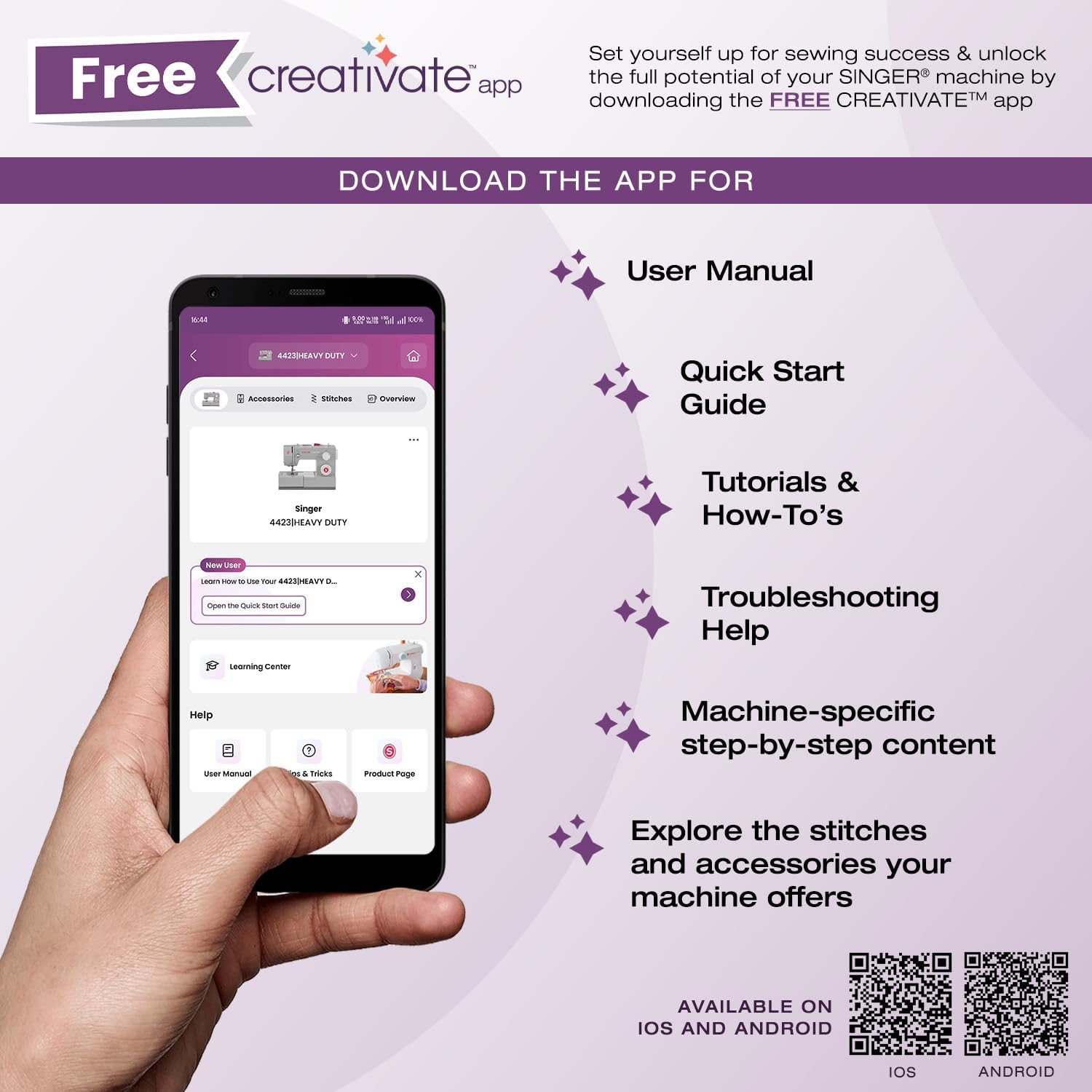
The SINGER Creativate App is your sewing support hub, offering access to your machine's manual, quick start guides, tutorials, troubleshooting tips, and information on accessories. Download the app to enhance your sewing experience.

Download the app:
For direct support, visit the SINGER support page: singer.com/support


