
1. Introduction
This manual provides essential instructions for the safe and effective use of your SureLife Premium Arm Blood Pressure Monitor. This device is designed for accurate measurement of blood pressure and pulse rate in adults. Key features include a universal size arm cuff, irregular heartbeat detection, voice readout, and memory storage for two users.

Figure 1: The SureLife Premium Arm Blood Pressure Monitor features a large digital display showing blood pressure and pulse readings, with a universal arm cuff attached.
2. Safety Information
Legal Disclaimer: Statements regarding dietary supplements have not been evaluated by the FDA and are not intended to diagnose, treat, cure, or prevent any disease or health condition. Always consult with a healthcare professional before making any medical decisions.
Ensure the device is used in a quiet, relaxed environment. Avoid talking or moving during measurement. Do not use the device on infants or individuals unable to express consent. Keep out of reach of children.
3. Setup
3.1 Unboxing and Components
Your SureLife Premium Arm Blood Pressure Monitor package includes:
- Blood Pressure Monitor Unit
- Universal Size Arm Cuff (8.6 to 16.5 inches)
- 4 AAA Batteries
- Instruction Manual

Figure 2: The product packaging for the SureLife Premium Arm Blood Pressure Monitor, highlighting key features and ease of use.
3.2 Battery Installation
Open the battery compartment on the back of the monitor. Insert the 4 AAA batteries, ensuring correct polarity (+/-). Close the battery compartment securely.
3.3 Cuff Connection
Connect the air tube from the arm cuff securely into the designated port on the side of the main monitor unit.

Figure 3: The main monitor unit is shown alongside the detached universal arm cuff, ready for assembly.
3.4 Setting Date, Time, and User Profiles
Refer to the detailed instructions in the included manual for setting the date, time, and configuring up to two user profiles. This allows for tracking individual measurement history.
Video 1: This video provides a step-by-step guide on how to properly set up and use the SureLife Arm Blood Pressure Monitor, including cuff placement and starting a measurement.
4. Operating Instructions
4.1 Proper Posture and Arm Positioning
For accurate readings, sit comfortably with your back supported and feet flat on the floor. Place the arm cuff on your bare upper arm, 2-3 cm above your elbow. Ensure the cuff is snug but not too tight. Position your arm so the cuff is at the same level as your heart.

Figure 4: The universal arm cuff is highlighted, showing its adjustable range of 8.7 to 16.5 inches (22-42 cm) for comfortable fitting.

Figure 5: A visual guide demonstrating the four essential steps for taking a blood pressure measurement: correctly wrapping the cuff, ensuring proper tightness, positioning the arm at heart level, and initiating the measurement.
4.2 Taking a Measurement
Once the cuff is correctly positioned and you are relaxed, press the 'START/STOP' button. The cuff will inflate, and the measurement will begin. Remain still and silent during this process. The results will be displayed on the screen and announced via the voice readout feature.

Figure 6: A close-up of the monitor's display, illustrating its various features including a large screen, memory capacity, and detection for irregular heartbeats.
4.3 Voice Readout
The monitor provides step-by-step spoken instructions and announces the measurement results for ease of use. This feature can be toggled on or off as per user preference.
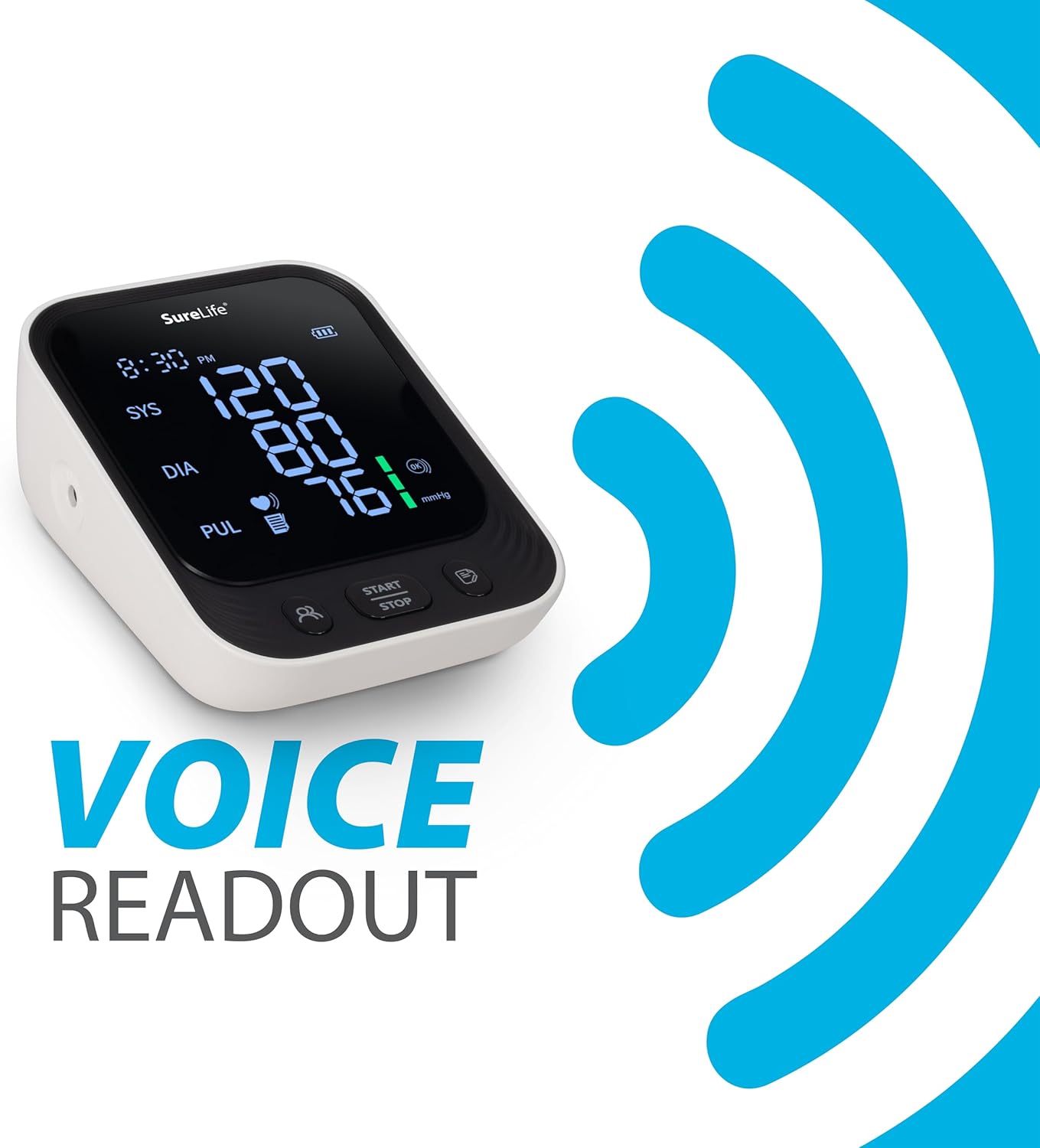
Figure 7: The monitor is depicted with a 'Voice Readout' feature, indicating spoken instructions and results for user convenience.
4.4 Irregular Heartbeat Detection
The SureLife Premium Arm Blood Pressure Monitor is equipped with a unique feature that alerts the user to irregular heartbeat detection during measurement. If an irregular heartbeat is detected, a corresponding icon will appear on the display.
4.5 Memory Function
The monitor can store up to 199 sets of measurements for 2 different users, allowing for easy tracking of readings over time. Use the user selection button to switch between profiles and view stored data.
5. Maintenance
To ensure the longevity and accuracy of your blood pressure monitor, follow these maintenance guidelines:
- Clean the monitor unit and cuff with a soft, dry cloth. Do not use abrasive cleaners or immerse in water.
- Store the device in a cool, dry place, away from direct sunlight and extreme temperatures.
- Remove batteries if the device will not be used for an extended period.
6. Troubleshooting
If you encounter issues with your monitor, consider the following:
- Inaccurate Readings: Ensure the cuff is worn correctly and snugly, and your arm is at heart level. Remain still and silent during measurement. The monitor is equipped with a “Cuff Worn” indicator to ensure proper positioning and a “Keep Still” indicator to help reduce motion-related errors.
- No Power: Check if the batteries are inserted correctly and are not depleted. Replace with new batteries if necessary.
- Error Messages: Refer to the detailed troubleshooting section in the full instruction manual for specific error codes and solutions.
7. Specifications
| Product Dimensions | 5.1"L x 4"W x 2.13"Th |
| Weight | 15.84 ounces |
| Batteries | 4 AAA batteries (included) |
| Power Source | Battery Powered |
| Display Type | Large Display |
| Cuff Size | Universal (8.6 to 16.5 inches) |
| Manufacturer | AOJ Medical Technology Co |
| ASIN | B0F76CKJTC |
8. Warranty and Support
Our Promise: MHC Medical Products stands behind its promise to deliver quality products you can trust and comfort you can feel. If you're not satisfied, let us know, and we'll make it right.
For further assistance or inquiries, please refer to the contact information provided in your product packaging or visit the official Easy Touch Store online.


