
TOZO T11054;W1
Contents
TOZO T21 Wireless Earbuds & W1 Wireless Charger User Manual
Model: T11054 (Earbuds), W1 (Charger)
Introduction
This manual provides detailed instructions for the operation and maintenance of your TOZO T21 Wireless Earbuds and TOZO W1 Wireless Charger. Please read this manual thoroughly before use to ensure proper functionality and longevity of your devices.
Package Contents
- TOZO T21 Wireless Earbuds (Left and Right)
- TOZO T21 Charging Case
- TOZO W1 Wireless Charger
- USB Charging Cable
- User Manual
Product Overview

Image showing the TOZO T21 Wireless Earbuds in their charging case alongside the TOZO W1 Wireless Charger, connected via a USB cable.

The TOZO T21 charging case features an integrated LED digital display, providing real-time information on battery life and charging status for both the earbuds and the case itself.

A detailed view of the 14.2mm dynamic driver, highlighting the component responsible for the earbud's audio output.

An individual demonstrating the use of TOZO T21 earbuds, emphasizing the Dual-mic DNS Call Noise Cancellation technology for clear communication.

A woman wearing the TOZO T21 earbuds, illustrating the comfortable and secure semi-in-ear design.
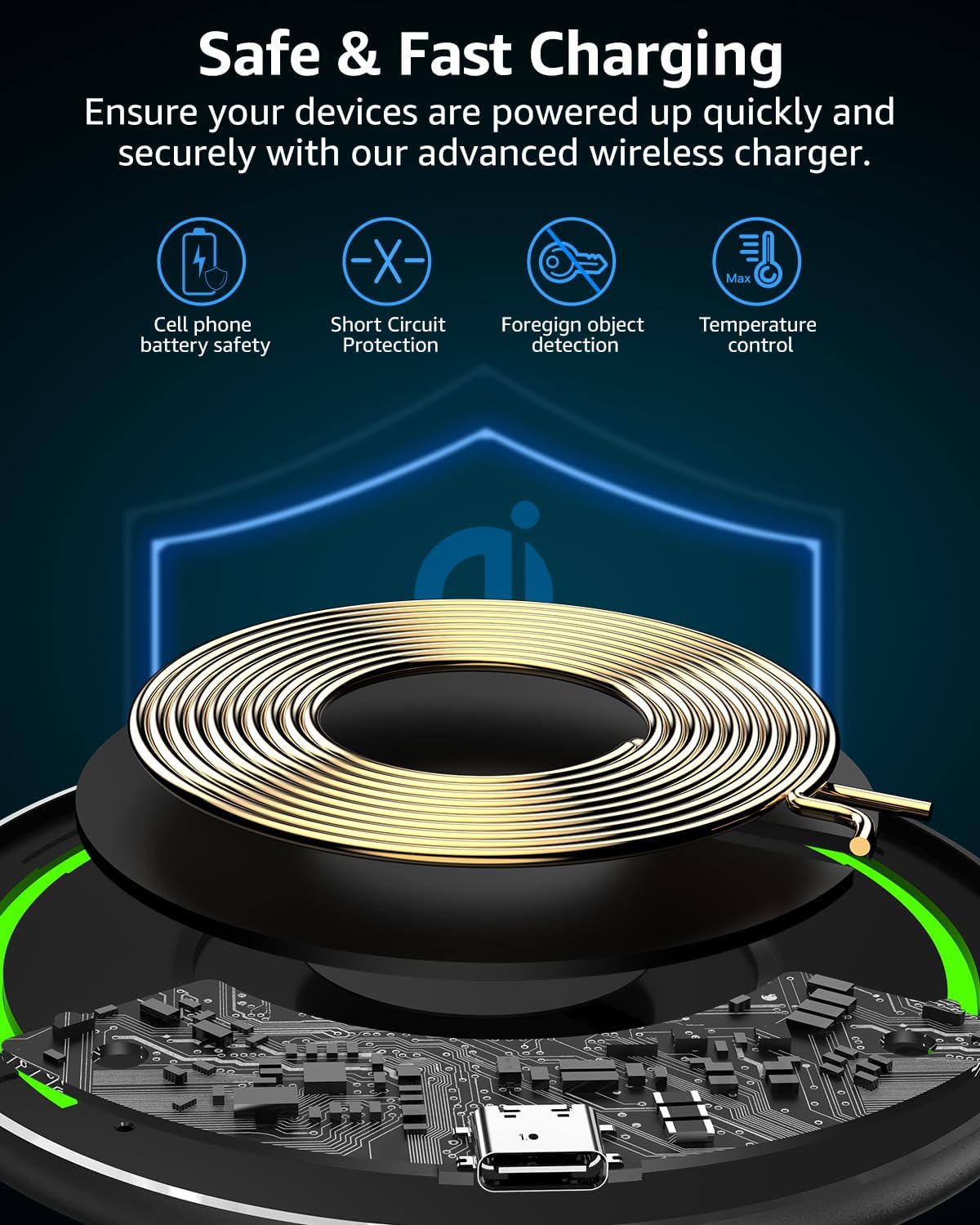
An illustration of the internal components of the TOZO W1 Wireless Charger, highlighting its safety features such as cell phone battery safety, short circuit protection, foreign object detection, and temperature control.
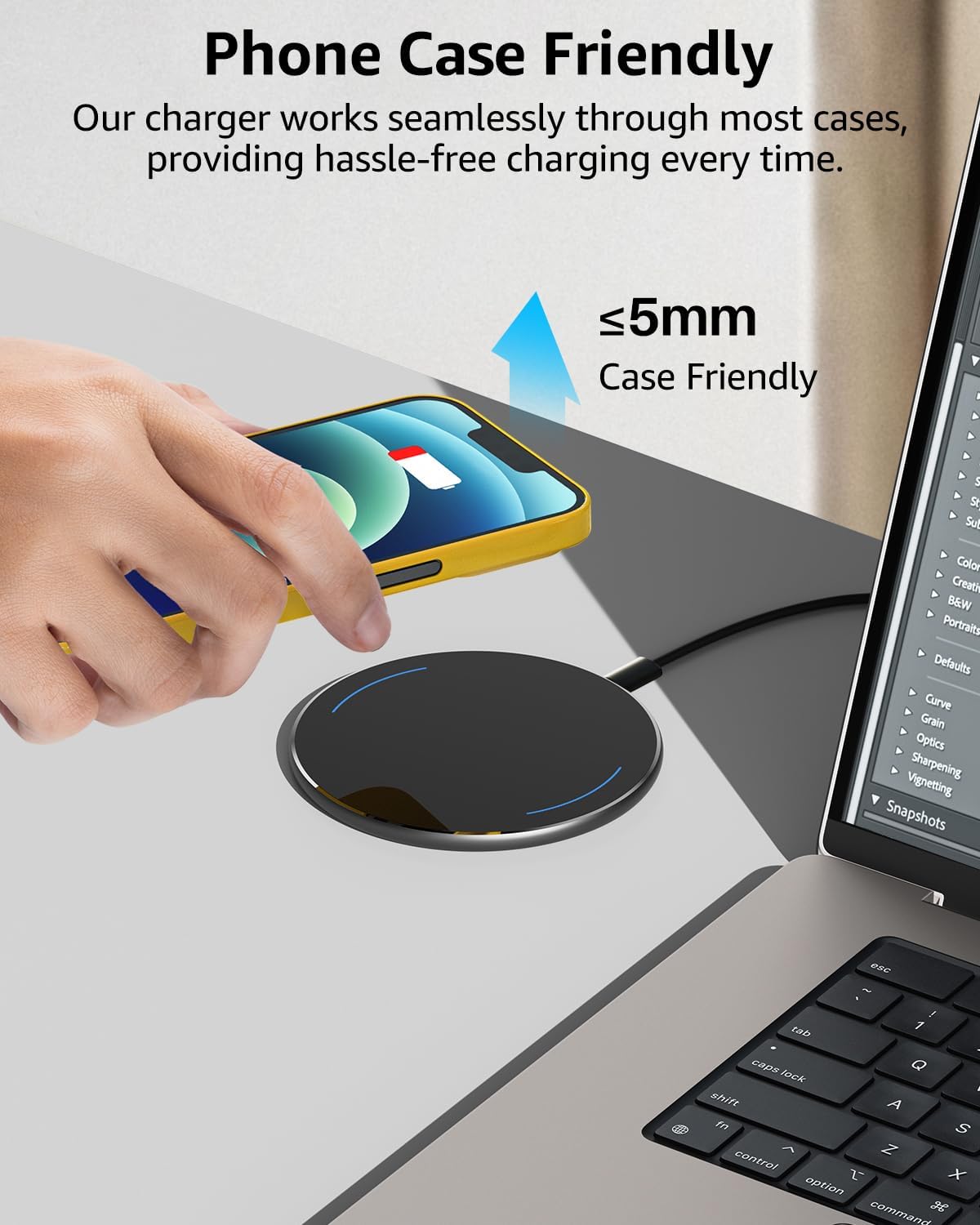
A smartphone being charged wirelessly on the TOZO W1 Wireless Charger, demonstrating its ability to charge through phone cases up to 5mm thick.
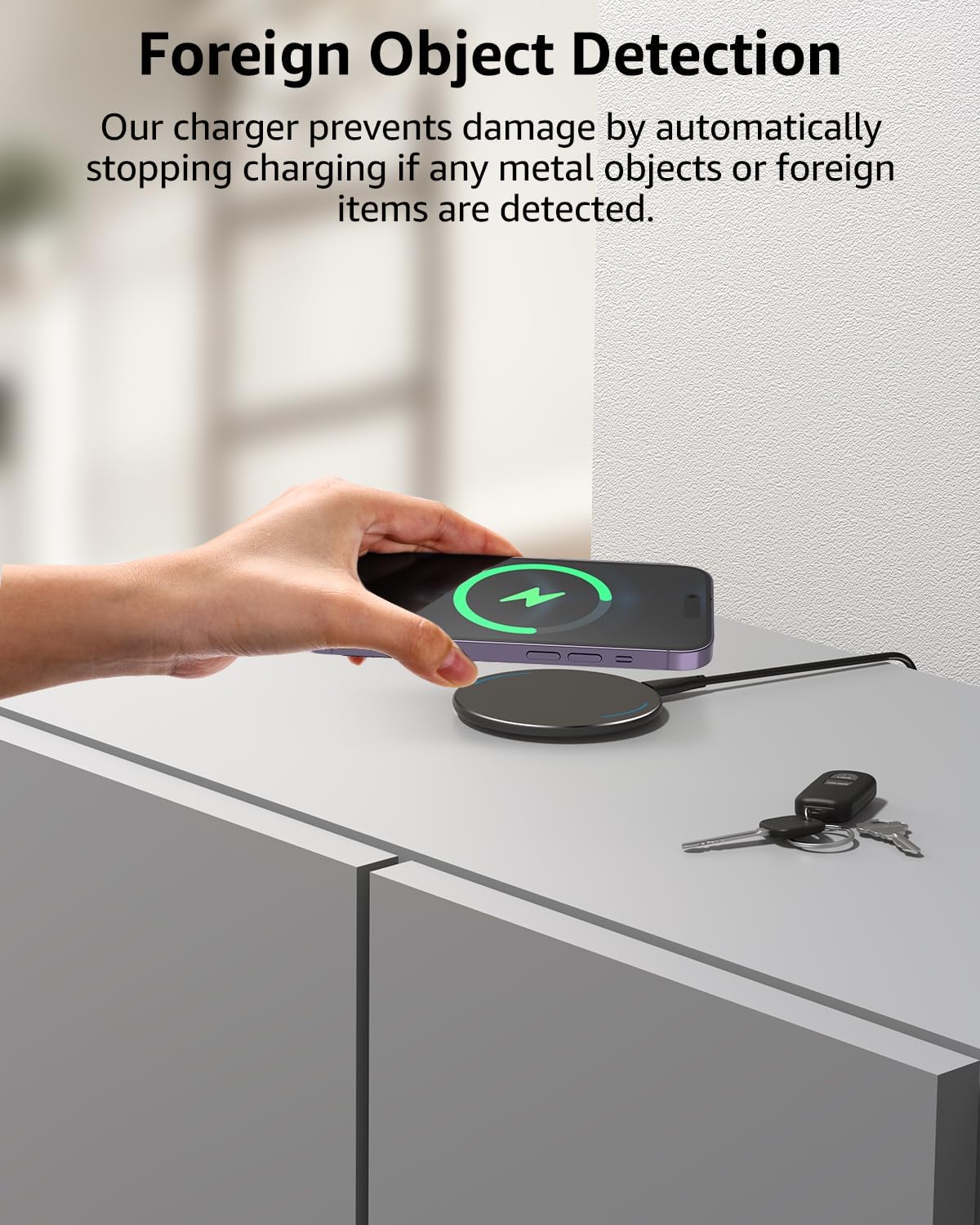
The TOZO W1 Wireless Charger is shown with a phone and keys nearby, illustrating its foreign object detection feature that prevents charging if metal objects are present.
Setup
Initial Charging
- Earbuds and Charging Case:
- Place the TOZO T21 earbuds into the charging case.
- Connect the charging case to a USB power source using the provided USB cable.
- The LED digital display on the case will show the charging status. Ensure both earbuds and the case are fully charged before first use.
- TOZO W1 Wireless Charger:
- Connect the TOZO W1 Wireless Charger to a power adapter (not included) using its USB cable.
- Place your compatible device (e.g., smartphone, TOZO T21 charging case) on the center of the charging pad.
- The charger's LED indicator will light up blue for 10 seconds and then turn off, indicating charging is in progress.
Pairing the Earbuds
- Take both earbuds out of the charging case. They will automatically enter pairing mode.
- On your device (smartphone, tablet, etc.), enable Bluetooth.
- Search for "TOZO-T21" in the list of available Bluetooth devices and select it to connect.
- Once connected, a voice prompt will confirm successful pairing.
Operating Instructions
Earbuds Controls
| Action | Left Earbud | Right Earbud |
|---|---|---|
| Play/Pause | Single tap | Single tap |
| Next Track | Double tap | Double tap |
| Previous Track | Triple tap | Triple tap |
| Volume Up | N/A | Long press |
| Volume Down | Long press | N/A |
| Answer/End Call | Single tap | Single tap |
| Reject Call | Long press | Long press |
| Activate Voice Assistant | Quadruple tap | Quadruple tap |
Wireless Charger Operation
- Ensure the TOZO W1 Wireless Charger is connected to a power source.
- Place your Qi-compatible device centrally on the charging pad.
- The device's charging indicator should activate, and the charger's LED will briefly illuminate.
- For optimal charging, ensure no metal objects are between the device and the charging pad.
Maintenance
Cleaning
- Use a soft, dry, lint-free cloth to clean the earbuds, charging case, and wireless charger.
- Do not use abrasive cleaners, solvents, or aerosol sprays.
- For earbuds, gently clean the ear tips and speaker mesh to prevent wax buildup.
Storage
- When not in use, store the earbuds in their charging case to protect them and keep them charged.
- Store both devices in a cool, dry place, away from extreme temperatures and direct sunlight.
Water Resistance (Earbuds Only)
The TOZO T21 earbuds are IPX8 waterproof. This means they can withstand submersion in water up to 1 meter for 30 minutes. However, the charging case is not waterproof. Avoid exposing the charging case to liquids.
While waterproof, it is recommended to dry the earbuds thoroughly after exposure to water or sweat before placing them back into the charging case to prevent damage to the charging contacts.
Troubleshooting
Earbuds Issues
- No Sound/One Earbud Not Working:
- Ensure both earbuds are charged.
- Check Bluetooth connection on your device. Try re-pairing.
- Clean the charging contacts on the earbuds and in the case.
- Reset the earbuds (refer to manufacturer's website for specific reset instructions if not in manual).
- Earbuds Not Pairing:
- Ensure earbuds are in pairing mode (LED flashing).
- Turn off Bluetooth on other nearby devices to avoid interference.
- Forget "TOZO-T21" from your device's Bluetooth list and try pairing again.
- Poor Call Quality:
- Ensure earbuds are properly seated in your ears.
- Check for obstructions around the microphone area.
- Move closer to your connected device to improve signal strength.
Wireless Charger Issues
- Device Not Charging:
- Ensure the charger is properly connected to a working power source.
- Verify your device is Qi-compatible and placed centrally on the charging pad.
- Remove any thick phone cases (over 5mm) or metal attachments from your device.
- Check for foreign objects on the charging pad.
- Try a different USB cable or power adapter.
- Slow Charging:
- Ensure you are using a power adapter that supports fast charging (e.g., QC 2.0/3.0 or PD adapter).
- Reposition your device on the charging pad to find the optimal charging spot.
- Close background applications on your device that might be consuming power.
Specifications
TOZO T21 Wireless Earbuds
- Model: T11054
- Bluetooth Version: 5.3
- Driver Size: 14.2mm Dynamic Drivers
- Call Technology: Dual-mic Call Noise Cancelling (DNS)
- Waterproof Rating: IPX8 (Earbuds only)
- Design: Semi-in-ear
- Playback Time: Up to 44 hours (with charging case)
TOZO W1 Wireless Charger
- Model: W1
- Max Output: 15W (Compatible with 15W, 10W, 7.5W, 5W)
- Input: (Typically 5V/2A, 9V/2A, 12V/1.5A - assuming standard Qi)
- Charging Distance: ≤ 5mm (Case friendly)
- Safety Features: Over-voltage, over-temperature, over-current, short-circuit protection, Foreign Object Detection (FOD)
- Indicator: Sleep-friendly LED (lights for 10 seconds then off)
Warranty and Support
TOZO products come with a standard manufacturer's warranty. For detailed warranty information, product registration, or technical support, please visit the official TOZO website or contact their customer service.
Official Website: www.tozostore.com
Email Support: support@tozostore.com
Ask a question about this manual
Ask about setup, troubleshooting, compatibility, parts, safety, or missing instructions. Manuals+ will review the question and use this page’s manual context to help answer it.