
HASWING Cayman GPS 50739
HASWING Electric Trolling Motor User Manual
Model: Cayman GPS (50739)
Brand: HASWING (MTLAKEMOTOR)
1. Introduction and Overview
This manual provides essential information for the safe and effective operation, installation, and maintenance of your HASWING Cayman GPS Bow Mount Electric Trolling Motor. Please read this manual thoroughly before using the product to ensure proper function and to prevent damage or injury.
The HASWING Cayman GPS Trolling Motor is designed for both saltwater and freshwater environments, offering precise control and advanced navigation features for serious anglers. Its quiet operation minimizes disturbance to marine life, while the integrated GPS system provides accurate positioning and route management.

Figure 1.1: HASWING Cayman GPS Trolling Motor with included wireless remote control and optional wireless foot controller, alongside a tablet displaying the Helmsman app interface.
2. Product Features
- Quiet Electric Motor: Engineered for minimal noise, ensuring a stealthy approach to fishing. Features variable speed control for precise adjustments and improved motor control.
- Advanced GPS Technology: Provides accurate positioning and navigation assistance, reducing the need for constant manual steering.
- Smart Navigation System (Helmsman App): Compatible with iOS and Android devices, the free Helmsman App offers real-time map display, cruise control, and comprehensive motor control.
- Wireless Remote Control: A handheld remote is included for convenient control of all motor functions from anywhere on the boat. It can operate independently of a smartphone.
- Anchor Control (Spot Lock): The high-sensitivity GPS allows the motor to maintain a precise position, acting as an electronic anchor. If the boat drifts more than 6 feet, the motor automatically corrects its position.
- Route Management: Create, modify, save, and delete unique fishing spots and routes directly from the Helmsman App. The auto-navigation feature allows the motor to follow recorded paths or maintain a constant speed along shorelines.
- Emergency Protection: An integrated safety buckle in the charging cable allows for immediate motor shutdown in emergencies, preventing potential damage.
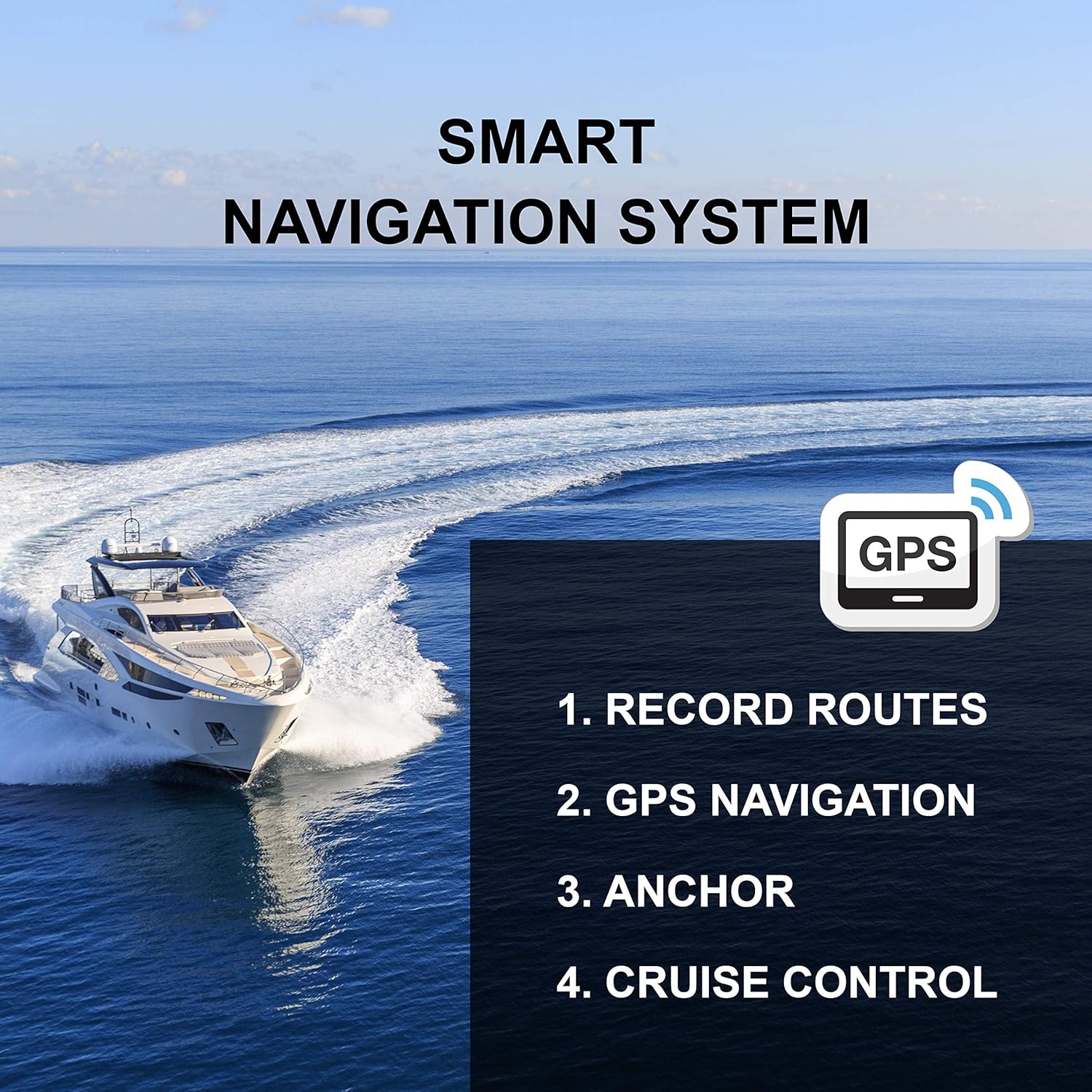
Figure 2.1: Illustration of the Smart Navigation System capabilities, including Record Routes, GPS Navigation, Anchor, and Cruise Control.

Figure 2.2: The Helmsman App interface displayed on a smartphone and smartwatch, demonstrating its availability across multiple devices.
3. What's in the Box
Upon unpacking, please verify that all components are present and undamaged. The standard package for the HASWING Cayman GPS Trolling Motor includes:
- HASWING Cayman GPS Bow Mount Trolling Motor (60" shaft, 80lbs thrust)
- Wireless Handheld Remote Control
- Quick Release Bracket (for models with Quick Release)
- Wireless Foot Controller (for models with Foot Controller)
- Power Cable with Safety-Buckle
- Mounting Hardware
- User Manual (this document)

Figure 3.1: Exploded view diagram of the HASWING Cayman GPS Trolling Motor, highlighting key components such as the wireless remote controller, deploy/stow pedal, depth collar, sacrificial anode, and individual fin.
4. Setup and Installation
Proper installation is crucial for the performance and longevity of your trolling motor. It is recommended to have the installation performed by a qualified marine technician if you are unsure of any steps.
4.1 Mounting the Trolling Motor
- Choose Mounting Location: Select a flat, stable surface on the bow of your boat that allows for clear deployment and stowage of the motor. Ensure there is sufficient clearance for the shaft and propeller.
- Install Quick Release Bracket (if applicable): If your model includes a quick release bracket, secure it to the boat's bow using the provided mounting hardware. Ensure it is firmly attached and level.
- Attach Trolling Motor: Mount the trolling motor onto the quick release bracket or directly to the boat's bow, aligning the mounting holes and securing with bolts and nuts. Tighten all fasteners securely.
- Adjust Depth Collar: Set the depth collar on the motor shaft to ensure the propeller is submerged to an appropriate depth when deployed, typically 6-12 inches below the waterline.
4.2 Electrical Connection
The HASWING Cayman GPS Trolling Motor operates on a 24V DC power supply. Ensure your boat's battery system is configured for 24V.
- Battery Requirements: Use deep cycle marine batteries. For 24V, two 12V batteries connected in series are required.
- Wiring: Connect the motor's power cable directly to the 24V battery bank. Ensure correct polarity (red to positive, black to negative).
- Safety-Buckle: Always connect the safety buckle into the motor's power port. This acts as an emergency shut-off.
- Circuit Protection: Install an appropriate circuit breaker or fuse (not included) in the positive lead of the motor's power cable, close to the battery, to protect against overcurrent. Consult the motor's specifications for the recommended amperage.

Figure 4.1: A HASWING trolling motor securely mounted on the bow of a boat, ready for deployment.
5. Operating Instructions
5.1 Deploying and Stowing the Motor
- To deploy, release the motor from its stowed position and lower the shaft until the propeller is fully submerged.
- To stow, lift the motor out of the water and secure it in its stowed position on the bow mount.
5.2 Using the Wireless Remote Control
The wireless remote control allows for convenient operation of the motor's basic functions.

Figure 5.1: Detailed layout of the wireless remote controller, indicating buttons for speed control, direction, power, and reset functions.
- Power ON/OFF: Press the designated button to turn the motor on or off.
- Speed Control: Use the "Speed Up" and "Speed Down" buttons to adjust the motor's thrust. The variable speed function allows for fine-tuning.
- Direction Control: Use the "Turn Left" and "Turn Right" buttons to steer the motor.
- Full Speed: Activates maximum thrust.
- Reboot Key / Reset: Used for resetting the remote or motor connection if needed.
5.3 Using the Helmsman App (Smart Navigation System)
Download the free Helmsman App from the App Store (iOS) or Google Play Store (Android) to unlock advanced navigation features.
- Pairing: Follow the in-app instructions to pair your smartphone or tablet with the trolling motor via Bluetooth.
- Live Map & Navigation: View your current position on a live map. Use the touchscreen to navigate, set waypoints, and define routes.
- Anchor Control (Spot Lock): Tap the anchor icon on the app to activate spot lock. The motor will automatically adjust to hold your boat's position against wind, current, and waves.
- Route Recording & Auto-Navigation: Record your fishing routes for future use. The auto-navigation feature allows the motor to follow recorded paths or maintain a constant speed along a chosen course.
- Cruise Control: Set a desired speed, and the motor will maintain it automatically.
5.4 Emergency Stop
In case of an emergency or immediate need to stop the motor, simply unplug the safety buckle from the motor's power port. This will instantly cut power to the motor.
6. Maintenance
Regular maintenance will ensure the longevity and optimal performance of your HASWING trolling motor.
- After Each Use:
- Rinse the motor thoroughly with fresh water, especially after use in saltwater, to remove salt residue and debris.
- Inspect the propeller for fishing line, weeds, or other obstructions. Remove any debris carefully.
- Check all electrical connections for corrosion or looseness. Clean and tighten as necessary.
- Periodically:
- Sacrificial Anode: Inspect the sacrificial anode (located near the propeller) for wear. Replace it if it is significantly corroded or more than 50% consumed. This anode protects the motor from galvanic corrosion.
- Mounting Hardware: Check all mounting bolts and screws for tightness.
- Battery Care: Ensure batteries are properly charged and maintained according to their manufacturer's instructions. Store batteries in a cool, dry place when not in use.
- Storage: When storing the motor for extended periods, ensure it is clean, dry, and disconnected from the power source. Store in a protected area.
7. Troubleshooting
This section addresses common issues you might encounter with your trolling motor. For problems not listed here, please contact customer support.
| Problem | Possible Cause | Solution |
|---|---|---|
| Motor does not turn on. | No power, loose connection, safety buckle unplugged, dead battery. | Check battery charge, ensure all connections are secure, verify safety buckle is fully inserted. |
| Motor runs intermittently or with reduced power. | Low battery voltage, propeller fouled, loose wiring, motor overheating. | Recharge batteries, clear propeller, check and tighten connections, allow motor to cool down. |
| Remote control not responding. | Remote battery low, remote not paired, interference. | Replace remote battery, re-pair remote with motor (refer to pairing instructions), move away from sources of strong electromagnetic interference. |
| GPS spot lock is inaccurate or drifts. | Poor GPS signal, strong currents/winds, motor not fully deployed. | Ensure clear sky view for GPS signal, deploy motor fully, consider stronger thrust settings in adverse conditions. |
8. Specifications
| Attribute | Detail |
|---|---|
| Brand | HASWING (MTLAKEMOTOR) |
| Model Name | Cayman GPS |
| Item Model Number | 50739 |
| Manufacturer Part Number | CAYMAN-50739-152W-RQF |
| Voltage | 24V |
| Thrust | 80 lbs |
| Shaft Length | 60 inches |
| Exterior Material | Cast Aluminum |
| Color | White with Quick Release + Foot Controller |
| Fit Type | Vehicle Specific Fit |
9. Warranty and Support
For warranty information, please refer to the documentation provided at the time of purchase or contact the seller directly. HASWING products are typically covered by a limited warranty against defects in materials and workmanship.
If you require technical assistance, troubleshooting beyond this manual, or have questions regarding parts and service, please contact MTLAKEMOTOR customer support through the retailer where the product was purchased or visit the official HASWING website for contact details.
Please have your product model number (Cayman GPS, 50739) and purchase date available when contacting support.
Related documentsCayman GPS 50739


Ask a question about this manual
Ask about setup, troubleshooting, compatibility, parts, safety, or missing instructions. Manuals+ will review the question and use this page’s manual context to help answer it.