
Introduction
Thank you for choosing the CYBERDOT C01 Open Ear Bluetooth Headphones. These headphones are designed to provide a comfortable and secure audio experience with enhanced situational awareness, making them ideal for sports, workouts, and daily use. Featuring air-conduction technology, clear stereo sound, and a waterproof design, the C01 ensures a high-quality listening experience while keeping you connected to your surroundings.
This manual will guide you through the setup, operation, and maintenance of your new headphones to ensure optimal performance and longevity.

Image: The CYBERDOT C01 Open Earbuds, showcasing their ergonomic design for all-day comfort.

Image: A comparison chart illustrating the differences in sound quality, charging, situational awareness, and wearing comfort between Air-Conduction, Bone-Conduction, and Traditional TWS headphones.
Setup
1. What's in the Box
- Wireless Charging Case
- Open Earbuds (Left and Right)
- USB-C Charging Cable
- User Manual
2. Charging Your Headphones
Before first use, fully charge your CYBERDOT C01 headphones and charging case.
- Via USB-C Cable: Connect the provided USB-C cable to the charging port on the case and to a power source.
- Via Wireless Charging: Place the charging case on a compatible wireless charging pad (not included).
The LED digital display on the charging case will show the battery level of the case and the individual earbuds during charging.
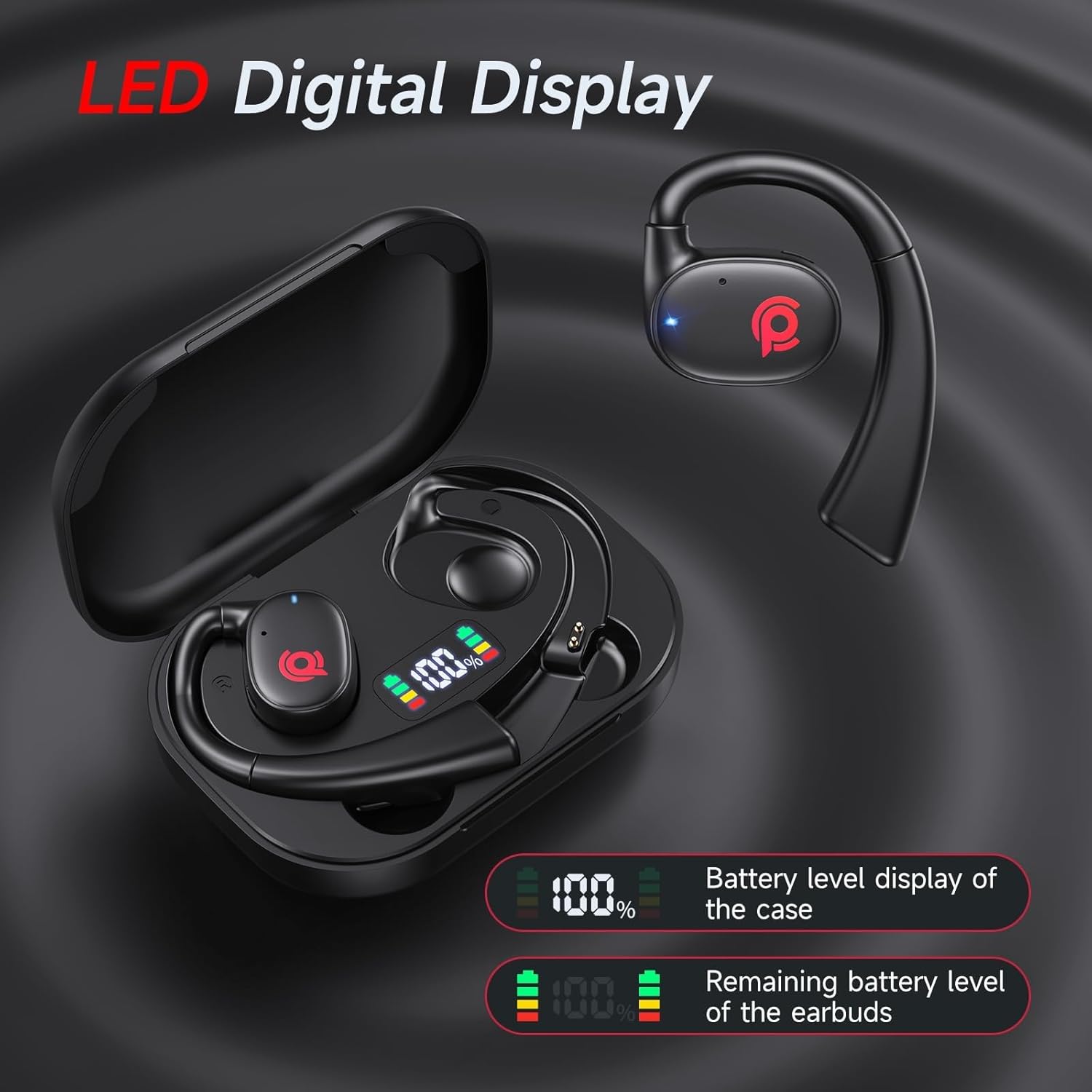
Image: Illustration showing the two charging methods for the CYBERDOT C01: USB-C cable charging and wireless charging.

Image: Close-up of the charging case's LED digital display, indicating the battery percentage of the case and the charging status of the earbuds.
3. Pairing with Your Device
The CYBERDOT C01 headphones feature automatic pairing for convenience.
- Ensure your device's Bluetooth is turned on.
- Open the charging case and take out both earbuds. They will automatically enter pairing mode.
- On your device, search for Bluetooth devices and select "CYBERDOT C01" to connect.
- Once paired, the earbuds will automatically connect to your device whenever you take them out of the case.

Image: Visual representation of the one-step pairing process with a smartphone and the wide compatibility of the headphones with various devices (iOS, Android, laptops, desktops).
4. Wearing the Earbuds
The CYBERDOT C01 features a revolving design for an easier and more comfortable fit.
- Rotate the main structure of the headphone so that it is at an angle to the plane of the ear hook.
- Maintain this angle and gently place the ear hook over your ear.
- Rotate the headphone body to adjust and fit comfortably against your ear, ensuring the sound outlet is positioned correctly near your ear canal without entering it.
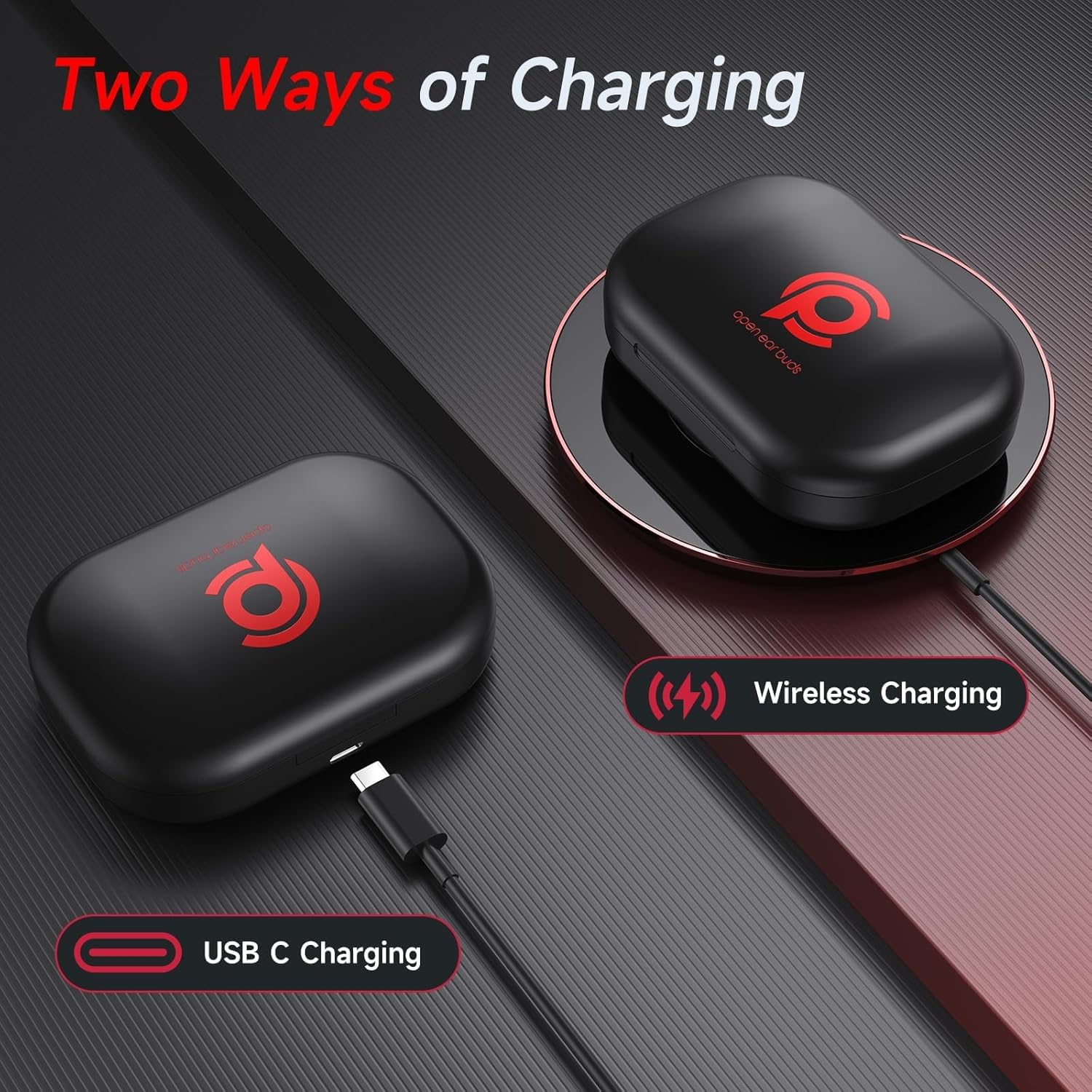
Image: Step-by-step guide demonstrating how to rotate and wear the CYBERDOT C01 earbuds for an optimal and comfortable fit.
Operating Your Headphones
1. Touch Controls
The CYBERDOT C01 earbuds feature multi-functional touch buttons for easy control of music, calls, and voice assistant.
| Action | Function |
|---|---|
| Touch Twice (L/R) | Play/Pause Music, Answer/End Call |
| Long Press (L) for 2s | Previous Track |
| Long Press (R) for 2s | Next Track |
| Touch Triple (L/R) | Activate Voice Assistant (Siri, Google Assistant) |
| Touch Once (R) | Volume Up |
| Touch Once (L) | Volume Down |
| Long Press (L/R) during call | Reject Call |

Image: A visual diagram illustrating the various touch control functions for music playback, calls, and voice assistant on both the left and right earbuds.
2. Audio Features
- Stereo Sound: Equipped with 16.3mm dynamic drivers, the C01 delivers rich, balanced, and accurate audio reproduction.
- Clear Calls: Advanced drivers ensure crystal-clear call quality, minimizing background noise.
- Air-Conduction Design: The open-ear design allows ambient sounds to reach your ears, enhancing situational awareness for safety during outdoor activities or in busy environments.

Image: Three scenarios (driving, walking the dog, running) demonstrating how open-ear headphones enable real-time awareness of environmental sounds, enhancing safety.
3. Battery Life
The CYBERDOT C01 provides extended listening time:
- Up to 7 hours of listening time on a single charge.
- An additional 14 hours of listening time with the fully charged wireless charging case.
- Total listening time of up to 21 hours.
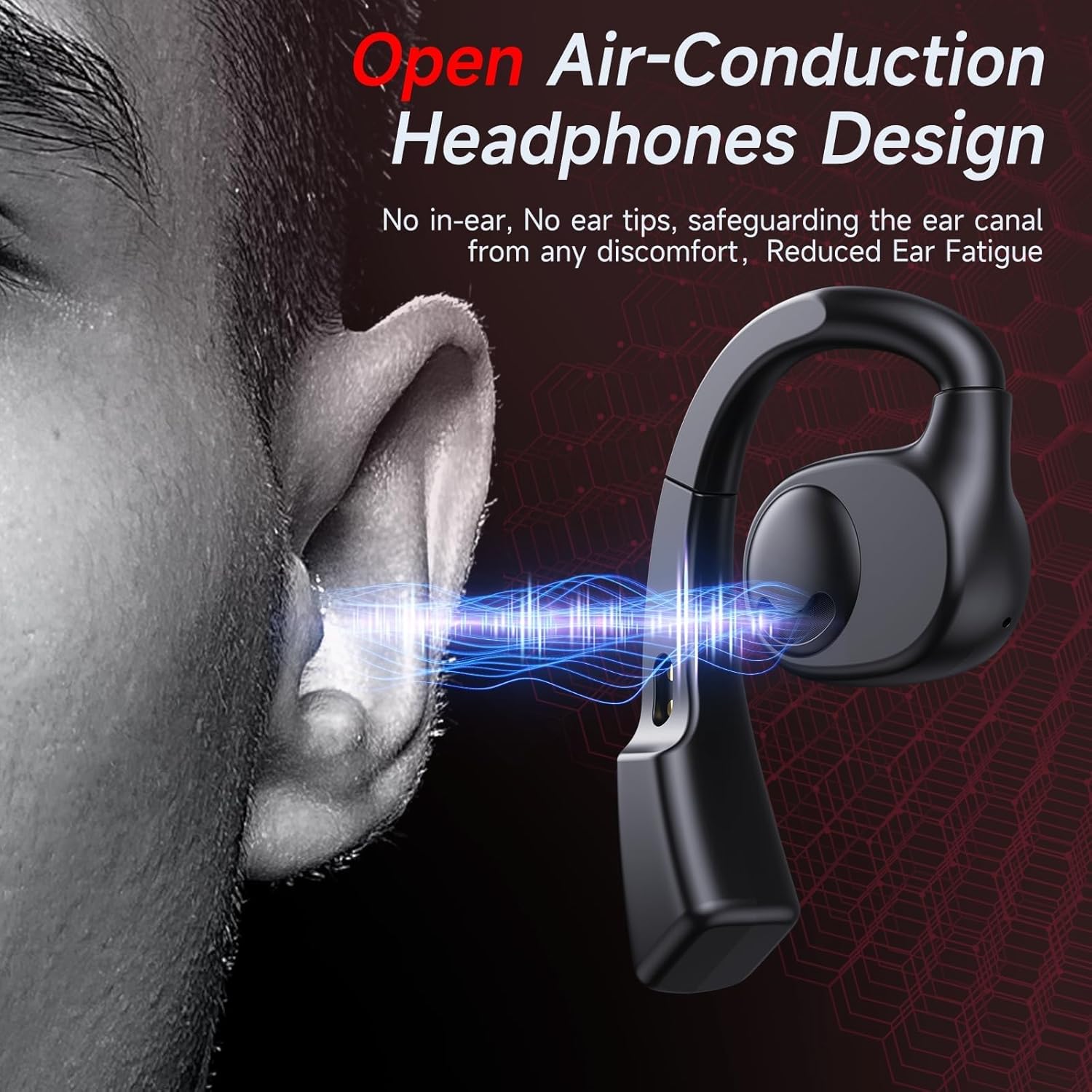
Image: Graphic illustrating the battery life: 7 hours from a single earbud charge and an additional 14 hours from the rechargeable charging case, totaling 21 hours. Also shows the dual LED display for case and earbud power status.
Maintenance
1. Cleaning
- Wipe the earbuds and charging case with a soft, dry, lint-free cloth.
- Do not use abrasive cleaners, solvents, or aerosol sprays.
- Ensure charging contacts on both earbuds and case are clean and dry to prevent charging issues.
2. Storage
- Store the earbuds in their charging case when not in use to protect them and keep them charged.
- Keep the device in a cool, dry place, away from extreme temperatures and direct sunlight.
3. Water Resistance
The CYBERDOT C01 headphones are waterproof. This means they are resistant to sweat and light splashes, making them suitable for workouts and outdoor activities. However, they are not designed for swimming or prolonged submersion in water. Ensure the earbuds are dry before placing them back in the charging case to prevent damage.
Troubleshooting
Common Issues and Solutions
- Earbuds not charging:
- Ensure the charging case has sufficient battery.
- Check that the earbuds are correctly seated in the charging case and the charging contacts are clean.
- Verify the USB-C cable is securely connected to both the case and the power source, or that the case is properly positioned on a wireless charging pad.
- Earbuds not pairing or connecting to device:
- Make sure Bluetooth is enabled on your device.
- Place the earbuds back into the charging case, close the lid, wait a few seconds, then open the lid and take them out again to re-enter pairing mode.
- Forget the device from your phone's Bluetooth settings and attempt to pair again.
- Ensure the earbuds are charged.
- Poor sound quality or choppy connection:
- Ensure the earbuds are within the Bluetooth range of your device (typically 10 meters/33 feet).
- Check for any obstructions or interference between the earbuds and your device.
- Restart your device and the earbuds.
- Earbuds do not fit comfortably:
- Refer to the "Wearing the Earbuds" section for proper adjustment techniques. The revolving design allows for customization.
Specifications
| Feature | Detail |
|---|---|
| Model Name | C01 |
| Connectivity Technology | Wireless (Bluetooth) |
| Wireless Communication Technology | Bluetooth 5.3 |
| Headphones Jack | No Jack |
| Included Components | Cable, Open Earbuds, User Manual, Wireless Charging Case |
| Material | Plastic |
| Control Type | Touch Control |
| Water Resistance Level | Waterproof |
| Audio Driver Type | Dynamic Driver (16.3mm) |
| Earpiece Shape | Open-ear |
| Color | Black |
| Item Weight | 4.6 ounces |
| Batteries | 1 A batteries required (included) |
| UPC | 730425867802 |
Warranty and Support
For warranty information, please refer to the documentation included with your purchase or contact the seller directly. If you encounter any issues not covered in this manual or require further assistance, please reach out to CYBERDOT customer support through the retailer where you purchased the product.
You can also visit the official CYBERDOT store on Amazon for more information: CYBERDOT Store